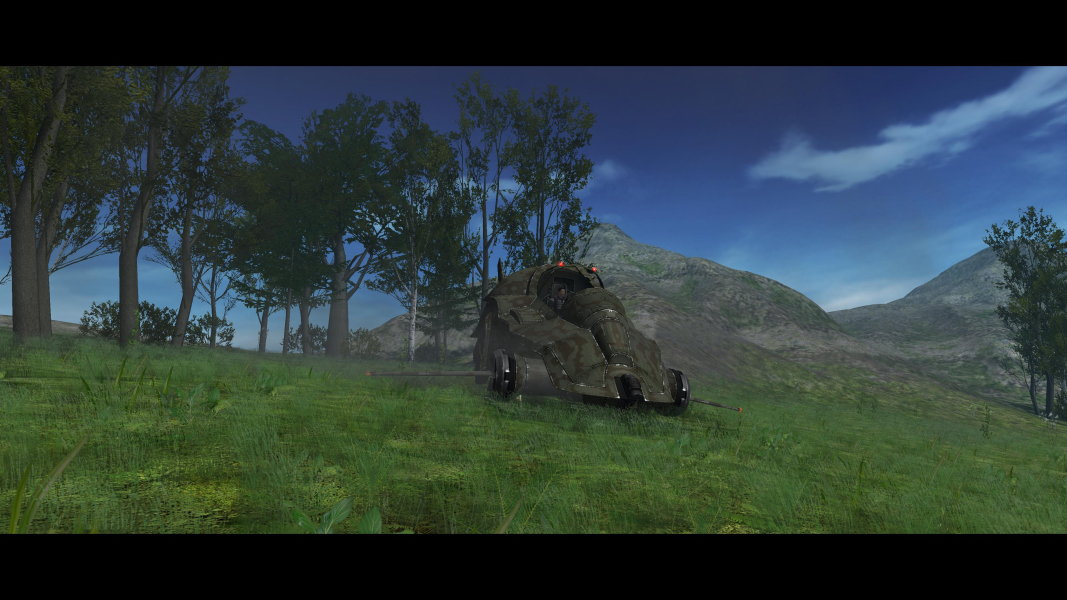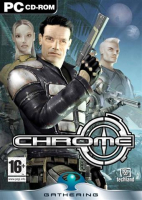


As Chrome is a first-person shooter most of the gameplay involves traversing 3D environments by foot and fighting human enemies with an array of ranged weapons. Occasionally the player has to solve simple puzzles and find keys that allow to enter new areas. What made Chrome stand out upon its release was that a large part of the game's action takes place in vast open areas, providing some tactical freedom to the player. The player is also able to utilize six different kinds of vehicles that allow for fast movement and provide protection as well as heavy weaponry in some cases. Another feature that wasn't common at the time was the ability to slightly zoom in with every kind of weapon.
Support Summary
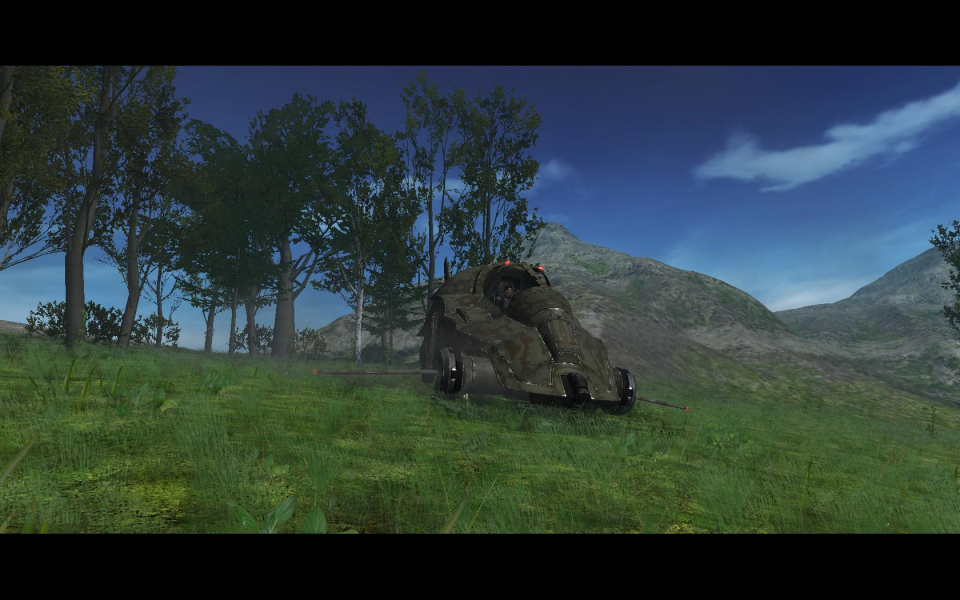
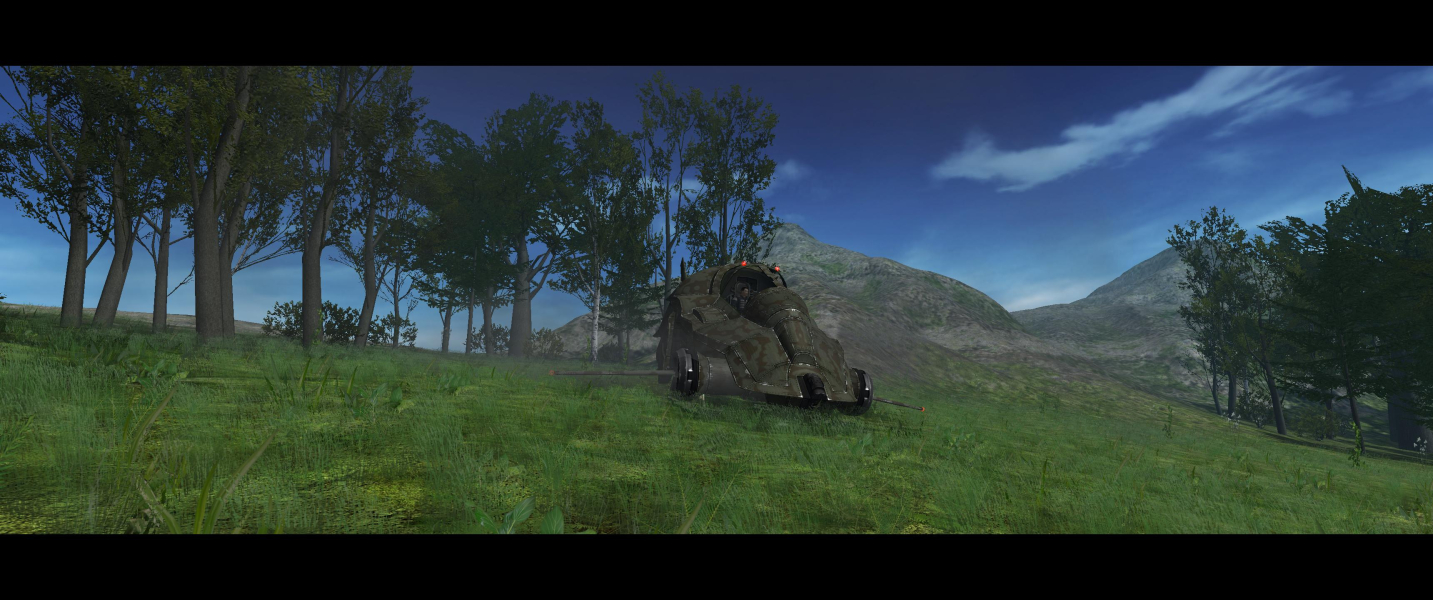
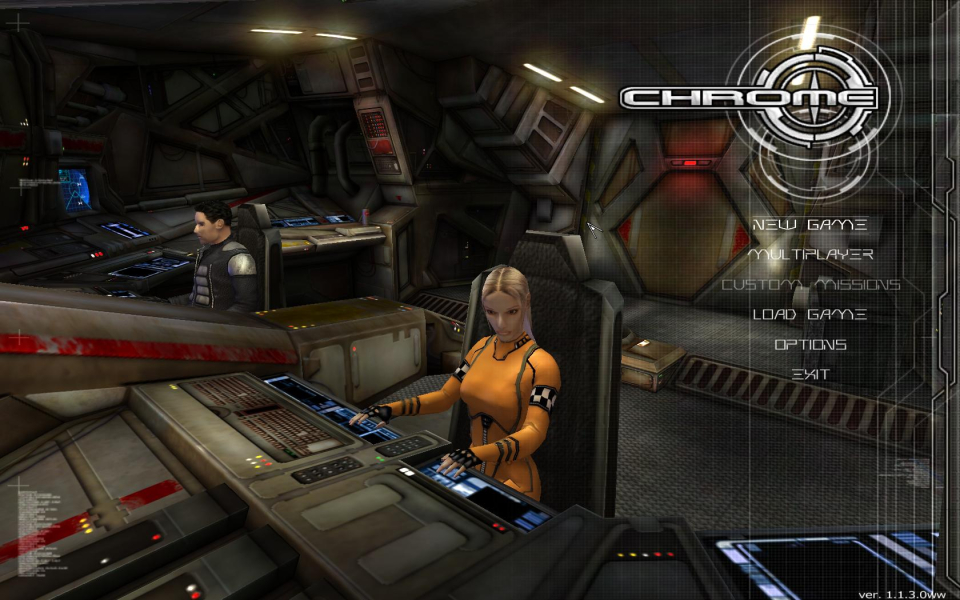
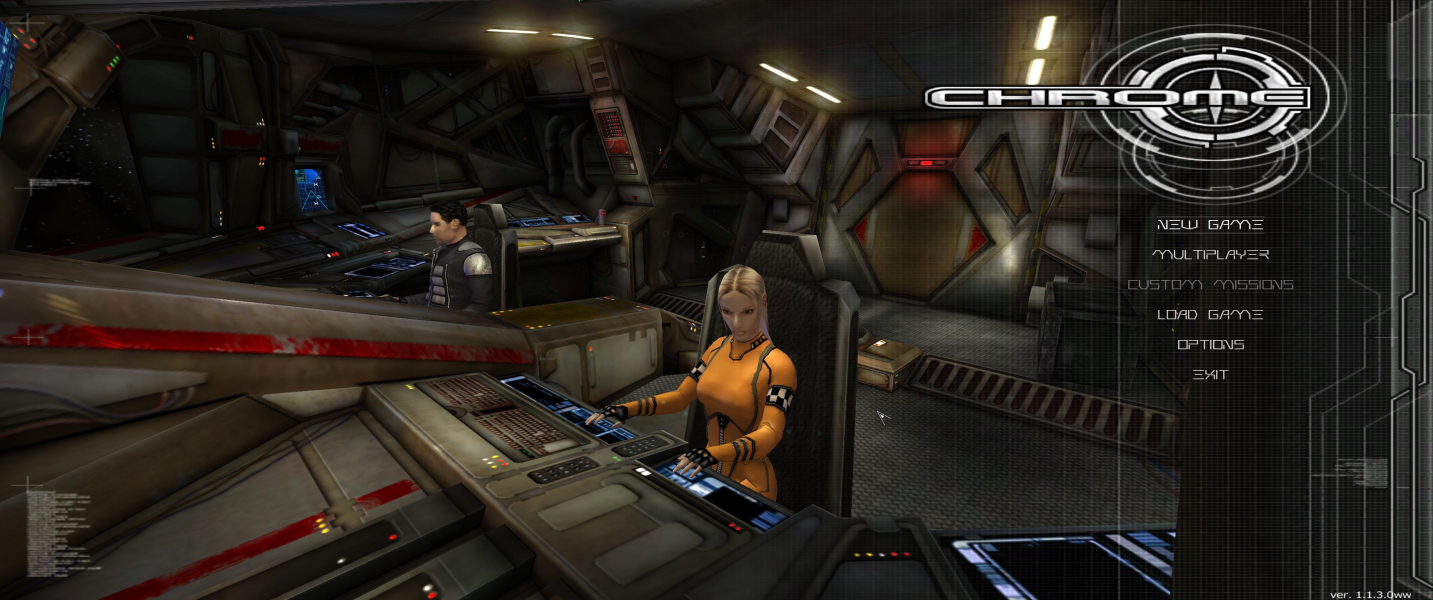
Screenshots Comparison
Solutions & Issues
Jackfuste's original solutions which were hosted here, are now available from the PC Gaming Wiki Community Files (search there).
The Game offers only 4:3 resolutions and is VERT- OOTB - use Chrome - Unofficial patch for proper Widescreen (contains jackfuste,antrad and more solutions)
Follow the instructions.txt in the Zip File.
======
Or use the Attachment Chrome.16_10.7z or Chrome.16_9.7z and extract it into your Game root Folder. (its the Unofficial Patch allready created for the Steam Version)
And edit VideoSettings.scr in the "...\Chrome\Data" folder (use notepad) for your des. resolution.
The Game offers only 4:3 resolutions and is VERT- OOTB - use Chrome - Unofficial patch for proper Widescreen (contains jackfuste,antrad and more solutions)
Follow the instructions.txt in the Zip File.
=====
Or use the Attachment Chrome.21_9.7z and extract it into your Game root Folder. (its the Unofficial Patch allready created for the Steam Version)
And edit VideoSettings.scr in the "...\Chrome\Data" folder (use notepad) for your des. resolution.
The Game offers only 4:3 resolutions and is VERT- OOTB - use Chrome - Unofficial patch for proper Widescreen (contains jackfuste,antrad and more solutions)
Follow the instructions.txt in the Zip File.
=====
Or use the Attachment Chrome.Surround.7z and extract it into your Game root Folder. (its the Unofficial Patch allready created for the Steam Version)
And edit VideoSettings.scr in the "...\Chrome\Data" folder (use notepad) for your des. resolution.
The Game offers only 4:3 resolutions and is VERT- out of the box - use Chrome - Unofficial patch for propper Widescreen (contains jackfuste,antrad and more solutions)
Follow the instructions.txt in the Zip File.
----------------------
Or use the Attachment Chrome.16_9.7z and extract it into your Game root Folder. (its the Unofficial Patch allready created for the Steam Version)
And edit VideoSettings.scr in the "...\Chrome\Data" folder (use notepad) for your des. resolution.
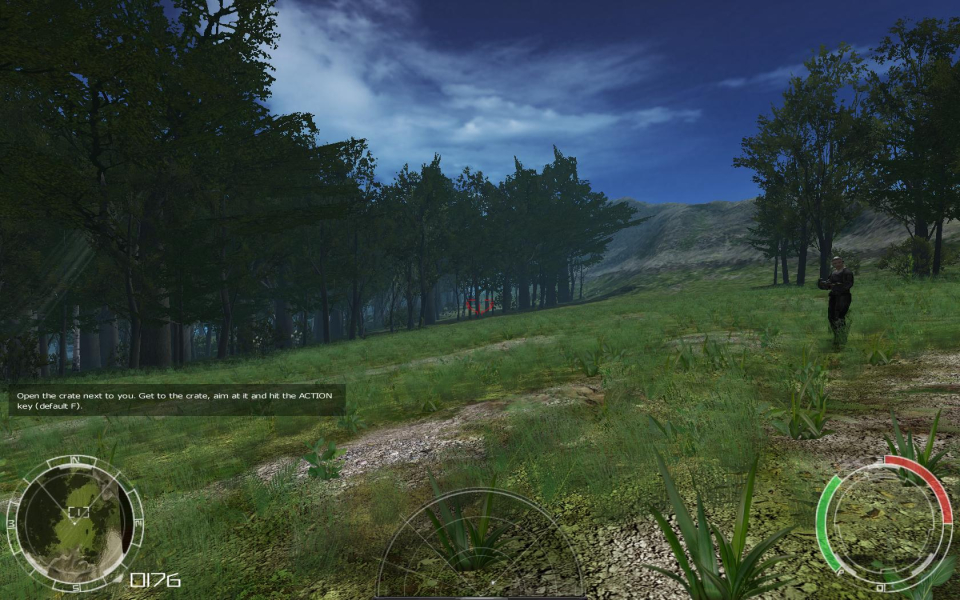
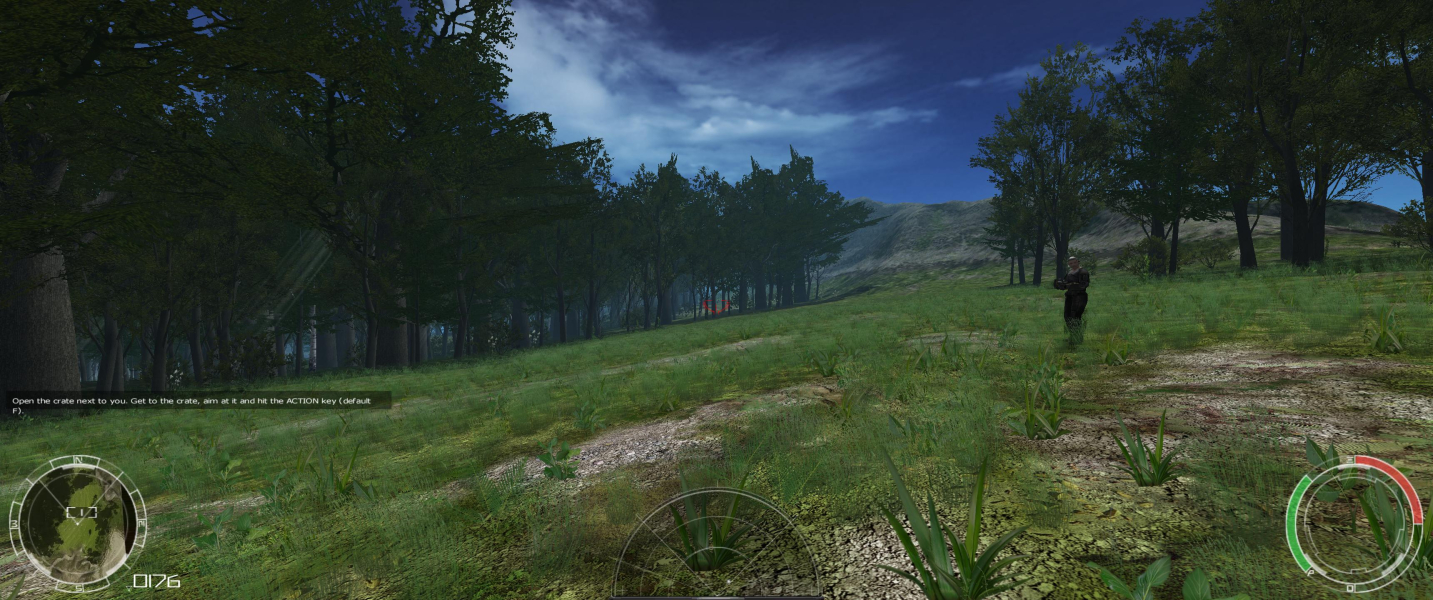
Gameplay Screenshots




In-Game (Rendered) Cutscenes



FMV Cutscenes





Menu Screenshots



4K UHD Screenshots