

Assassin's Creed III is a historical action-adventure open world stealth video game developed by Ubisoft. It is the fifth major installment and the third numbered title in the Assassin's Creed series, and a direct sequel to 2011's Assassin's Creed: Revelations.
The main portion of Assassin's Creed III is set before, during and after the American Revolution from 1753 to 1783, featuring a new half English and half Mohawk protagonist; Ratonhnhaké:ton (play /ˈrəduːnˈhəɡeɪduːn/; "Ra-doon-ha-gay-doon"), also known by the adopted name of "Connor". In addition to the historical period, the game also features the "present day" setting, where series protagonist Desmond Miles must adventure to prevent the 2012 apocalypse, as his story develops and reaches a conclusion.
The game follows the series’ standard open world gameplay in the Desmond and Haytham/Connor Sequences, where the game’s main story takes place. New gameplay additions include muskets and rifles, which can be fired at a considerable reload time, or used as a melee weapon. Hiding places can now be mobile, such as haystacks in wagons or moving carts, which can be used to sneak up closer to targets. Disguises can also be worn, fooling normal troops and only risking investigation by officers.
Free running has been modified to allow for more fluid, parkour-like movement over certain obstacles. Exploration has also been modified, allowing for map areas to be revealed without requiring a viewpoint synchronization. Close combat has been modified, slowing during blocks to allow for more options in attack and defence. Human shields can be taken against firing lines of enemies. Assassin’s Creed III features new weather simulations such as snow, fog, and rain. Depending on the seasons, weather determines how enemies/players will move around. Heavy snowfall makes it more difficult to travel.
(Source: Wikipedia)
Support Summary
Widescreen | Ultra/Super‑Wide | Multi-Monitor | 4K Ultra HD | |
Support | ||||
Method | ||||
HUD | ||||
Cutscenes | ||||
FMVs |
Game Information
Screenshots Comparison
Solutions & Issues
All files are available from the PC Gaming Wiki Community Files.
Natively anamorphic in single screen. Black bars on the top in 16:10, and black bars on the sides in 21:9.
Black Bars FIX:
Depending on aspect ratio and your game version (Steam/Uplay) replace AC3SP.exe in the game folder from this archive
For Steam version - STEAM_AssassinsCreed_3_BlackBars_FIX.7z
For Uplay version - UPLAY_AssassinsCreed_3_BlackBars_FIX.7z
To change the resolution, you have to go to C:\Users\XXX\Documents\Assassin's Creed III\Assassin3.ini and change
DisplayWidth= (enter value)
DisplayHeight= (enter value)
For example
DisplayWidth=1920
DisplayHeight=1200
All aspects of the game, including gameplay, are fixed to 16:9.
Black Bars FIX:
Depending on your game version (Steam/Uplay) replace AC3SP.exe in the game folder from this archive
For Steam version - STEAM_AssassinsCreed_3_BlackBars_FIX.7z
For Uplay version - UPLAY_AssassinsCreed_3_BlackBars_FIX.7z
In NVida Surround 5760x1080 the cursor is not aligned with the characters on screen making aiming and shooting difficult. The mouse cursor must be positioned to the left or right of the target before the target will be highlighted. The FOV is not correct for triple wide.
Natively Hor+ in multi-monitor. There are some issues with Eyefinity implementation. Eyefinity does not work with CrossFire, and does not appear to work with the 12.11 beta driver. It does however work with the 12.8 release driver.
In multi-player, only single screen resolutions are offered or allowed.
Forced triple wide version:
Depending on your game version (Steam/Uplay) replace AC3SP.exe in the game folder from this archive
For Steam version - STEAM_AssassinsCreed_3_BlackBars_FIX.7z
For Uplay version - UPLAY_AssassinsCreed_3_BlackBars_FIX.7z
To change the resolution, you have to go to C:\Users\XXX\Documents\Assassin's Creed III\Assassin3.ini and change
DisplayWidth= (enter value)
DisplayHeight= (enter value)
For example
DisplayWidth=5760
DisplayHeight=1080
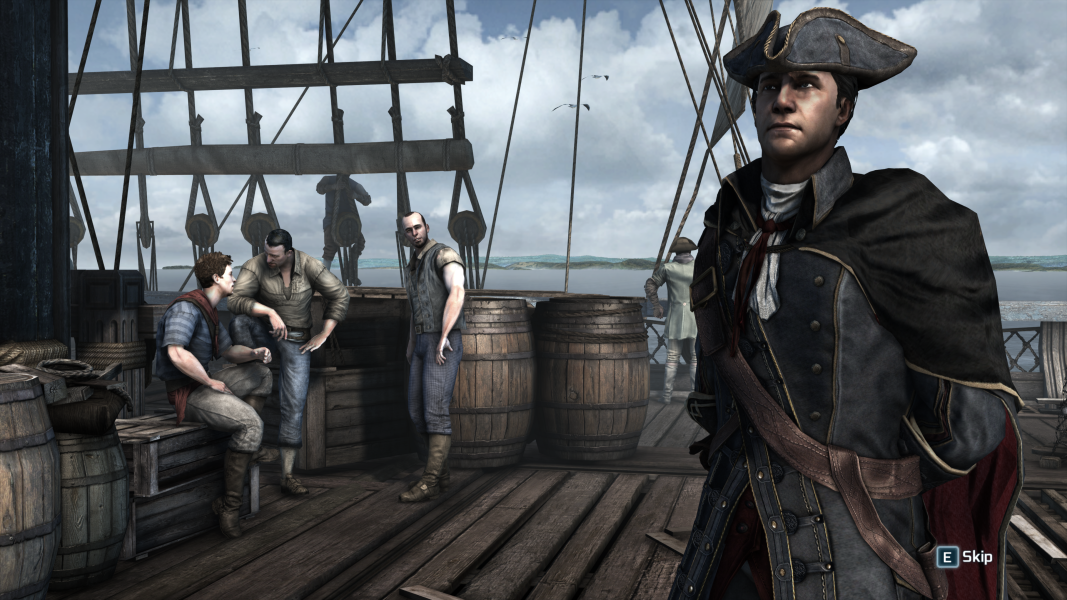
Gameplay Screenshots
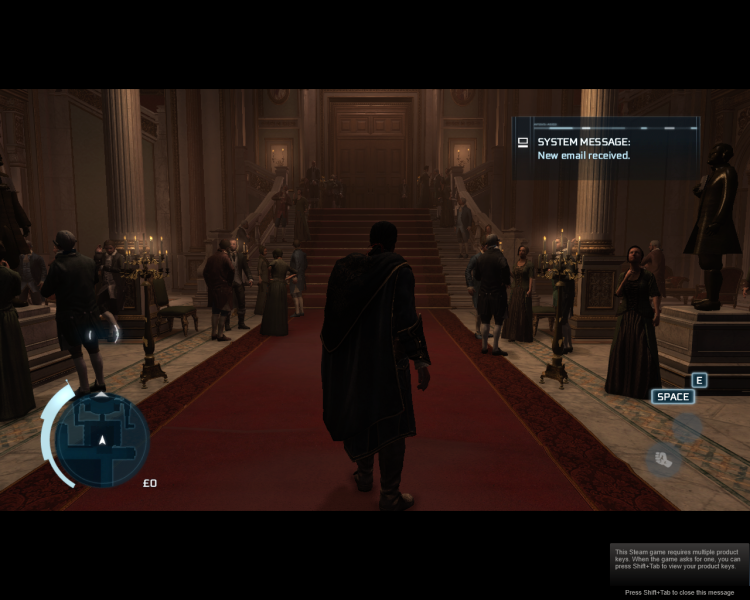
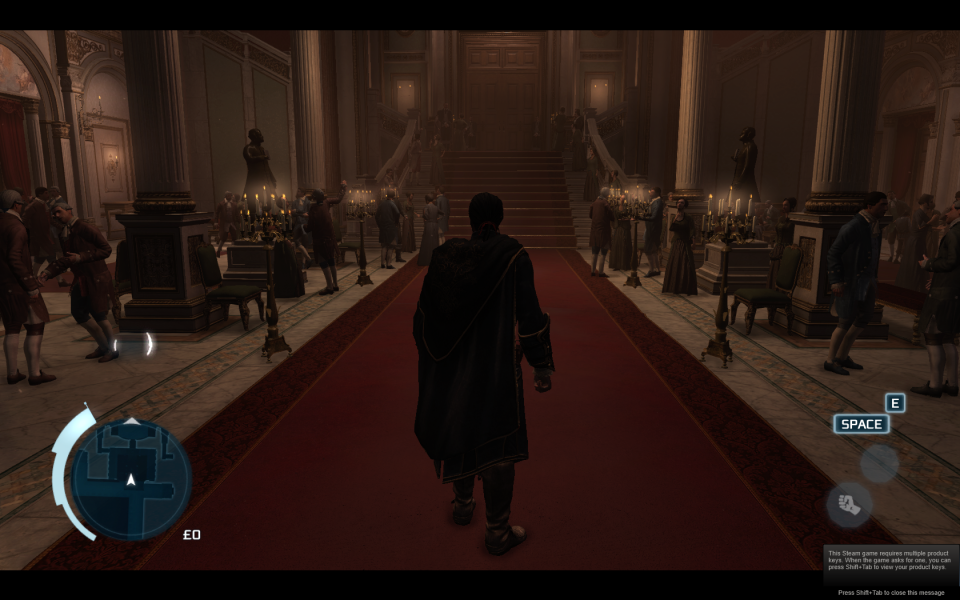
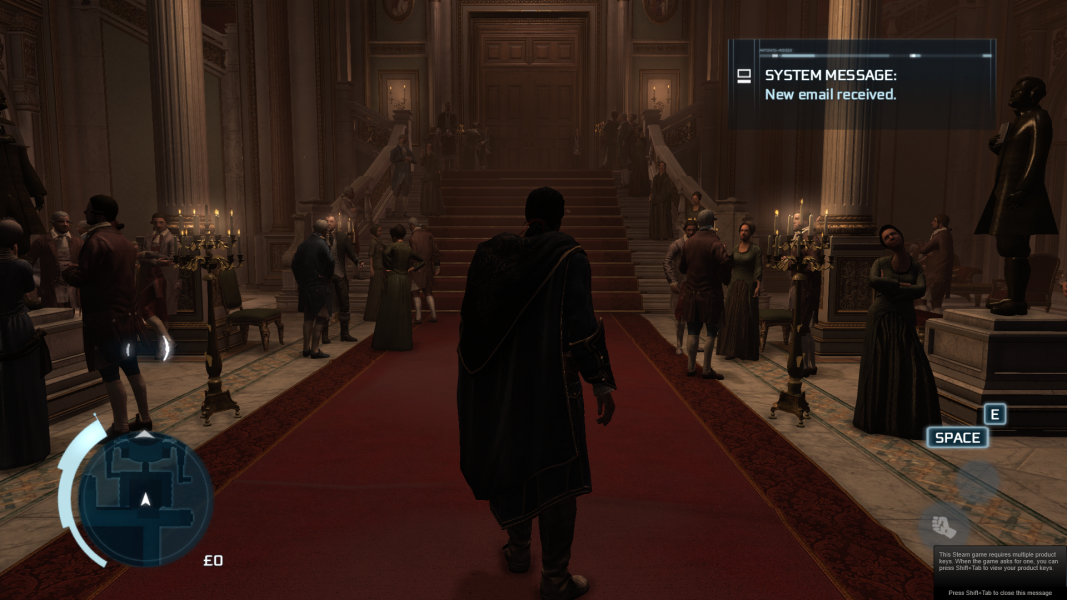



In-Game (Rendered) Cutscenes
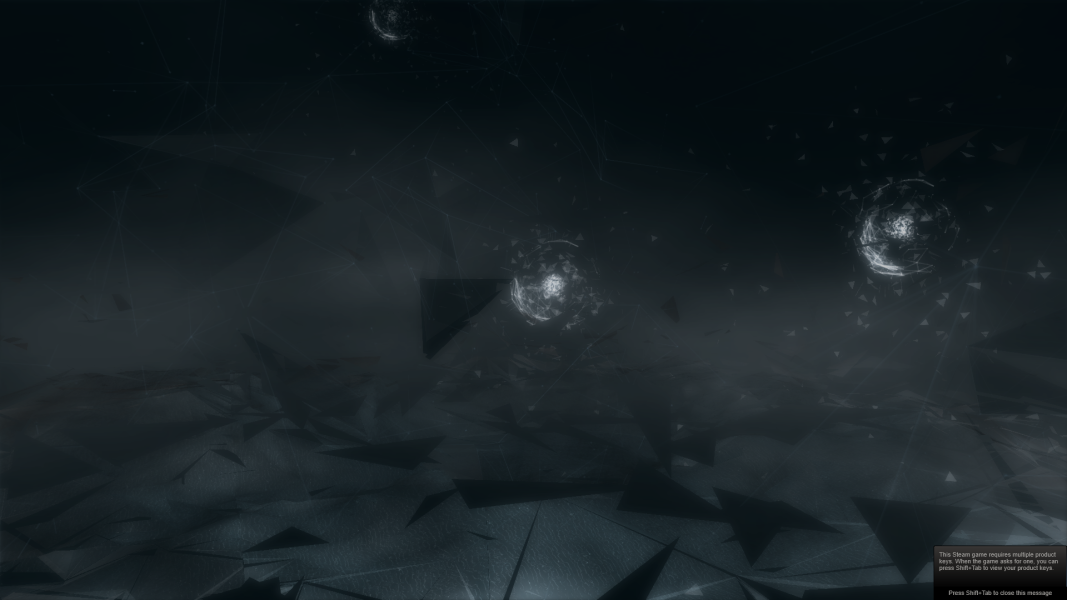
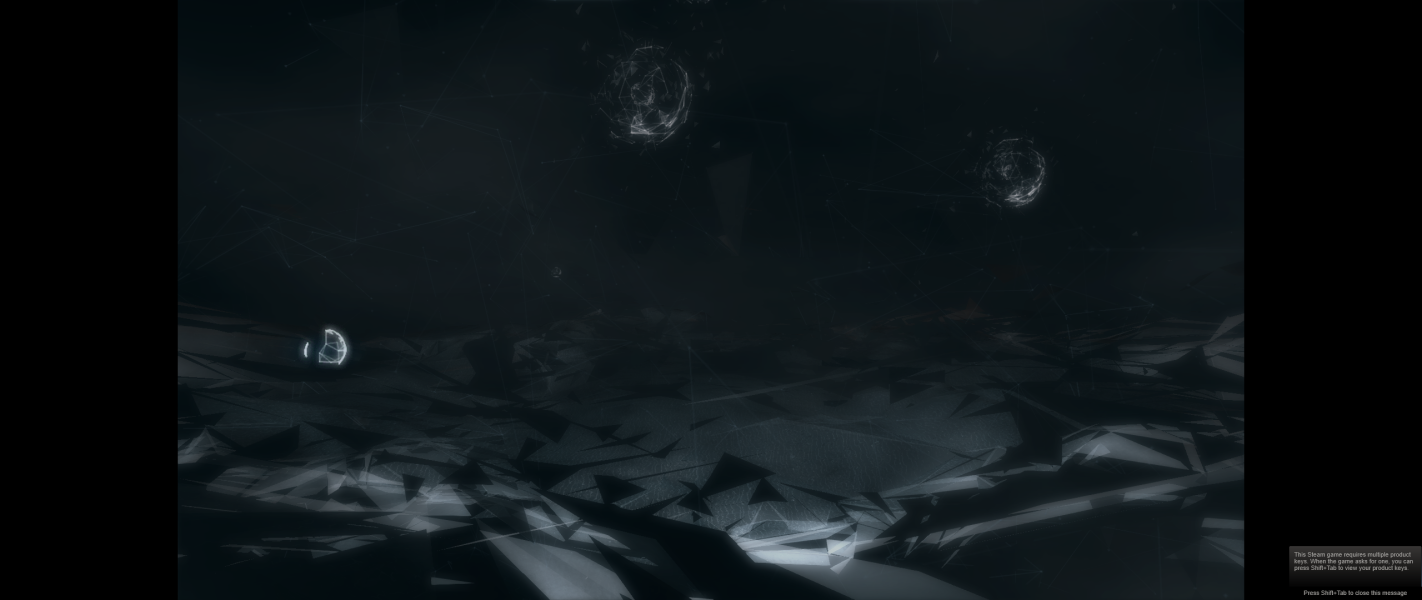

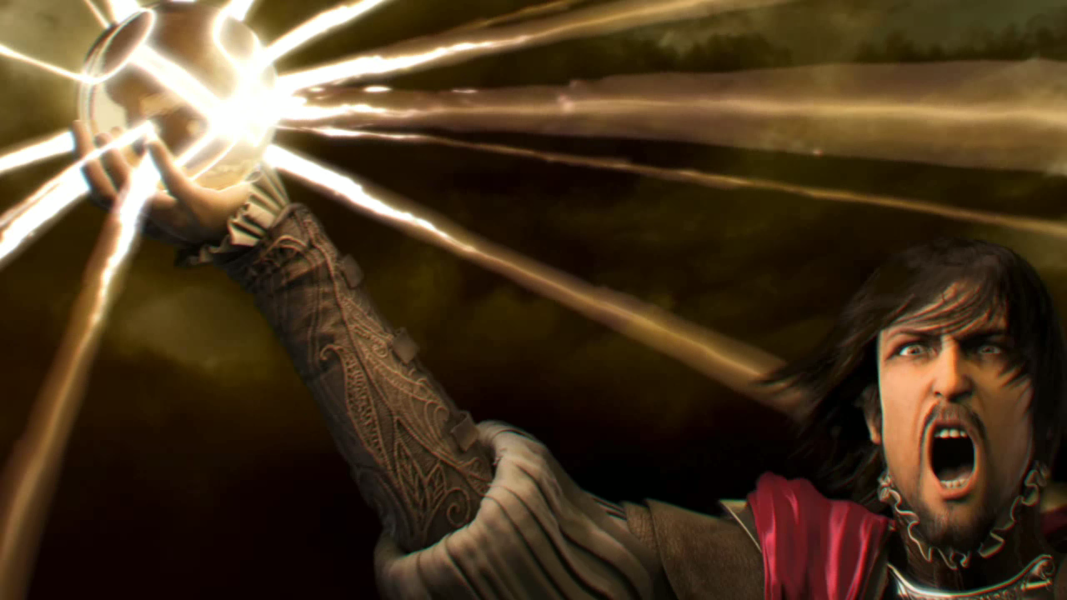
FMV Cutscenes
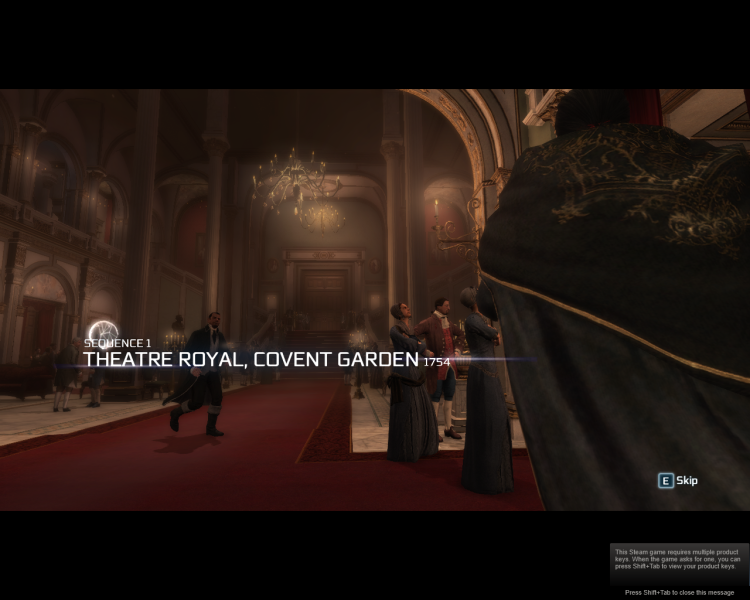
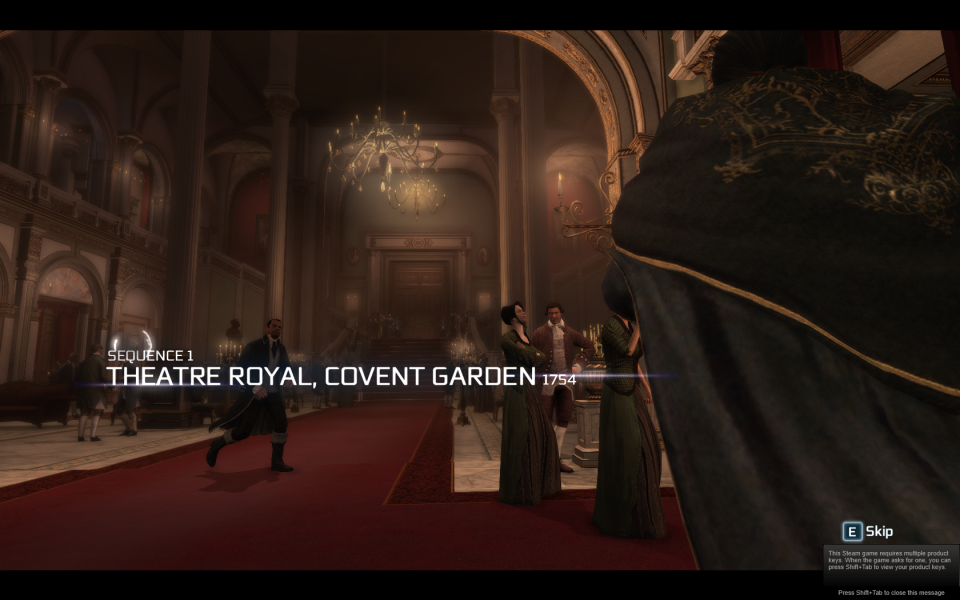
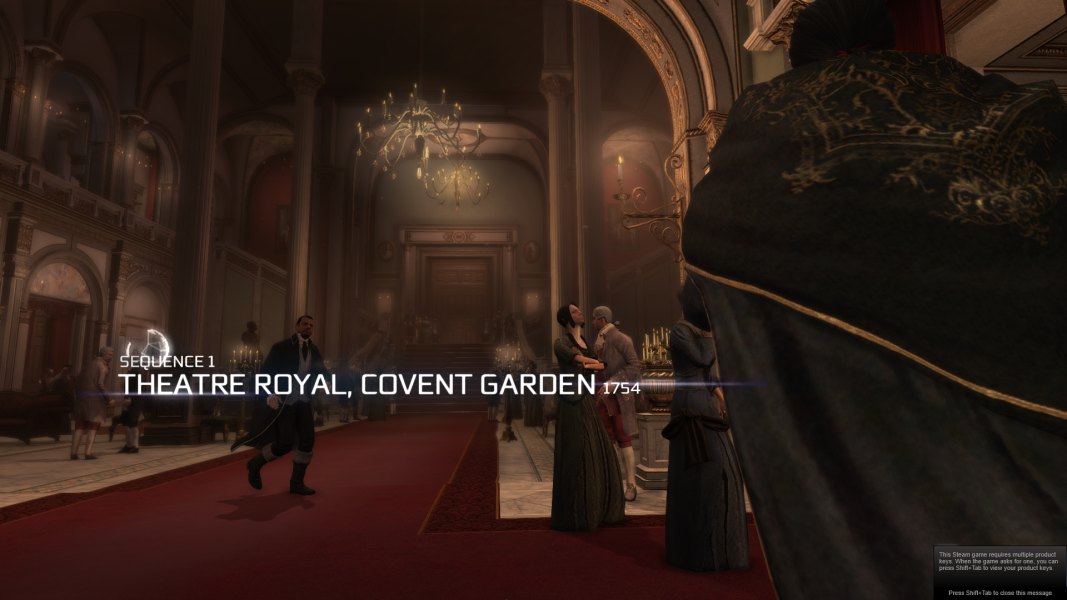


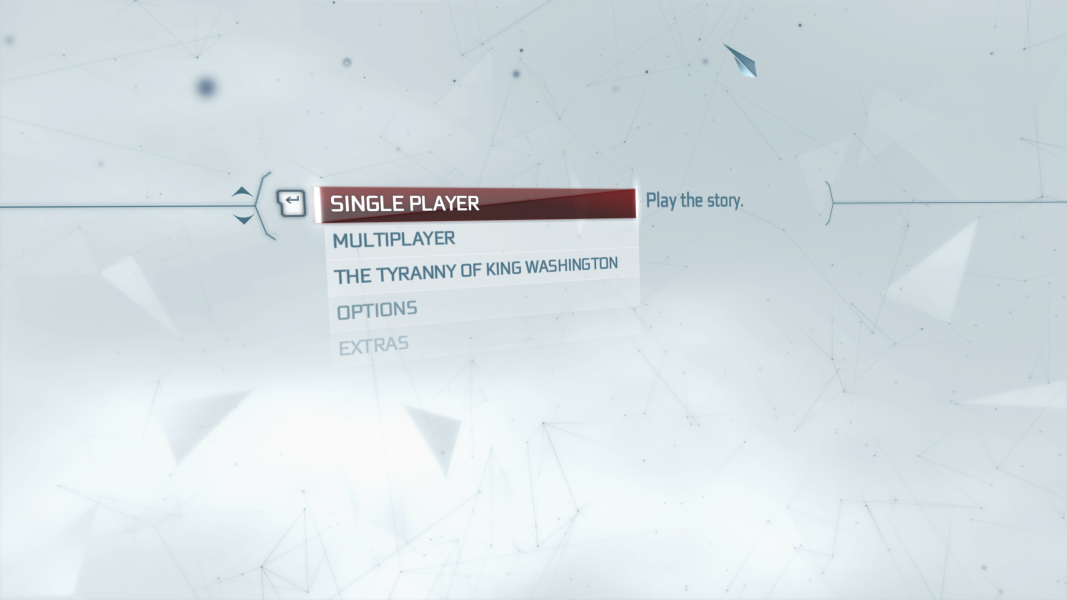
Menu Screenshots

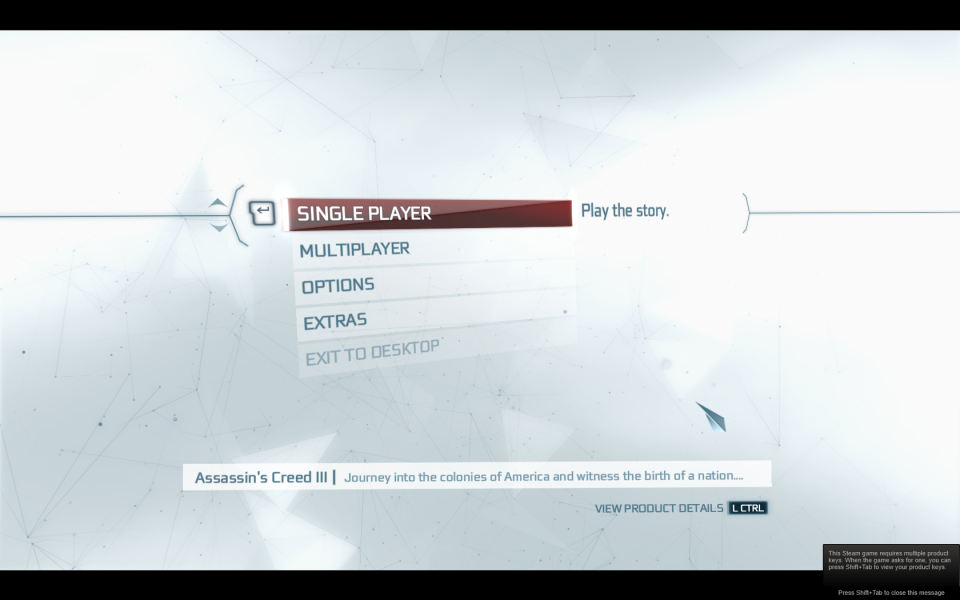



4K UHD Screenshots