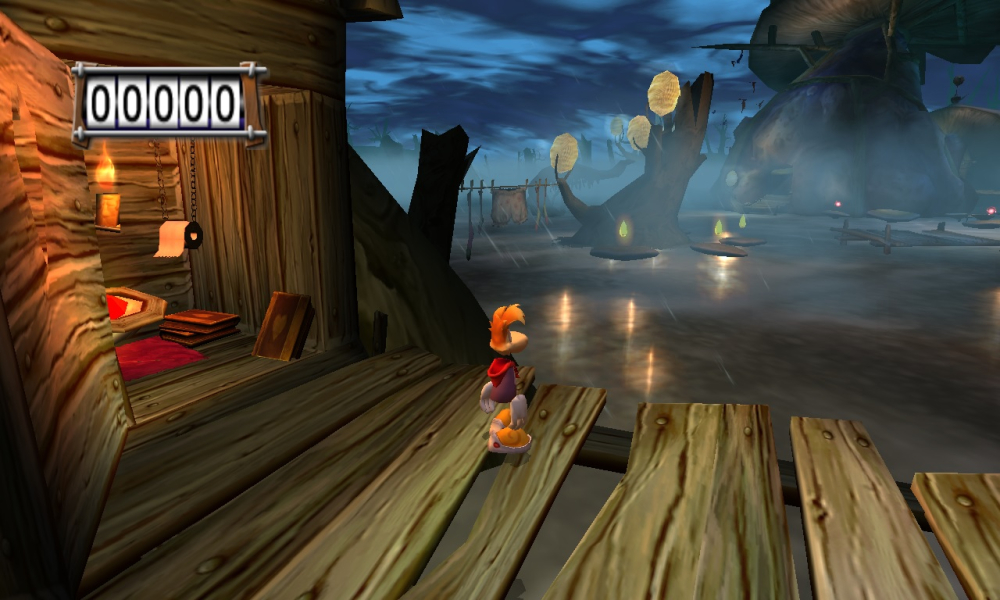


Rayman 3: Hoodlum Havoc is the third major platform game installment in the Rayman series. (Wikipedia)
Support Summary
Widescreen | Ultra/Super‑Wide | Multi-Monitor | 4K Ultra HD | |
Support | ||||
Method | ||||
HUD | ||||
Cutscenes | ||||
FMVs |
Game Information
Screenshots Comparison
Solutions & Issues
- manual method:
Navigate to this Folder: "C:\Windows\Ubisoft"
There is the File "Ubi.ini" You can open it in Notepad.
[Rayman3]
Gli_Mode=1 -
Change it to what resolution you want. Example:
[Rayman3]
Gli_Mode=1 - 1920 x 1200 x 32
Now save the document as it was and Run Rayman3.
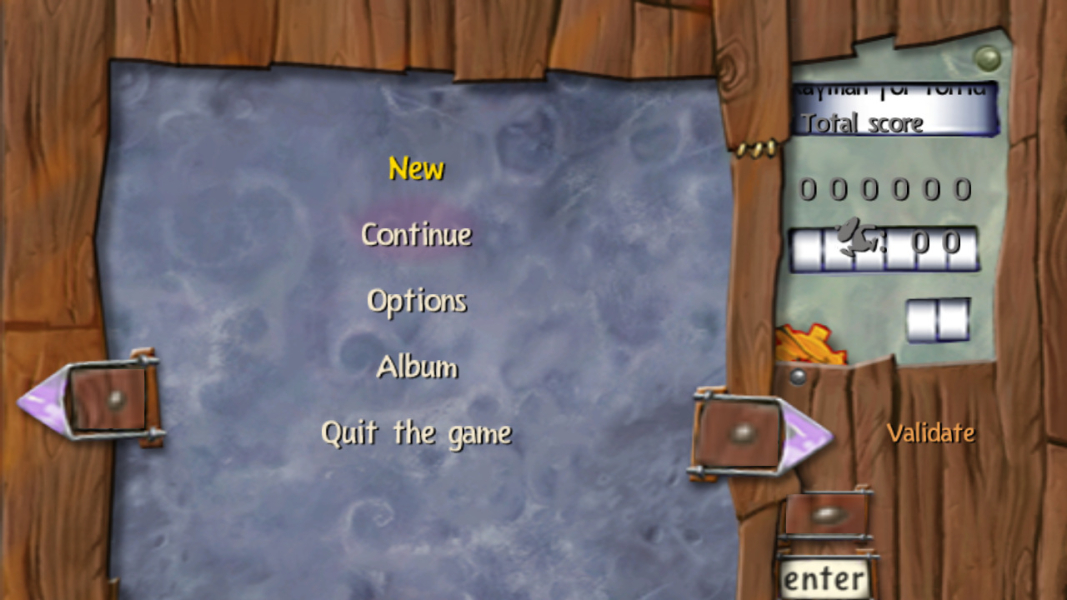
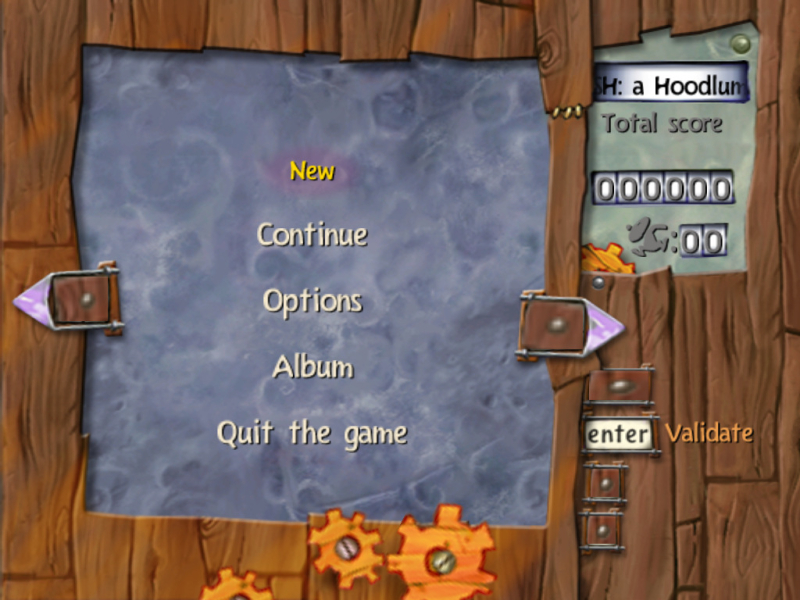
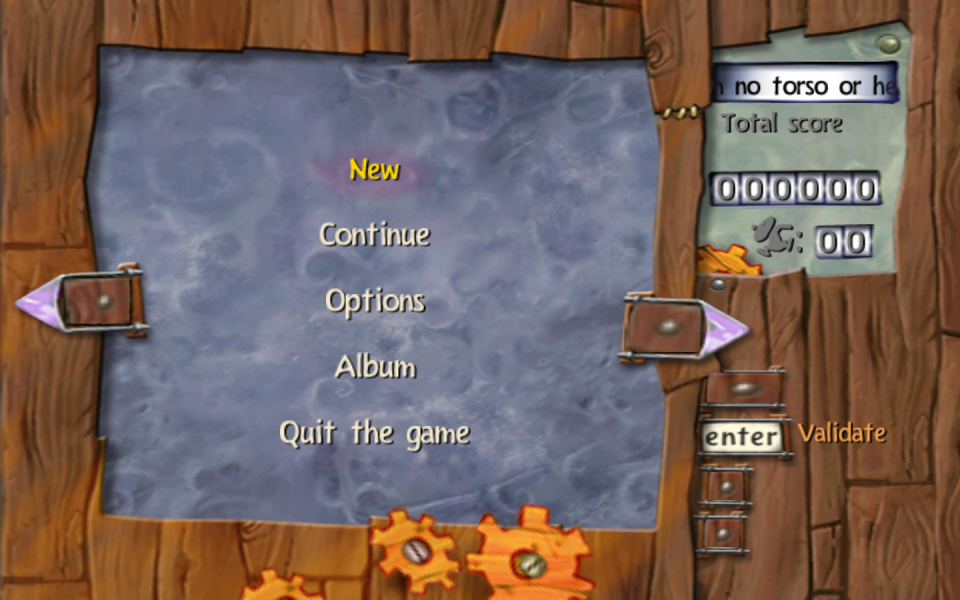
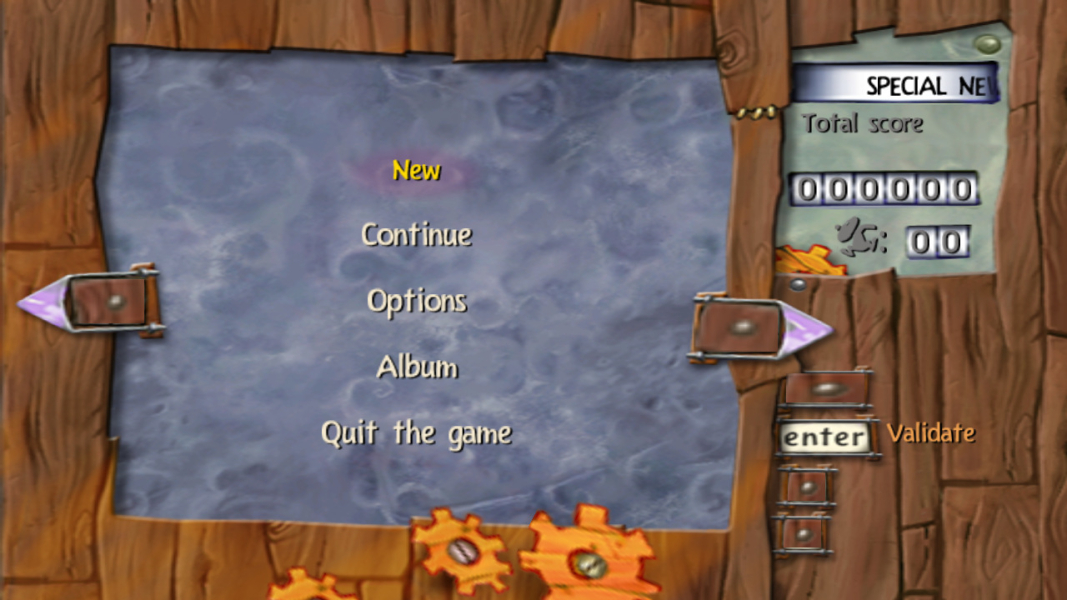
Note, Putting the game in Widescreen Jacks up menus and submenus.
To fix the menus open Rayman3.exe with a hex editor and change offset 1A9EAE from the default value "40" to "11" for 16:9 or "21" for 16:10.
- automatic method:
Copy the files from Attachment Rayman3Widescreen.zip into your game folder and use the Rayman3 configuration tool to select your desired widescreen resolution. This will automatically make the changes described above.
Menues and Hud are fixed - just copy the Files from this Attachment: Rayman3 - 21.9.zip it into your Game and Ubisoft Folder and overwrite everything.
Gameplay Screenshots


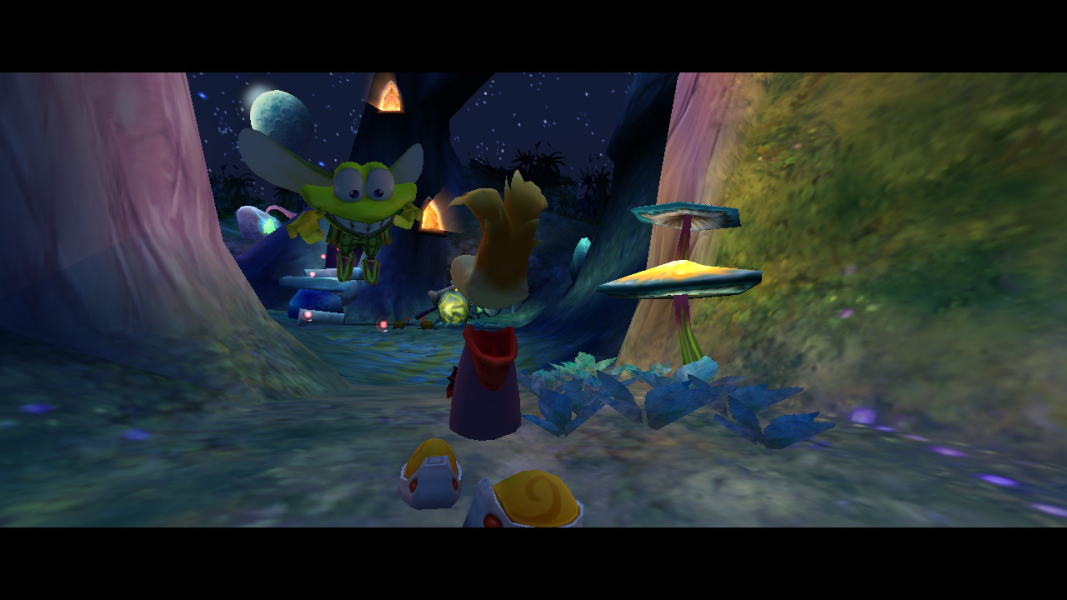
In-Game (Rendered) Cutscenes

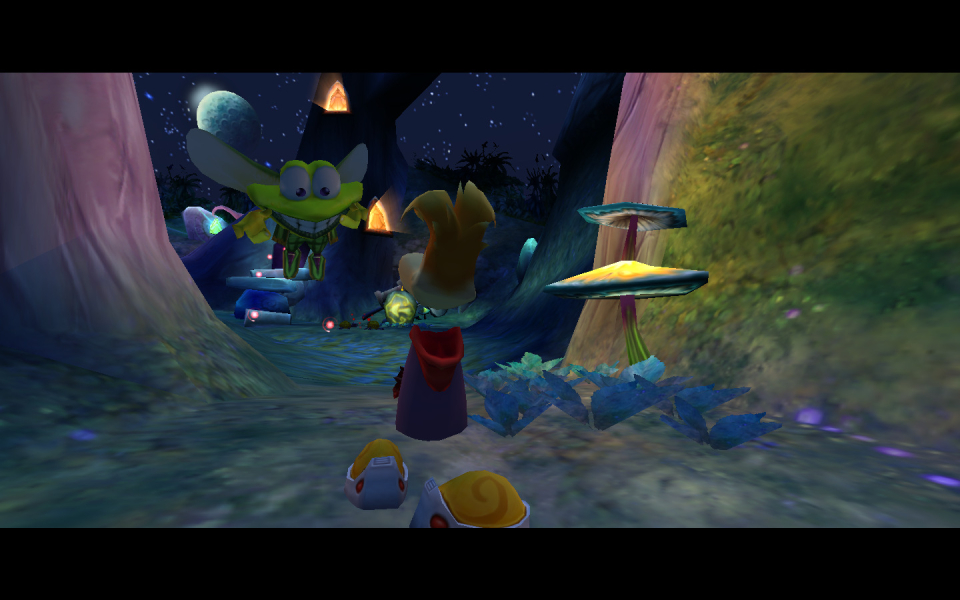
FMV Cutscenes

Menu Screenshots
Additional Screenshots