


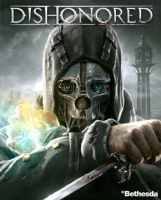


The game is played from a first-person perspective and allows the player to tackle a series of assassination missions in a variety of ways, with an emphasis on player choice. Missions can be tackled by stealth, combat or a combination of both. Exploring levels opens new paths and alternatives for accomplishing mission goals, and it is possible to complete all missions and eliminate all of Attano's targets in a non-lethal manner. The story and missions are modified based on violent actions, or lack thereof, committed by the player. Magical abilities and equipment are designed to be combined to create new and varied effects. (Wikipedia)
Support Summary
Widescreen | Ultra/Super‑Wide | Multi-Monitor | 4K Ultra HD | |
Support | ||||
Method | ||||
HUD | ||||
Cutscenes | ||||
FMVs |
Game Information
Screenshots Comparison
Solutions & Issues
Default FOV is Vert- up to 16:9.
For Hor+ gameplay, adjust the FOV slider under Options/Graphics as per aspect ratio:
4:3 = FOV 75
16:10 = FOV 85
16:9 = FOV 90
Or if you feel that the default FOV was intended for 16:9...
4:3 = FOV 60
16:10 = FOV 70
The FOV setting does not affect the zoom: it is always Vert- up to 16:9. Which actually means a more powerful zoom in widescreen.
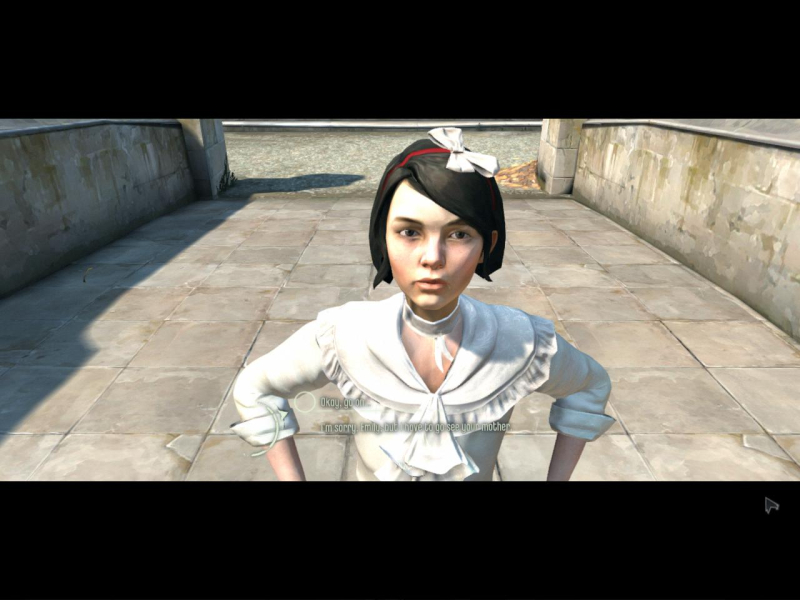
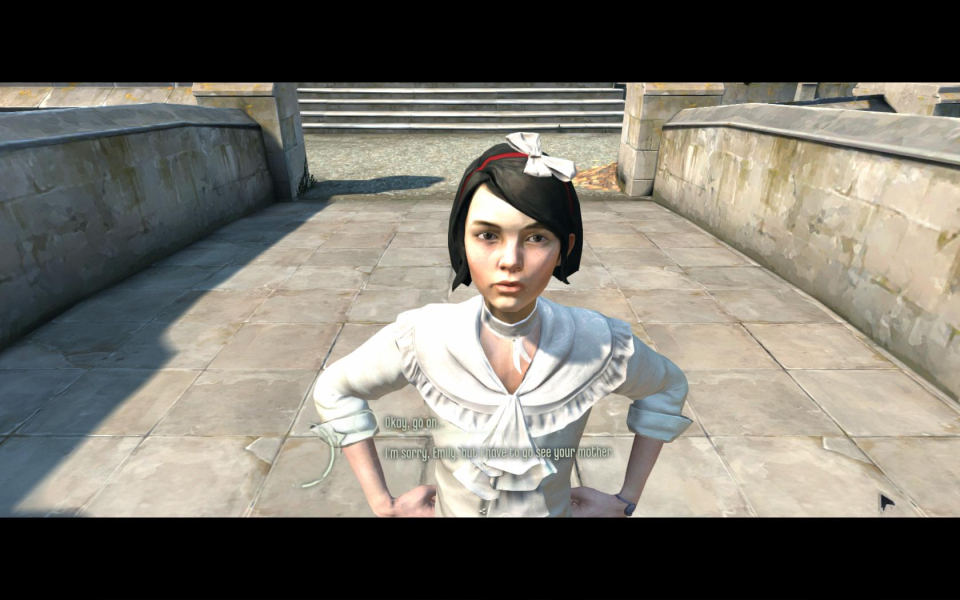
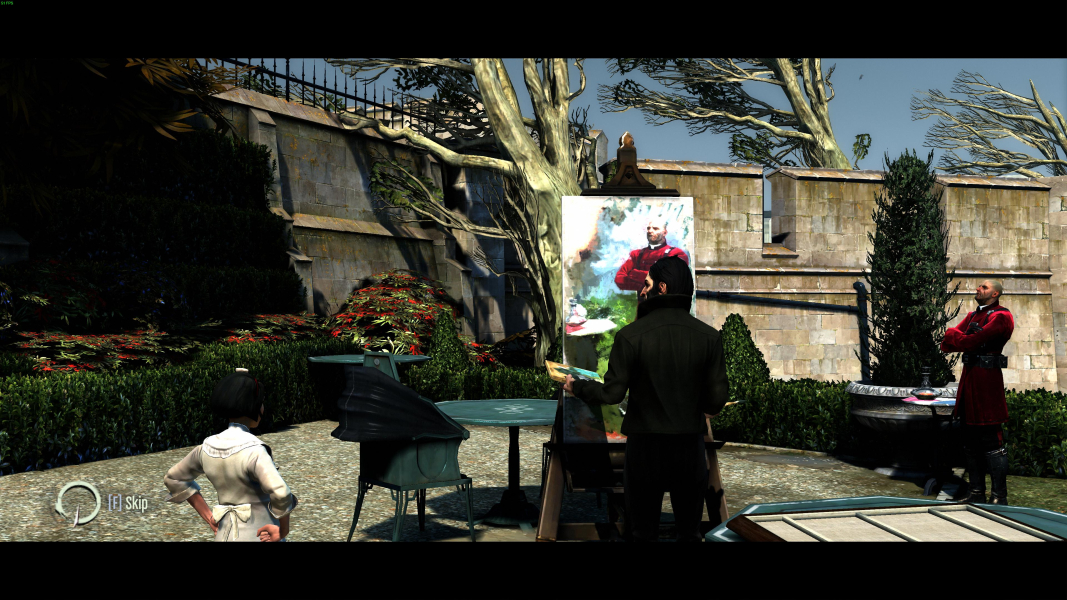
Viewpoint during cut-scenes is reduced to a 2.2:1 portion of the display. Although the default screen change is anamorphic (while gameplay is Vert-), the adjusted FOV makes them Vert+ (while gameplay is Hor+). In multi-mon they are windowboxed, with a FOV identical to 16:9.
The FOV in multi-mon is natively Hor+ compared to 16:9.
So use the same FOV value you would use for 16:9, i.e 90 or 75.
Gameplay Screenshots


In-Game (Rendered) Cutscenes


FMV Cutscenes

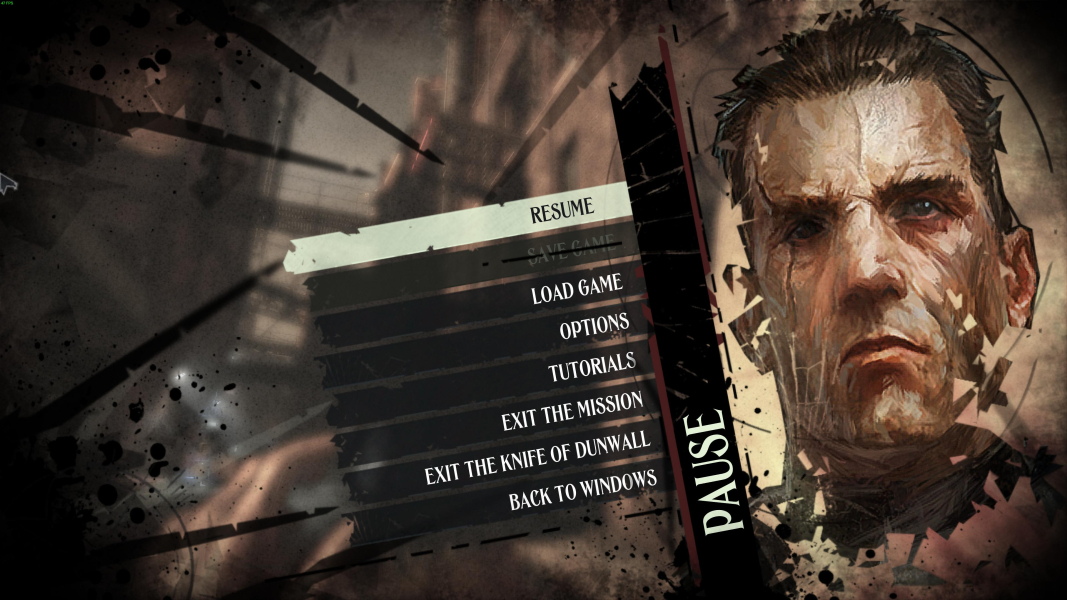
Menu Screenshots



4K UHD Screenshots
Additional Screenshots


