





X-Plane 10 Global is the world’s most comprehensive and powerful flight simulator for personal computers, and it offers the most realistic flight model available.
X-Plane is not a game, but an engineering tool that can be used to predict the flying qualities of fixed- and rotary-wing aircraft with incredible accuracy.
Because X-Plane predicts the performance and handling of almost any aircraft, it is a great tool for pilots to keep up their currency in a simulator that flies like the real plane, for engineers to predict how a new airplane will fly, and for aviation enthusiasts to explore the world of aircraft flight dynamics.
One excellent feature of X-Plane is its ability to have other computers join as dedicated renders for viewpoints that can be customized by the user, each with its own eyepoint, meaning you could run a full surround setup without suffering from fisheye problems.
Support Summary
Game Information
Screenshots Comparison
Solutions & Issues
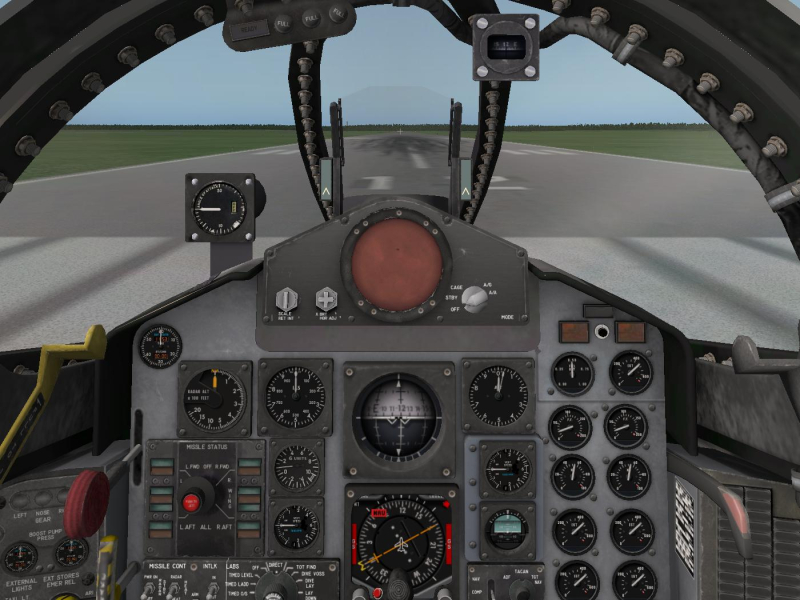
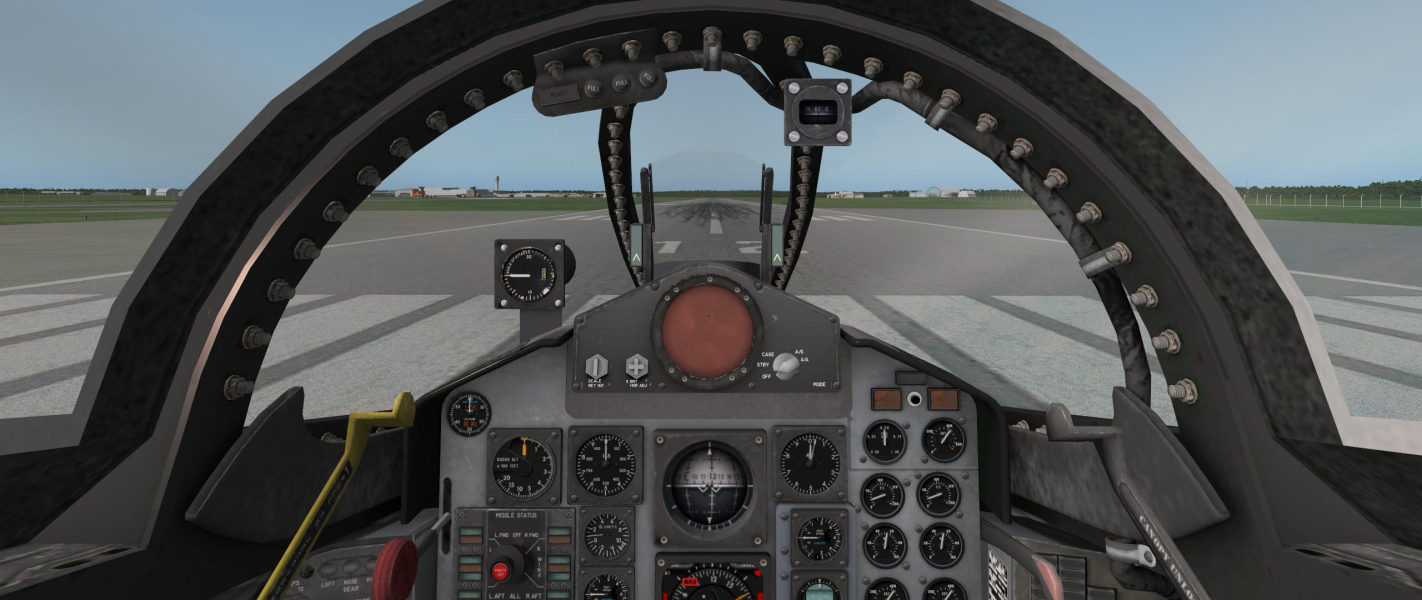
Because this is a flight simulation tool and not a game, the Field Of View is subjective and needs to be set according to user preference, such as the aircraft being flown and the screen resolution. This is not considered to be a flaw as configuration of the tool is essential for its intended use.
Default FOV is 60. Assuming this is for a 4:3 aspect ratio, 16:10 users should use a FOV of 69 and tweak from there to the aircraft. 16:9 users should start at a FOV of 74, 21:9 users should use a FOV of 91, and 3x16:9 users should start at a FOV of 134.
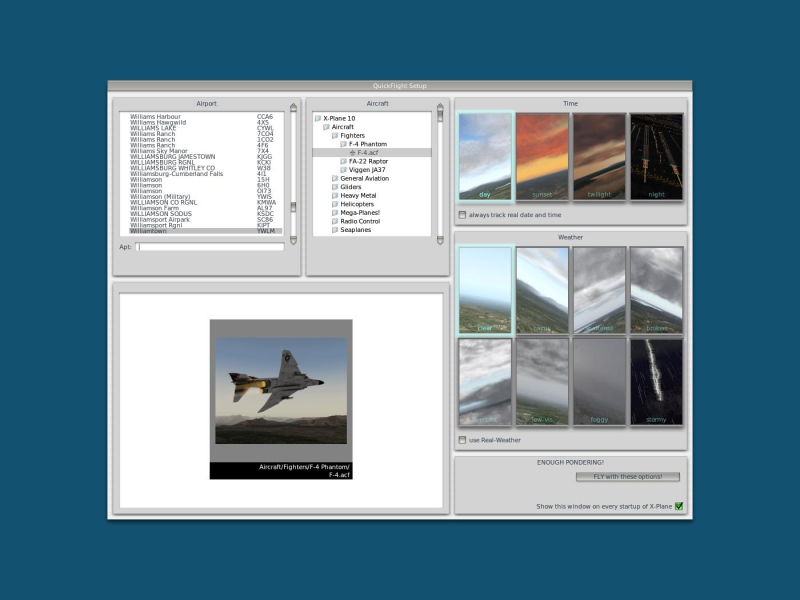
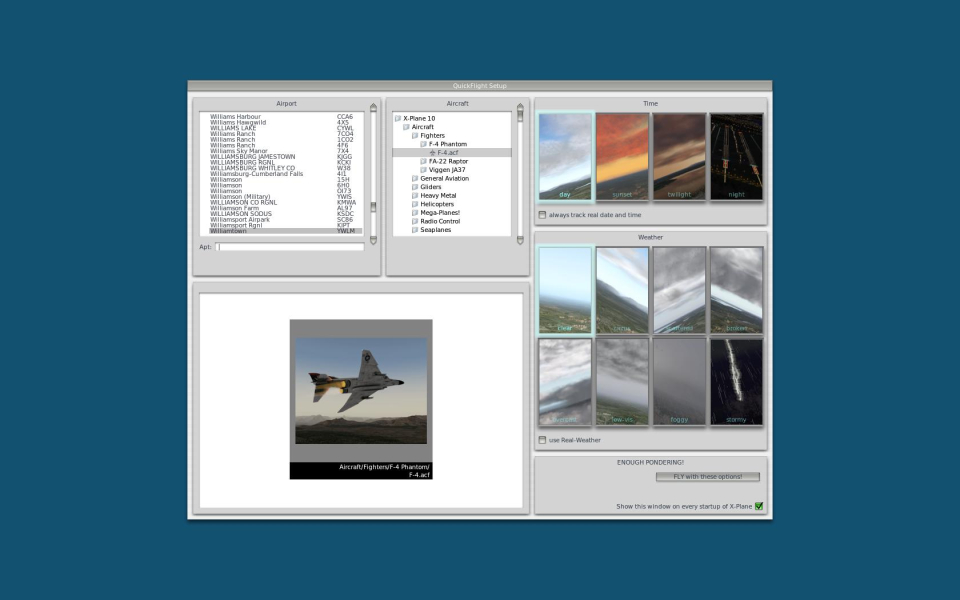
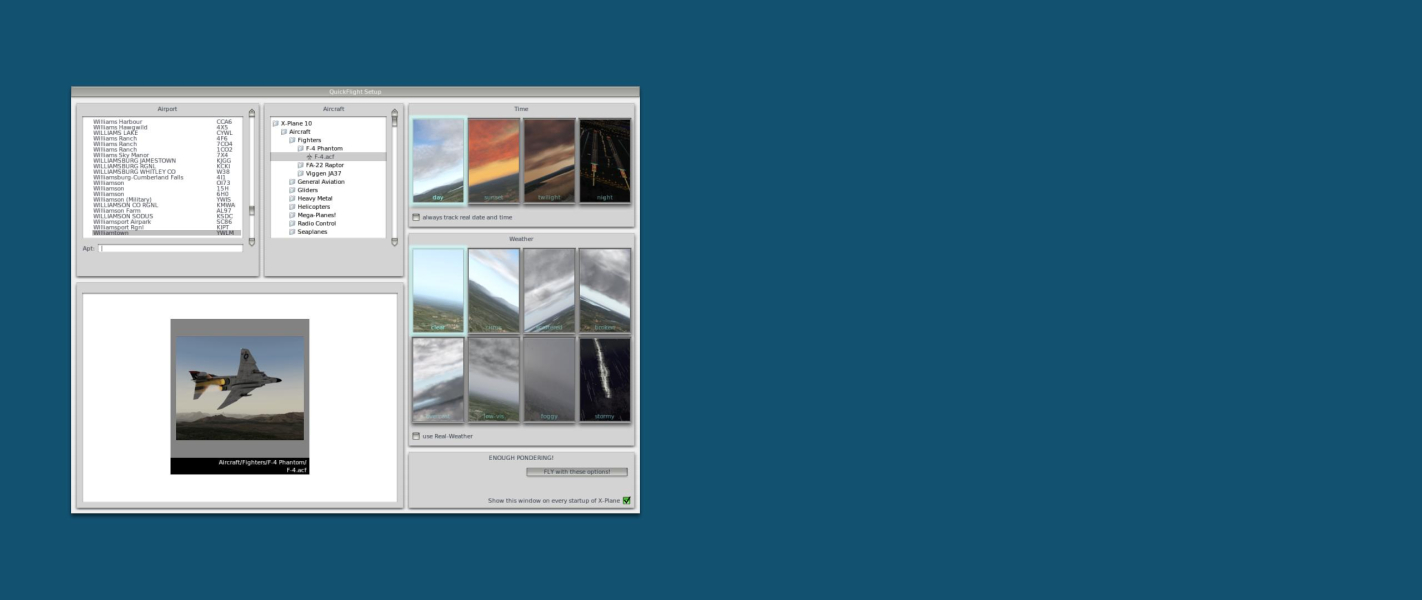
Only thing to note is that the opening menu is not centered on 21:9 unlike all other resolutions. Does not affect gameplay or functionality.
Refer to Widescreen Solution for information on Field Of View.
Gameplay Screenshots




Menu Screenshots


Additional Screenshots


