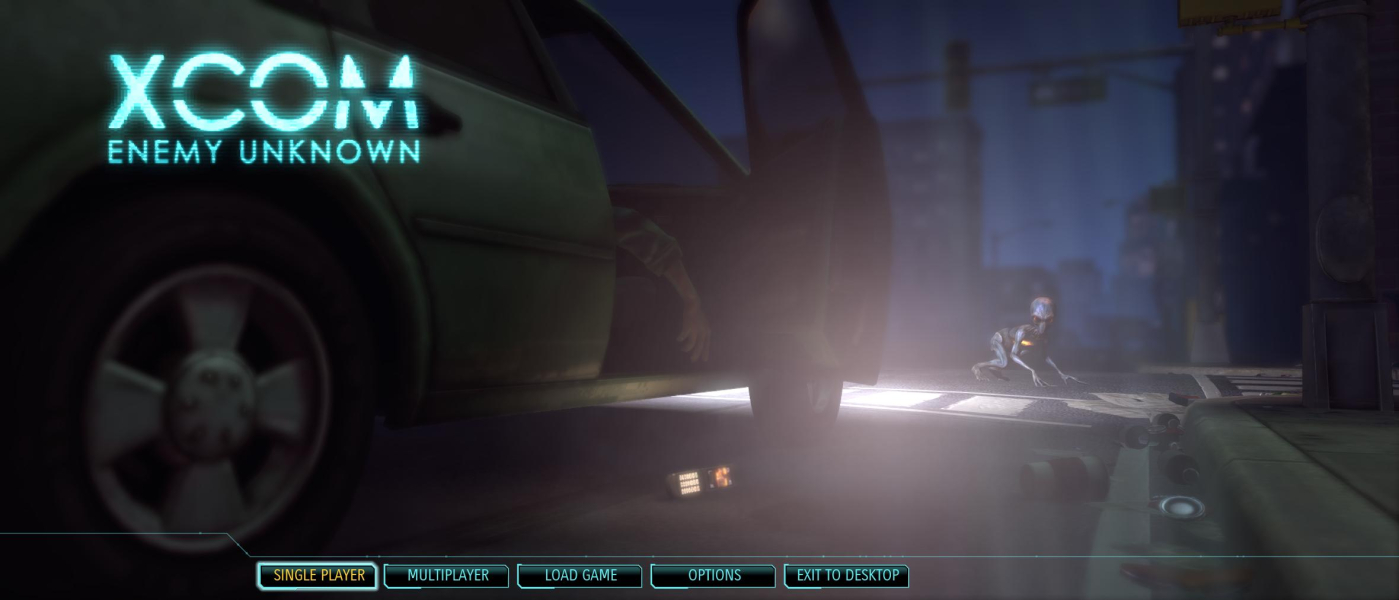
XCOM: Enemy Unknown is a remake of the 1994 classic strategy game UFO: Enemy Unknown, also known as X-COM: UFO Defense. Unlike the previously announced XCOM by 2K Marin, this game will return to the strategic root of the X-COM series.
The game, set on modern-day Earth, deals with the international response to a global alien invasion. The player assumes the role of the commander of the top secret XCOM Project, the most elite military and scientific organization in the history of mankind, activated to engage in a seemingly hopeless war against an unknown extraterrestrial enemy with overwhelming technological superiority. XCOM: Enemy Unknown will feature the return of the classic strategy gameplay the series is best known for.
Support Summary
Screenshots Comparison
Solutions & Issues
- FOV is Hor+/Vert+ in some places, Vert- in others.
- Construction menu: facility holograms stretch (16:9 designs). See Additional screenshots.
Default FOV is mostly Hor+, sometimes Vert- in Strategic mode (HQ).
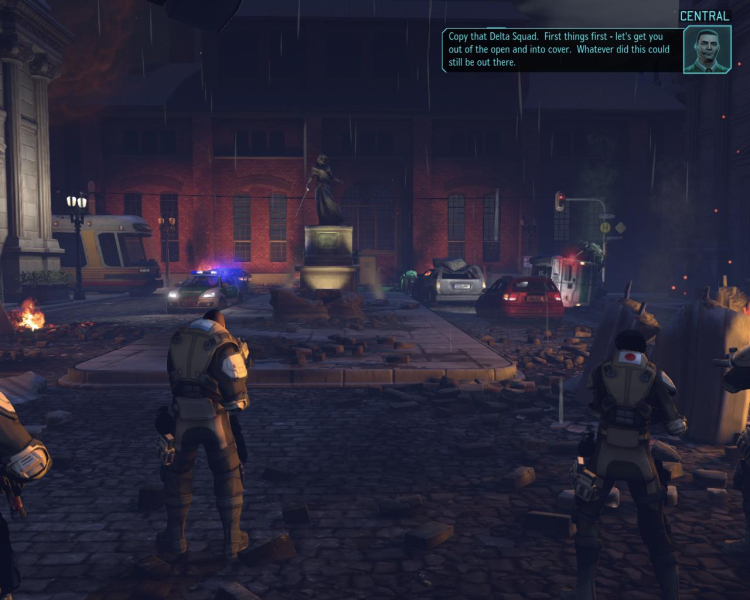
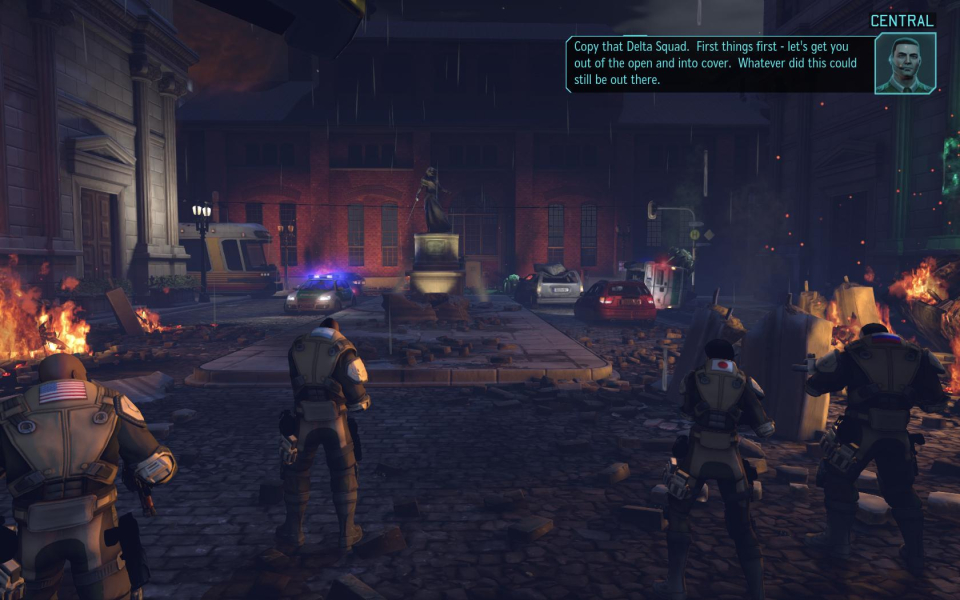
It is not recommended to alter the FOV of Tactical mode (missions): the resulting slightly misaligned UI would hurt the gameplay quite a bit.
The mouse position is off the further it gets from the center of the screen. This results in being forced to position the mouse in strange areas trying to get the game to see you want to click on the square 4 spaces away.
Launch the game once to generate all config files, then navigate to %USERPROFILE%\Documents\My Games\XCOM - Enemy Unknown\XComGame\Config\
- XComCamera.ini
- XComInput.ini
[Engine.Camera]

DefaultAspectRatio=1.778

bConstrainAspectRatio=True

ConstrainedAspectRatio=5.333 //your desired width by height ratio
Under [Engine.PlayerInput] ADD the following lines:Bindings=(Name="T",Command="FOV 140")
Bindings=(Name="B",Command="FOV 110")
Under [XComGame.XComTacticalInput] FIND the following line:Bindings=(Name="T", Command="T_Key_Press | onrelease T_Key_Release", bPrimaryBinding=True)
...and replace it with:Bindings=(Name="T", Command="FOV 130 | T_Key_Press | onrelease T_Key_Release", bPrimaryBinding=True)
Save changes then run the game.
Press T to fix the FOV.
- In strategic mode (HQ), some rooms/menus require a slightly lower FOV. Press B instead.
- In tactical mode (mission), pressing T once during the landing cut-scene will fix the entire mission.
130 is a good value for bezel-compensated 48:9, and works for lower TripleWide aspects too.
110 works better for classic 15:4 TripleHead.
====
The mouse position is off the further it gets from the center of the screen. This results in being forced to position the mouse in strange areas trying to get the game to see you want to click on the square 4 spaces away.
(HQ) Some misaligned menu items. Manual aiming/dodging is impossible during UFO interception.
(Mission) Mouse cursor's course is distorted. Take it slow !
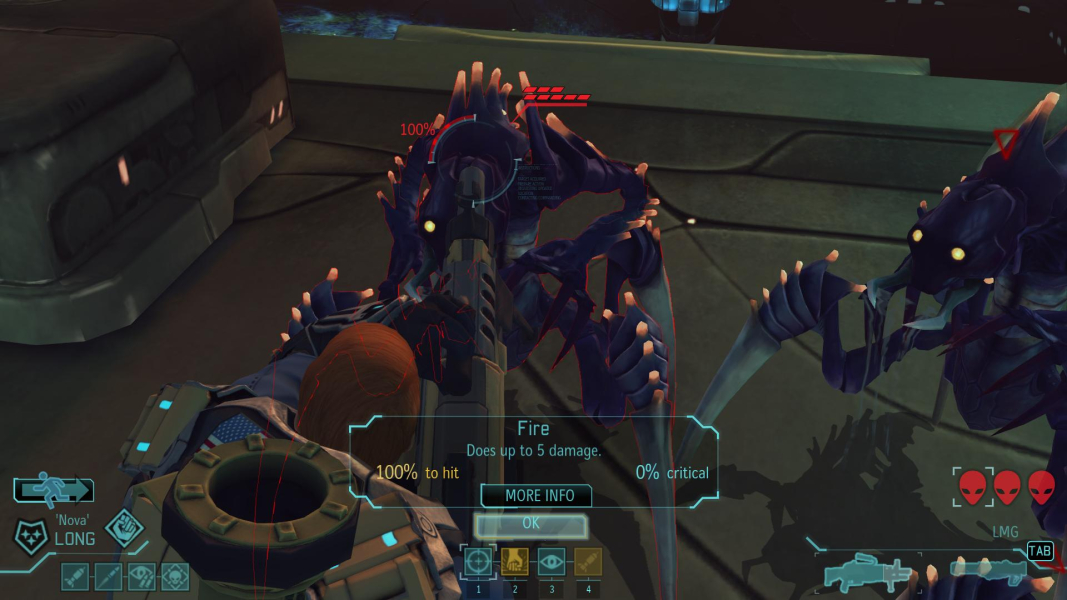
(Mission) Cosmetic glitches: highlights and status bars do not match actual objects.
Gameplay Screenshots


In-Game (Rendered) Cutscenes


FMV Cutscenes


Menu Screenshots



Additional Screenshots