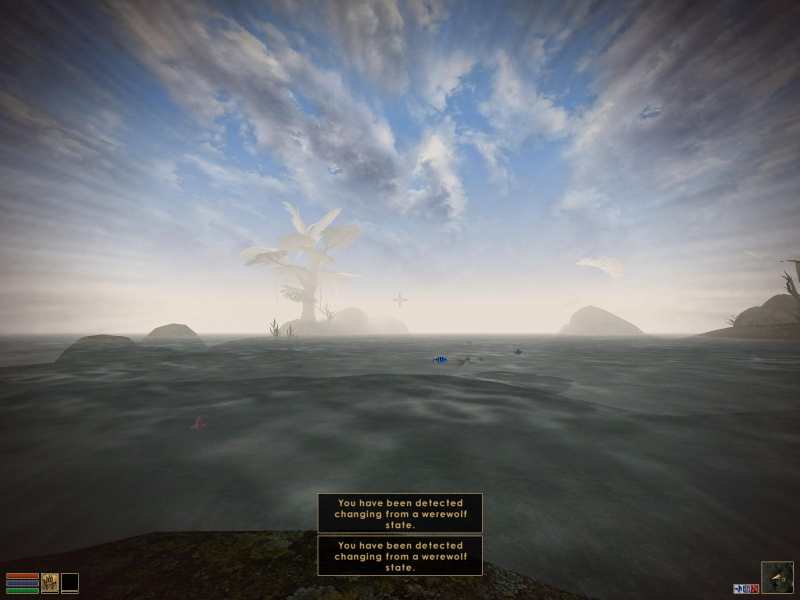


Morrowind is the third installment of the Elder Scrolls series by Bethesda. Players select a character from an array of races and seek their destiny on the harsh landscape of the island Morrowind. This is an expansive RPG with a large world for characters to explore at their whim. Character development is based on developing skills and their corresponding attributes. This is the first Elder Scrolls game to utilize the plugin system which allows community created content to be added to the game.
Support Summary
Game Information
Screenshots Comparison
Solutions & Issues
Resolutions set in the registry are Vert-. Fixed removed due to security issues. Someone take a deeper look at it
Some aspect ratios are not listed. Divide height by width to get the aspect ratio's decimal value, then edit mw_fps_opt.ini and change the value for FOV aspect= to that value.
Some standard FOV values (see FOV calculator):
Default 4:3 - 75
16:9 - 91.3154
15:9 - 87.61661884
16:10 - 85.2813
The resolution setting is stored by the game but the FOV change is only applied when the Morrowind FPS Optimizer is running. If the FOV or aspect ratio is incorrect try exiting and relaunching the Optimizer while Morrowind is running. The FPS Optimizer will not display the special werewolf FOV increase.
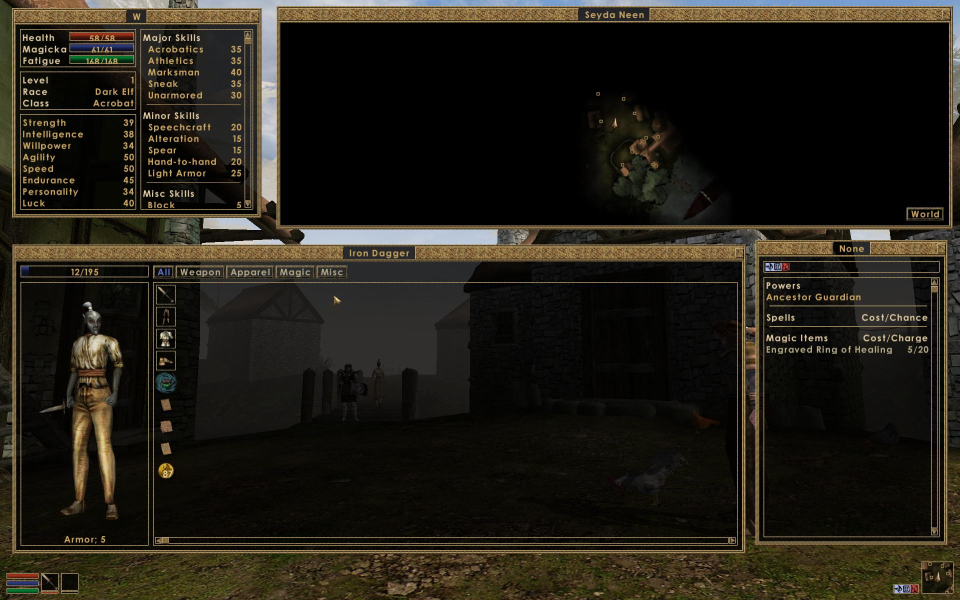
The HUD and all two-dimensional elements do not stretch. Floating windows can be resized and positioned. Some windows have maximum dimensions; use Morrowind Code Patch to remove these limits.
Same as widescreen. Aspect ratio is not listed. Edit mw_fps_opt.ini and set FOV aspect= accordingly:
2560x1080: FOV aspect=0.421875
3440x1440: FOV aspect=0.4186046511627907
(See widescreen steps for other resolutions)
Same as widescreen. HUD is at far edges of the screen. Floating windows can be arranged within the resolution as needed.
Some aspect ratios are not listed. Divide height by width to get the aspect ratio's decimal value, then edit mw_fps_opt.ini and change the value for FOV aspect= to that value.
Gameplay Screenshots
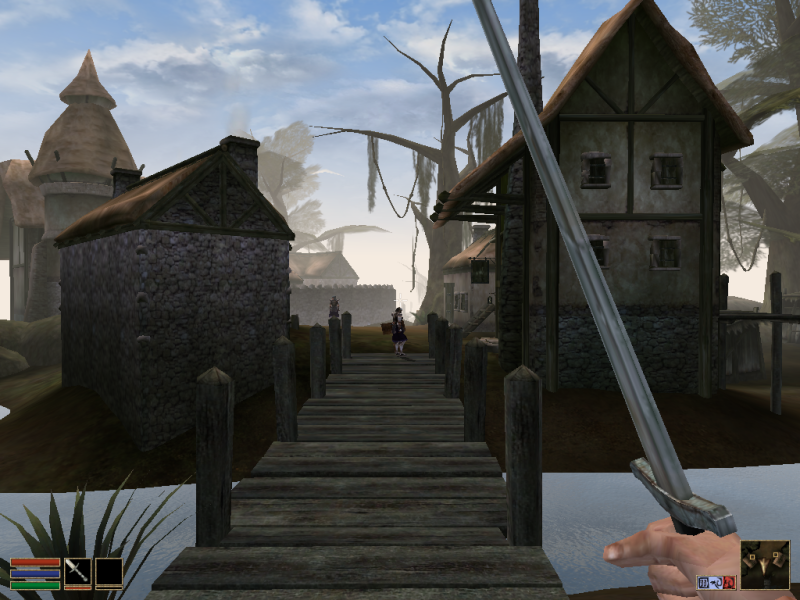



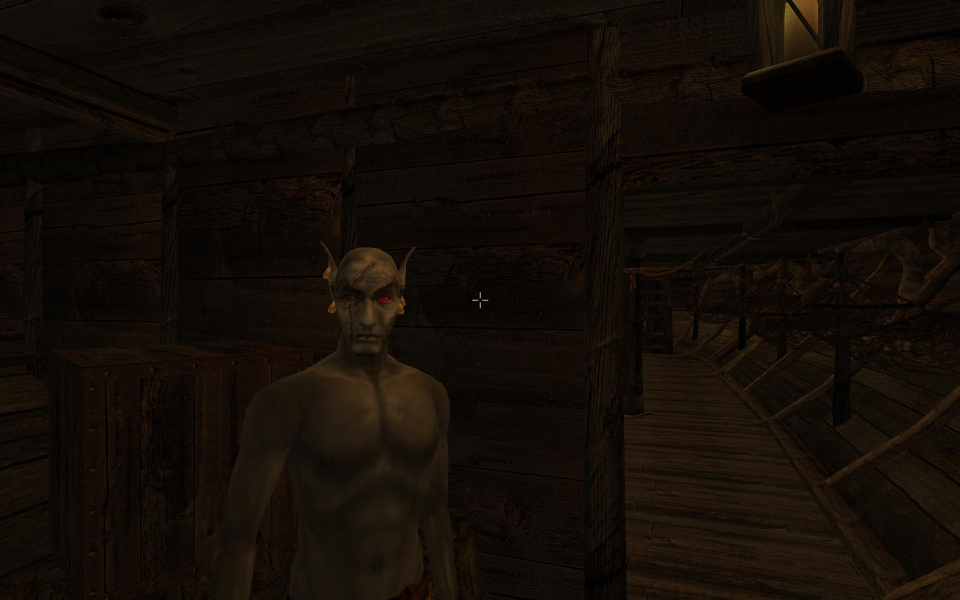
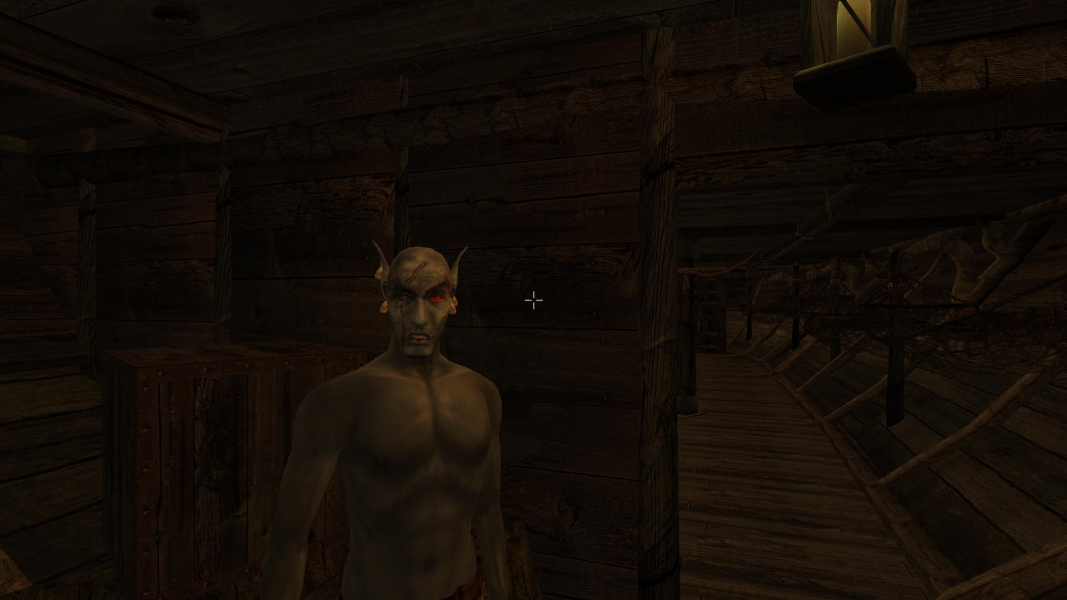
In-Game (Rendered) Cutscenes
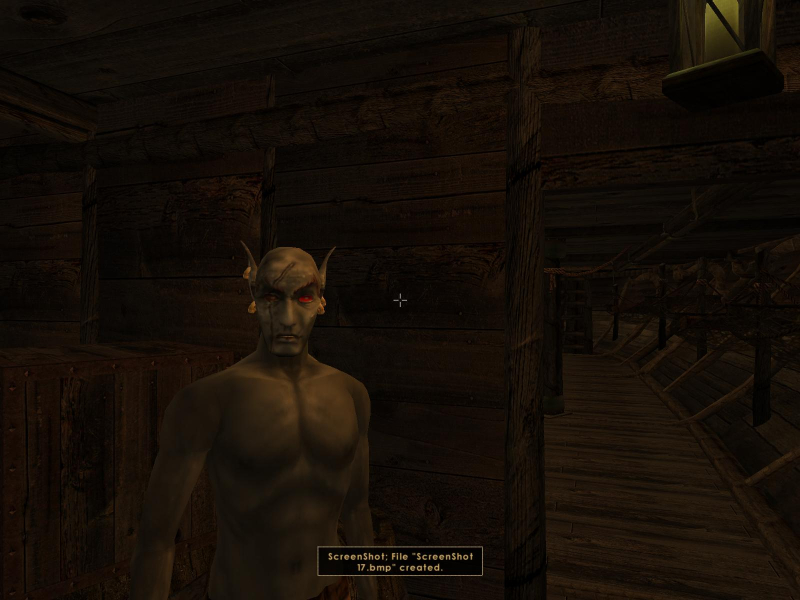
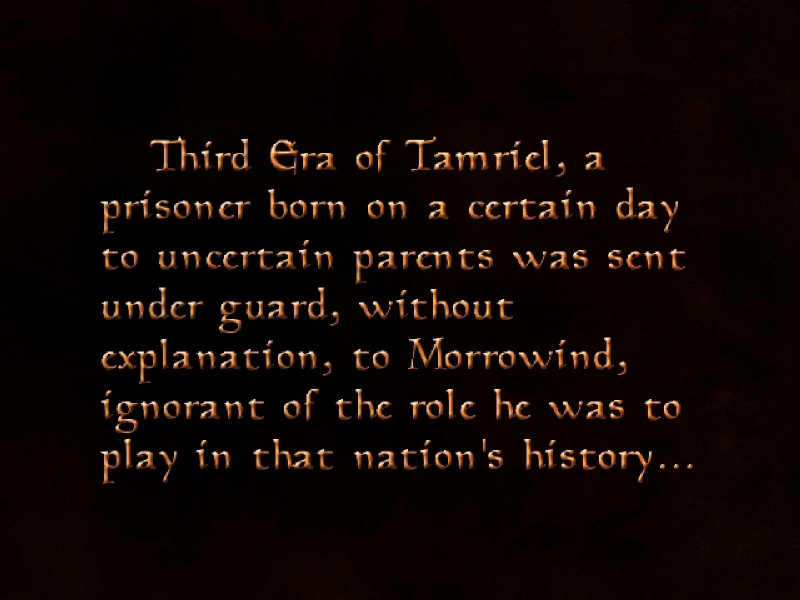
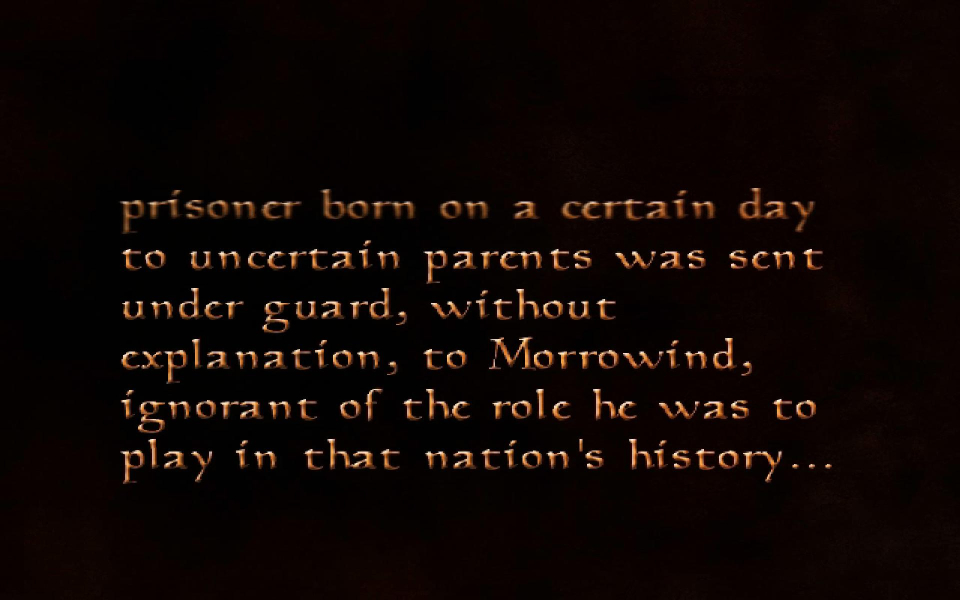
FMV Cutscenes
Menu Screenshots



Additional Screenshots