

Players control a large party of characters as they fight their way through a seamless environment. Characters develop their abilities by using a particular class of weapon or magic. Players can customize their characters to suit their playing style. Slash, burn, kill, loot. Rinse and repeat.
Support Summary
Game Information
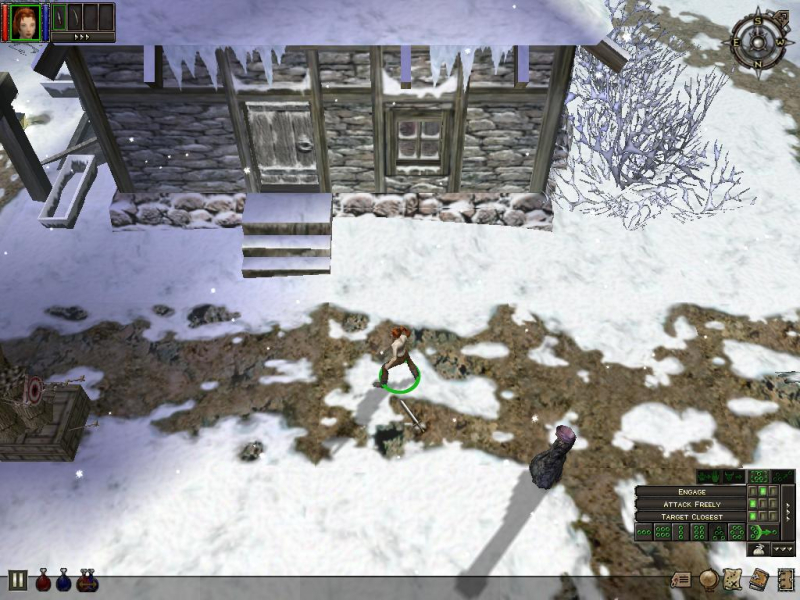
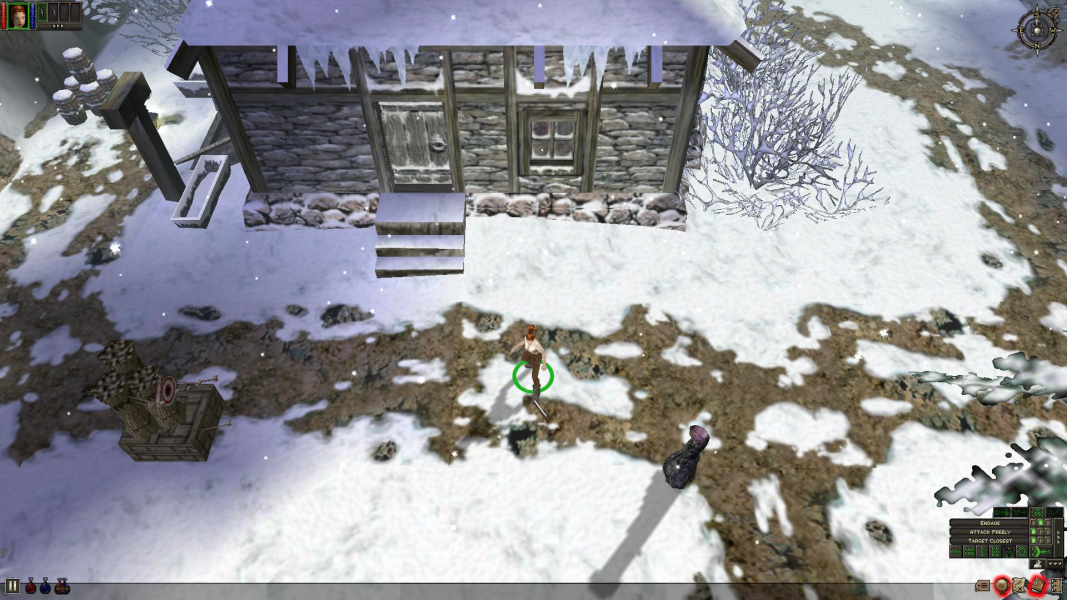
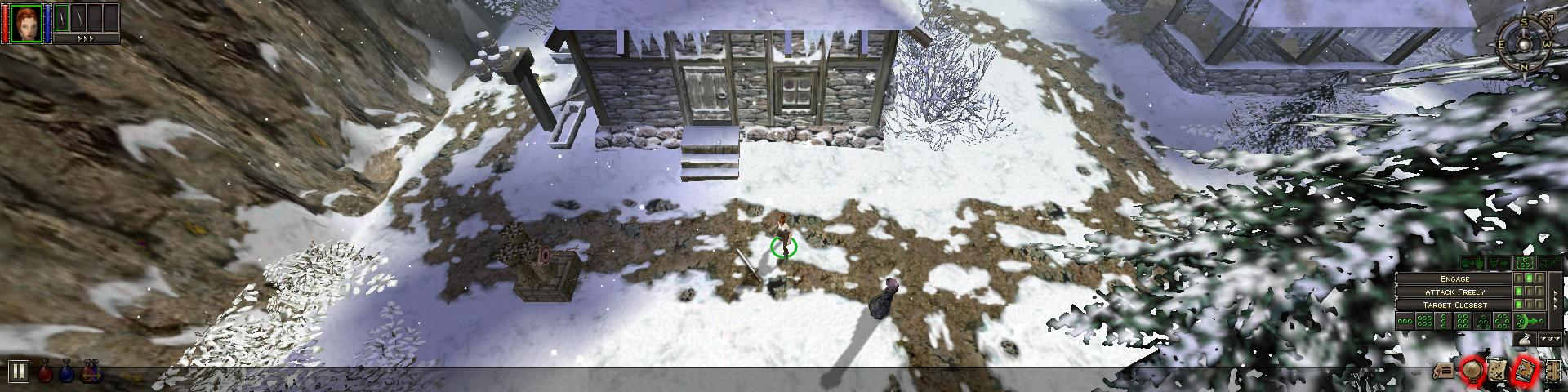
Screenshots Comparison
Solutions & Issues
No native support for widescreen resolutions.
For Dungeon Siege go to %USERPROFILE%\Documents\Dungeon Siege" and open "DungeonSiege.ini" with a text editor. Search for...
width = ****
height = ****
Change "****" to your desired widescreen resolution.
For Legends of Aranna go to %USERPROFILE%\Documents\Dungeon Siege LOA and repeat the above process.
To change from Vert- to Hor+ you need to use any of the No-CD cracks.
This method will not fix the cutscenes(only 2 per game I think) and depending on your aspect ratio it may screw up parts or all of the fixed resolution main menus that Dungeon Siege uses. So set your options, create your character, watch the intro, and save before doing the HEX editing changes below. The options menu, multiplayer menu, button positions, and button tooltips will not be affected so you should be able to navigate any borked menus to resume a SP or MP game.
Note: If the FOV fix does not work on your previously saved game, you will have to start a new game.
Using a HEX editor open the "DungeonSiege.exe" file if you only have the original Dungeon Siege or open "DSLOA.exe" if you have Legends of Aranna. You can run the original Dungeon Siege through the Legends of Aranna executable so there is no need to change both executables if you have them. Search for the hex string "00 00 F0 41 00 00 70 42 8D ED B5 A0".
"00 00 70 42" is the games default FOV or 60. You will need to replace that with your desired FOV. Use this handy utility here to calculate your new value.
http://www.wsgf.org/fovcalc.php
Read post 4 here http://www.wsgf.org/forum/12633/basic-hex-helper-information and search for an IEEE 754 calculator to get the right HEX values.
And to save needless posts here are some common values which may cover what you need:
4:3 baseline FOV of 60
00 00 70 42
16:10
2A DC 8A 42
15:9
25 45 8F 42
16:9
3A 5B 96 42
15:4 (3 x 5:4)
88 7E E9 42
12:3 (3 x 4:3)
00 00 F0 42
48:10 (3 x 16:10)
FD 9C 00 43
45:9 (3 x 15:9)
DD 6A 02 43
48:9 (3 x 16:9)
6E 2C 05 43
=====
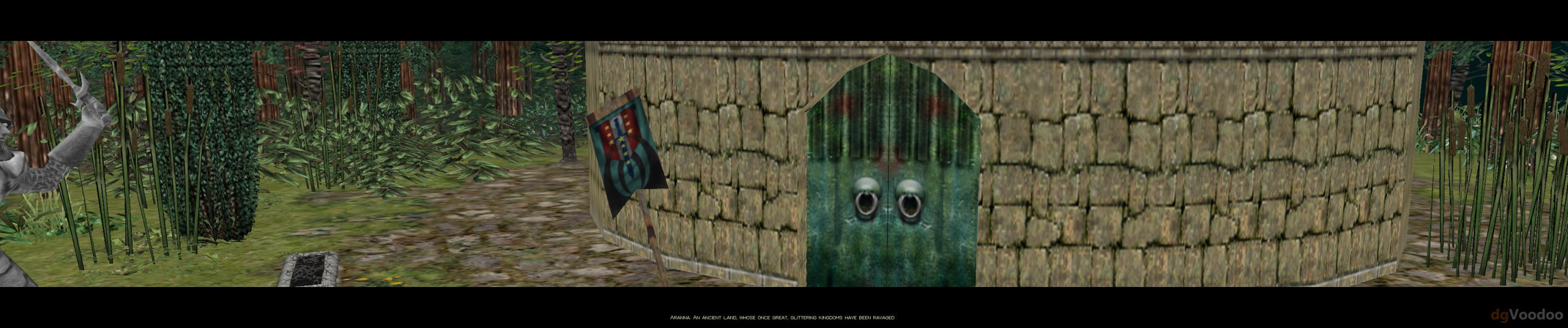
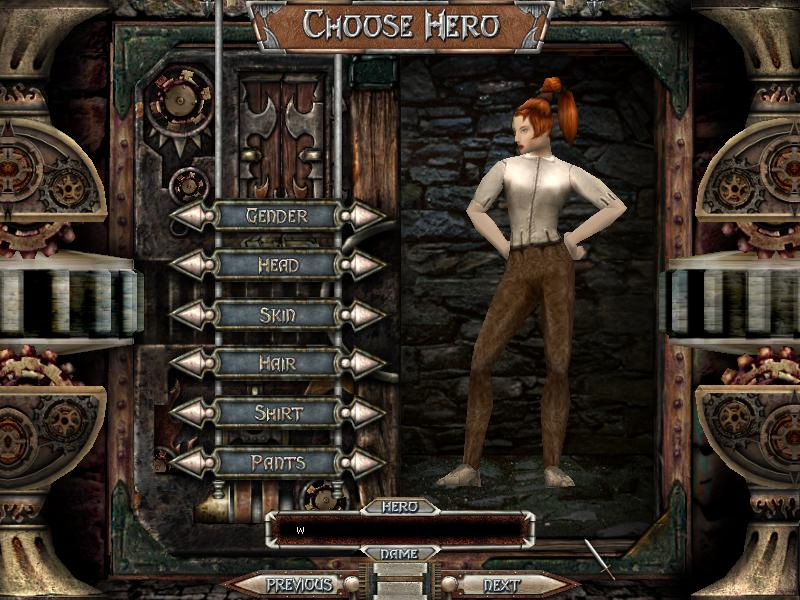
The menu, multiplayer-setup, and initial character-creation screens are displayed in a fixed resolution. If you edit the fov the main menus can have serious visual issues. The HUD and all two-dimensional elements do not stretch or scale. Rendered cut-scenes are Vert - in widescreen resolutions.
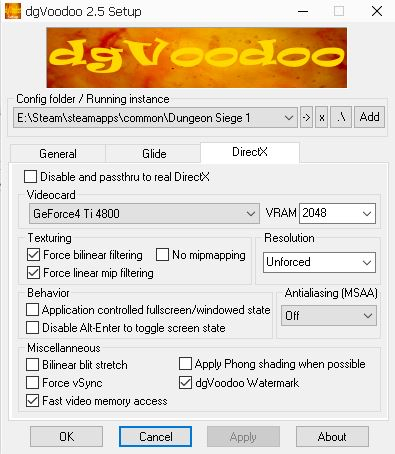
1.Use dgVoodoo2 to fix resolution crashing - see Additional Screenshots Voodoo Config
2.Go to --> %USERPROFILE%\Documents\Dungeon Siege LOA\DungeonSiege.ini and add this Lines:
width = 3440
height = 1440
bpp = 32
3.Hex edit the FOV in DungeonSiege.exe look for 00 00 F0 41 00 00 70 42 and change too 00 00 F0 41 00 00 F0 42
See Widescreen Solution.
Same Solution as in Ultra-Widescreen:
1.Use dgVoodoo2 to fix resolution crashing - see Additional Screenshots Voodoo Config
2.Go to --> %USERPROFILE%\Documents\Dungeon Siege LOA\DungeonSiege.ini and add this Lines:
width = 3840
height = 2160
bpp = 32
3.Hex edit the FOV in DungeonSiege.exe look for 00 00 F0 41 00 00 70 42 and change too 00 00 F0 41 00 00 96 42
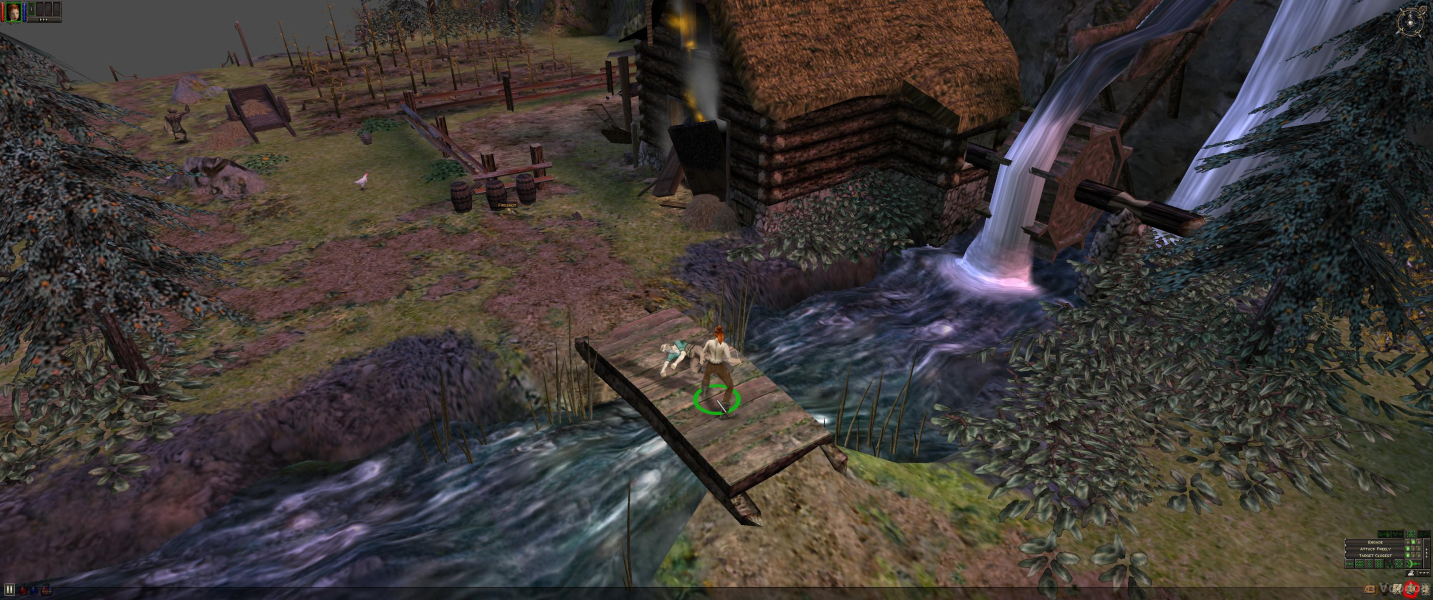
Gameplay Screenshots




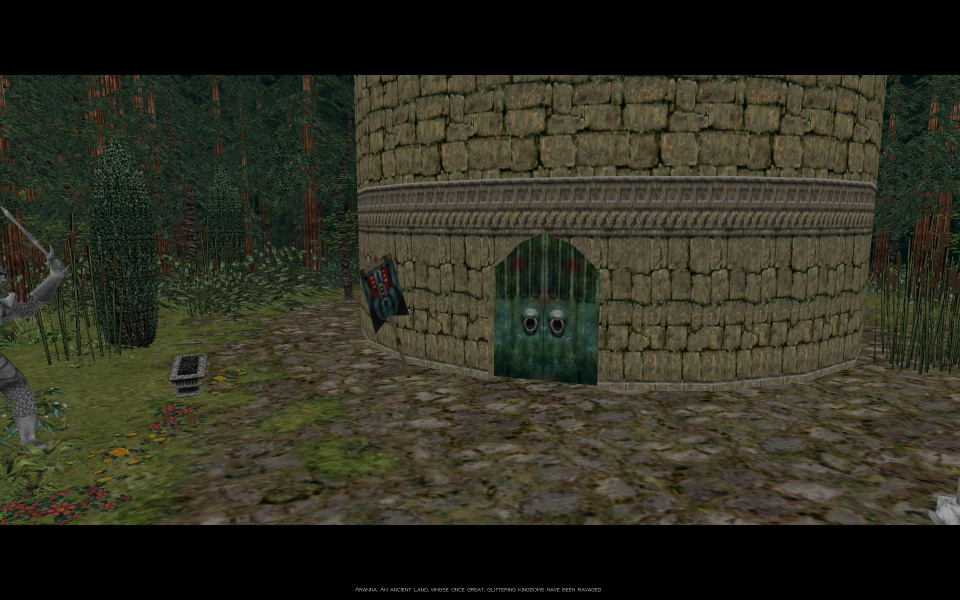
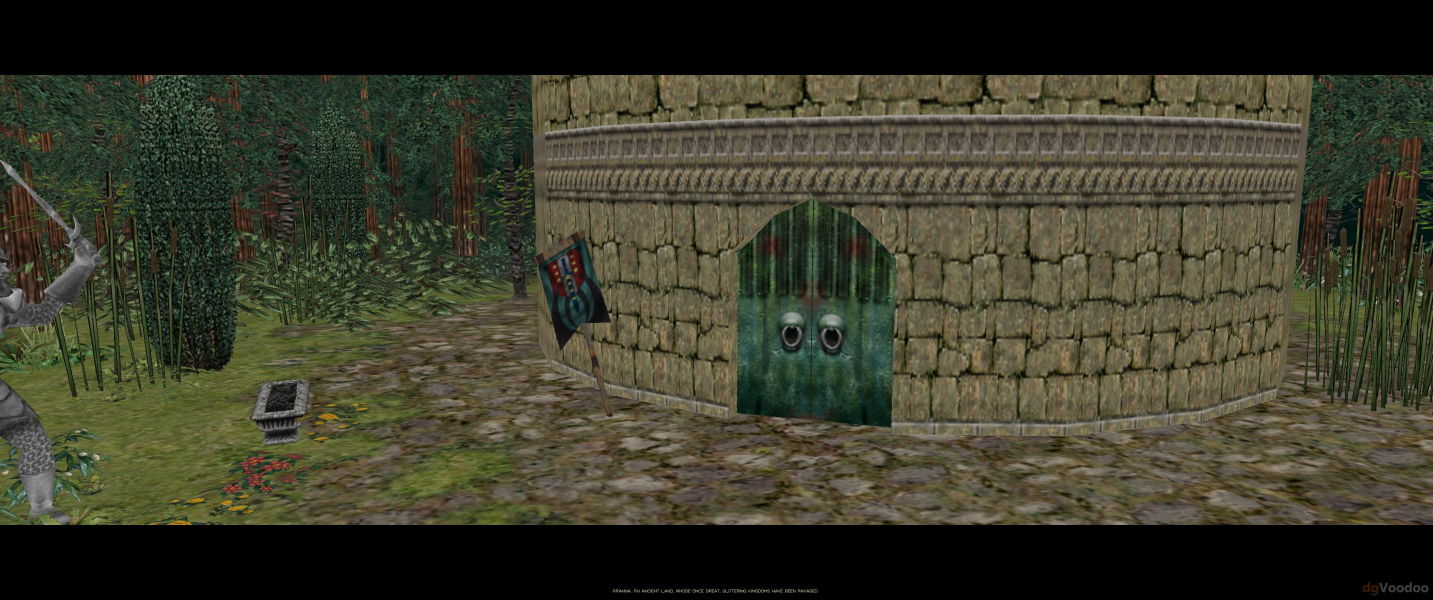
In-Game (Rendered) Cutscenes


Menu Screenshots
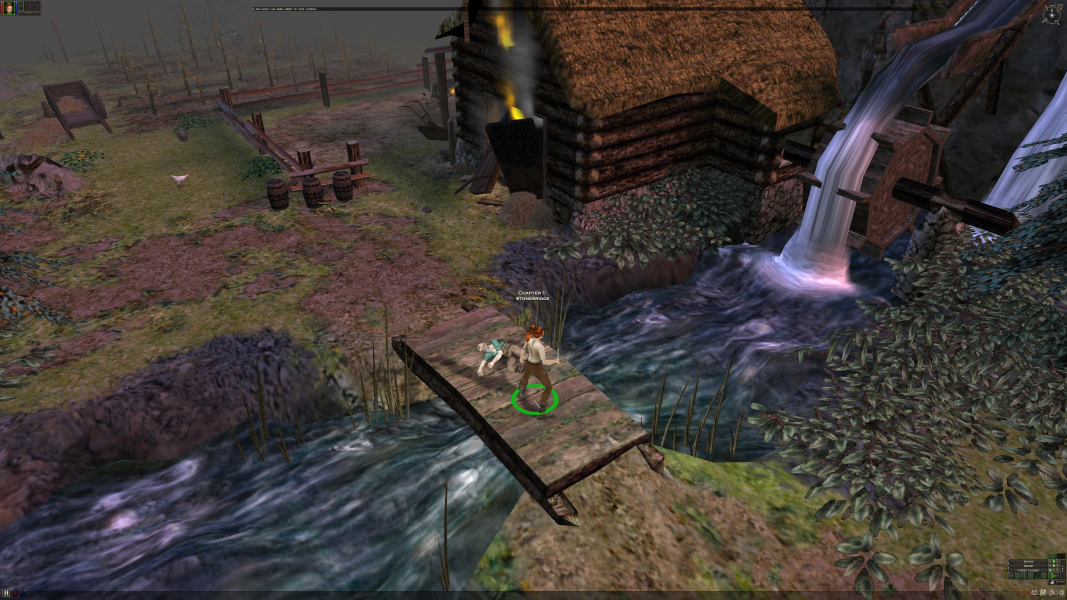
4K UHD Screenshots
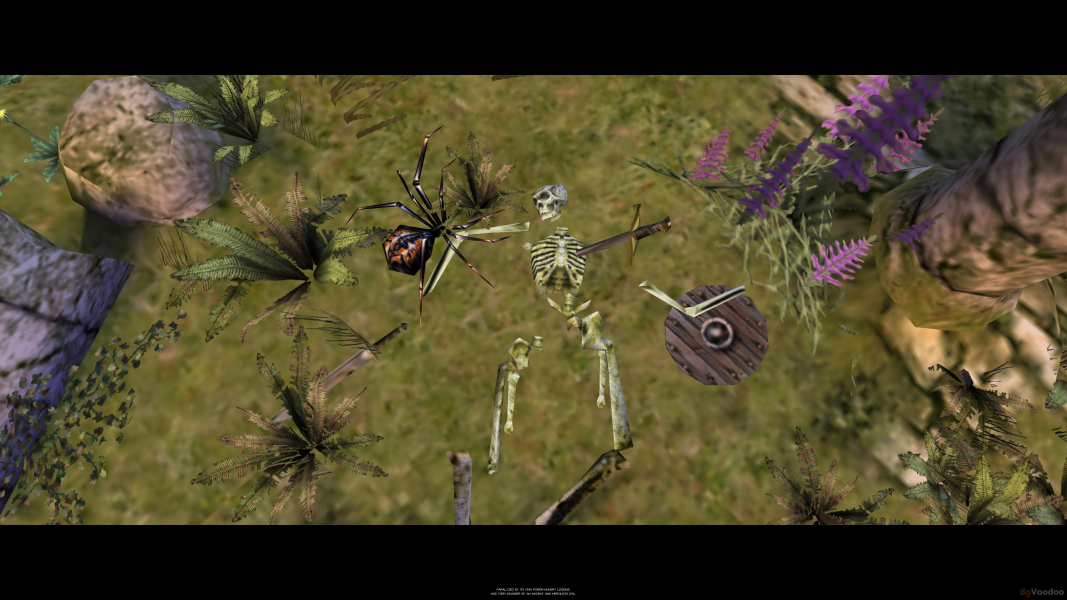


Additional Screenshots