Beat Hazard

Profile picture for user AussieTimmeh

Warning - not for people who suffer from epilepsy or even normal human beings.

Experience your music collection like never before with this intense music driven arcade shooter. Each of your songs will have its own unique ebb and flow based on the music.
Power up your spaceship and watch as the music boosts your firepower. Unleash hell on the enemy ships when you max out with weapon pickups!
Beat Hazard seamlessly mixes the love of gaming and music. Together they become greater than the sum of their parts.

Support Summary

Widescreen
Ultra/Super‑Wide
Multi-Monitor
4K Ultra HD
Support
Method
HUD
Cutscenes
FMVs

Game Information

Game Status:Released
Release Date:
Tested Version:Steam
Play Styles:Single-Player
Setting:Space
Genre:Arcade
Developer:Cold Beam Games

Screenshots Comparison

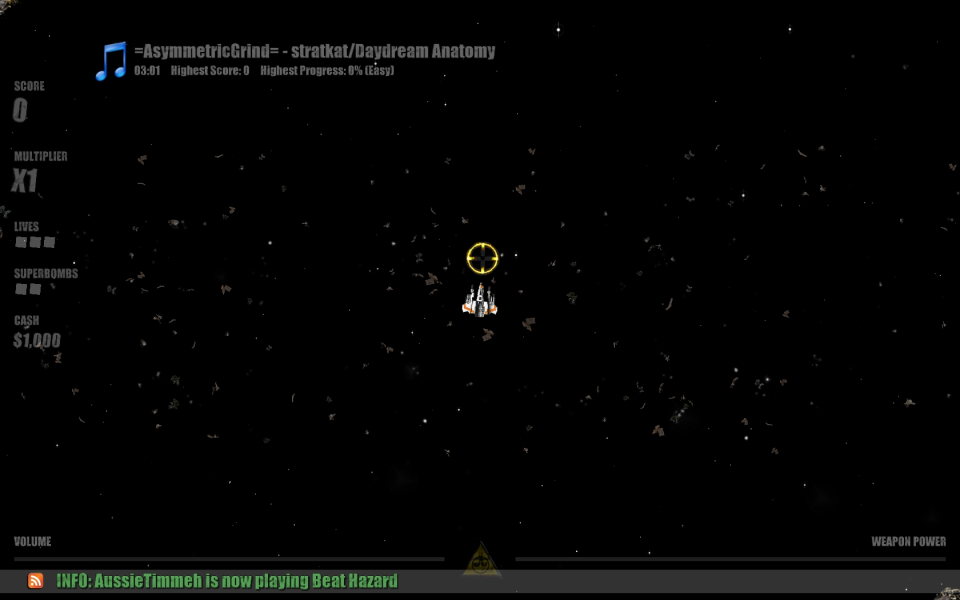
4:3 Screenshot
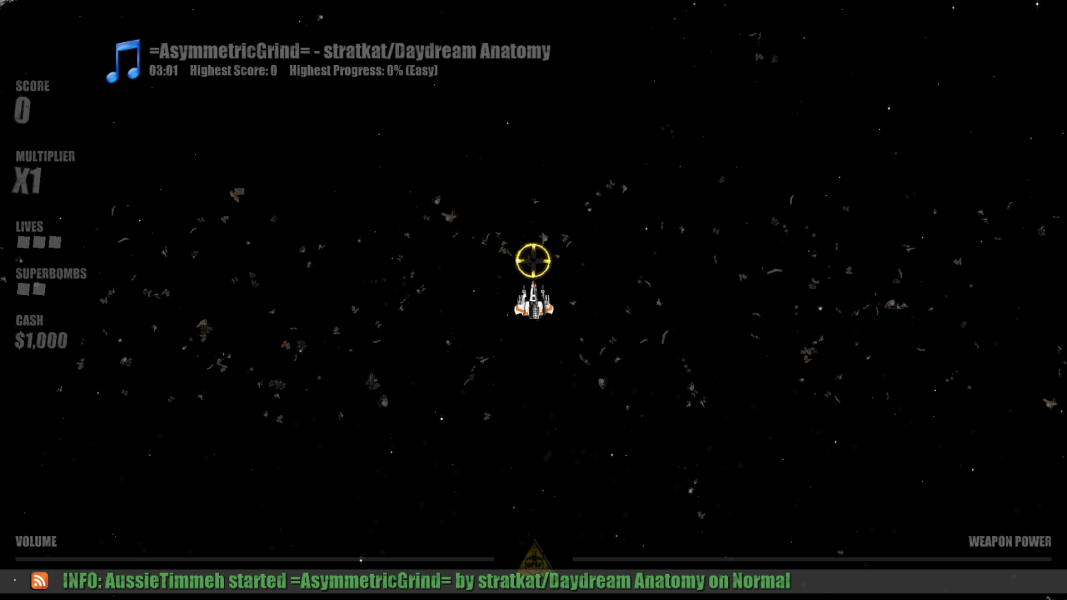
16:10 Screenshot
16:9 Screenshot
21:9 Screenshot
A monitor with a question mark on it. The text above it reads "There is currently no image uploaded for this field." There is a semi-transparent WSGF logo in the background, while the main background is white. The image aspect ratio is 21:9.
32:9 Screenshot
Eyefinity / Surround Screenshot
Solutions & Issues
Widescreen Solution & Issues:

The game seems to run at whatever resolution you first run it in. For example, I launched this game at 1400x1050 to test 4:3 aspect ratio first. From then on, it would always launch at 1400x1050 regardless of what my desktop was set to. To change fullscreen resolution, you need to create a custom preference file. Refer to this link for instructions: http://forums.steampowered.com/forums/showthread.php?t=1276610

16:9 is Hor+ compared to 4:3, but 16:0 is a squashed version of 16:9. All widescreen resolutions are playable though.

Eyefinity / Surround Specific Solution & Issues:

Vert- in surround.

4:3 Screenshot
16:10 Screenshot
16:9 Screenshot
21:9 Screenshot
A monitor with a question mark on it. The text above it reads "There is currently no image uploaded for this field." There is a semi-transparent WSGF logo in the background, while the main background is white. The image aspect ratio is 21:9.
32:9 Screenshot
Eyefinity / Surround Screenshot
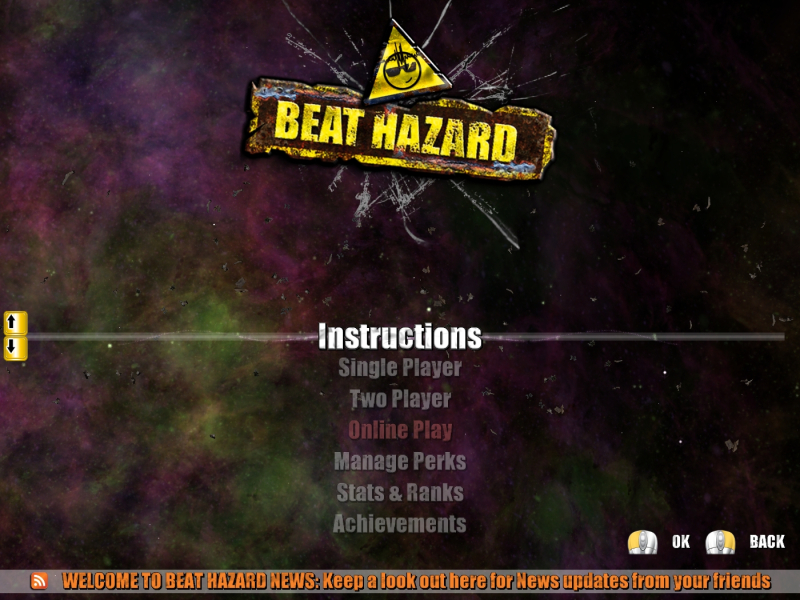
4:3 Menu
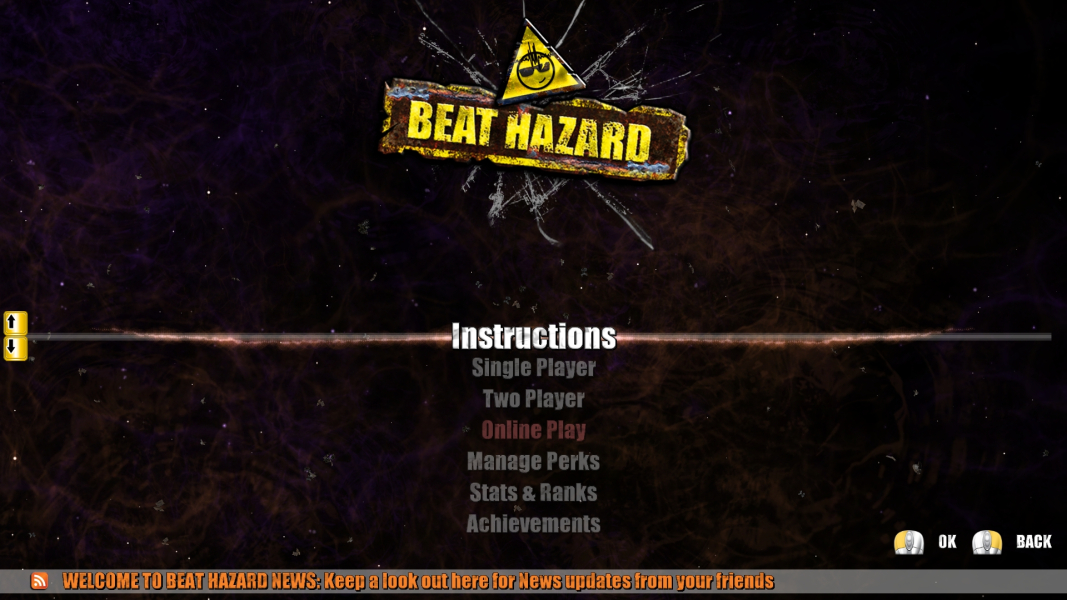
16:10 Menu
16:9 Menu
Eyefinity / Surround Menu
16:10 Resolutions:1680x1050
16:9 Resolutions:1920x1080
Eyefinity / Surround Resolutions:5760x1080
Multi-Monitor Types:Nvidia Surround
Multi-Monitor Layouts:3x1-L