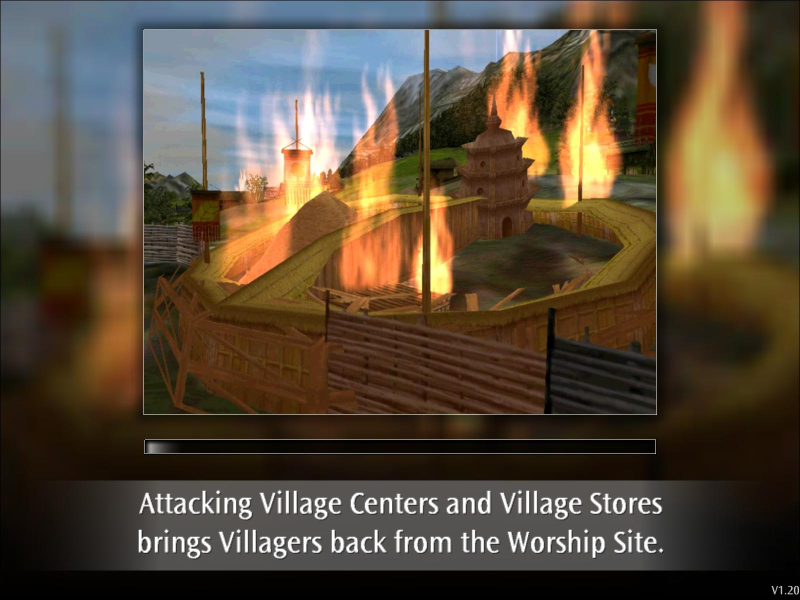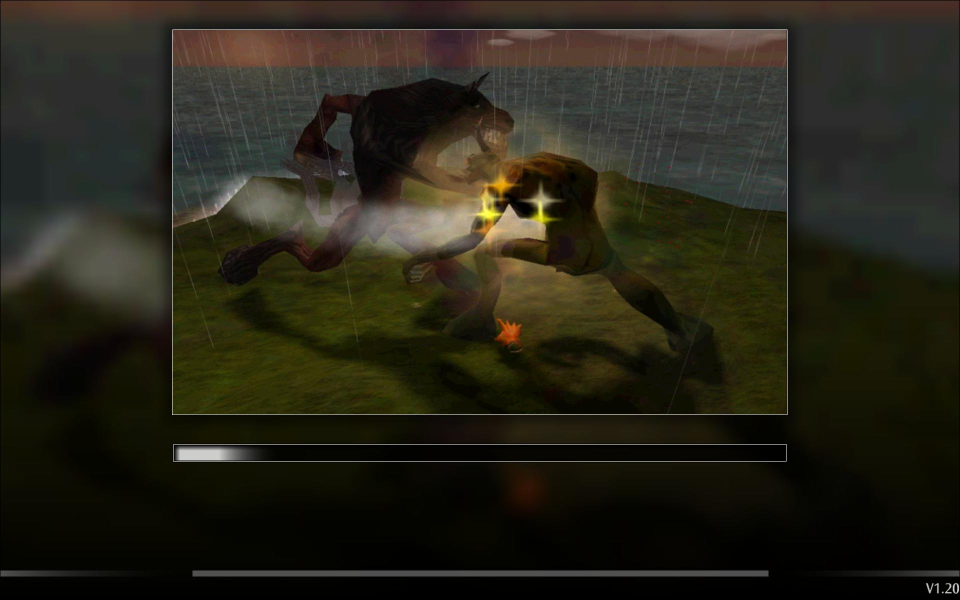


The Black & White series was developed by Lionhead Studios. Train your creature. Watch it grow. Watch it develop a neurosis.
Save a drowning person, watch your creature eat them.
Save a starving person, watch your creature set them on fire.
Save an injured person, watch your creature defecate on them.
Ain't AI grand?
Support Summary
Widescreen | Ultra/Super‑Wide | Multi-Monitor | 4K Ultra HD | |
Support | ||||
Method | ||||
HUD | ||||
Cutscenes | ||||
FMVs |
Screenshots Comparison
Solutions & Issues
No native support for widescreen resolutions.
Select "Run..." from the "start" menu. Enter "regedit" and press "OK". Go to "HKEY_CURRENT_USER\HKEY_CURRENT_USER\Software\HKEY_CURRENT_USER\Software\Lionhead Studios Ltd\HKEY_CURRENT_USER\Software\Lionhead Studios Ltd\Black & White\HKEY_CURRENT_USER\Software\Lionhead Studios Ltd\Black & White\BWSetup". You will see "ScreenH" and "ScreenW".
Open these binary values and change the listed resolution to your desired widescreen resolution. Click the "Decimal" base to make things easier.
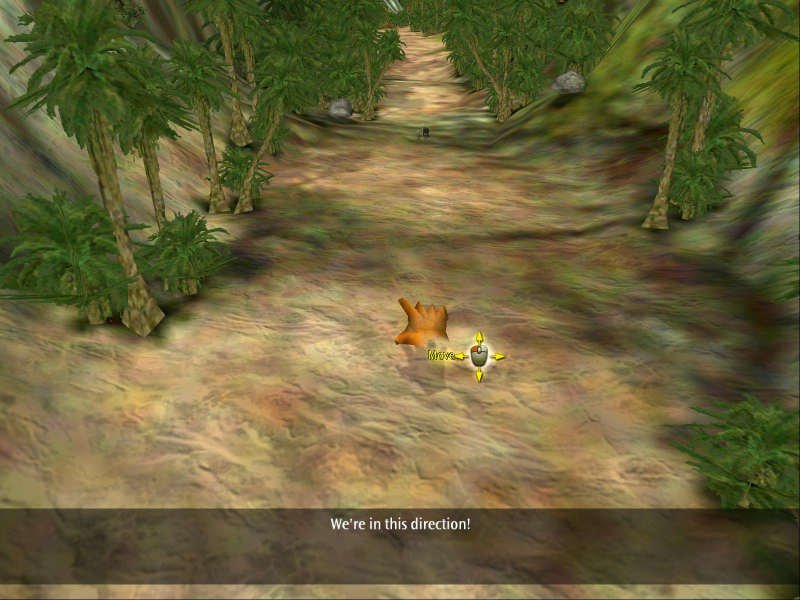
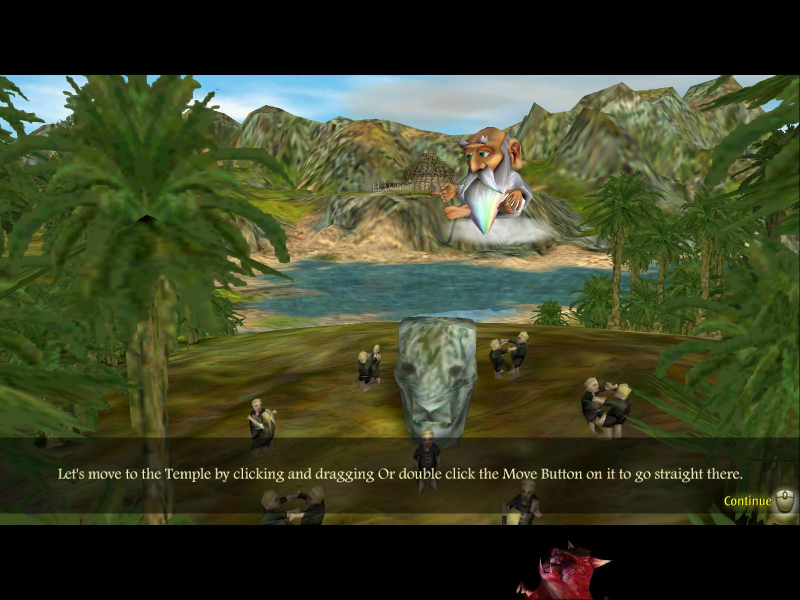
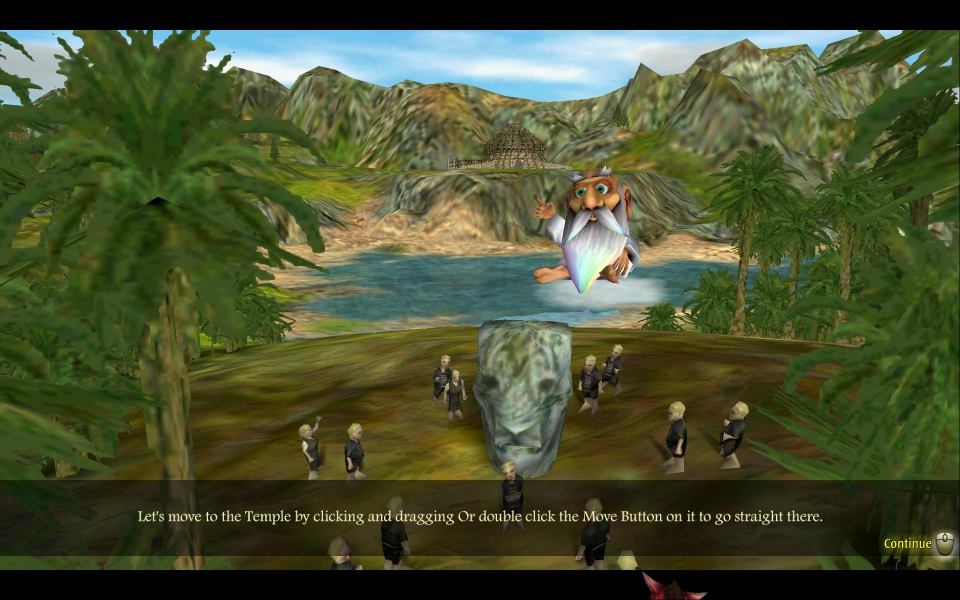
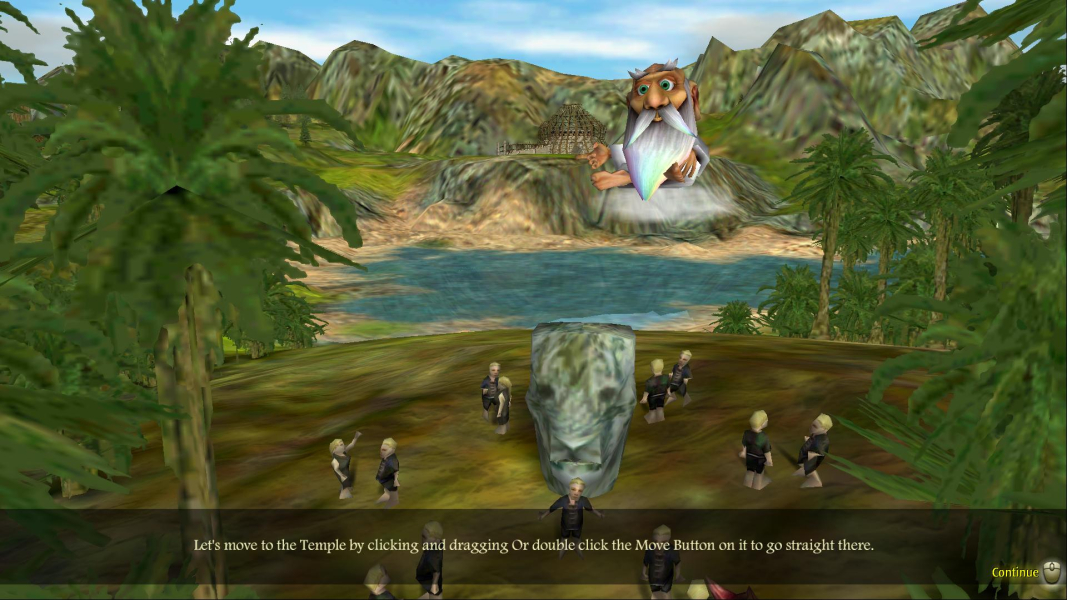
The anamorphic cut-scenes can cut off some of the conscience creature's actions. The loading text does not display in widescreen resolutions.
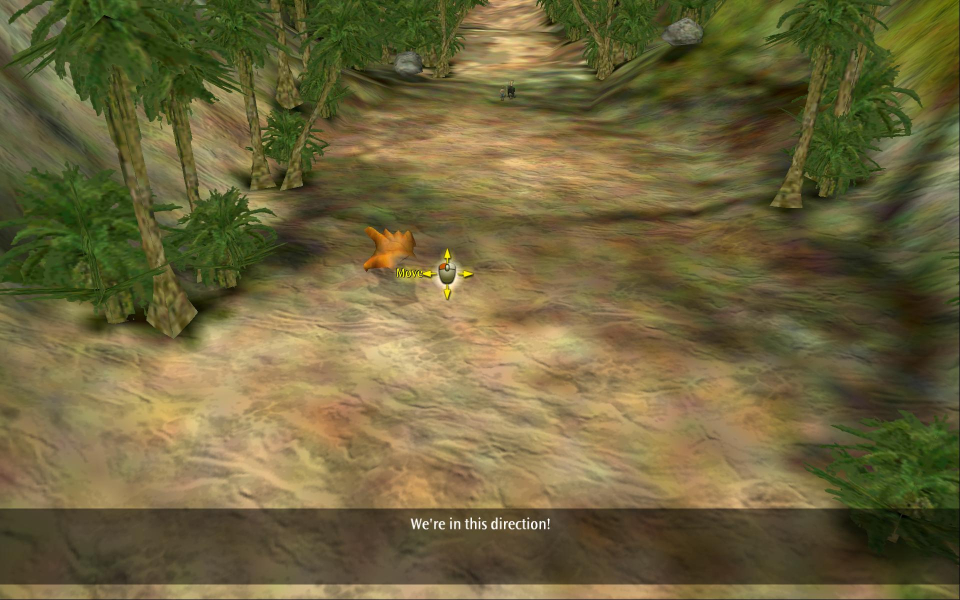
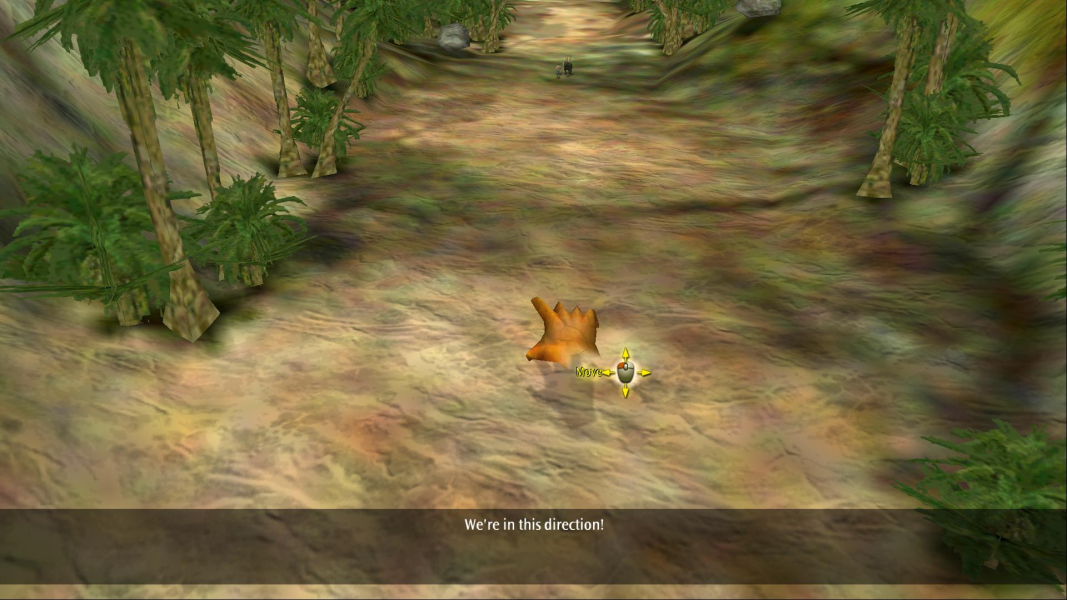
Gameplay Screenshots


In-Game (Rendered) Cutscenes
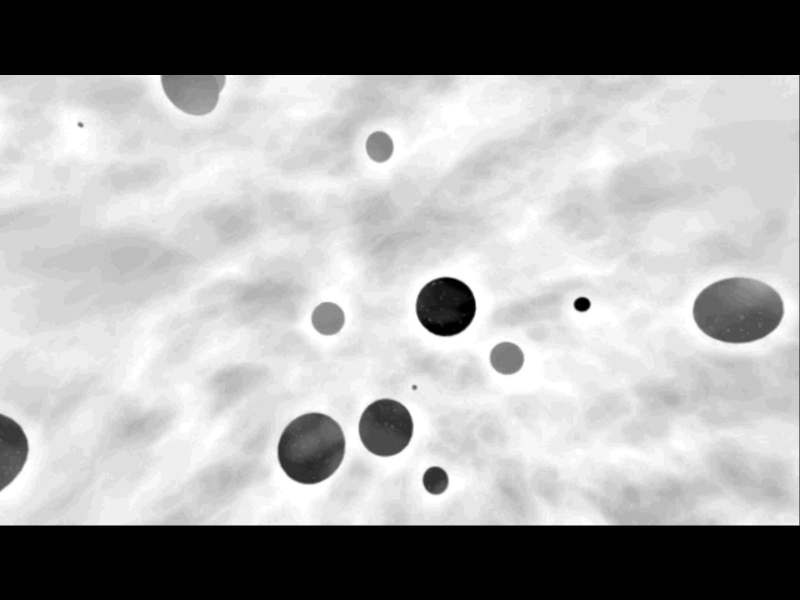
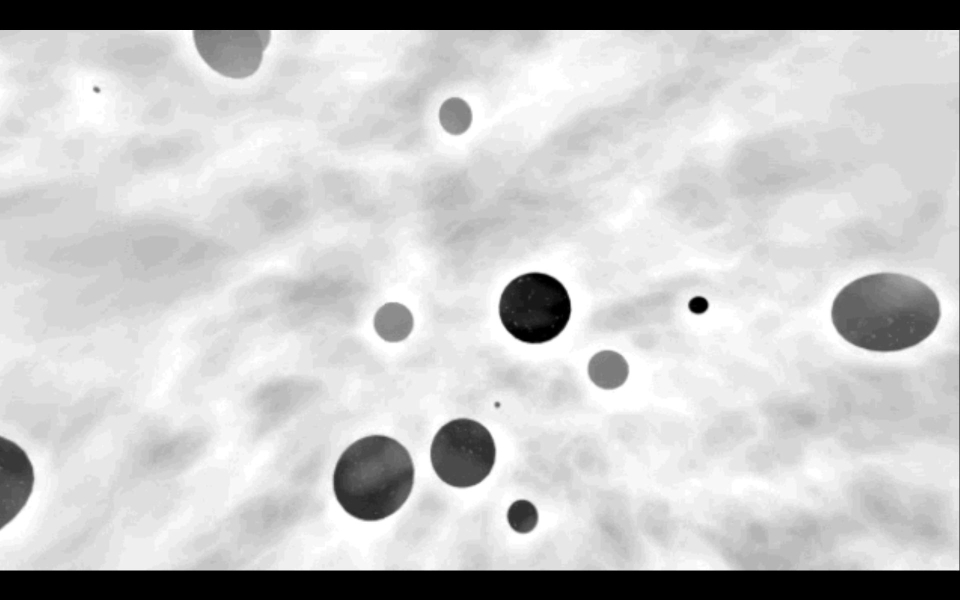
FMV Cutscenes

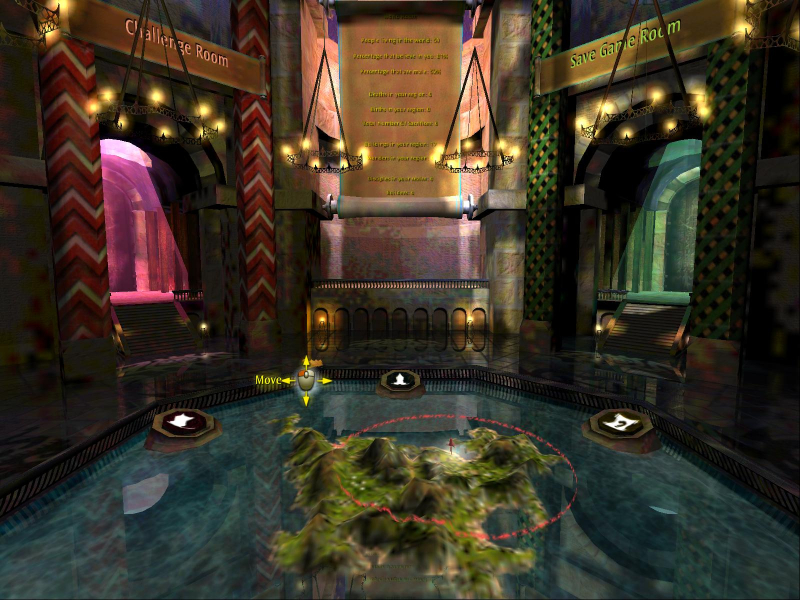
Menu Screenshots
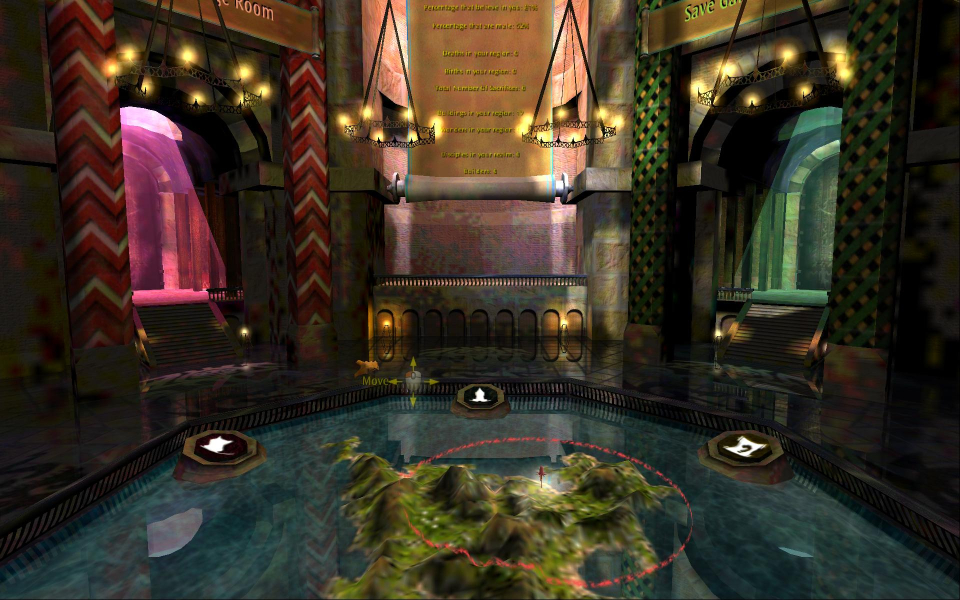
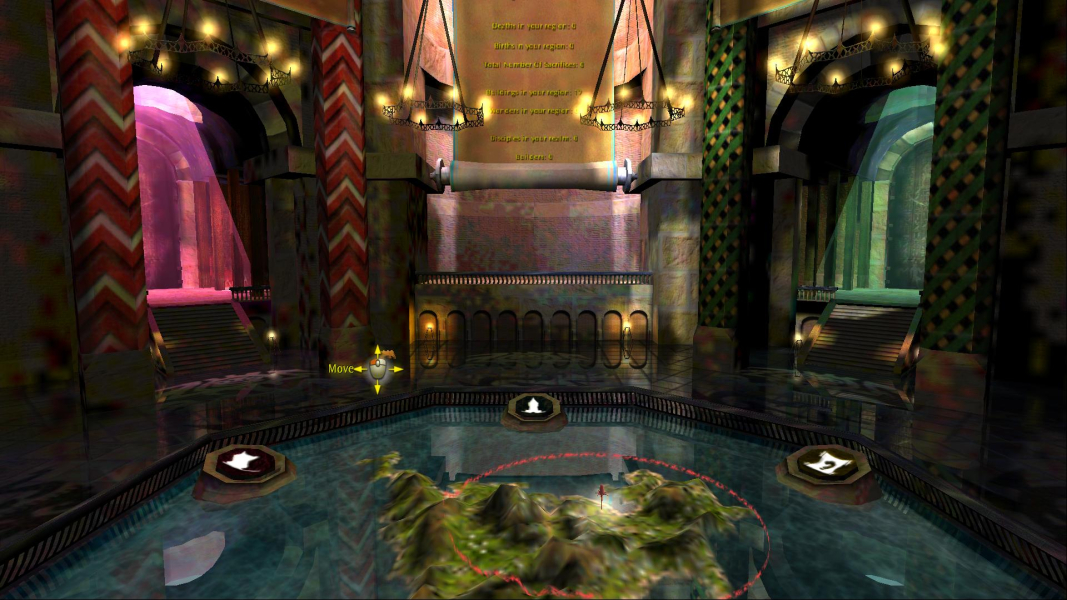
Additional Screenshots