


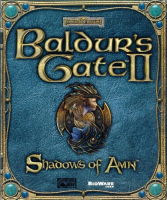


Baldur's Gate II is the sequel to the smash hit RPG Baldur's Gate, from BioWare and Interplay. The sequel is set a few months after the first game, where it was revealed that you are one of the last descendants of Bhaal, the god of murder and destruction. You and your friends have been kidnapped by a group of assassins and imprisoned in a mysterious lair, where you and your childhood friend Imoen are subject to brutal experiments at the hands of an ancient wizard intent on awakening the dark sides of your souls. Upon escaping, events set into motion an epic quest in search of him, in search of answers, and possibly in search of great power that lies dormant within you. The expansion pack, Thone of Bhaal, directly extends the plot to its ultimate conclusion, with you either destroying the essence of Bhaal forever, or embracing it and becoming Bhaal's successor.
Gameplay is similar to the original, but with lots of new ideas, including a greater emphasis on moral decision making (now a BioWare trademark), a more in-depth story, more sophisticated interaction with NPCs, and the ability to become the manager of a stronghold fitting of your class.
Support Summary
Widescreen | Ultra/Super‑Wide | Multi-Monitor | 4K Ultra HD | |
Support | ||||
Method | ||||
HUD | ||||
Cutscenes | ||||
FMVs |
Game Information
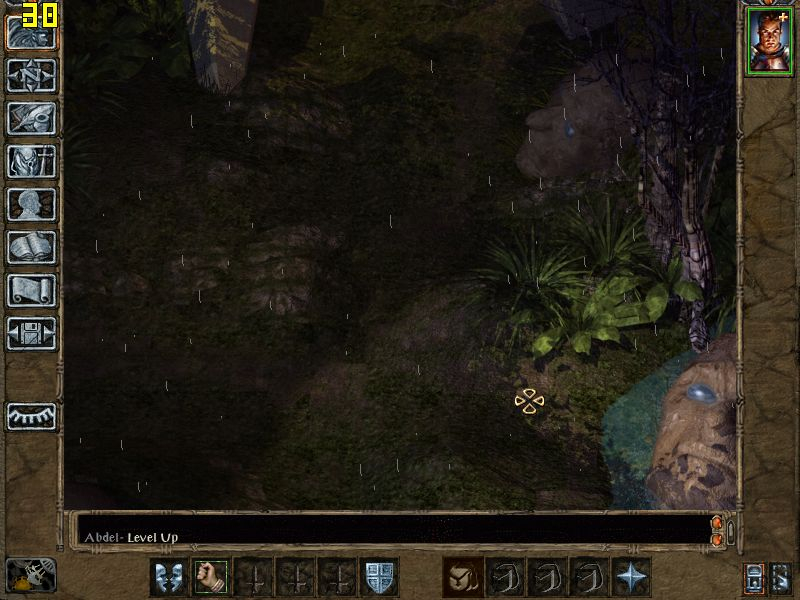
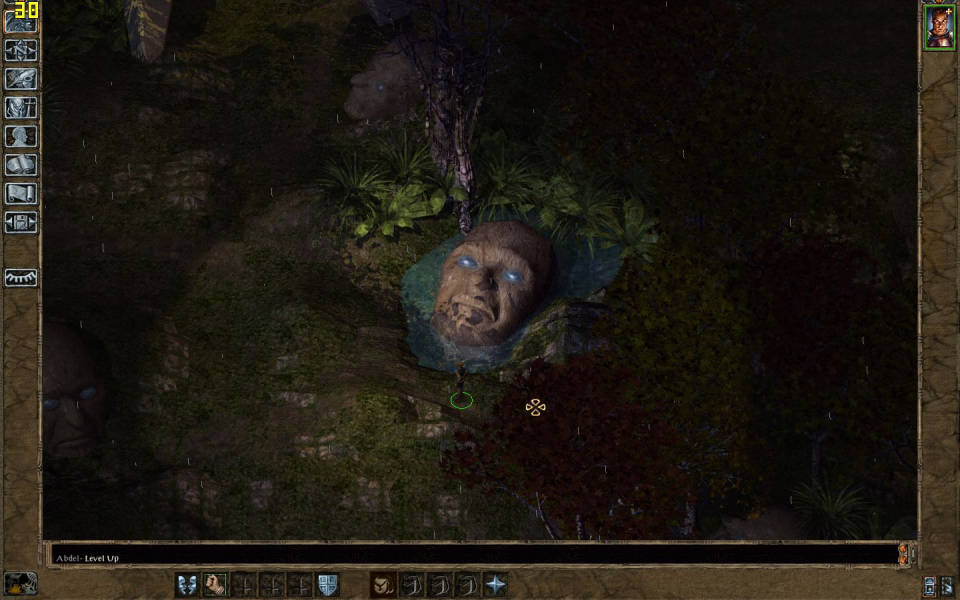
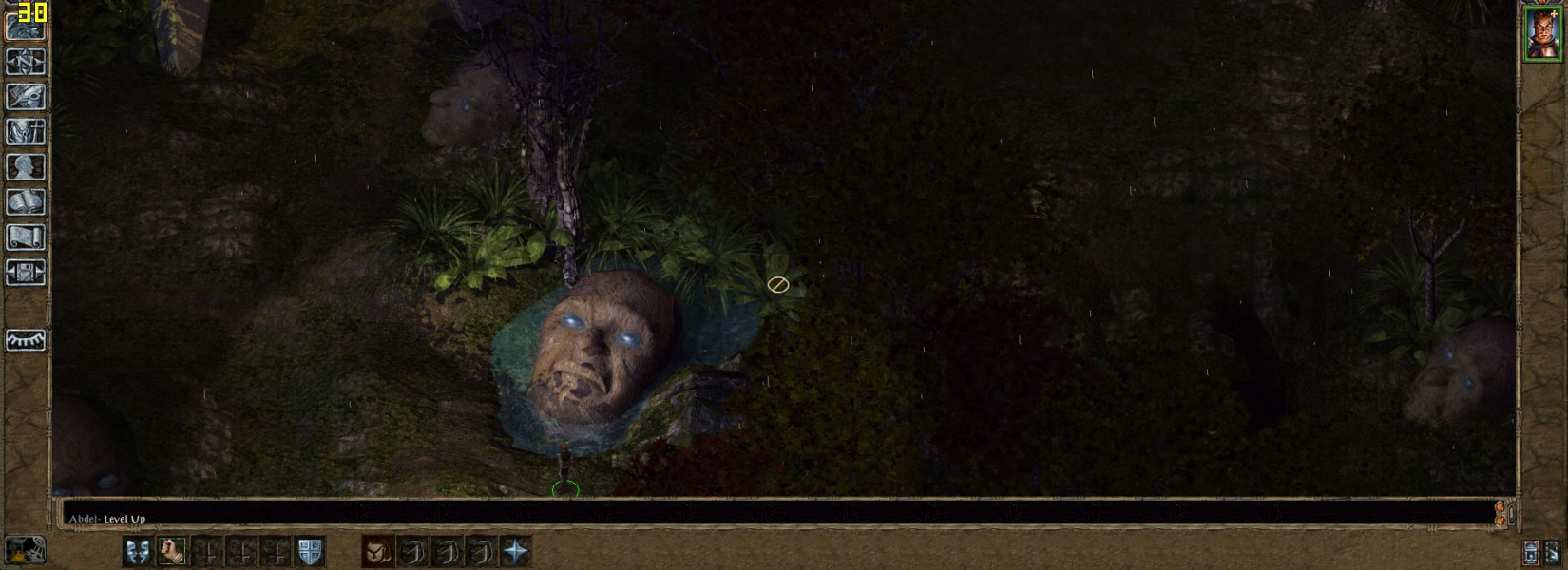
Screenshots Comparison
Solutions & Issues
4:3 resolutions are supported natively, up to 2048x1536. For widescreen, you need this hack:
http://www.gibberlings3.net/widescreen/
Instructions:
http://www.gibberlings3.net/widescreen/readme-widescreen.html
And make sure you have enabled OpenGL hardware acceleration. You can do this in the configuration menu.
Also, if you are using an NVIDIA card, you will need to disable VSync, or else the game will have flickering problems. Try to open the NVIDIA Control Panel, go to 3D Settings, Manage 3D Settings, Program Settings. Click "Add," then browse to the game directory and select "bgmain.exe." This will create a 3D settings profile for Baldur's Gate II. In this profile, set Vertical sync to "Force off." The "test" mode will still flicker, but the main game should be fine.
IMO, above 1440x900 everything is so small it's nearly unplayable.
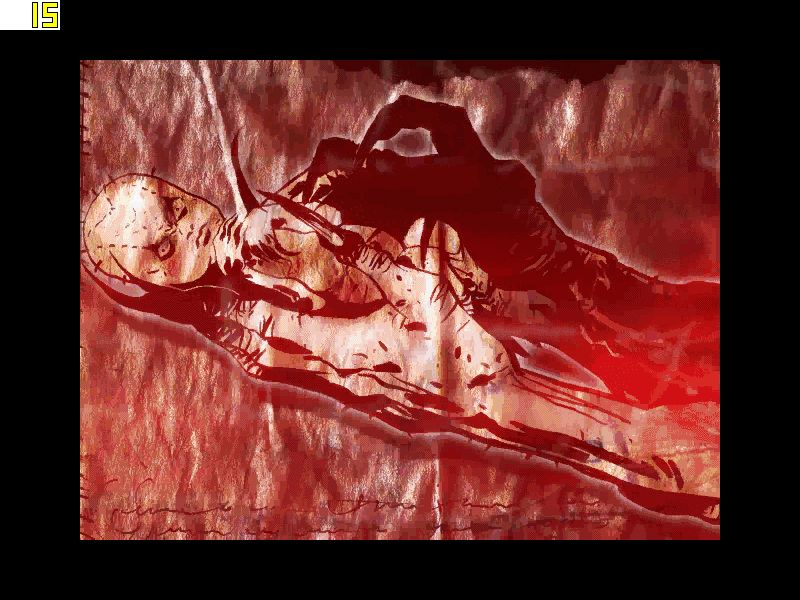
Screens like the maps, paper dolls, and inventory will sort of scale up to 1024x768. Anything above that gets windowboxed. FMVs are windowboxed 640x480. In-engine cut-scenes are pixel based.
Same as widescreen.
Gameplay Screenshots


In-Game (Rendered) Cutscenes


FMV Cutscenes

Additional Screenshots


