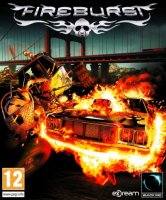


In Fireburst, your car's boost unleashes a special fiery weapon, but may also set you ablaze.
Depending on its type your ride may leave fiery tracks, turn into a wrecking fireball or cause passing vehicles to explode. Just keep an eye on your ride's temperature, steer clear of explosive barrels, and use ponds and water barrels to your advantage. Wreck opponents and keep your cool to emerge victorious from checkpoint races or destruction arenas.
Fireburst features 12 checkpoint races and 5 destruction arenas, 16 rides and 16 drivers with characteristics to mix and match, eight mini-careers of five challenges each, splitscreen for up to 4 players and online matchmaking.
Support Summary
Game Information
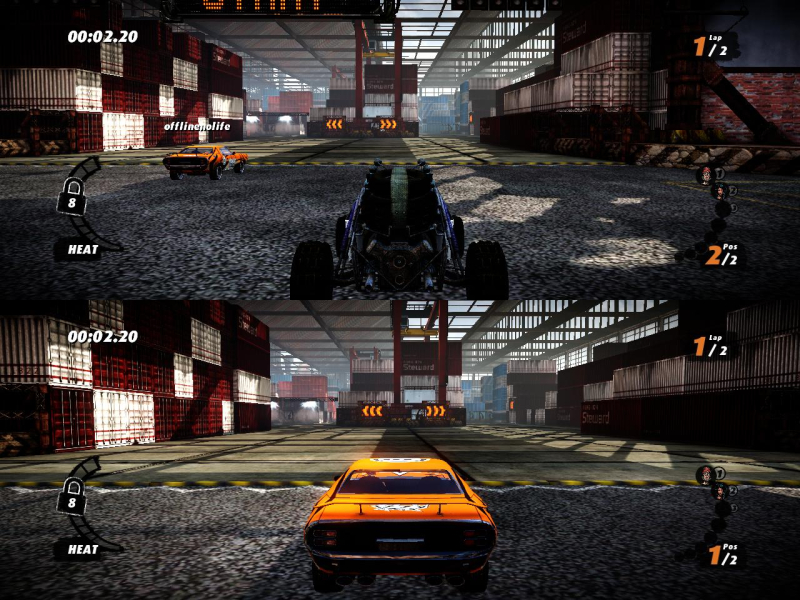
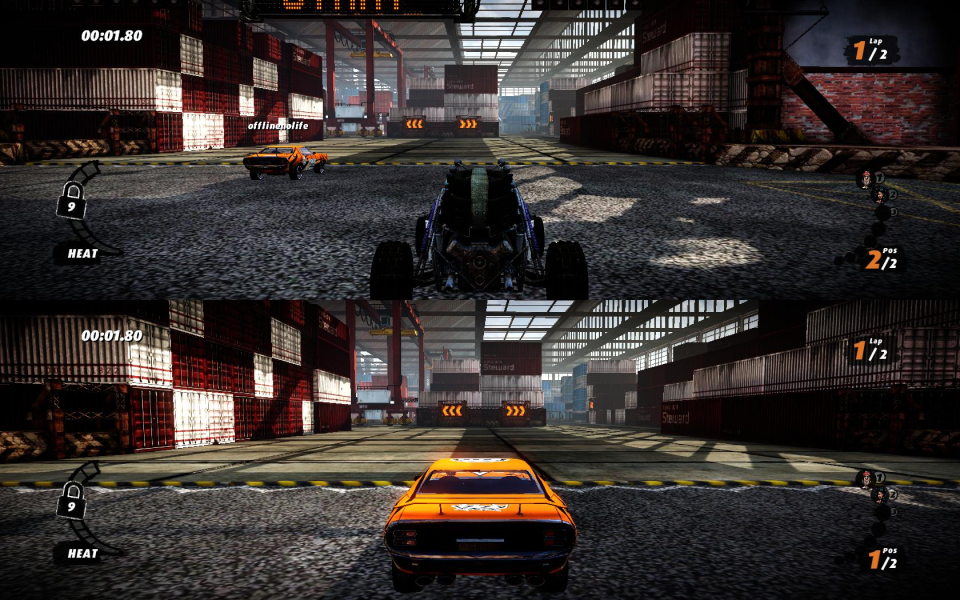
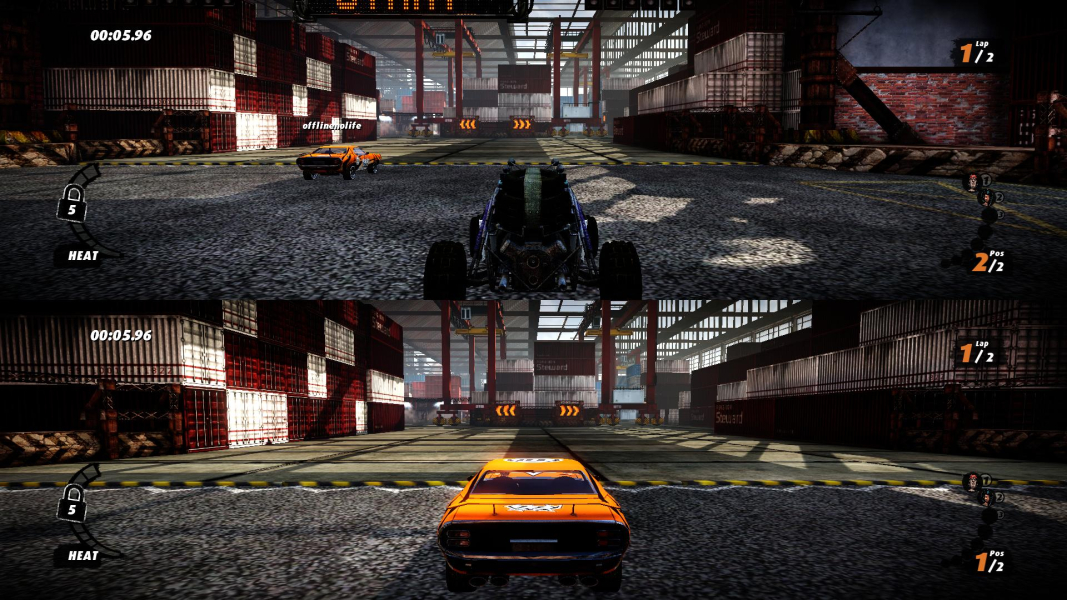
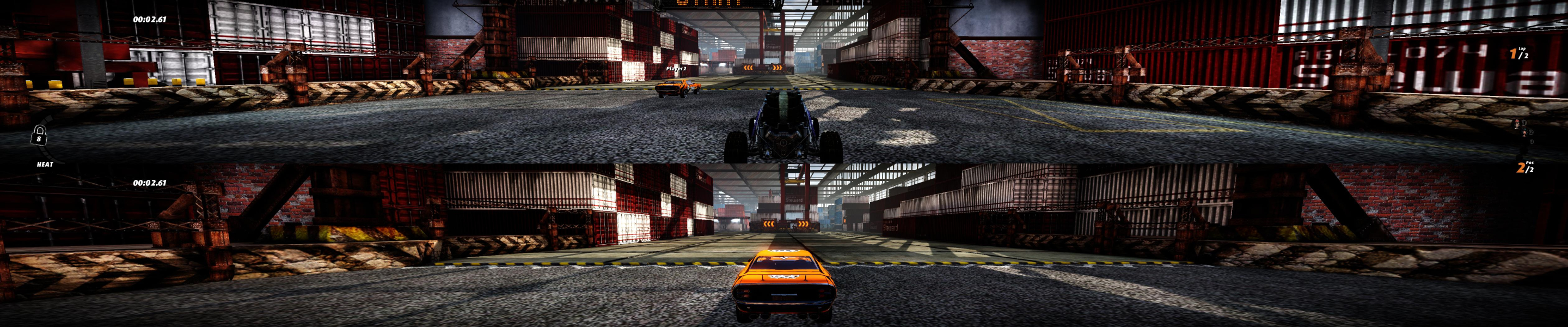
Screenshots Comparison
Solutions & Issues
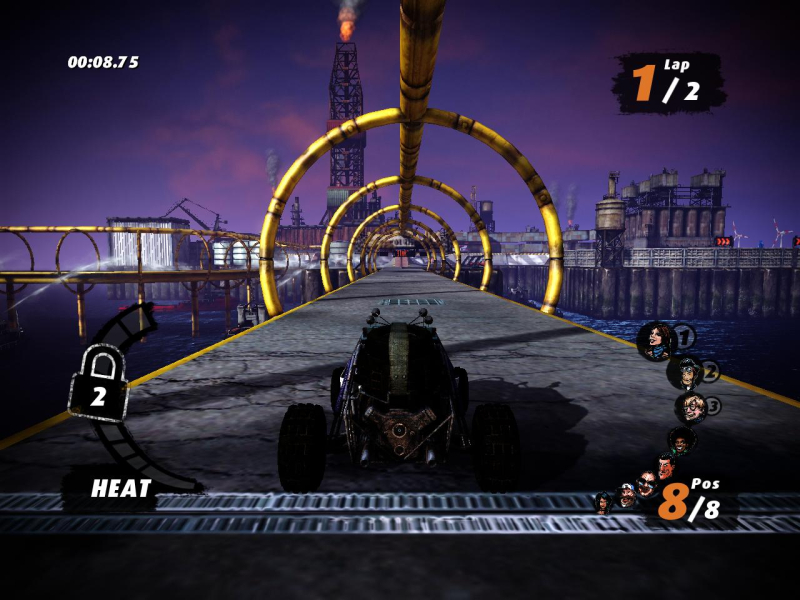
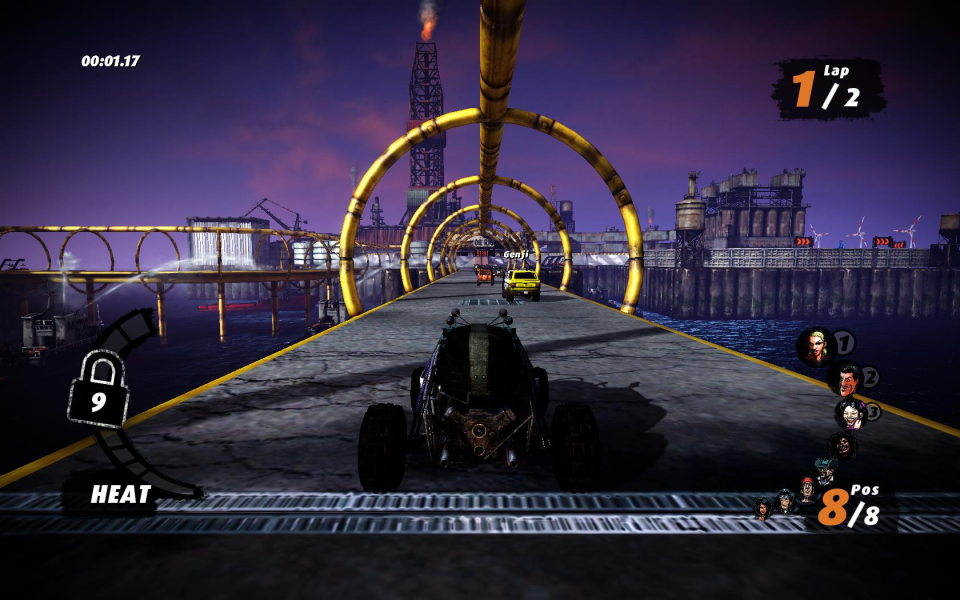
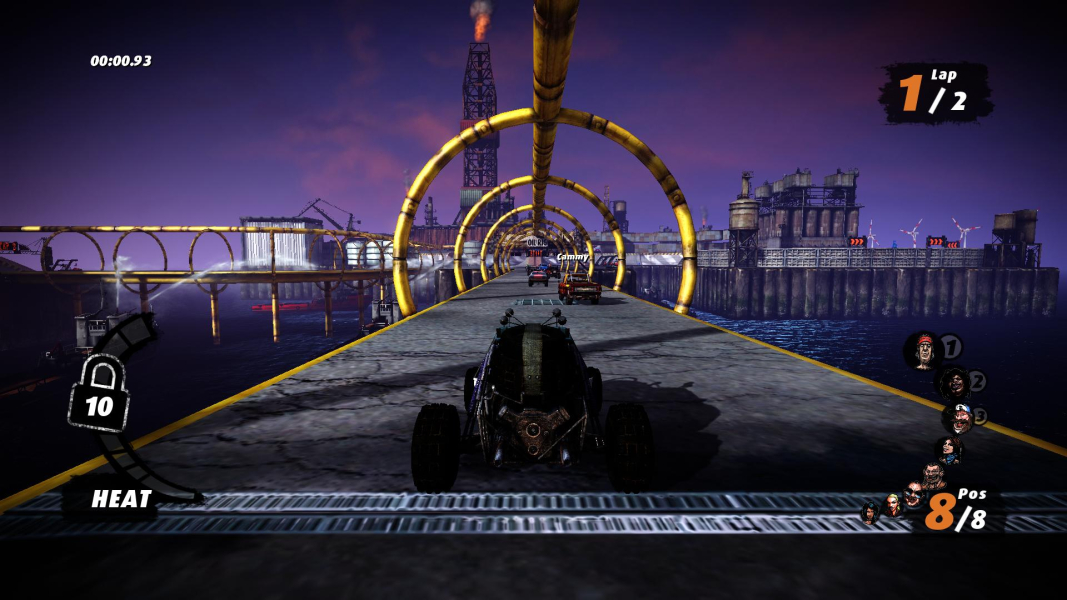
The game is Vert- out of the box.
You can fix this by either editing the vehicle FOV range, or binding a corrected FOV value to a key.
TO EDIT THE VEHICLE FOV RANGE
Easily done, but it won't fix the cut-scenes.
C:\Users\\Documents\My Games\Fireburst\FSGame\Config\FSVehicle.ini
[FSGame.BaseGameVehicle]
FOV=80
MaxFov=130
16:9
FOV=96.42
MaxFov=141.45
16:10
FOV=90.4
MaxFov=137.53
15:9 (1280x768)
FOV=92.73
MaxFov=139.08
TO CREATE A FOV KEY
This will also fix the cut-scenes, but the FOV will be "locked" and won't get wider as the speed increases anymore.
C:\Users\\Documents\My Games\Fireburst\FSGame\Config\FSInput.ini
[Engine.PlayerInput]
Bindings=(Name="N",Command="FOV xxx")
Replace xxx with the FOVCalculated value based on your aspect ratio:
4:3 ---> 80
16:10 ---> 90.4
16:9 --->96.42
15:9 (1280x768) ---> 92.73
Then press N in-game to fix the FOV. Any other key will do, of course.
Note for splitscreen: all players MUST use a controller and a keyboard FOV command will only fix player1's FOV, so bind the FOV to a controller button i.e
Bindings=(Name="XboxTypeS_B",Command="FOV xxx | ActivateHandBrake | OnRelease DeactivateHandBrake") //where xxx is your desired FOV.
The launcher only supports "classic" resolutions. To run the game at a custom res, you must first input the res, then launch the game via the exe (i.e NOT through Steam).
Resolution:
C:\Users\\Documents\My Games\Fireburst\FSGame\Config\FSEngine.ini
[SystemSettings]
Fullscreen=True
ResX=5040
ResY=1050
or
Fullscreen=False
TransResX=5040
TransResY=1050
Run the game through C:\Program Files (x86)\Steam\steamapps\common\fireburst\Binaries\Win32\Fireburst.exe
FOV key values:
15:4 ---> 134.07
48:10 ---> 143.37
48:9 ---> 146.82
FOV range values:
15:4
FOV=134.07
MaxFov=161.17
48:10
FOV=143.37
MaxFov=165.24
48:9
FOV=146.82
MaxFov=166.7
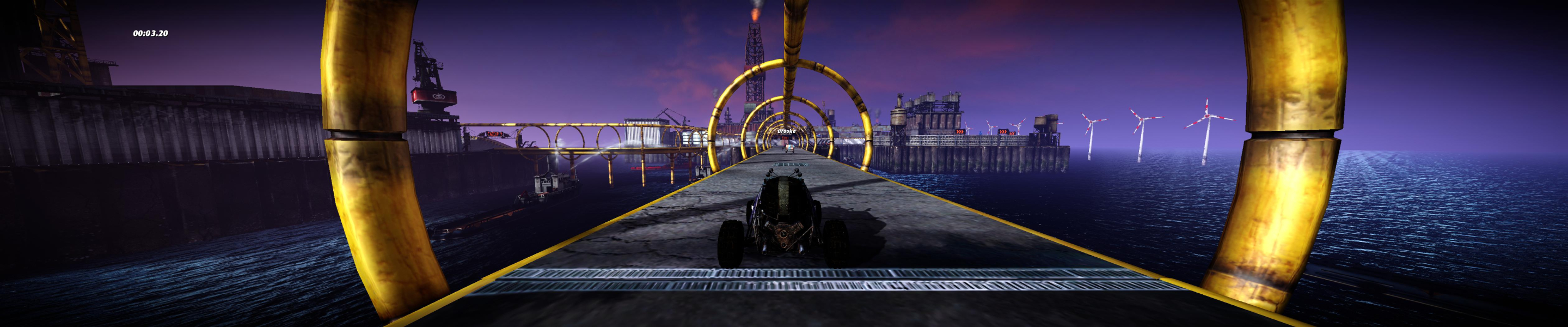
Gameplay Screenshots


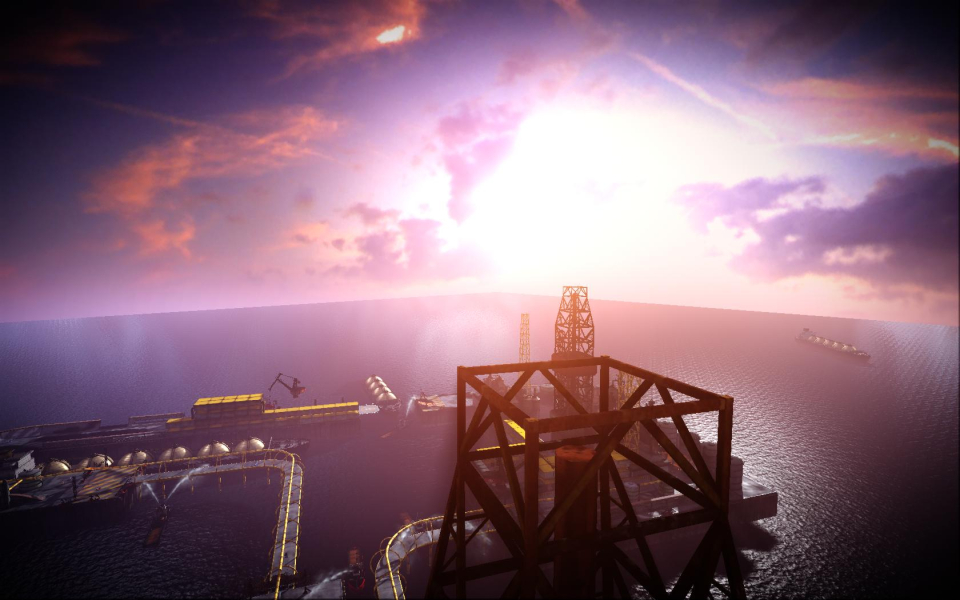
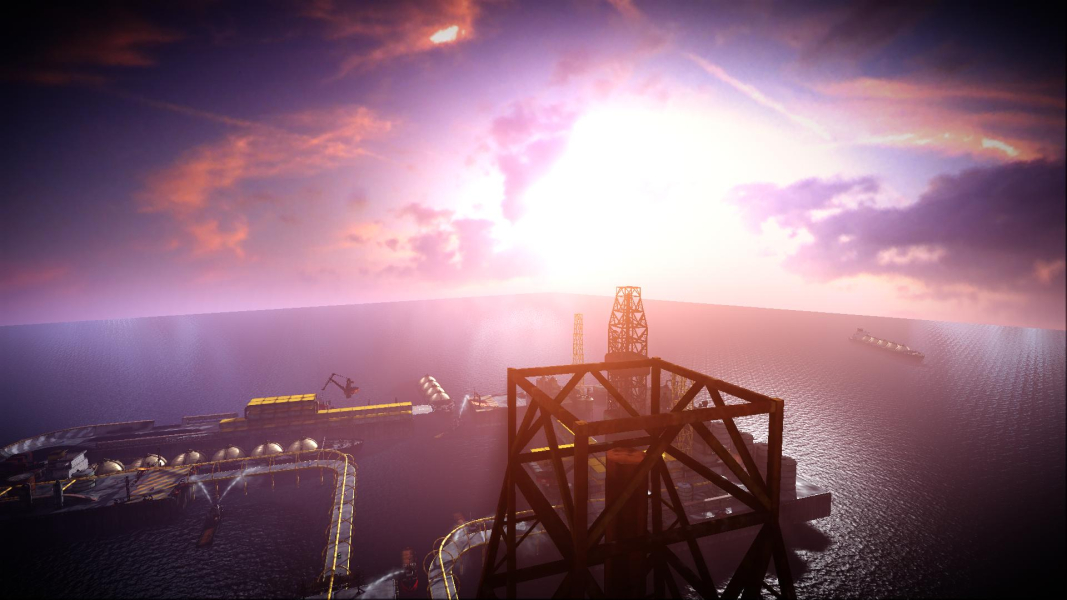
In-Game (Rendered) Cutscenes


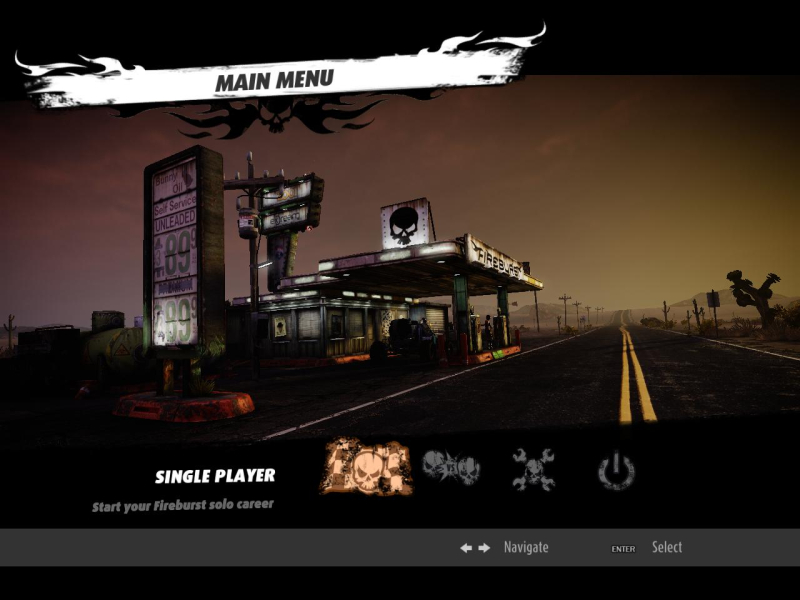
Menu Screenshots
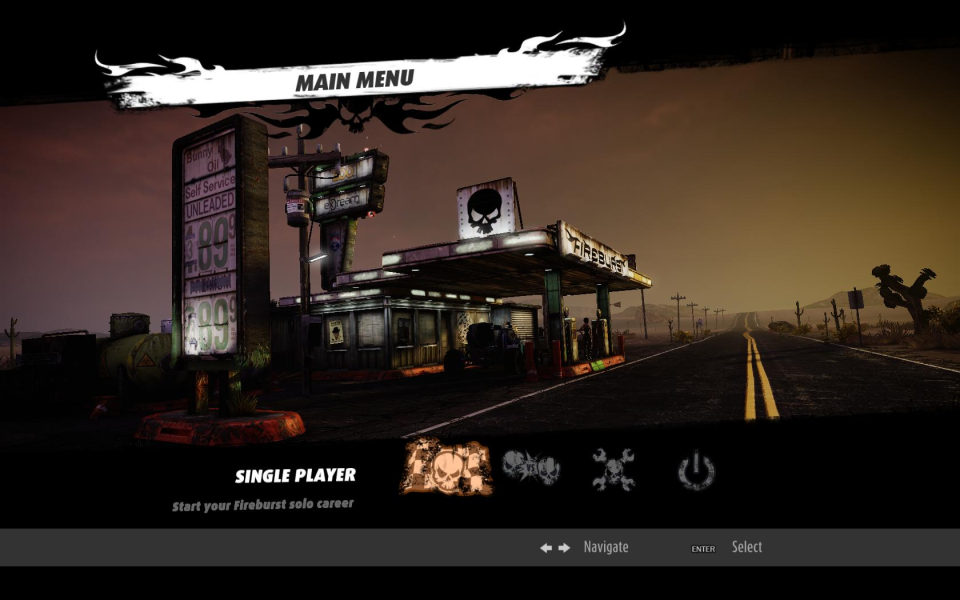
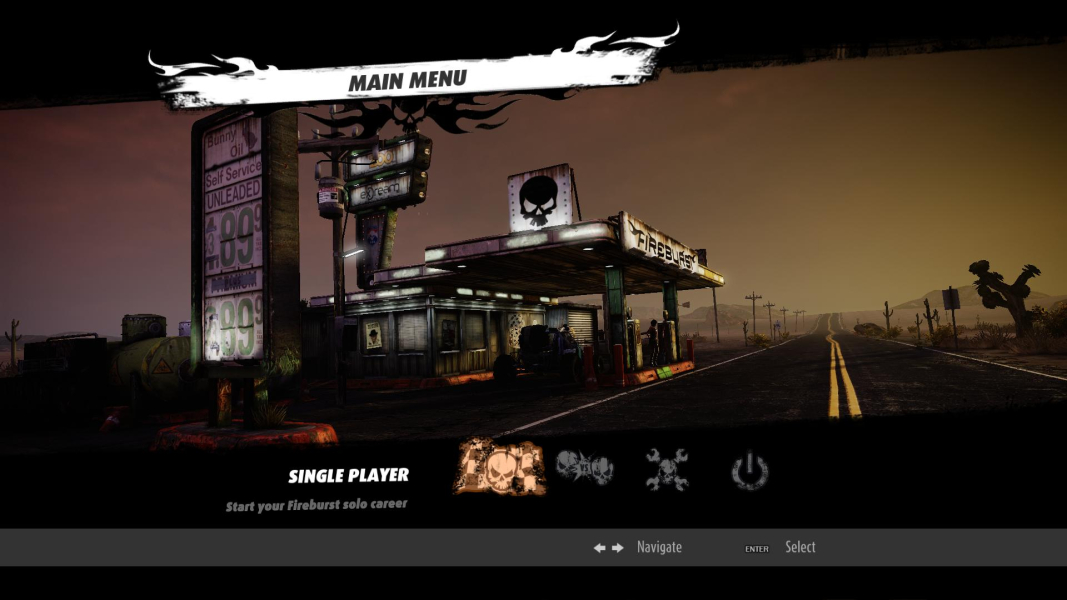

Additional Screenshots