


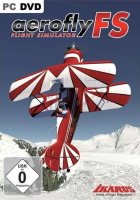


Take to the skies and visit sunny Switzerland...
Aerofly FS (for Full Scale) is the latest game from the makers of the aerofly series of radio-controlled model simulators. As the name implies it is a real plane simulator this time around. No engine warm-up procedures or interactive cockpit controls here, but the sheer exhilaration of piloting beautiful aircraft freely around a gorgeous scenery, with dozens of airstrips, rich thermals and wind conditions and an adaptable level of realism. The game features eight plane models (ranging from gliders to a jet fighter) and score-based challenges to learn to tame them.
Support Summary
Game Information
Screenshots Comparison
Solutions & Issues
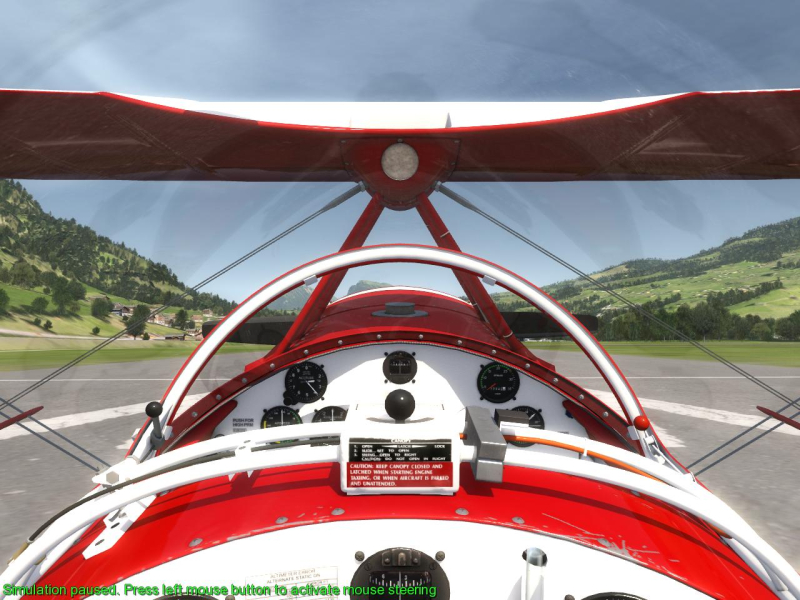
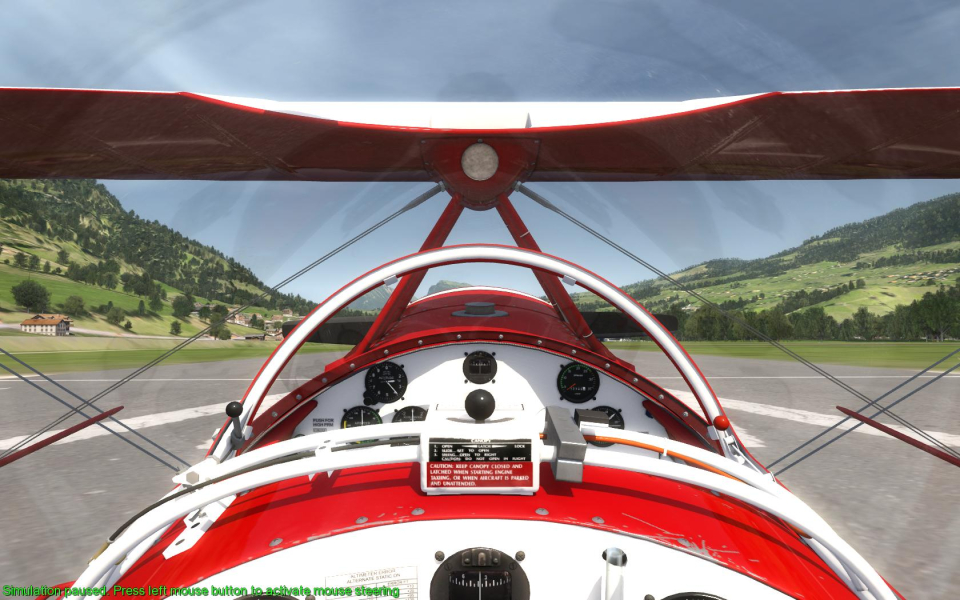
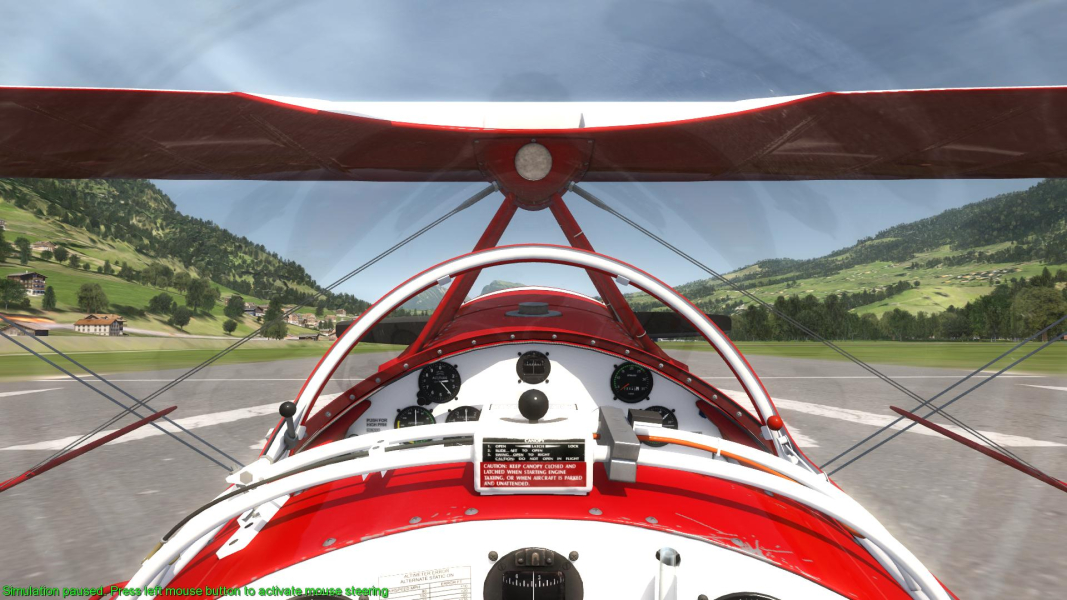
The game is Vert- but each camera has free zoom. A simple .ini edit will adjust the zoom range to any resolution, resulting in Hor+ gameplay.
Documents\aerofly FS\config\main.mcf
<[float64][viewer_fov_min][25]>
<[float64][viewer_fov_max][110]>
Easy fix...
Replace 110 with 160 as the fov_max value. You can now zoom out as much as you need, whatever the resolution.
More accurate method...
Pick your aspect ratio and use these FOVCalculated values for fov_min and fov_max :
4:3 >>> 25, 110
16:10 >>> 29.8, 119.47
16:9 >>> 32.93, 124.59
15:9 (1280x768) >>> 30.98, 121.49
On multi-mon systems, the in-game resolution list may be too long to fit the screen; luckily both resolution and FOV are stored in the same file.
First select your graphical detail options, quit the game then edit the file:
Documents\aerofly FS\config\main.mcf
Resolution:
<[int32tmarray][window_fullscreen][1 1920 1080 60 0 ]>
FOV:
<[float64][viewer_fov_min][25]>
<[float64][viewer_fov_max][110]>
FOVCalculated values for fov_min and fov_max:
15:4 >>> 63.89, 152.04
48:10 >>> 77.19, 157.99
48:9 >>> 83.13, 160.14
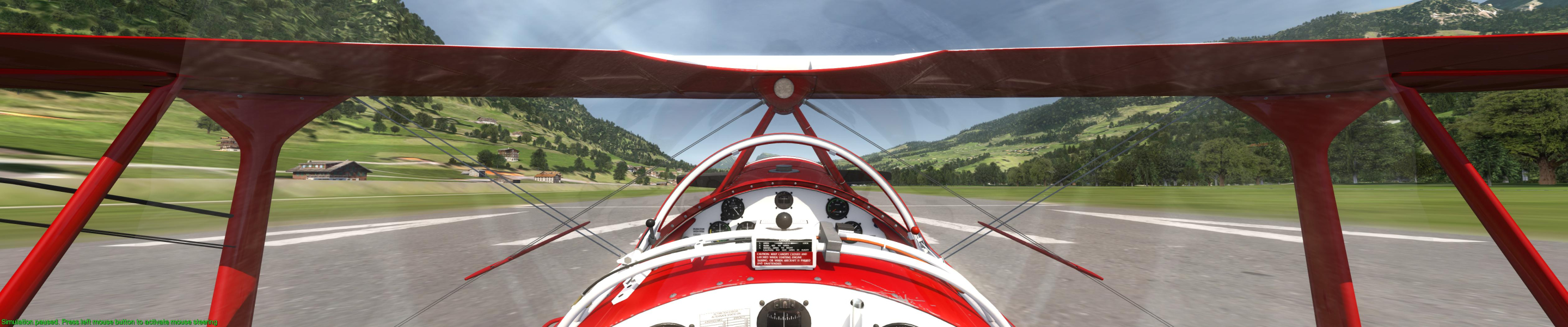
Gameplay Screenshots


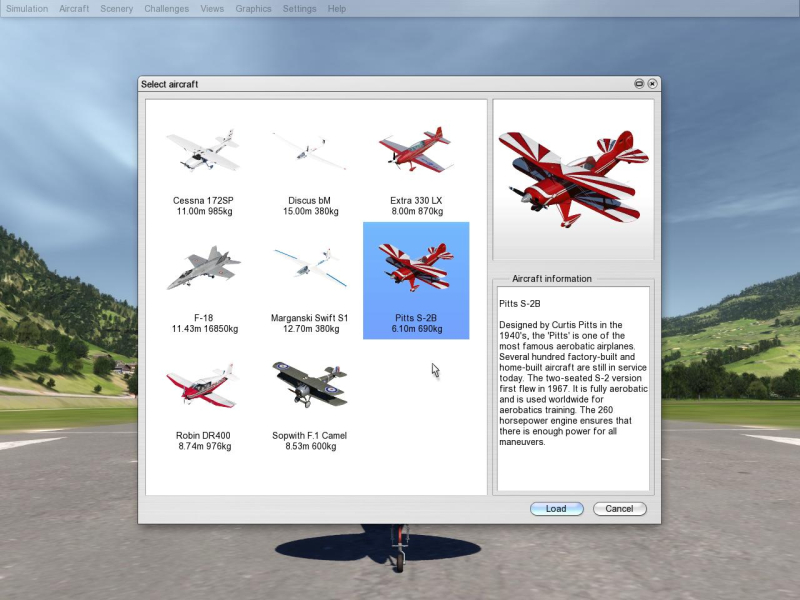
Menu Screenshots
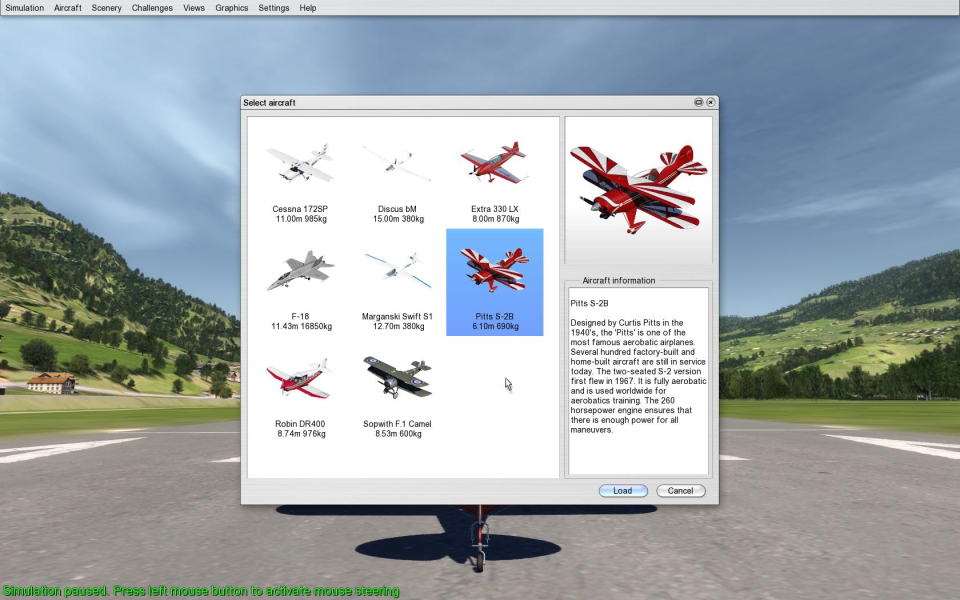


Additional Screenshots


