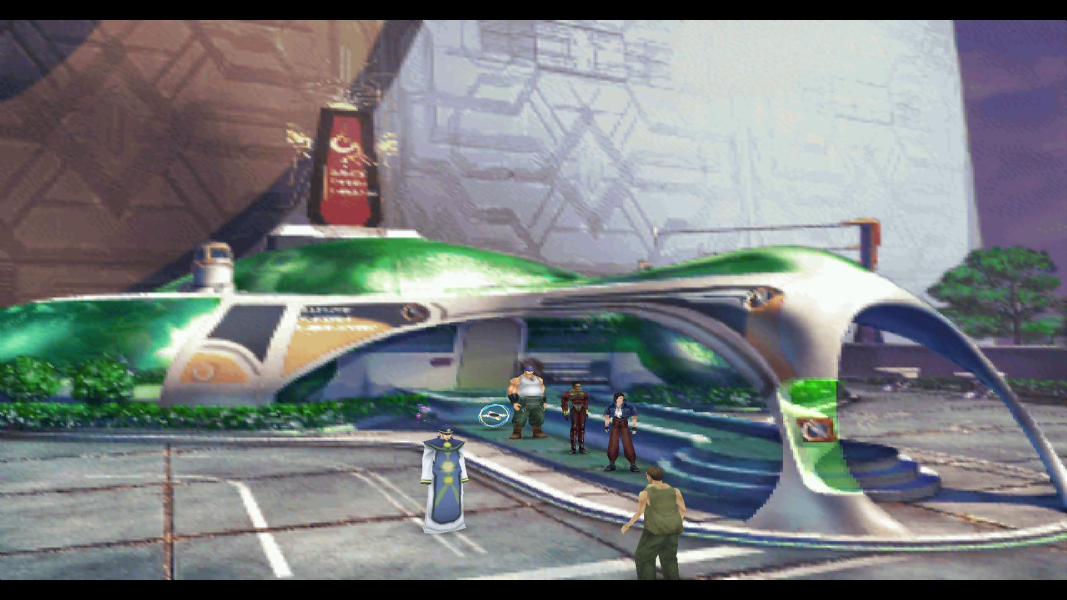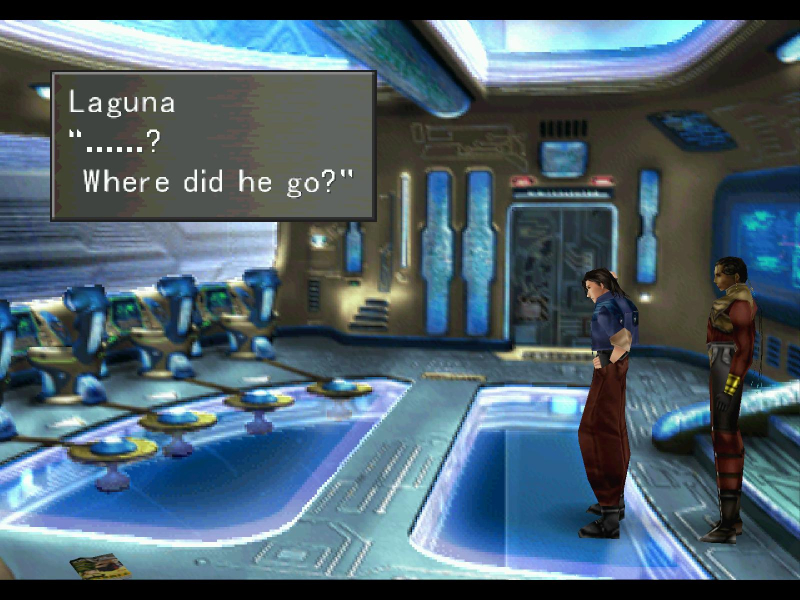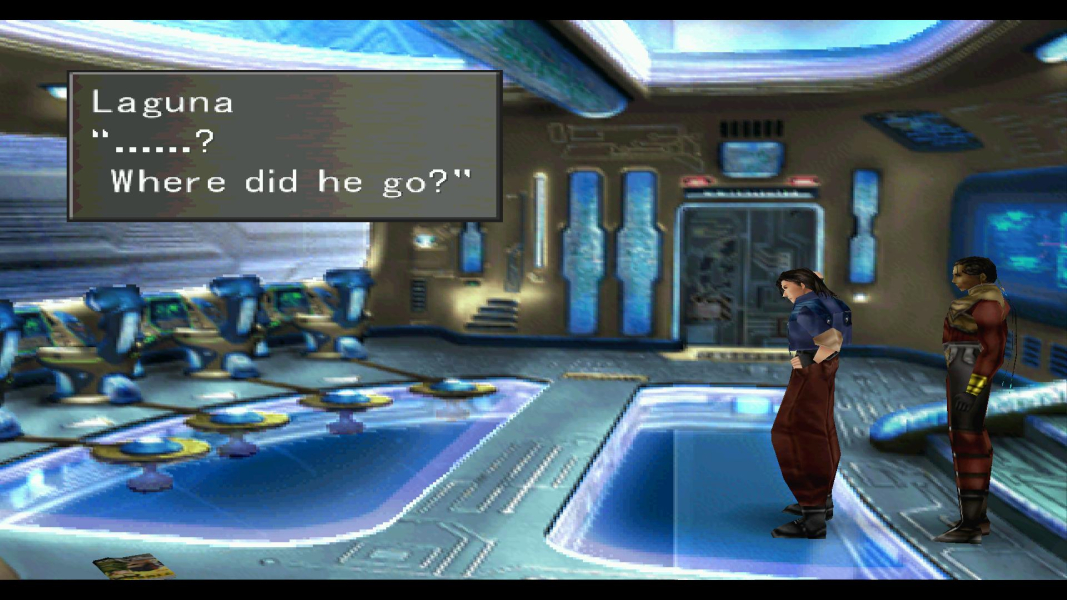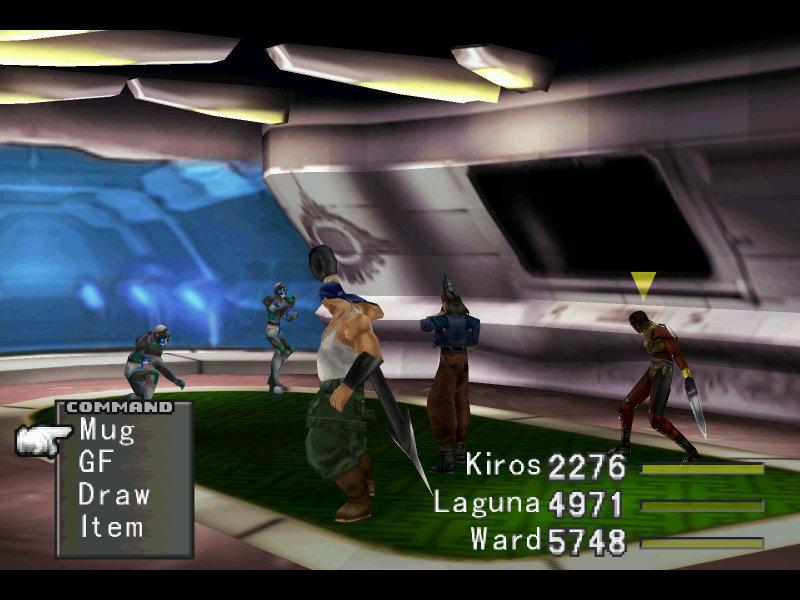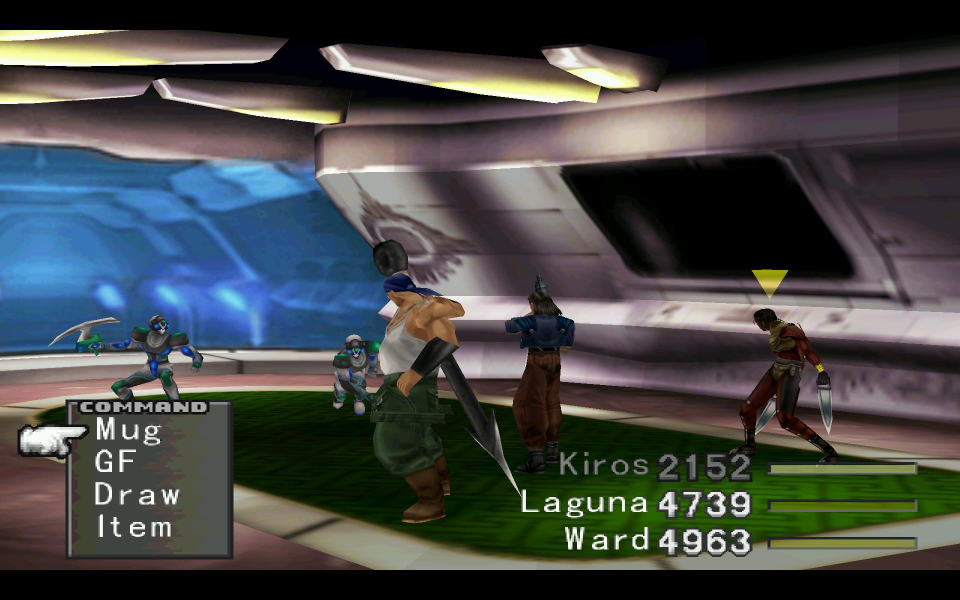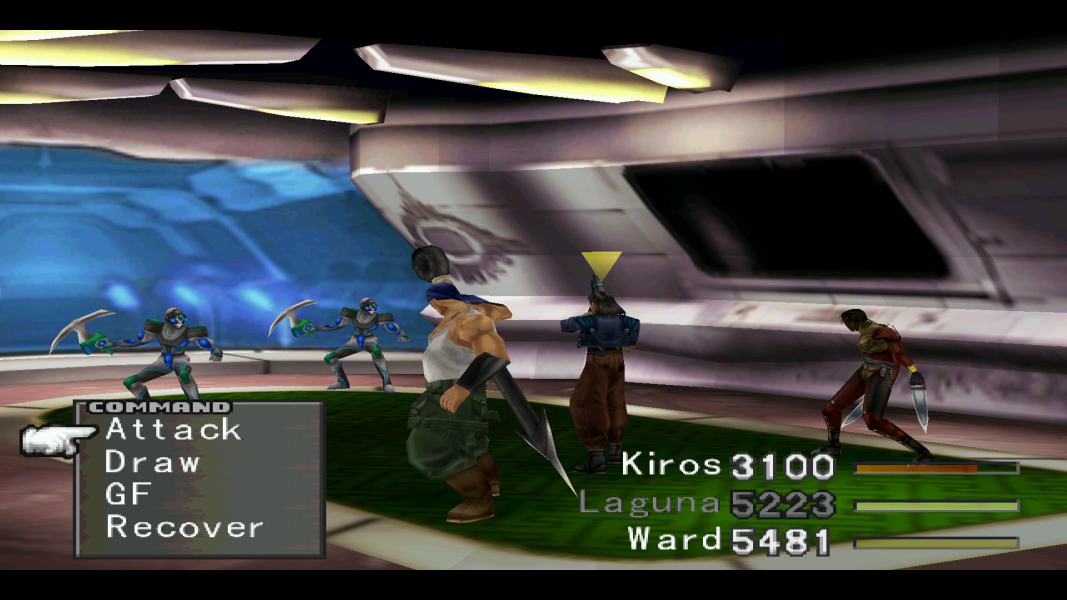


In this adventure you control a group of teenage mercenaries and their friends. Plow your way through the nonsensical plot and save the world. This console RPG uses a relatively unique combat system compared to other Final Fantasy games. Summonable entities called Guardian Forces are junctioned to characters to provide additional abilities and stat boosts. The Triple Triad card game is one of the best minigames you will find in the Final Fantasy series.
Support Summary
Widescreen | Ultra/Super‑Wide | Multi-Monitor | 4K Ultra HD | |
Support | ||||
Method | ||||
HUD | ||||
Cutscenes | ||||
FMVs |
Game Information
Screenshots Comparison
Solutions & Issues
No native support for widescreen resolutions.
Download the "Final Fantasy VIII Launcher" created by magixts. Check the Qhimm.com messageboard for download links. http://qhimm.com/
Follow the included install instructions for the launcher. Your desired widescreen resolution can be selected when the launcher is executed.
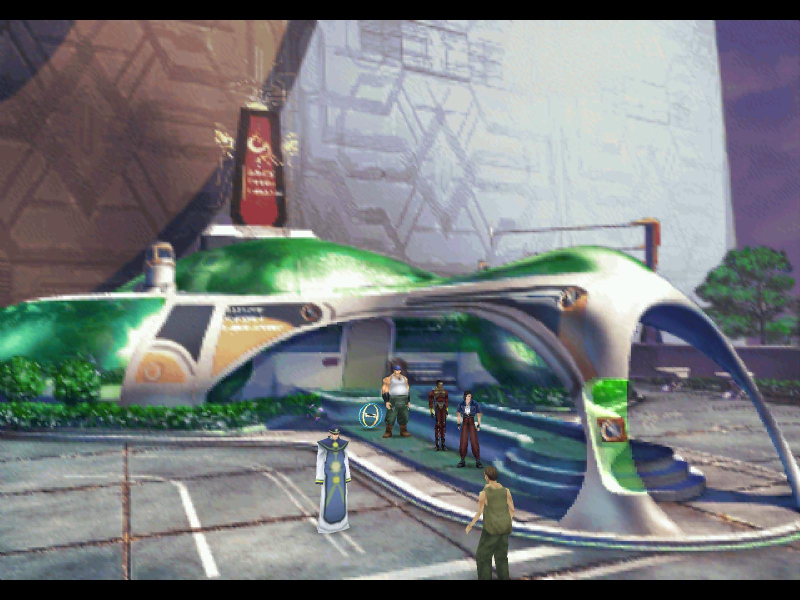
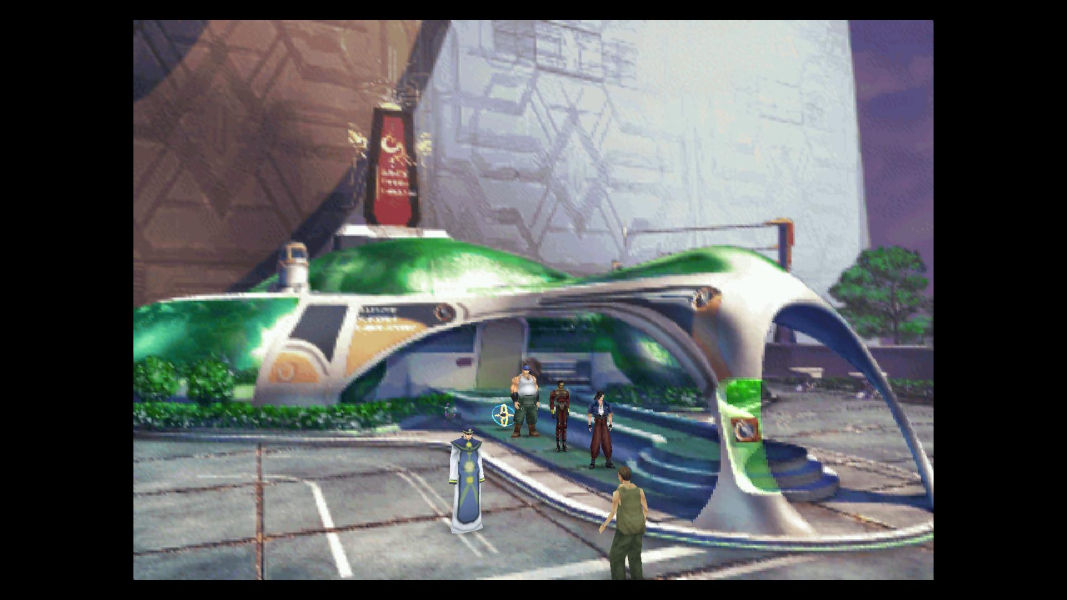
The "Stretch 4:3 Aspect Ratio" checkbox can be used to toggle between a pillar boxed or stretched image.
There is a bug in the launcher that has 1280x768 output as 1280x720. To fix this open "FF8_Launcher.exe" with a HEX editor. Search for the following...
80 02 00 00 E0 01 00 00 10 00 00 00 00 00 00 00 CC 46 40 00 20 03 00 00 58 02 00 00 10 00 00 00 00 00 00 00 FC 46 40 00 00 04 00 00 00 03 00 00 10 00 00 00 00 00 00 00 30 47 40 00 80 04 00 00 60 03 00 00 10 00 00 00 00 00 00 00 64 47 40 00 00 05 00 00 D0 02 00 00 10 00 00 00 00 00 00 00 98 47 40 00 00 05 00 00 D0 02
Change the bolded "D0 02" to "00 03".
Then open "dx_hook.dll" with a HEX editor. Search for the following...
80 02 00 00 E0 01 00 00 10 00 00 00 00 00 00 00 DC BA 00 10 20 03 00 00 58 02 00 00 10 00 00 00 00 00 00 00 F4 BA 00 10 00 04 00 00 00 03 00 00 10 00 00 00 00 00 00 00 10 BB 00 10 80 04 00 00 60 03 00 00 10 00 00 00 00 00 00 00 2C BB 00 10 00 05 00 00 D0 02 00 00 10 00 00 00 00 00 00 00 48 BB 00 10 00 05 00 00 D0 02
Change the bolded "D0 02" to "00 03".
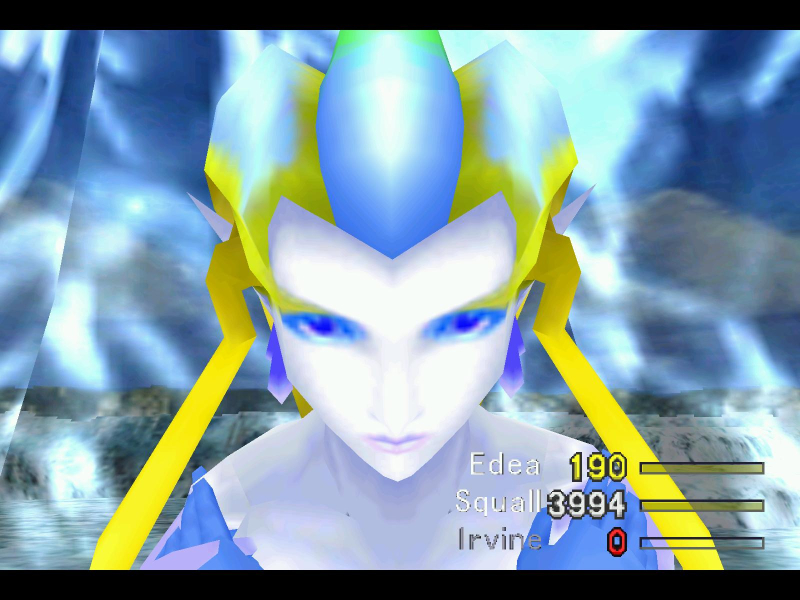
The game can be stretched with letterboxing OR the game can be pillar boxed with windowboxing in widescreen resolutions.
The launcher also fixes the "black box" texture problem with NVIDIA cards FYI
Gameplay Screenshots



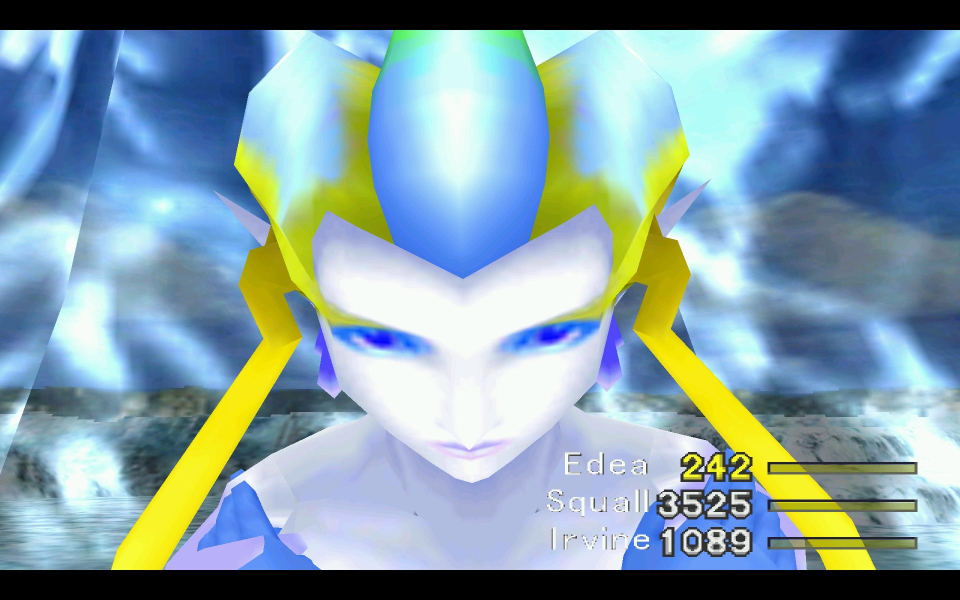
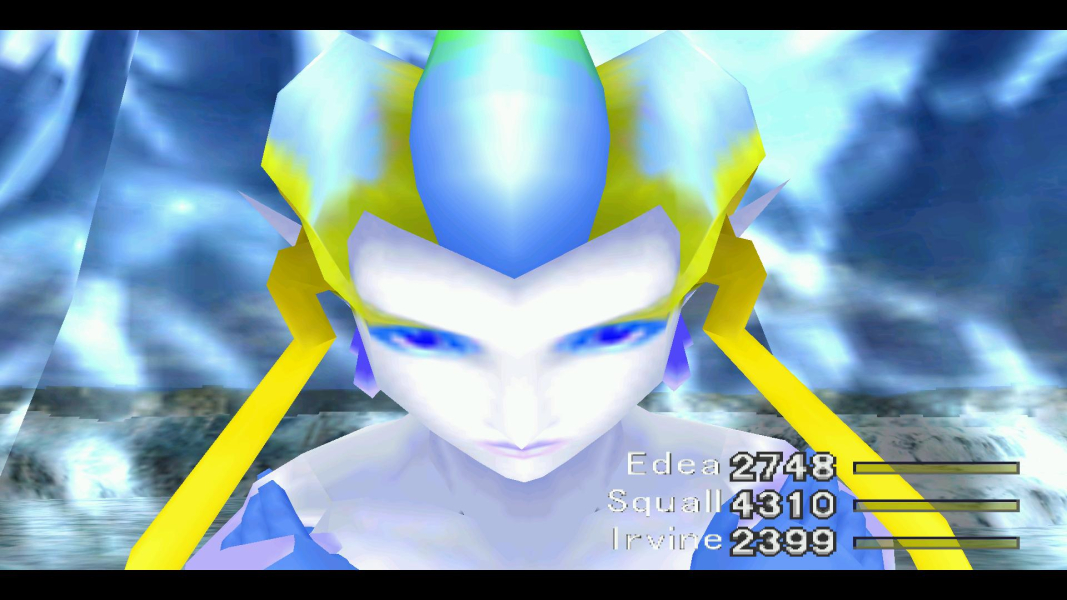
In-Game (Rendered) Cutscenes
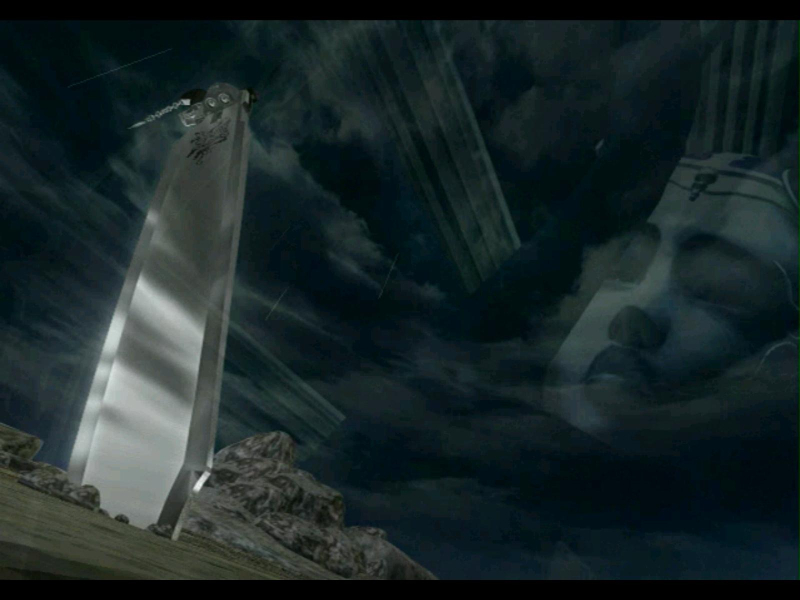
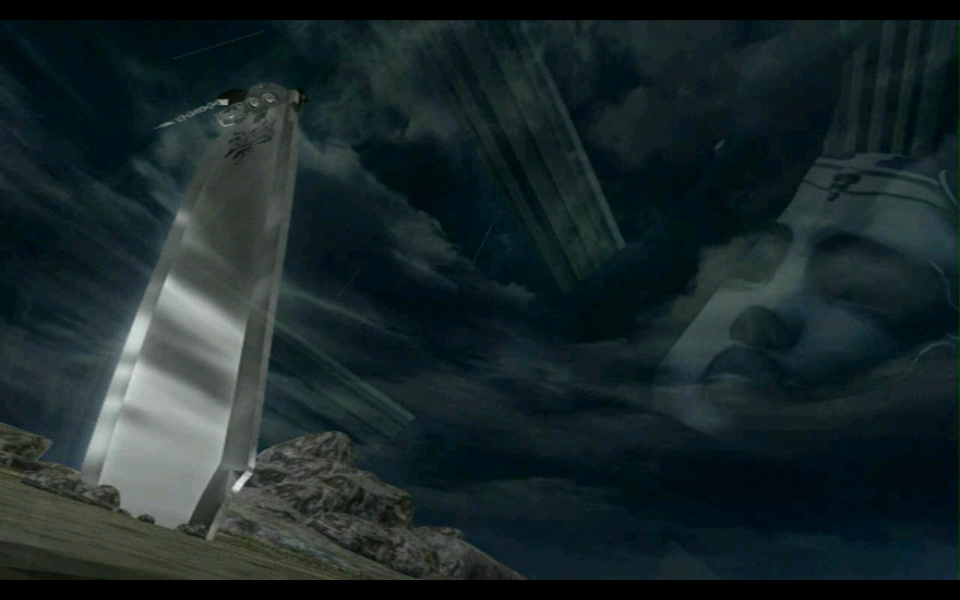
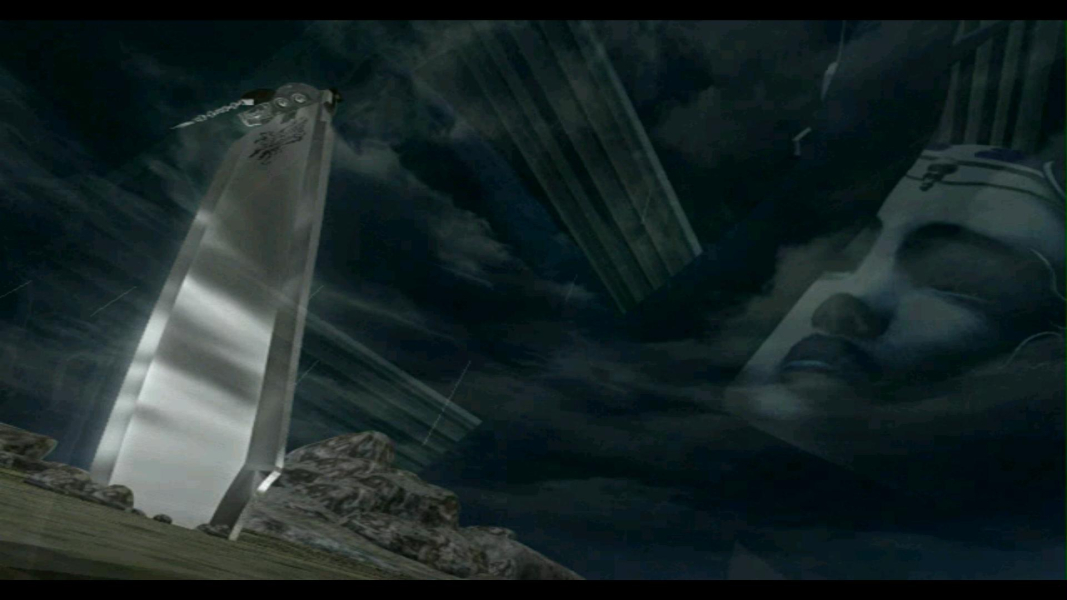
FMV Cutscenes
Additional Screenshots