Train Simulator 2017

Previously released as Railworks 2, Train Simulator 2012, Train Simulator 2013, Train Simulator 2014, Train Simulator 2015, and Train Simulator 2016; previous owners get free upgrades to the newest version.

RailWorks is a train simulation game developed by Rail Simulator Developments and exclusively available through Steam. It is a successor to Rail Simulator, and was originally released on 12 June 2009. A major update on 24 September, 2010 added a reworked user interface, now common to all electric, diesel and steam engines.

On 23 September, 2011 the third iteration of RailWorks was renamed Train Simulator 2012. The game boasts new lighting, shadow and depth-of-field effects through an optional renderer called TSX.

Features include scenarios and free roaming in 16 locos over 9 locales, and a built-in route and scenario editor. The game is also famous for its large collection of DLCs.

Support Summary

Widescreen
Ultra/Super‑Wide
Multi-Monitor
4K Ultra HD
Support
Method
HUD
Cutscenes
FMVs

Game Information

Game Status:Released
Release Date:
Tested Version:Steam
Play Styles:Single-Player
Setting:Modern
Genre:Railroad
Developer:Dovetail Games

Screenshots Comparison

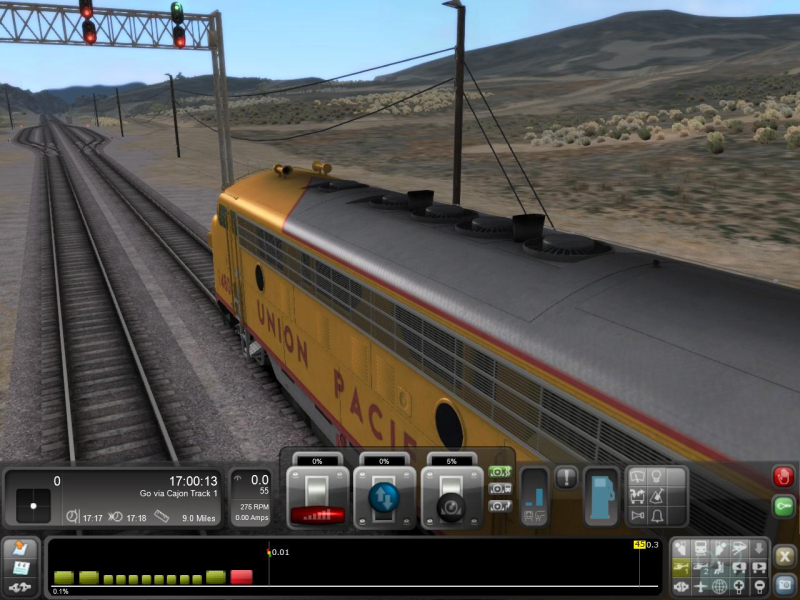
4:3 Screenshot
16:10 Screenshot
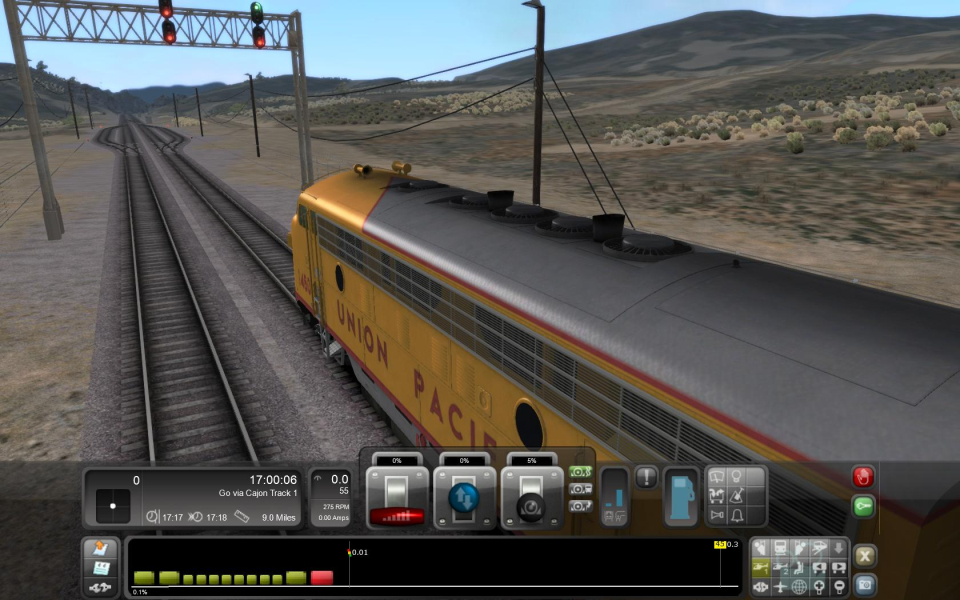
16:9 Screenshot
21:9 Screenshot
A monitor with a question mark on it. The text above it reads "There is currently no image uploaded for this field." There is a semi-transparent WSGF logo in the background, while the main background is white. The image aspect ratio is 21:9.
32:9 Screenshot
Eyefinity / Surround Screenshot
Solutions & Issues
Widescreen Solution & Issues:

The game is natively Hor+/Vert- but there's a better solution:

Right-click on the game in your Steam library > Properties > Set launch options...

-SetFOV=xx

Where xx is determined by your aspect ratio:

AR >>> FOV
4:3 >>> 60 (default)
16:10 >>> 68
16:9 >>> 69
15:9 >>> 68.4

Select your desired resolution on the config launcher's Settings tab.

The cab view's zoom toggle is unaffected and remains Hor+/Vert-.

Eyefinity / Surround Specific Solution & Issues:

Same method, suggested values:

AR >>> FOV
15:4 >>> 63.8
48:10 >>>66.5
48:9 >>> 68.5

Don't forget to select Monitor Arrangement 3x1 on the Settings tab.

Bezel-compensated resolutions are not detected by the config launcher, but can be manually set in:
C:\Program Files (x86)\Steam\steamapps\common\railworks\WrapperSettings.xml

4:3 Screenshot
Default FOV
16:10 Screenshot
-SetFOV=68
16:9 Screenshot
-SetFOV=69
21:9 Screenshot
A monitor with a question mark on it. The text above it reads "There is currently no image uploaded for this field." There is a semi-transparent WSGF logo in the background, while the main background is white. The image aspect ratio is 21:9.
32:9 Screenshot
Eyefinity / Surround Screenshot
-SetFOV=68.5
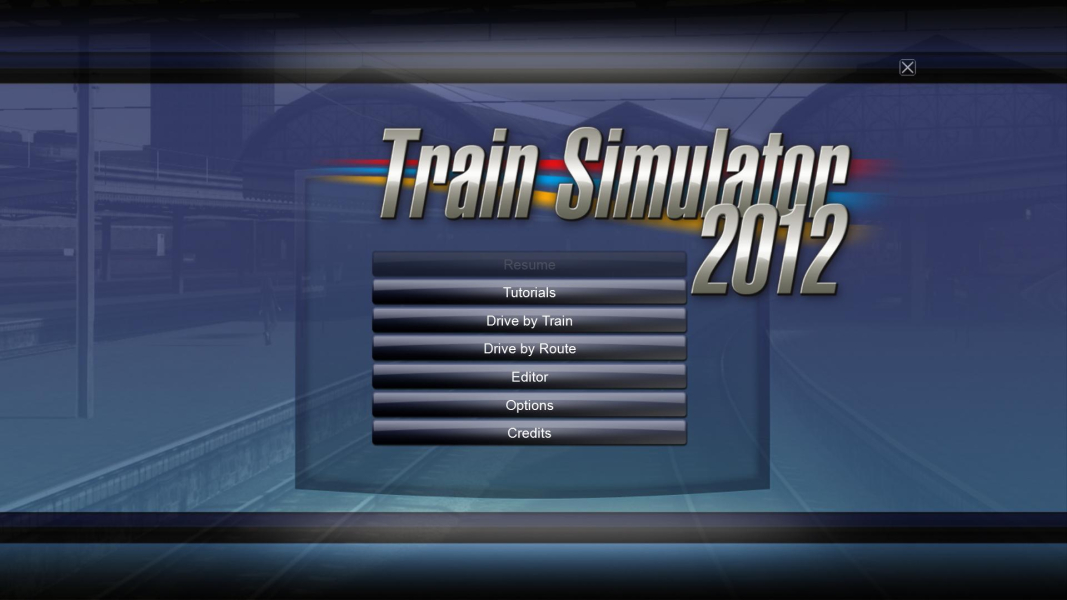
4:3 Menu
16:10 Menu
16:9 Menu
Eyefinity / Surround Menu
Uploaded by: skipclarke
Diesel cab view, 4:3 (default FOV)
Uploaded by: skipclarke
Diesel cab view, 16:10 (-SetFOV=68)
Uploaded by: skipclarke
Diesel cab view, 16:9 (-SetFOV=69)
Uploaded by: skipclarke
Diesel cab view, 48:9 (-SetFOV=68.5)
Uploaded by: skipclarke
Diesel cab view, zooming in, 4:3
Uploaded by: skipclarke
Diesel cab view, zooming in, 16:10
Uploaded by: skipclarke
Diesel cab view, zooming in, 16:9
Uploaded by: skipclarke
Diesel cab view, zooming in, 48:9
Uploaded by: skipclarke
Steam cab view, 4:3 (default FOV)
Uploaded by: skipclarke
Steam cab view, 16:10 (-SetFOV=68)
Uploaded by: skipclarke
Steam cab view, 16:9 (-SetFOV=69)
Uploaded by: skipclarke
Steam cab view, 15:4 (-SetFOV=63.8)
15:9 Resolutions:1280x768
Eyefinity / Surround Resolutions:
Multi-Monitor Layouts:3x1-L