

Ultima 7 is an RPG from Origin Systems. You play as the Avatar, and are once again summoned to the world of Britannia. 200 years have passed in Britannia since your previous adventures, and the land is plagued by troubles occuring all at once. A bizzarre series of ritualistic murders have been committed, magic is crumbling, mages are going insane, and a zealous cult called "The Fellowship" is becoming widely accepted to the point where it holds much political power. An omnipresent, omniescient, and sinister being calls himself "The Guardian." He is present from the beginning, and his motives aren't immediately clear, but is clearly up to no good. You must investigate these problems, find out if they are connected, and spend the rest of the series putting an end to them.
Exult is a source port that lets the game run in Windows with various enhancements, including support for widescreen resolutions. The game data is not included, but it is compatible with both "parts" of Ultima 7, as well as both expansion packs (Forge of Virtue and Silver Seed). All four were originally sold separately.
Support Summary
Widescreen | Ultra/Super‑Wide | Multi-Monitor | 4K Ultra HD | |
Support | ||||
Method | ||||
HUD | ||||
Cutscenes | ||||
FMVs |
Game Information
Screenshots Comparison
Solutions & Issues
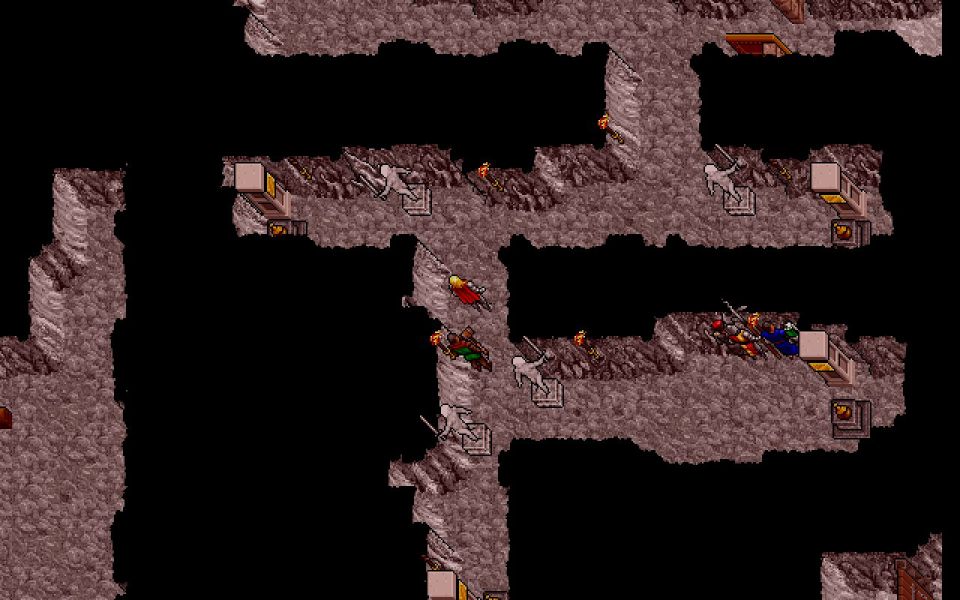
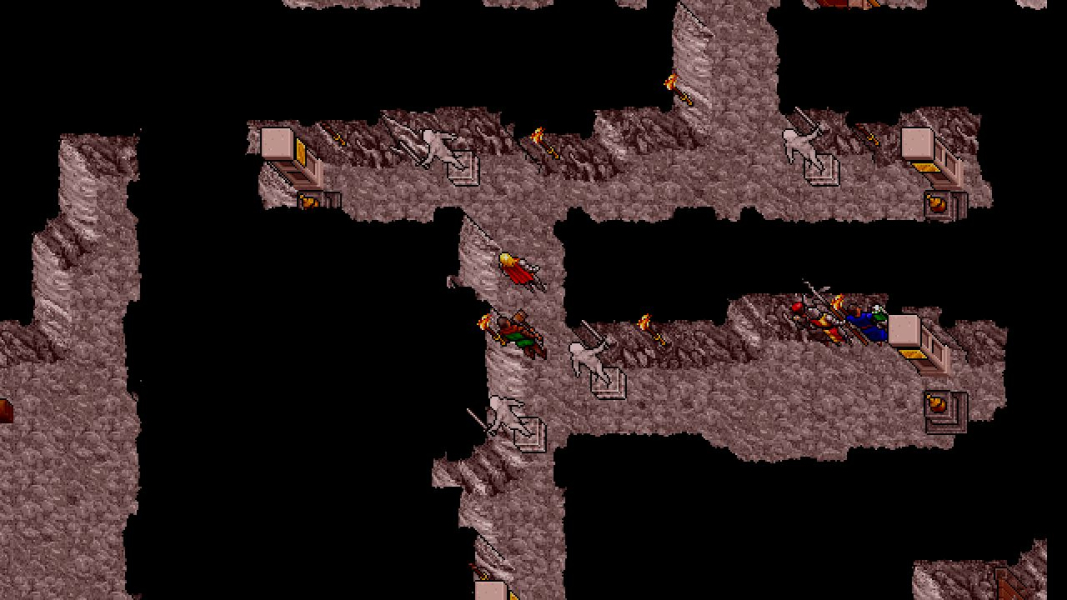
This takes a little bit of thought. There are two resolutions to consider - the "game resolution," and the "screen resolution." The game resolution determines how much stuff gets drawn on the screen, and the screen resolution determines how many pixels are drawn on the screen.
First, determine what the screen resolution you want is. This will probably be your native res. Next, choose a "scale" setting. This is the ratio of the screen res to the game res, and the larger your scale, the bigger everything will appear. This number must be an integer. I find that '2' works well for everything, but feel free to experiment with 1, 3 (if your screen res is divisible by 3), and even 4. This detailed report will be based on using a scale of '2'.
You can simplify the solution by using a scale of "1." If you do this, then the screen res and game res are equivalent. But I find the game is practically unplayable at high resolutions this way, so I don't recommend it. Also, "3" will not work with the 1280x resolutions, because 1280 is not divisible by 3.
Here's where you actually edit a file. Edit the file "exult.cfg." Find these lines:
no
Set this to "yes". Now find these lines:
2
Make sure this is "2", or if you want to use something else, set it to that. The solution assumes you use "2'.
Now find these lines:
320
200
These represent the game resolution. Change the numbers to *half* of your desired screen resolution. For example, if you want 1440x900, you would set the width to 720 and the height to 450. If your scale is not 2, then divide your desired screen resolution by your own scale instead.
If you find that you don't like the scale setting you picked, you can edit this again and use a different scale, but don't forget to change the game resolution appropriately.
=====
All of the cut-scenes behave in one of three ways
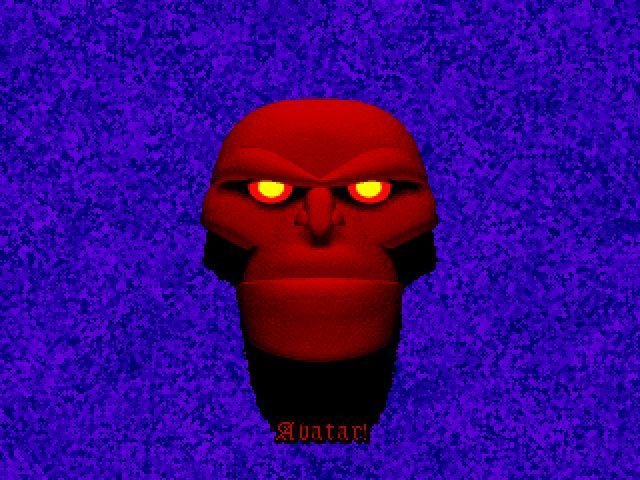
Behavior 1: Shrunken head
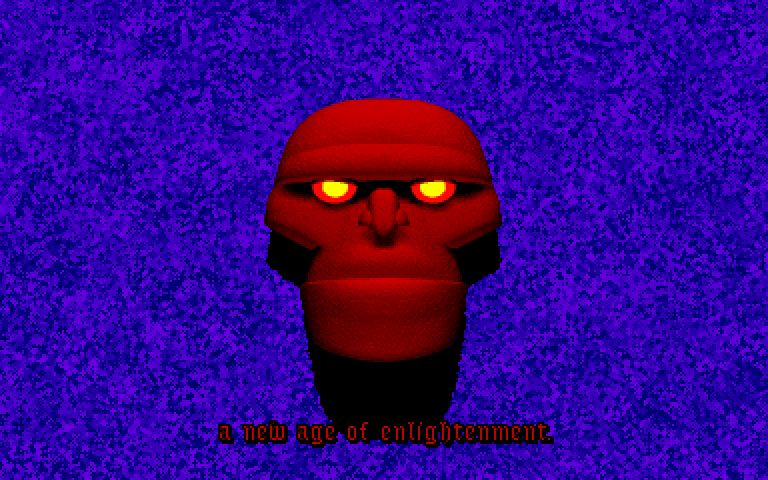
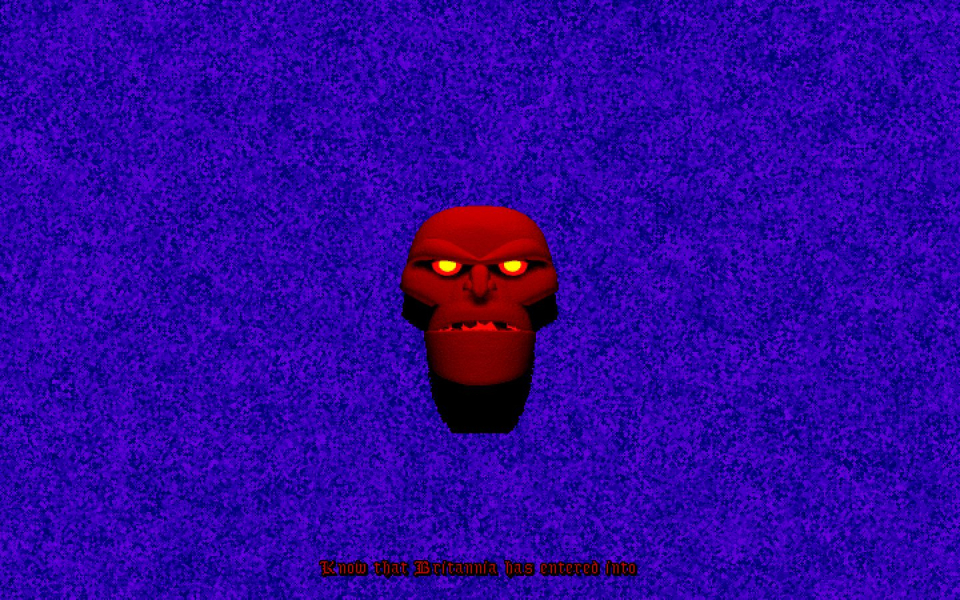
In the scenes where the Guardian taunts you, the screen is filled with a swirling blue background, but the Guardian's head gets smaller as the game resolution increases.
Behavior 2: Windowboxing
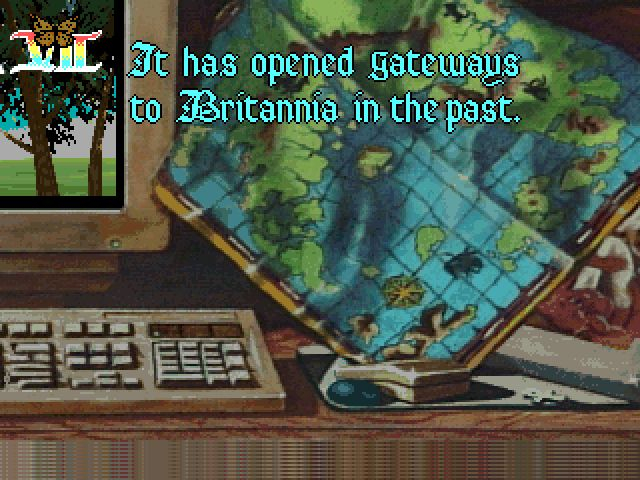
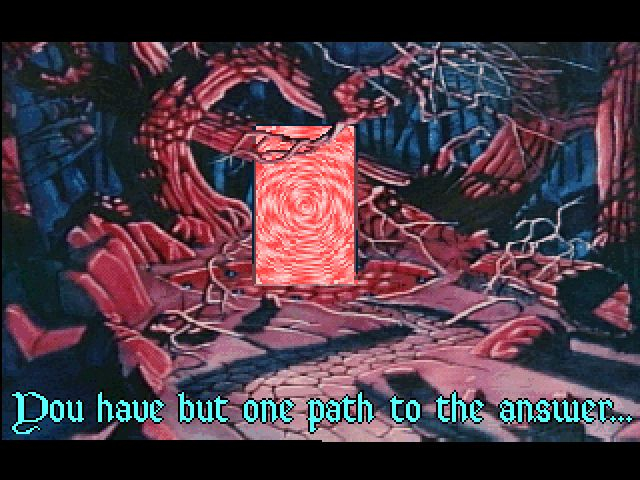
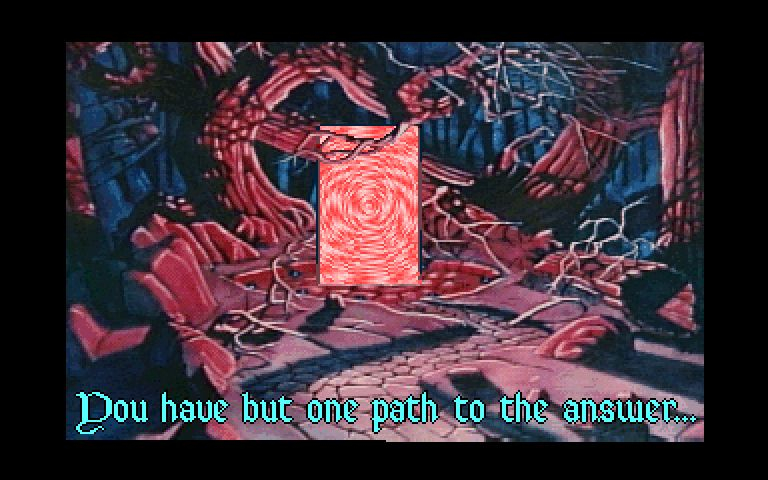
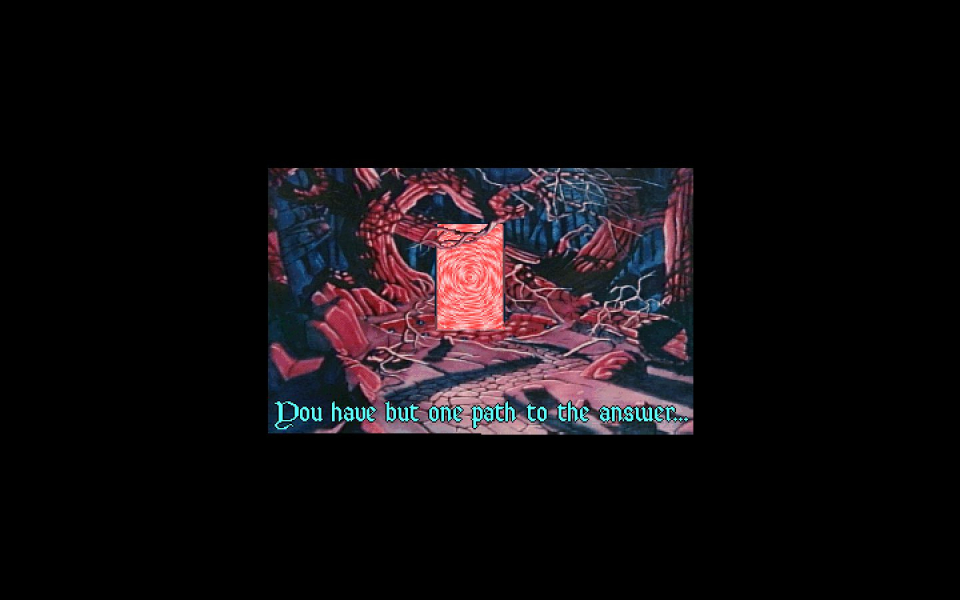
In most of the other cut-scenes, the actual cut-scene is rendered in a 320x200 (relative to game resolution) window, and surrounded by black bars on the rest of the sides.
Behavior 3: Windowboxing with artifacts
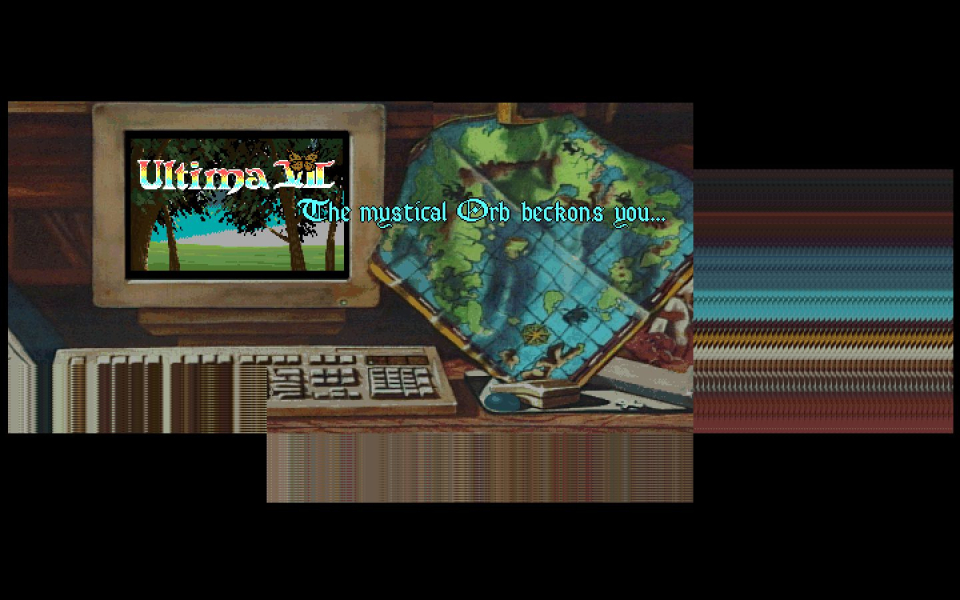
This is the bug referenced in "singleplayer anomalies." A few windowboxed cut-scenes show portions of the scene that you're not supposed to and/or garbage where there should be black bars.
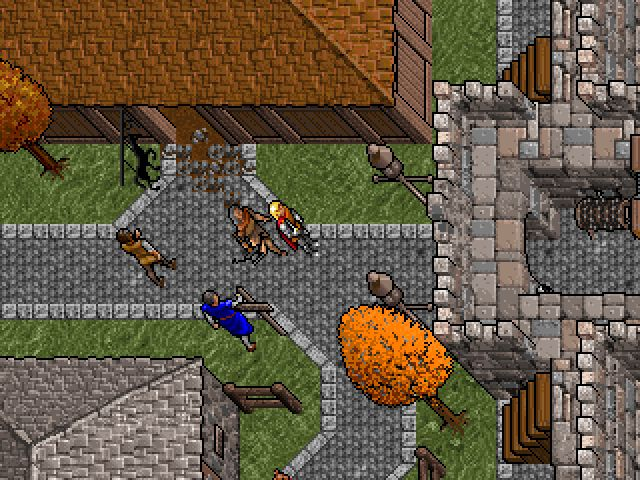
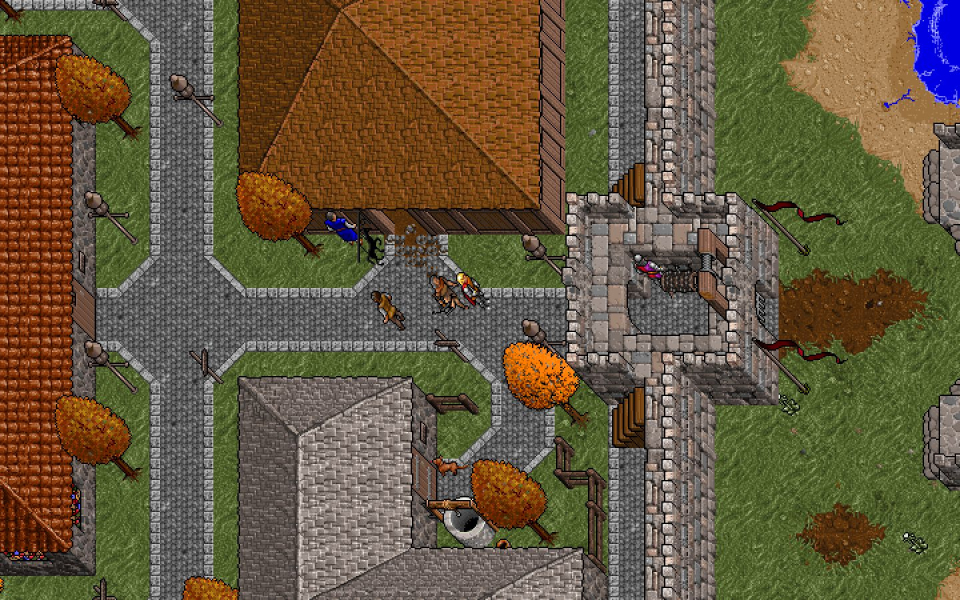
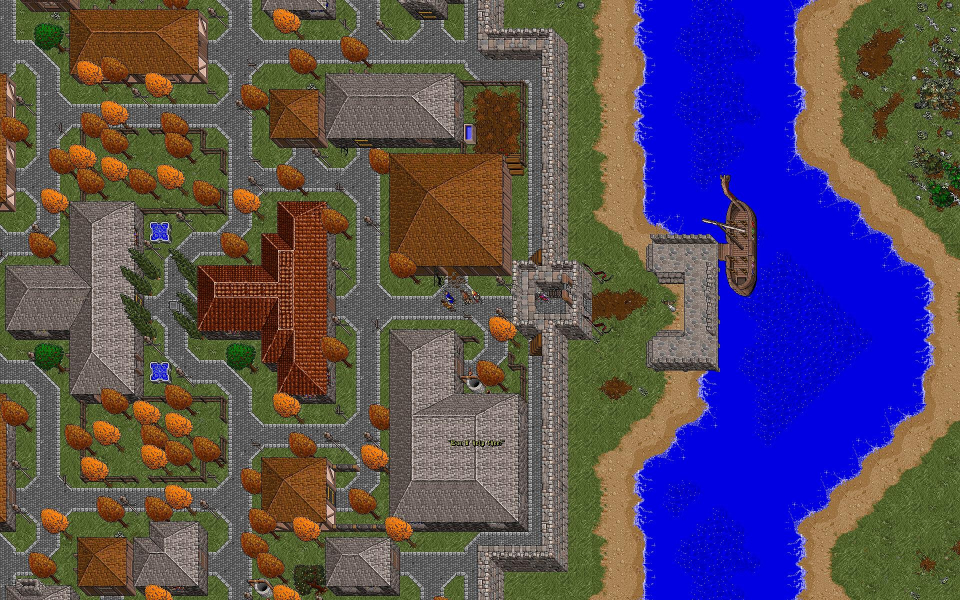
Gameplay Screenshots



FMV Cutscenes
Additional Screenshots