

Stand alone expansion pack for Sonic Team's internationally popular online RPG Phantasy Star Universe
Support Summary
Game Information
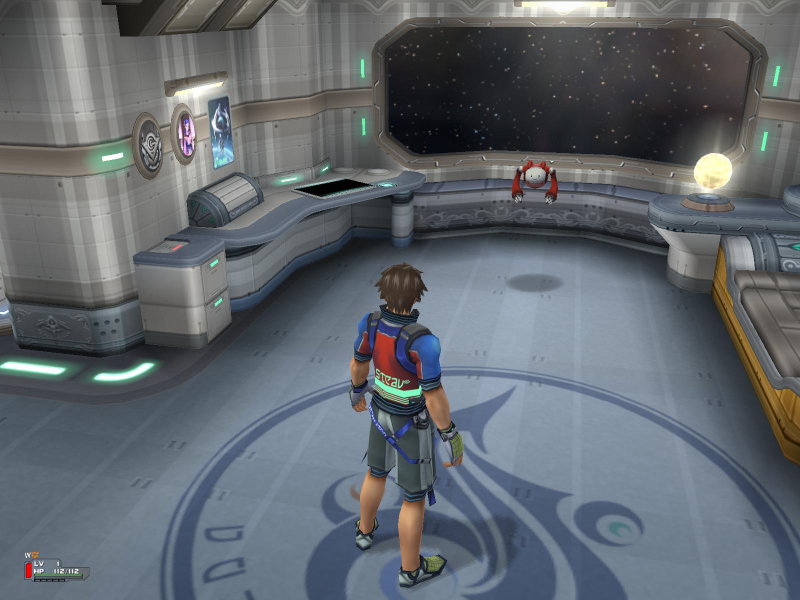
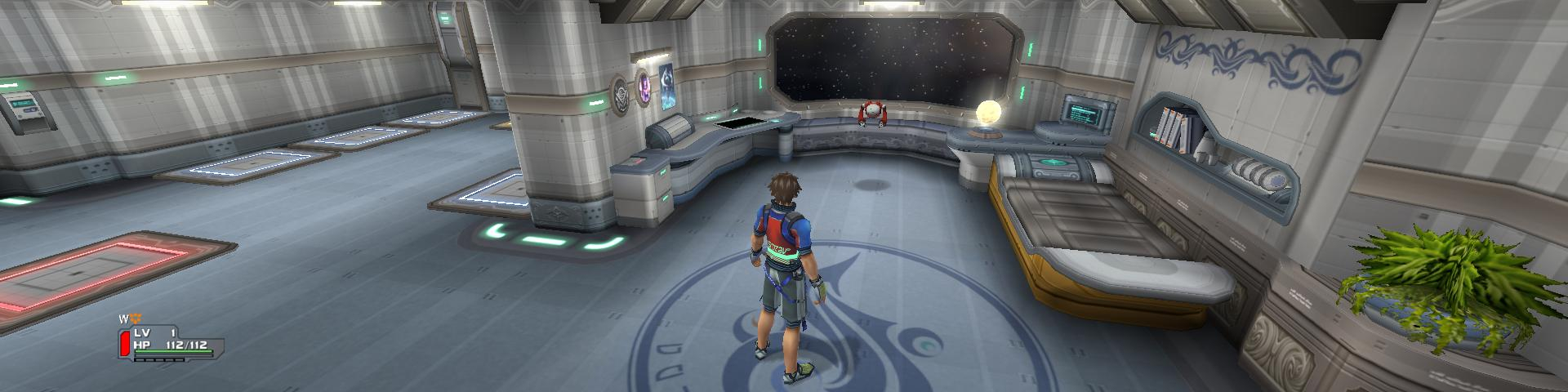
Screenshots Comparison
Solutions & Issues
This only works for the AOTI offline story version (Episode 2) and requires the cracked executable.
1. Open the cracked executable and search for the following hex values...
80 02 00 00 E0 01 00 00 20 03 00 00 58 02 00 00 00 04 00 00 00 03 00 00 00 05 00 00 C0 03 00 00 00 05 00 00 00 04 00 00 00 05 00 00 D0 02 00 00
Replace the bolded resolution pair with your desired resolution.* If you are adding a 4:3 resolution use any other resolution pair instead except 0005 0004.
2. If you are using an aspect ratio other than 4:3 or 16:9 search in the same executable for the following hex values...
39 8E E3 3F
Use the replace all function and overwrite the values with the hexadecimal value of your aspect ratio.* There should be eight values overwritten.
3. In the options menu select the 1280x720 resolution unless you added a 4:3 resolution in which case you select whatever resolution pair you changed.
4. Play the Story mode using the cracked executable. The Story option will look unselectable but you can still use it.
Gameplay Screenshots