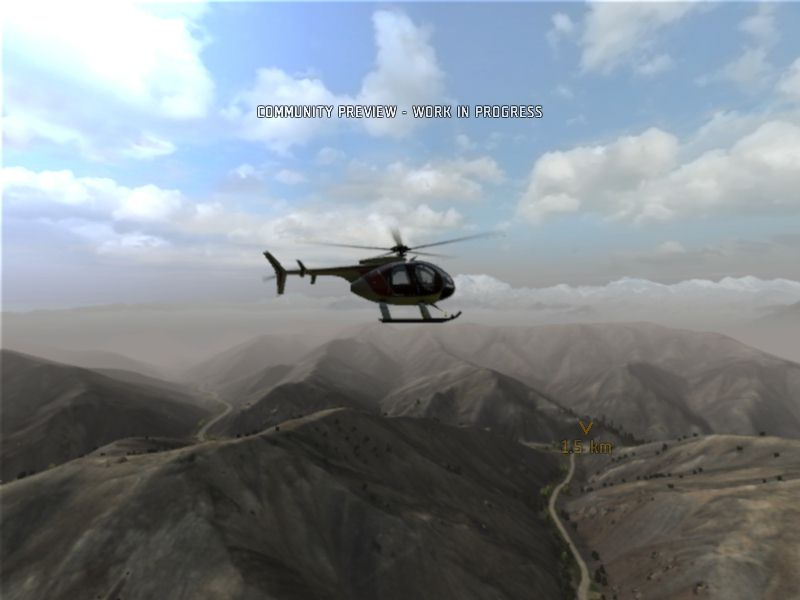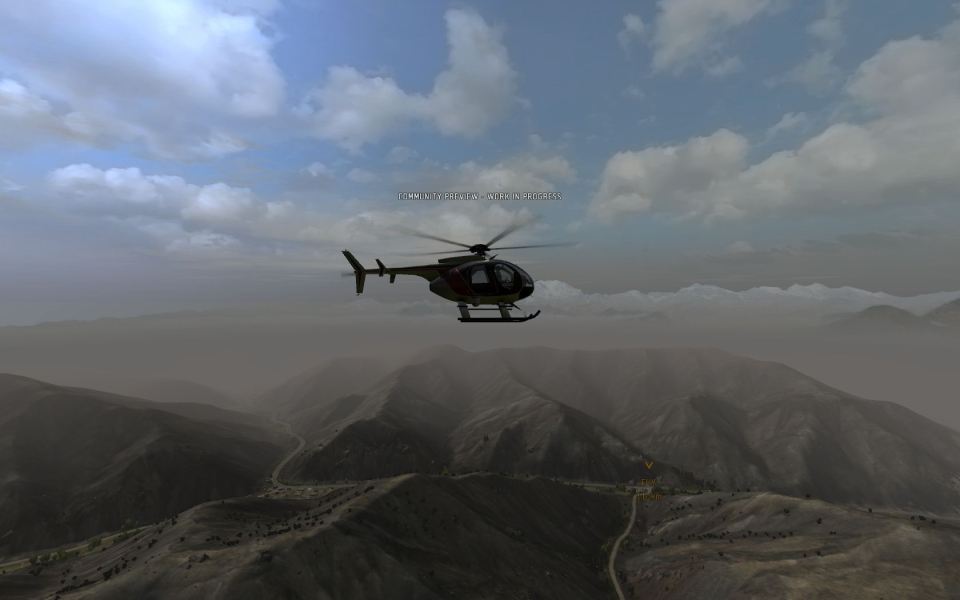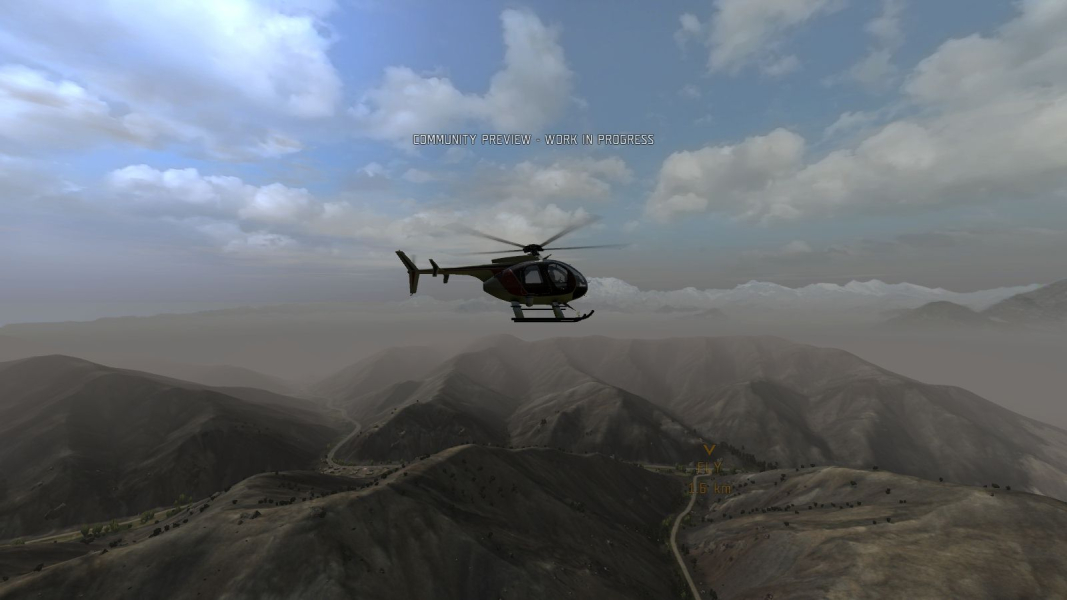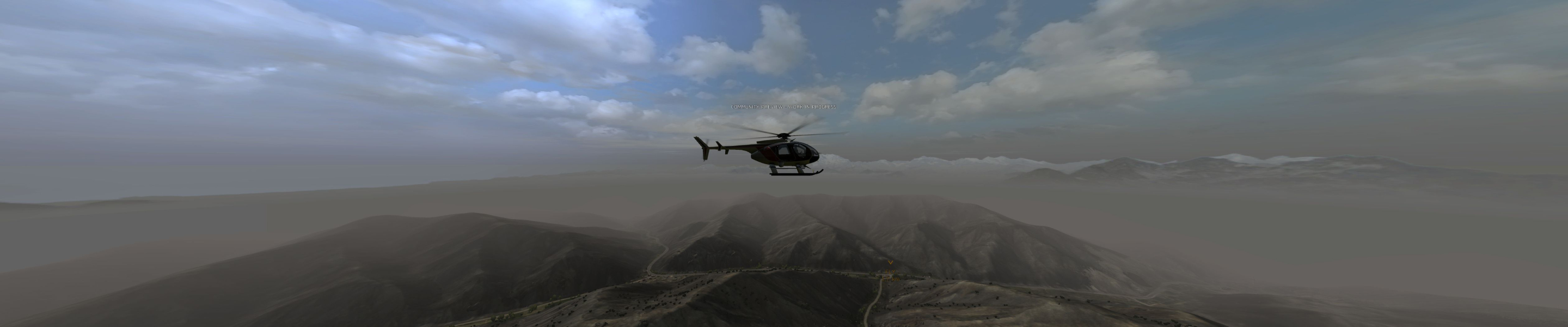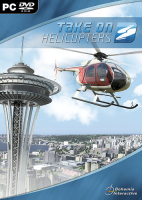


Take On Helicopters is an upcoming helicopter game from independent Czech development studio Bohemia Interactive. The game will feature large open world terrains based upon real-world North American and South Asian terrain-data. In campaign player takes the role of a civilian helicopter pilot named Harry Larkin whose aviation business is struggling through hard times.
The game will feature a powerful mission editor and support modding. A community preview version of Take On Helicopters was released to the public on 24 June 2011. This version is available to anyone who owns ARMA 2: Operation Arrowhead game.
Support Summary
Game Information
Screenshots Comparison
Solutions & Issues
Native support for 16:10 and 16:9. From the Options, Video options menu select your Interface resolution and Aspect ratio. Restart the game.
Other aspect ratios require editing a config file, see multi-mon solution below.
Start the game and navigate to Options, Video Options to set the following:
Aspect ratio: 12:3 - Triplehead.
Interface resolution: your desired resolution.
Quit to desktop and open the newly created file in any plain text editor:
Documents\Take On Helicopters\username.TakeOnHprofile
Look for these lines:
tripleHead=1; //this has adjusted the FOV for 3x 4:3 and centered the HUD, but the FOV is wrong for triple widescreen.
fovTop=0.75; //multiply your aspect ratio by this to get fovLeft
fovLeft=3; //replace with your actual AR x 0.75 (here 12:3 = 4; 4 x 0.75 =3)
So for 48:9 I use
fovLeft=3.999999; //48:9 x 0.75
For a wider base FOV use a 1:1 factor:
fovTop=1;
fovLeft=5.333333; //48:9
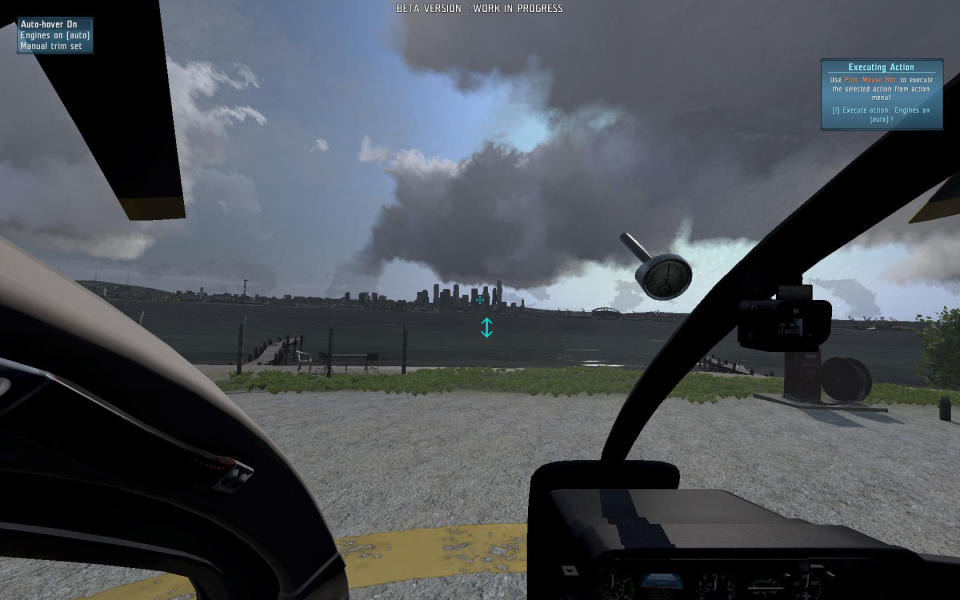
Gameplay Screenshots

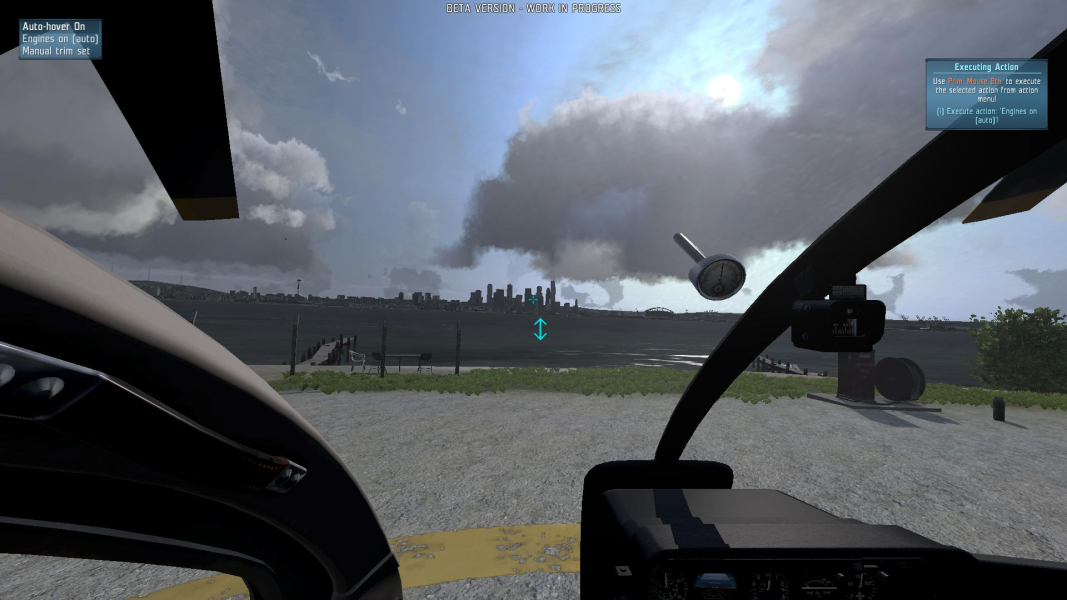



Additional Screenshots