

RAGE is a first-person shooter game by id Software. The game takes place in a post-apocalyptic world somewhat similar to the movie Mad Max 2 and that of other popular video games such as Fallout. You play as a survivor of the 2029 Apophis meteorite impact who has just awoken from an Ark (a world-wide movement which took scientists and other significant people, and froze them underground in cryo-pods so they could rebuild Earth).
Soon, the player comes to realize that his Ark has malfunctioned and that he is the only survivor. Players have the ability to augment their cars with various items and upgrades they can gain by completing races, but the game is not specifically a racing title, trailers have shown a mix of mainly first person shooter elements as well as driving elements (racing is optional in Rage). The game also features some role-playing game (RPG) elements—an inventory system and the capabilities of weapons are based around types of ammo.
Support Summary
Game Information
- Released
- Lobbying
Screenshots Comparison
Solutions & Issues
To increase or decrease the FOV from 80(default) to any other ...
add "+cvaradd g_fov 20" to your Steam launch options without the quotation marks (80 + 20=100, and so on) ...
add "+cvaradd g_fov -20" to your Steam launch options without the quotation marks (80 - 20=60, and so on) ...
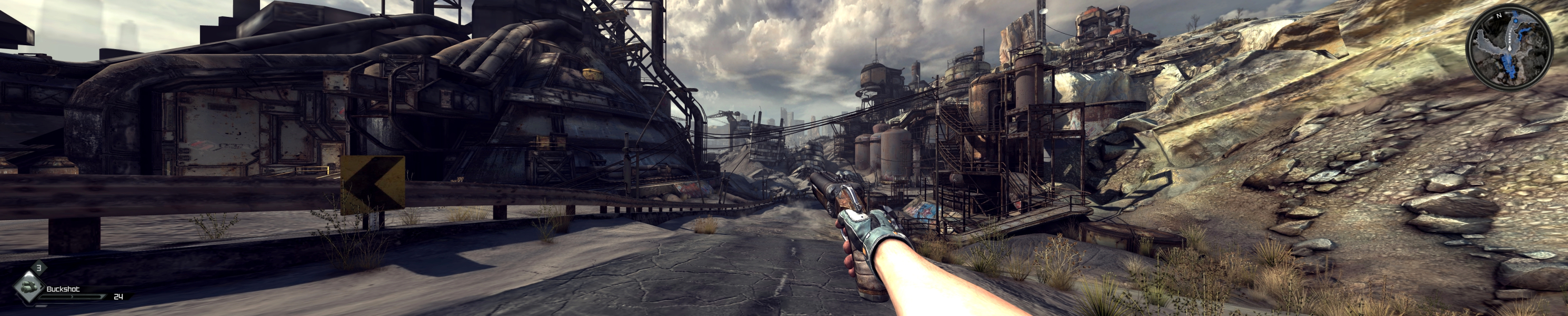
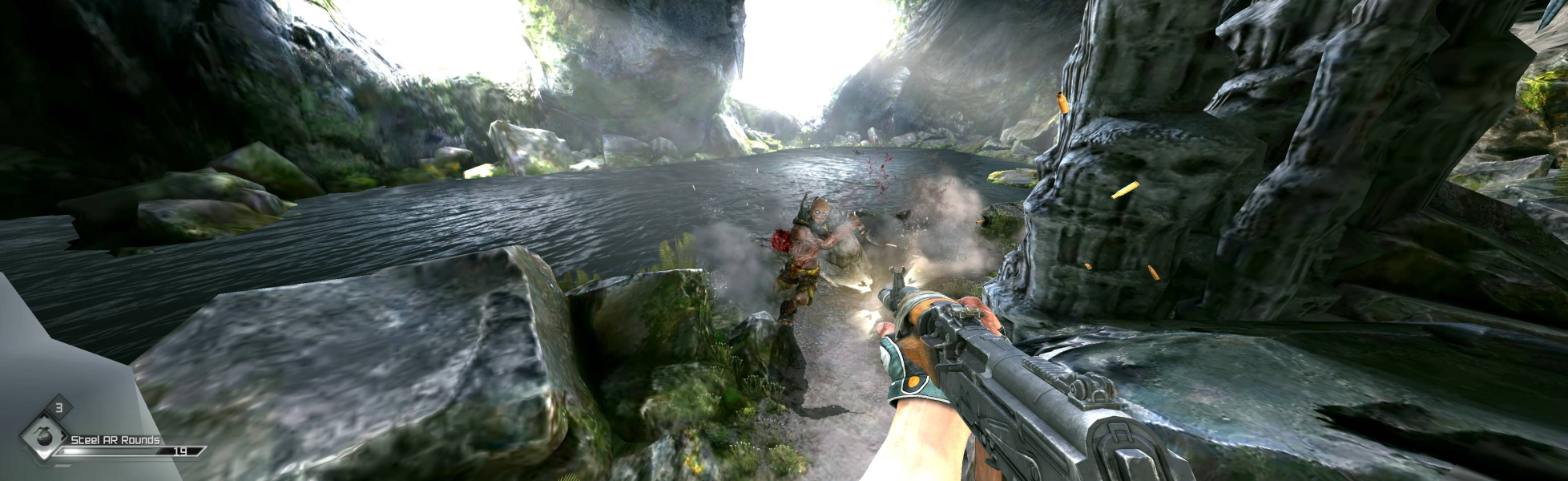
Fixing the GUI and the stretched player hands and weapon (thanks a lot to HaYDeN for this solution)...
Download Cheat Engine ...
Download and unzip this file for 48:10 resolutions or this one for 48:9 (Cheat Engine Auto Assemble scripts)...
These files are pre-set for 5040x1050 (48:10) and 5760x1080 (48:9), but you can easily edit them using NotePad, setting your resolution...
mov [adjust], (float)3.376 //EXPERIMENT WITH THIS VALUE,
//ROUGHLY MONITOR COUNT + A LITTLE
//BIT EXTRA, VALUE SHOWN FOR 5760x1080mov [resolutionx], (float)5760.0 //YOUR RESOLUTION
mov [handsfovscale], (float)0.95 // Change this value to alter Hands FOVScale
Start Cheat Engine, launch RAGE, then attach Cheat Engine to the process (glowing icon top left, choose Rage.exe), click Memory View, then goto Tools->Auto Assemble...
File->Open (select the Cheat Engine Auto Assemble script you have downloaded) ...
Click Execute, then confim "OK", it should report the injection to have been successful - if so completely close and exit Cheat Engine (can cause game to crash if its open)...
If it doesn't seem like it has immediately taken affect - alt enter to windowed and alt enter back to full screen...
[center] [/center]
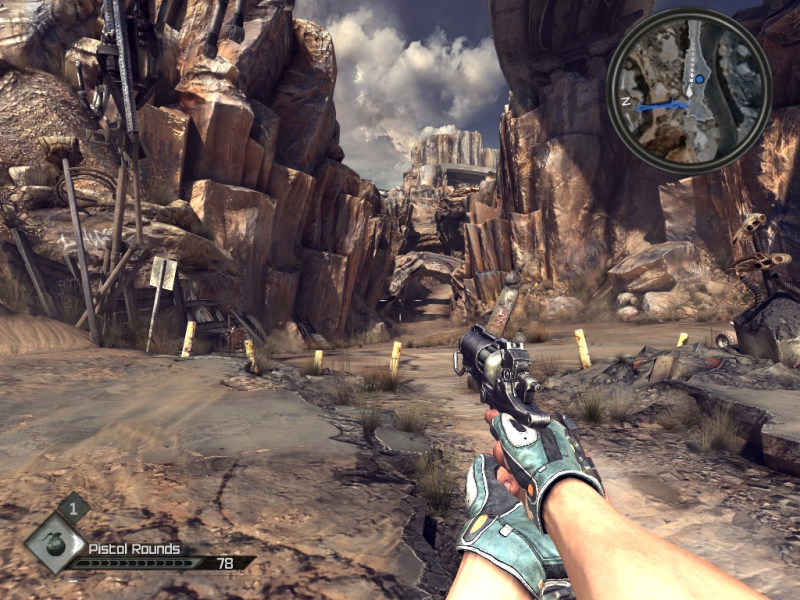
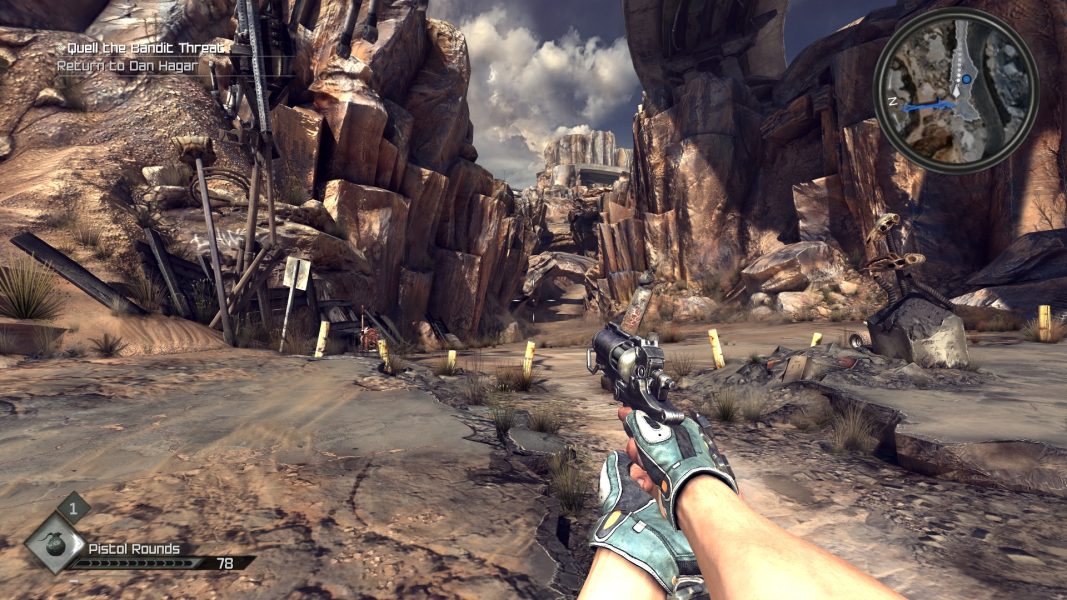
Gameplay Screenshots




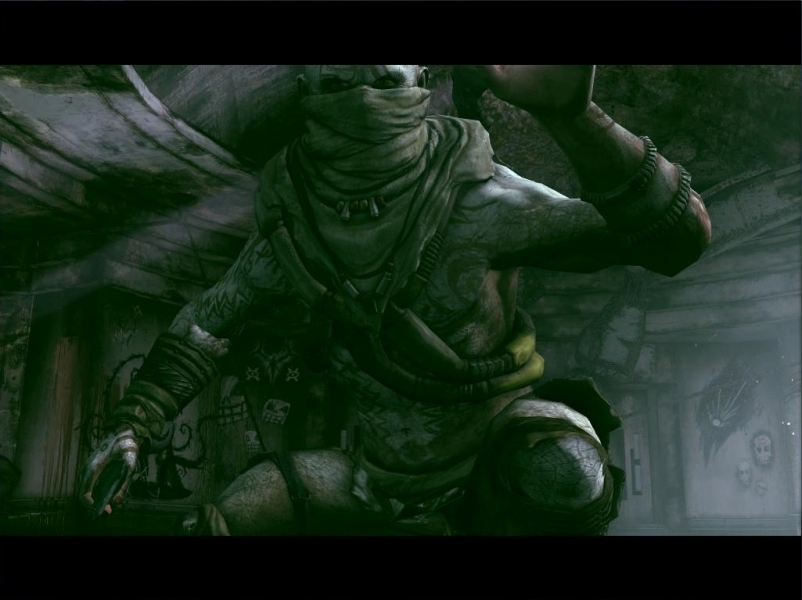
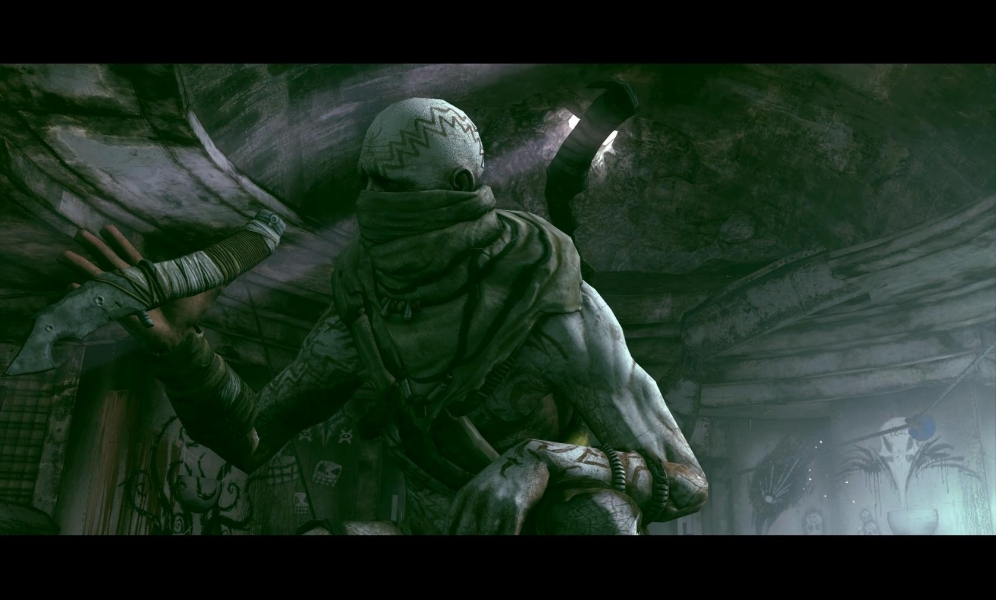
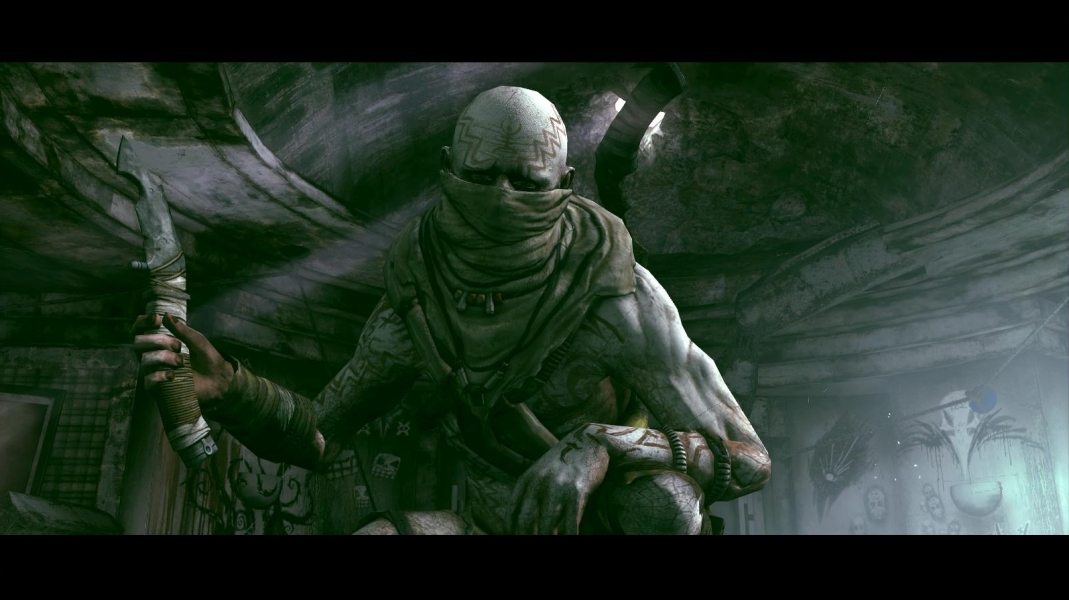
In-Game (Rendered) Cutscenes

Additional Screenshots