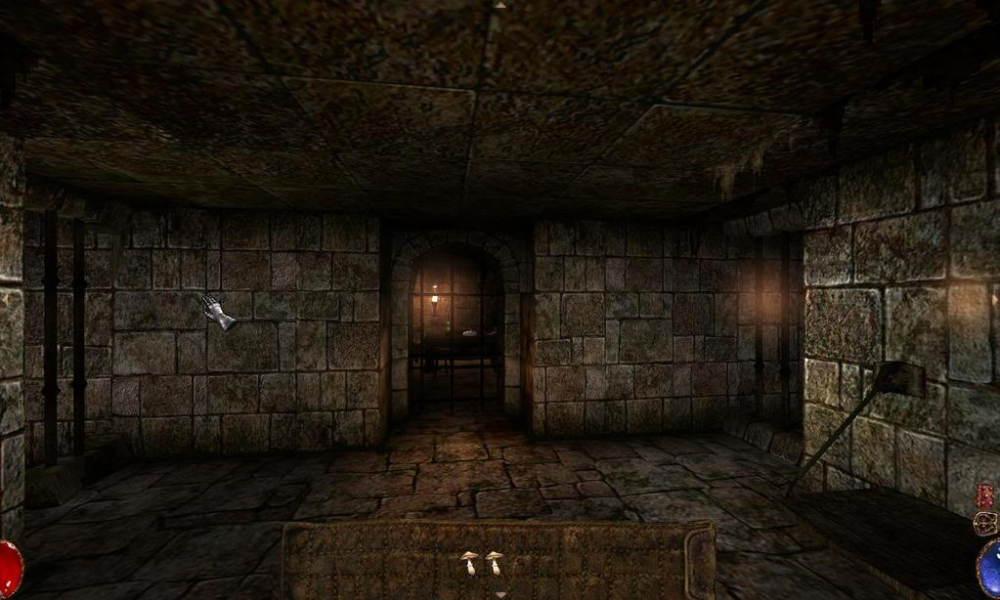


What can one say about Arx Fatalis? It's a 1st person RPG from way back (originally released in 2002) made by Arkane Studios (same folks who did "Dark Messiah of Might and Magic"). It was meant to be Ultima Underworld III but due to not being able to secure a license became its own game. I'm glad it's not tied to an existing franchise. It uses a skill based system as well as requiring the player to use mouse gestures to cast spells. The game is in the same vein as Morrowind/Oblivion but is much, much smaller in scale than either.
Support Summary
Game Information
Screenshots Comparison
Solutions & Issues
Arx Fatalis Patch 1.21 adds native support for selecting widescreen resolutions in-game. Most digital distribution versions already have this patch.
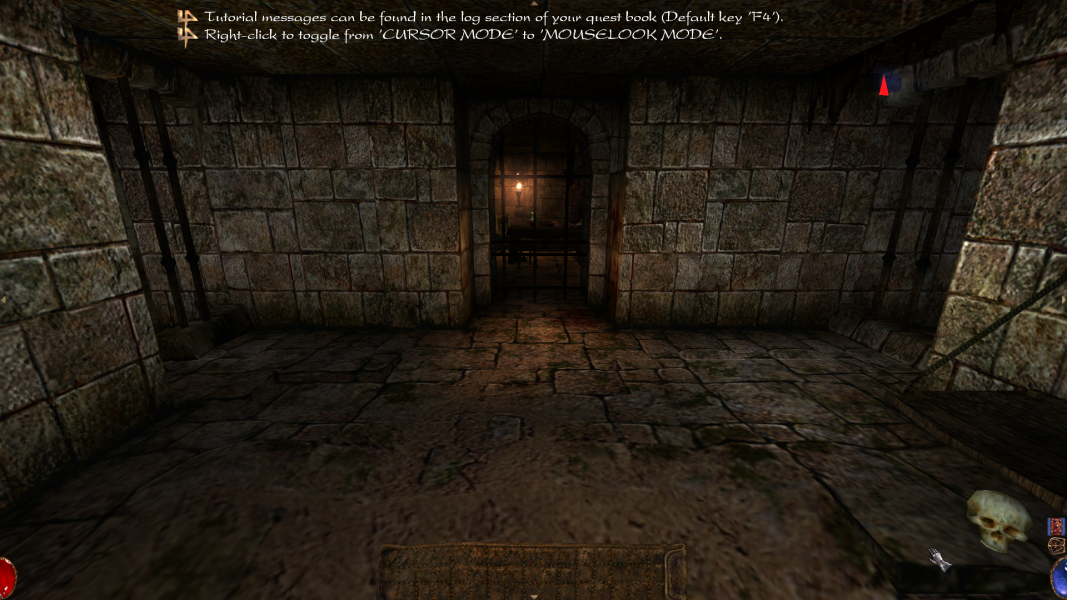
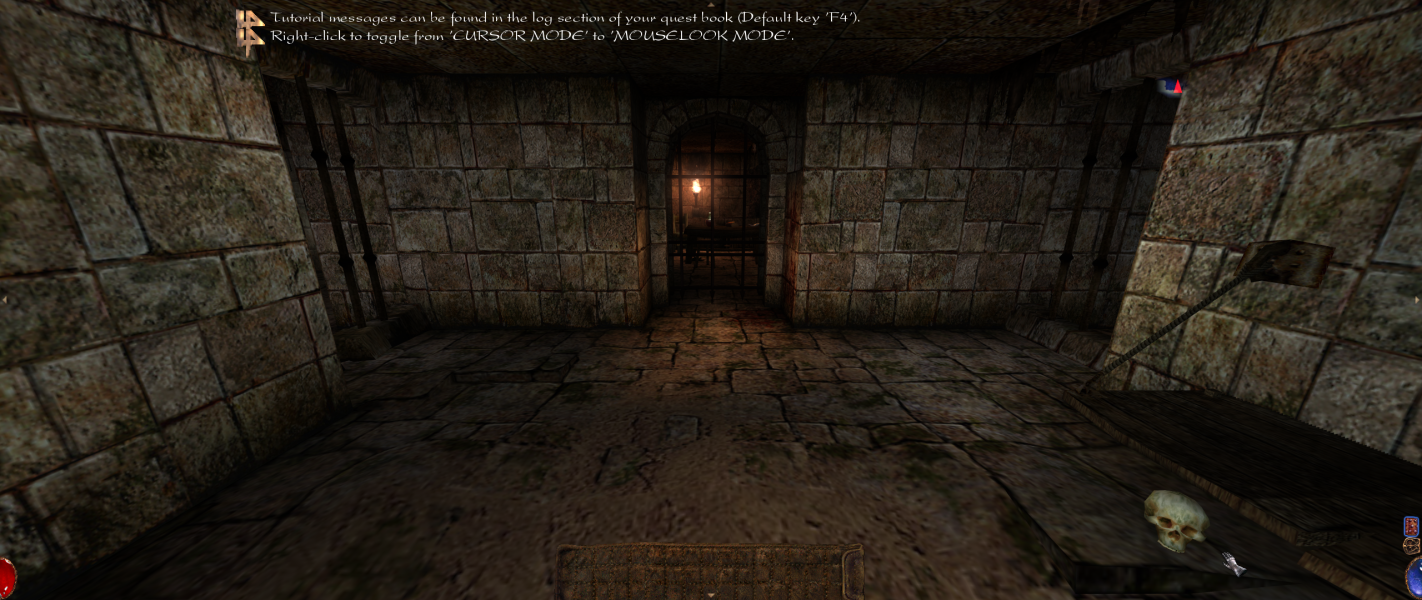
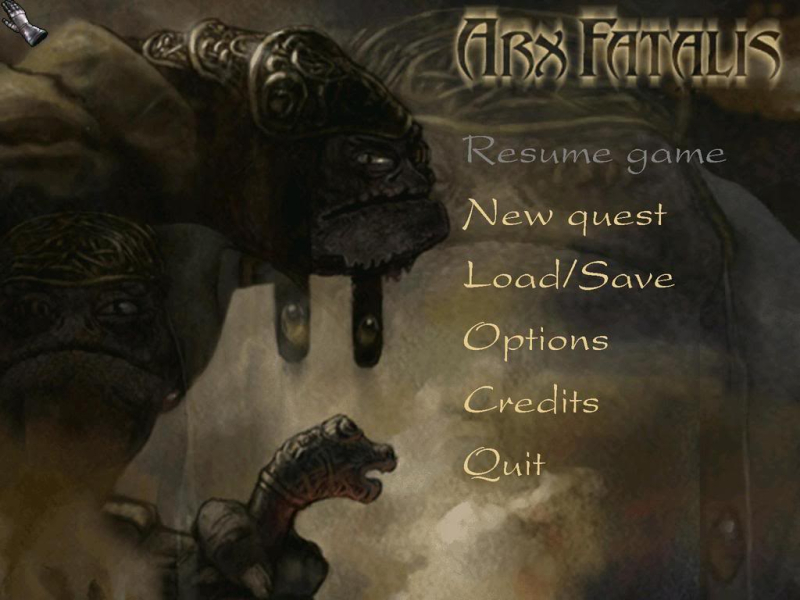
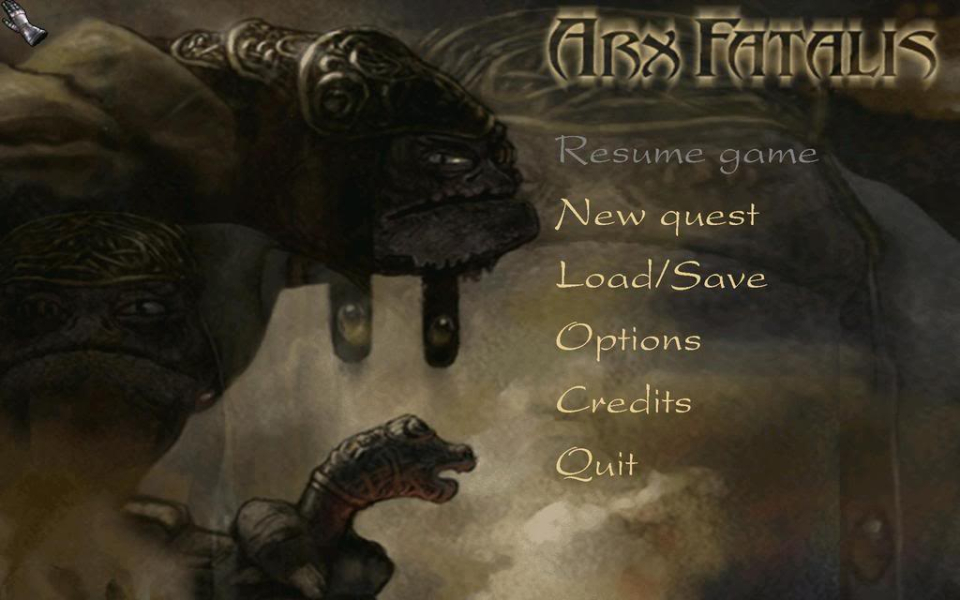
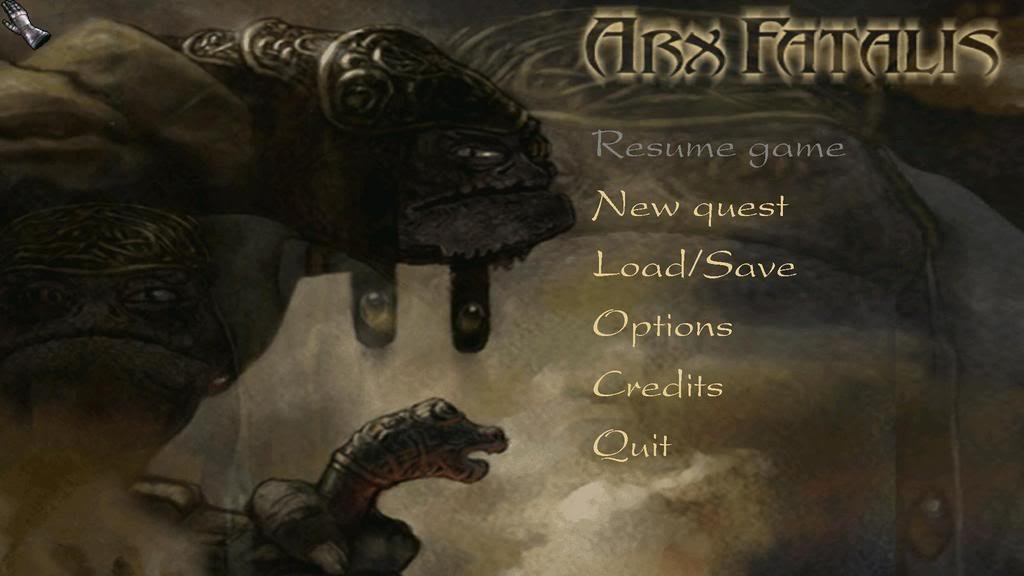
The menus and journal are stretched from 4:3. The HUD has the correct proportions but does not increase in size at higher resolutions. Use an Arx Libertatis development snapshot to control UI size.
Some resolutions may require an INI edit (see below). Higher resolutions may crash the game and/or force a switch to software rendering; use Arx Libertatis to run properly with these resolutions.
The video resolution can be changed in-game (under "Options->Video Settings") or from out-game settings (on first run). If you want to see the out-game settings configuration window, do this:
1. Open the following file:
"..\Arx Fatalis\cfg_default.ini"
2. Change the following line under the 'FIRSTRUN' section from '1' to '0':
int=0
By default, the game only supports/list the following resolutions (in 16/32 bits; for this report, the game is set to 32-bits):
640x480
800x600
1024x768
1280x1024
1600x1200
But you can force it to almost any resolutions. I went through all the possible resolution for my card and only one did not work:
2560x1600
When I set to 1600x1050 (not valid; typo on my part; correct res is 1680x1050 -- which works fine; thanks Ibrin), the game reverted to 640x480. At 2560x1600, I get an error window that says this:
"Unable to Create Direct3DDevice Object..."
Drat! Yet another game that doesn't like my native resolution, 2560x1600.
Thanks to Nomad's post:
You can force resolutions by doing the following:
1. Open the following file:
"..\Arx Fatalis\cfg_default.ini"
2. Change the following line under the 'VIDEO' section to the resolution you want:
resolution=1920x1080
After that, when you look ingame option, it says the resolution is set to 640x480. Just ignore what it says. But don't make any changes ingame or else it will revert back to the original, limited list.
Use Arx Libertatis. For bigger HUD/inventory use a development snapshot and set the UI size in-game accordingly.
Use Arx Libertatis. For bigger HUD/inventory use a development snapshot and set the UI size in-game accordingly.
Gameplay Screenshots




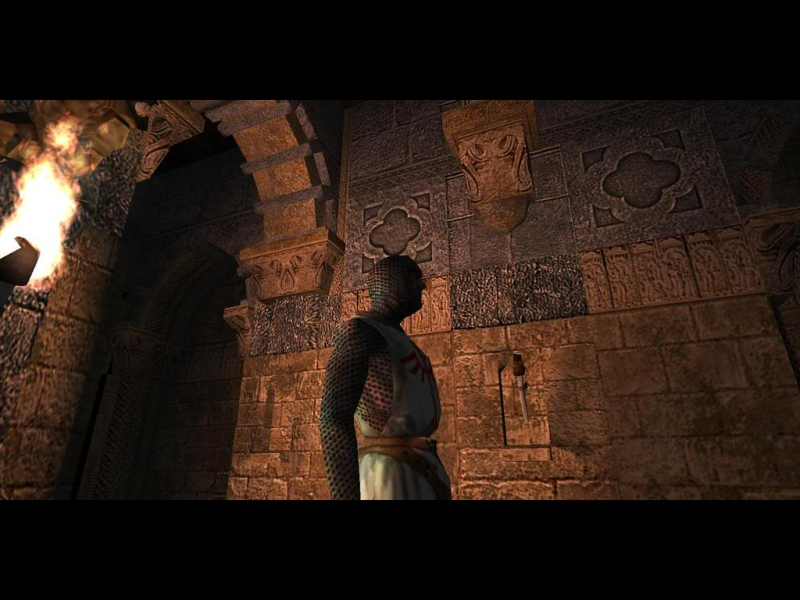
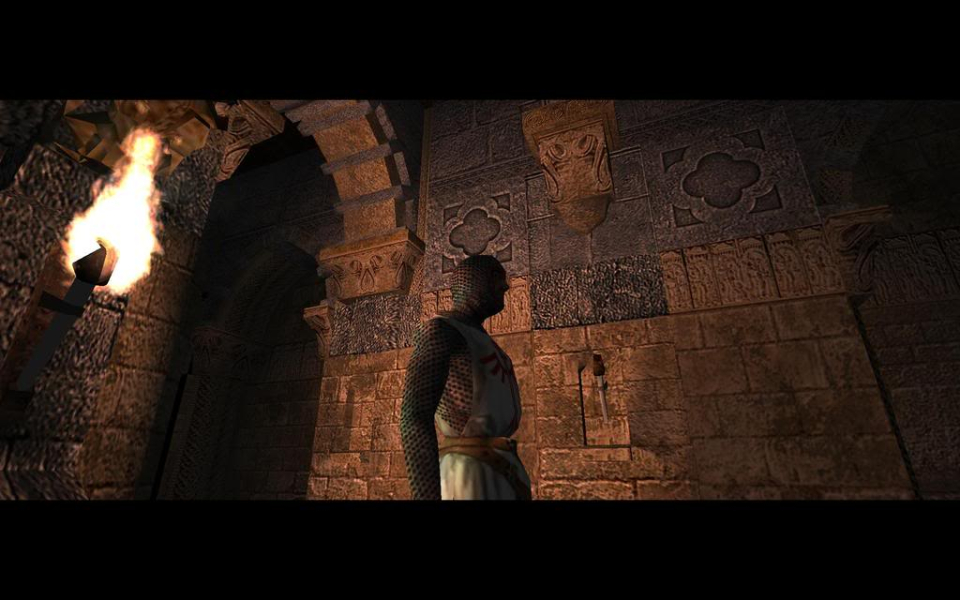
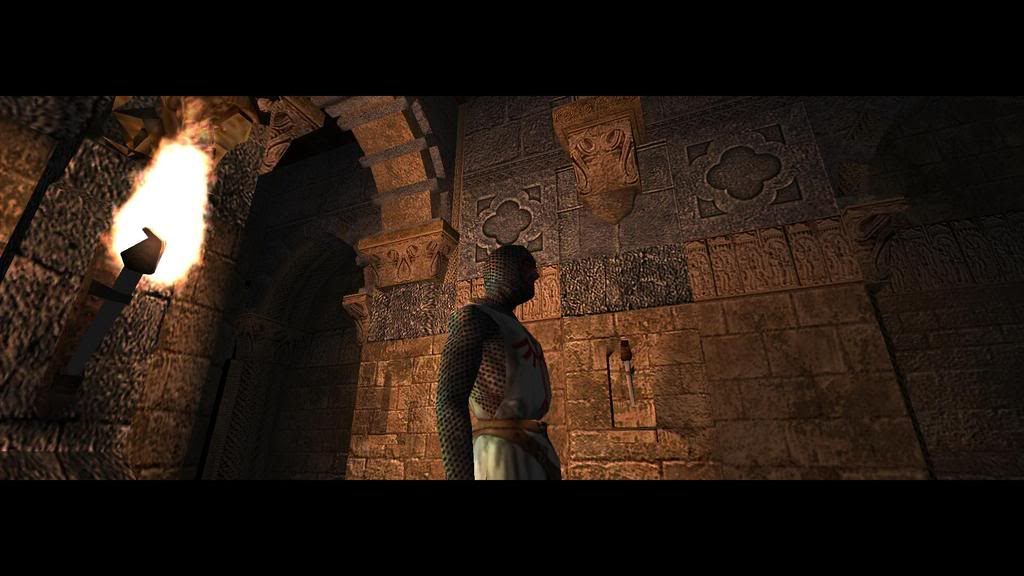
In-Game (Rendered) Cutscenes
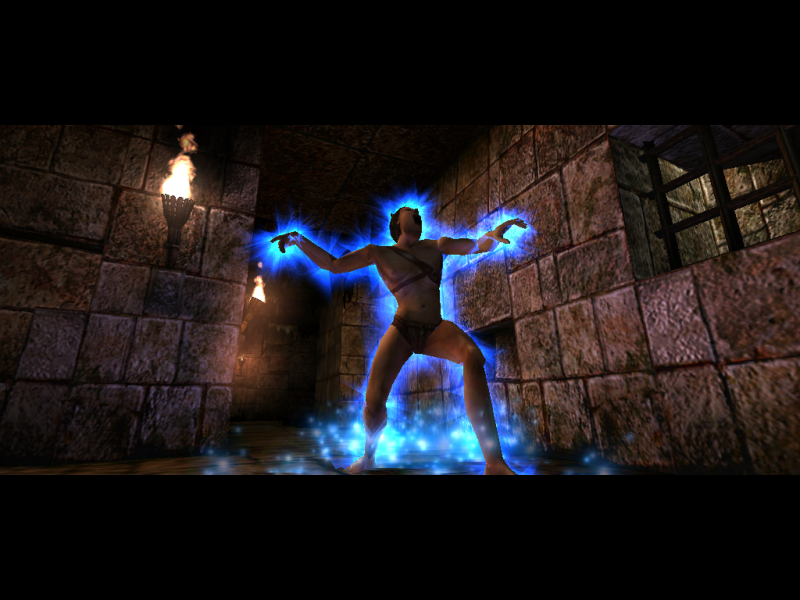
FMV Cutscenes



Menu Screenshots
Additional Screenshots