

Although it was released back in 2004, RBR is still the most advanced rally racing simulator to date.
Support Summary
Game Information
Screenshots Comparison
Solutions & Issues
I changed the Richardburnsrally.ini (wordpad) and changed the lines
XRes = 1680
YRes = 1050
to support my 2005fpw And it does use that res.
Load the camera hack and you can adjust the camera to any position and angle to suit your needs.
Then you need to use RBR Camhack program below
With the help of Camhack program, you need to adjust the camera views. You can also try my settings:
Once started for the first time, the camhack program will create two files: CONFIG.INI and VIEWS.CAM. Just overwrite these files with the files I give you in a zip file. The default view [1] is quite good for Subaru, I think. It will be loaded automatically, when you press[*] key at the start of the stage. There are some other views too, for some other cars. You can select them by pressing keys [2] to [5].
Note:
You always need to start the Camhack program first and leave it running in the background, before starting the game. Also, keep a backup of those two camhack files and try to avoid pressing [P] key while playing. This will reset the camera views into something, witch is unplayable in TripleHead. If you want to pause the game, use [ESC] instead.
http://www.matroxrulez.net/files/rbr.zip
You can alternatively use RBR Fixup Plugin.
RBR Fixup Plugin:
http://www.racedepartment.com/threads/fixup-plugin-support.49275/
Same as UWS, use RBR Fixup Plugin.
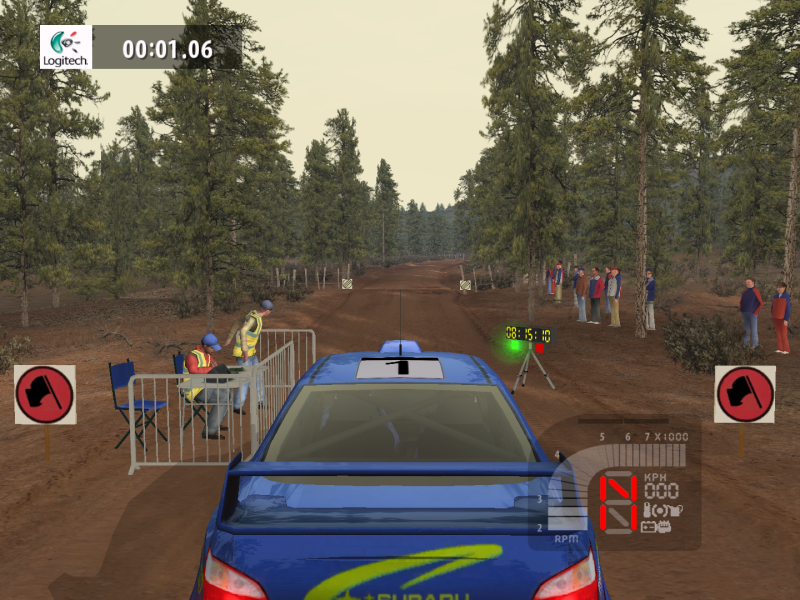
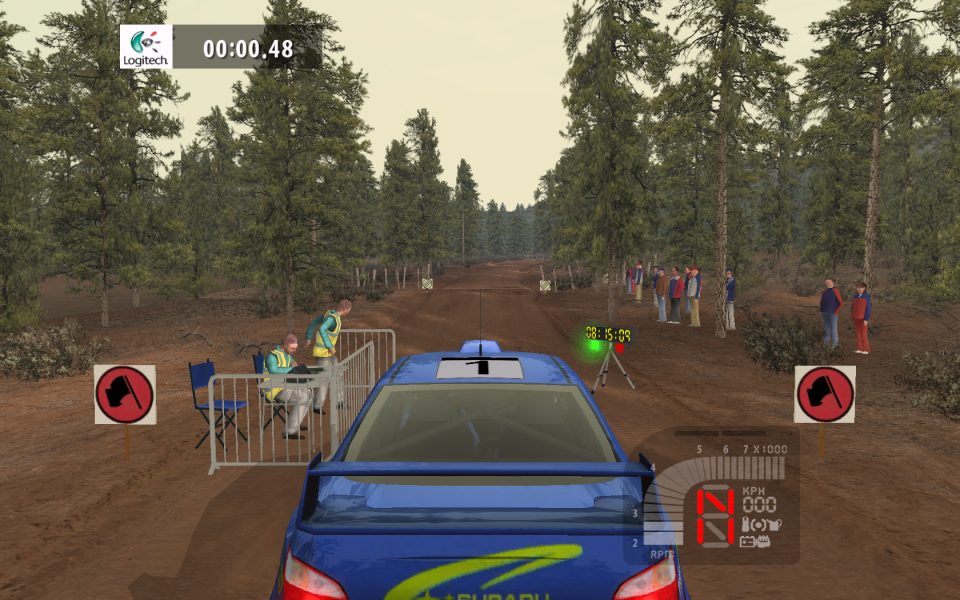
Gameplay Screenshots