

Sequel to Mass Effect. Carries on the adventures of Commander Shepard and his crew. One interesting aspect is that you can import save games from the original game, where decisions will impact the people and story in the sequel.
Support Summary
Widescreen | Ultra/Super‑Wide | Multi-Monitor | 4K Ultra HD | |
Support | ||||
Method | ||||
HUD | ||||
Cutscenes | ||||
FMVs |
Game Information
Screenshots Comparison
Solutions & Issues
Custom fix for French version (which is not detected by FWS) is available from the PC Gaming Wiki Community Files (search there).
Ultra-Wide 21:9 Support Configuration:
For 3440x1440 (21:9):
* Select 3440x1440 in the game's video or display settings.
* Install Flawless Widescreen and load the Mass Effect plugin, enable all settings, increasing/decreasing the FOV adjustment if you wish.
* In Flawless Widescreen go to Settings > Display Detection and configure the section as follows:
+ At the bottom right, click on "Enable Display Detection Override" than put in these values:
- Width: 3440
- Height: 1440
- Hud Width: 2560 - if you want this closer to center change this value to 1920.
- Hud Height: 1080 - if you prefer to have the HUD at the very top/bottom of your monitor set this value to 1440. Don't change to 1440 if you set Hud Width to 1920.
- Horizontal Display Count: 1
- Vertical Display Count: 1
- Hud X: 440 - if you changed HUD Width to 1920 change this value to 760
- Hud Y: 0
For 2560x1080 (21:9):
* Select 2560x1080 in the game's video or display settings.
* Install Flawless Widescreen and load the Mass Effect plugin, enable all settings, increasing/decreasing the FOV adjustment if you wish.
* In Flawless Widescreen go to Settings > Display Detection and configure the section as follows:
+ At the bottom right, click on "Enable Display Detection Override" than put in these values:
- Width: 2560
- Height: 1080
- Hud Width: 1920
- Hud Height: 1080
- Horizontal Display Count: 1
- Vertical Display Count: 1
- Hud X: 320
- Hud Y: 1080 - if you notice any of the HUD elements doing anything weird set to 0 and see if that fixes the problem.
----------------------------------------------
Super Ultra-Wide 32:9 Support Configuration:
For 3840x1080:
* Select 3840x1080 in the game's video or display settings.
* Install Flawless Widescreen and load the Mass Effect plugin, enable all settings, increasing/decreasing the FOV adjustment if you wish.
* In Flawless Widescreen go to Settings > Display Detection and configure the section as follows:
+ At the bottom right, click on "Enable Display Detection Override" than put in these values:
- Width: 3840
- Height: 1080
- Hud Width: 1920
- Hud Height: 1080
- Horizontal Display Count: 1
- Vertical Display Count: 1
- Hud X: 960
- Hud Y: 0
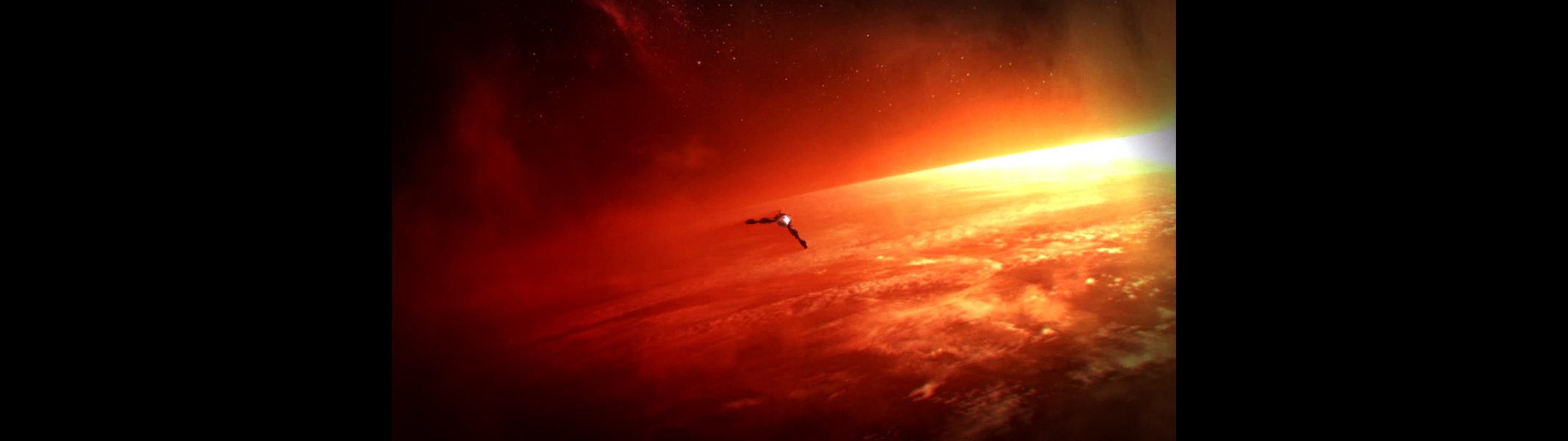
The pre-rendered cutscenes are forced to be 1920x1080 with FWS enabled.
The Galaxy Map has no as easy fix in Mass Effect 2 like it was in Mass Effect 1. I have included a detailed account of what must be done to give you the best experience with Flawless Widescreen and 32:9. These steps could also for work 21:9 Ultra-Wide and 16:3 Surround/Eyefinity. http://www.wsgf.org/forums/viewtopic.php?p=173668#p173668
---------------------------------------
16:9 Support Configuration:
For 2560x1440 (16:9):
* Select 2560x1440 in the game's video or display settings.
* Install Flawless Widescreen and load the Mass Effect plugin, enable all settings, increasing/decreasing the FOV adjustment if you wish.
* In Flawless Widescreen go to Settings > Display Detection and configure the section as follows:
+ At the bottom right, click on "Enable Display Detection Override" than put in these values:
- Width: 2560
- Height: 1440
- Hud Width: 1920
- Hud Height: 1080 - if you prefer to have the HUD at the very top/bottom of your monitor set this value to 1440.
- Horizontal Display Count: 1
- Vertical Display Count: 1
- Hud X: 320
- Hud Y: 1080 - if you notice any of the HUD elements doing anything weird set to 0 and see if that fixes the problem.
Flawless Widescreen
- Fix available for Mass Effect 2 in Flawless Widescreen, addresses all issues with the HUD/Menus and FOV.
Helifax's Solution (is not perfect it just IS):
Files:
Updated version - Mass Effect 2 plugin is now part of WideScreen Fixer
Fixed
- Fov is now calculated based on the original FOV.
- Menus are now fully displayed.
- Mouse is now functional. I tried to align the mouse coordinates with the menus as best as I could, but the math functions are not linear , rather a vortex effect thing.
- Conversation wheel works.
Things out of place
- Ingame hud is moved to the middle. This is the side effect of rescaling the menus and everything else. For the moment they will remain like this. Maybe in the future will try to move them around the borders.
- The mouse doesnt perfectly align with the buttons. But if you move the mouse around the button you will find it;)) This is because of the new coords estimation method.
- Space map has markers flying around.
- For the RETICLE... Switch to the Sniper and ZOOM or to the rocket/grenade launcher for the Reticle to re-align properly!!
- Use fullscreen for the game and now Window Mode. Tested on 5230 x 1050, but It should work for other resolutions also
- Added support for Retail Collectors Edition.
First Release
Plugin: Plugin
WideScreen FIxer: WSF revision r312
Ps: Plugin will be updated to be used with the latest WSF.
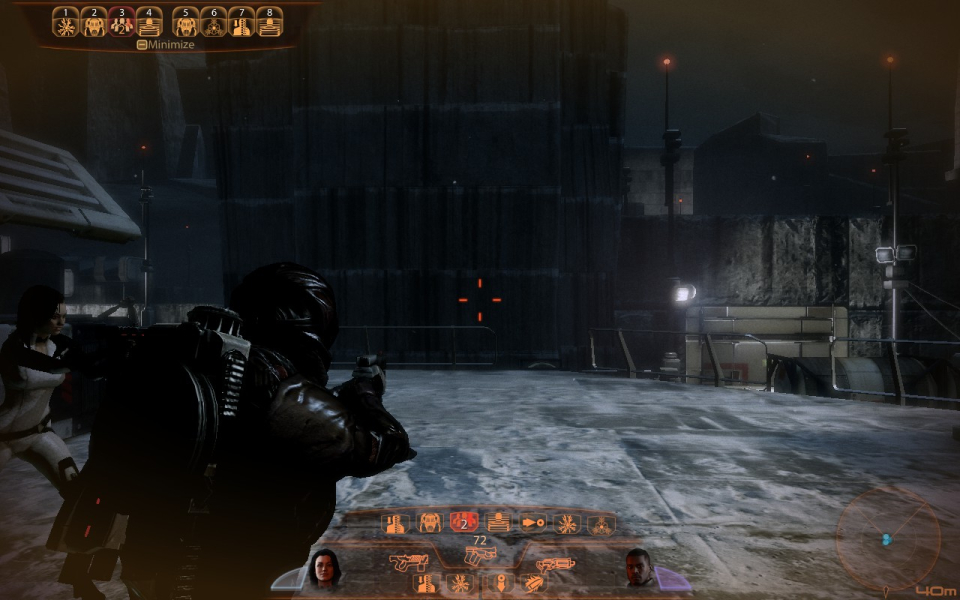
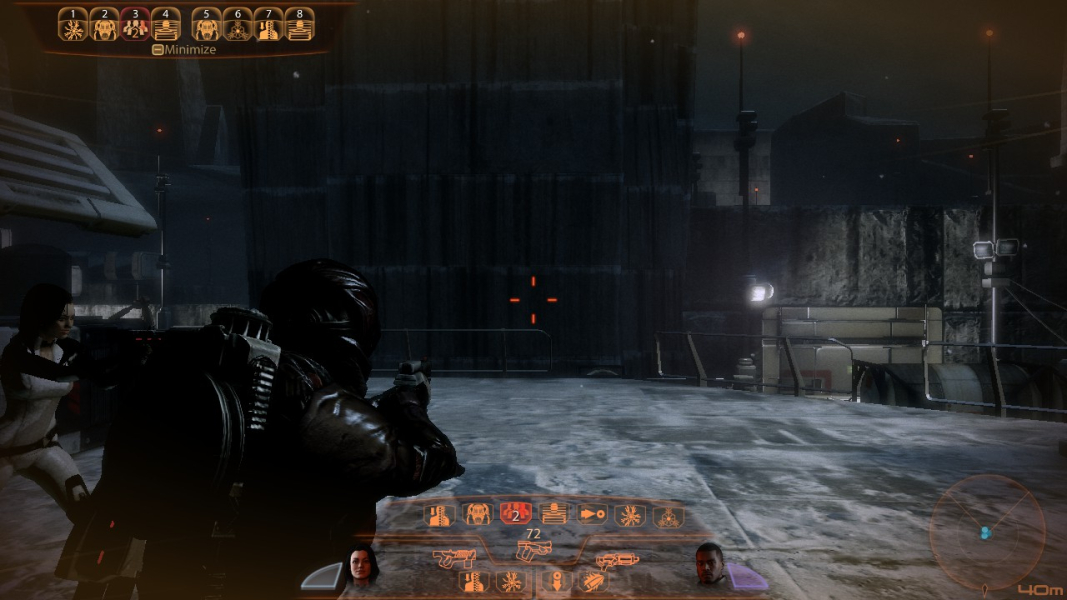
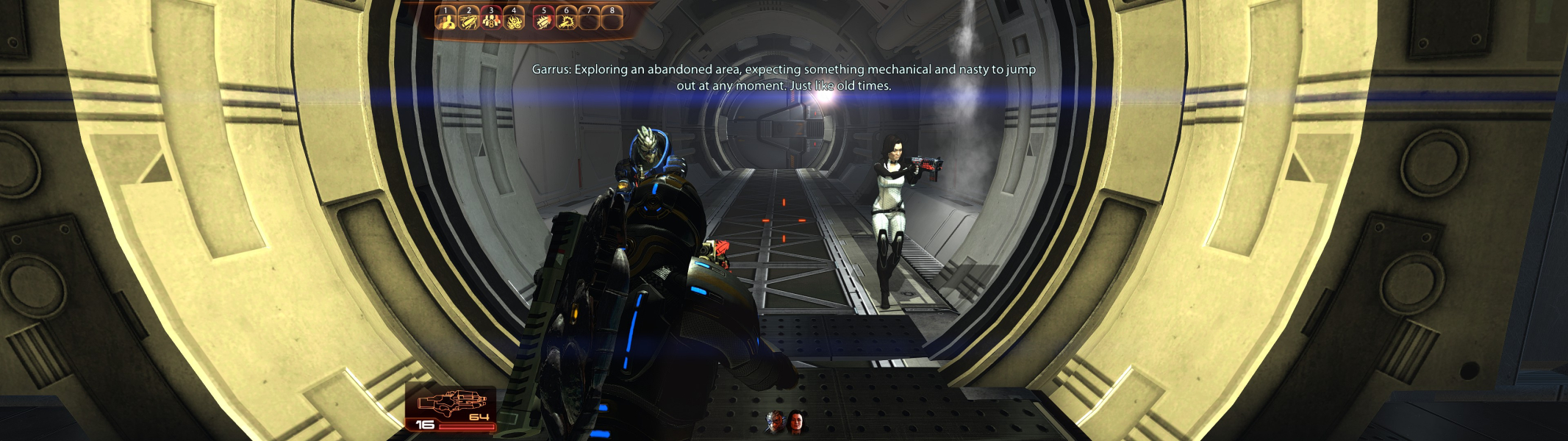
ScreenShots with the Fix:


Gameplay Screenshots



In-Game (Rendered) Cutscenes

FMV Cutscenes
Menu Screenshots