

Take the role of War, the First Horseman of the Apocalypse, in this third-person action game.
Support Summary
Game Information
- Released
- Lobbying
Screenshots Comparison
Solutions & Issues
Sorry if someone posted this already( did a search and couldnt find anything )
Thanks alot to Helifax for this solution
Simply Grab the latest WSF and use the Darksiders Plugin. Select the desired resolution from the plugin configuration, start the game, ALT+TAB once and play the game. That's it!
or
You can download the attached plugin and use it with WSF r537.
Previous solution:
Ok,so simple enough fix
Download a hex editor, i just used hexedit - http://www.physics.ohio-state.edu/~prewett/hexedit/
Backup options.dopt( in C:\Users\USER_NAME\AppData\Local\Darksiders for Vista and Win 7 users )
Now open up options.dopt( in C:\Users\USER_NAME\AppData\Local\Darksiders for Vista and Win 7 users ) in the hex editor
Horizontal resolution is on the 3rd line( 20 ), it will be 0500 if you have res in game set to 1280x1024, so modify this to the horizontal res of your setup( use windows calculator in programmer mode to convert resolution to hex values ). I have mine set to 0F00 for my setup( 3840x1024 )
Vertical( i didnt have to change mine ) should be just before than, i.e. line 2 ends in 04000000. the 0400 part should be the vertical resolution.
Modify both values to your eyefinity resolution and save the file, launch the game and you should be good.
And thats it, youll have to modify the settings file again every time you change them in game, but its handy enough
The FOV looks correct too
(Read only the .dopt file might help as well as between launches of the game it sometimes seems to reset the resolution)
--------------
5x1 Users:
Just picked up this game tonight. The hex edits on options.dopt are not sticking for me when I start the game. they're resetting at each launch. 6000 = 70 17 1920 = 80 07 3000 = B8 0B 800 = 20 03 Neither 600x1920 nor 3000x800 5x1P resolutions are sticking.
Yes, I set read-only in file preference after saved. The engine seems not to like something about 5x1P aspect ratio and defaults even with a locked preference file.
16:9 UHD resolution cannot be chosen via the options menu. But once you have done that Darksiders looks stunningly good!
The desired resolution has to be changed in the config file with a hex editor.
The config file is located in "C:\Users\$username\AppData\Local\Darksiders\options.dopt"
For 3840(F 00)x2160(8 70) you have to change the corresponding fields ( in parentheses ). Als note that the hex fields are backwards. Updated options.dopt available from the PC Gaming Wiki Community Files (search there).44 4F 50 54 00 04 00 00 00 56 60 4A 58 01 21 21 01 00 00 01 01 01 01 37 00 00 00 70 08 00 00 00 0F 00 00 00 00 40 3F
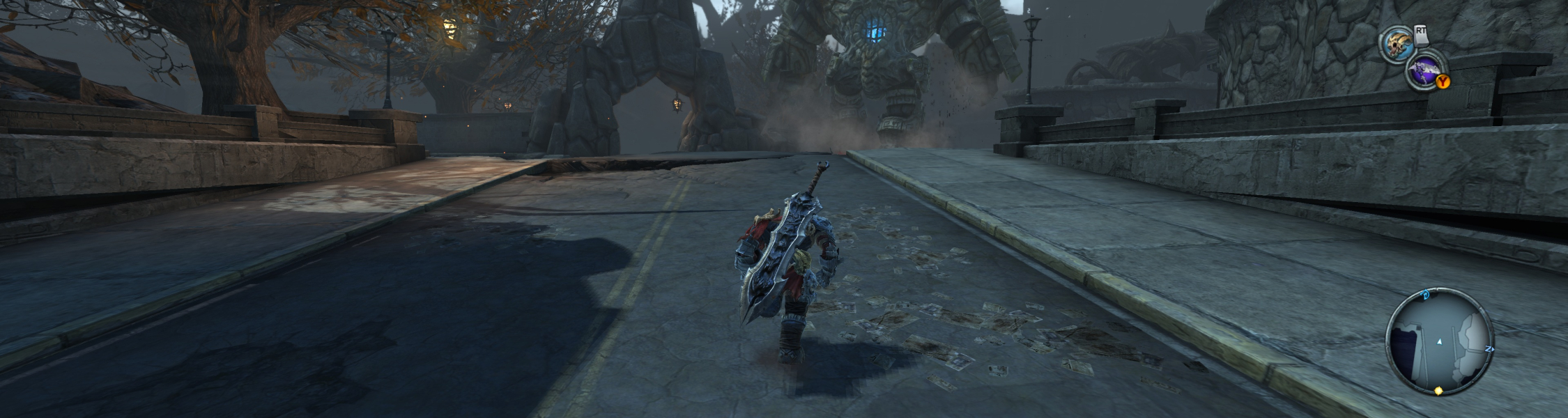
Gameplay Screenshots


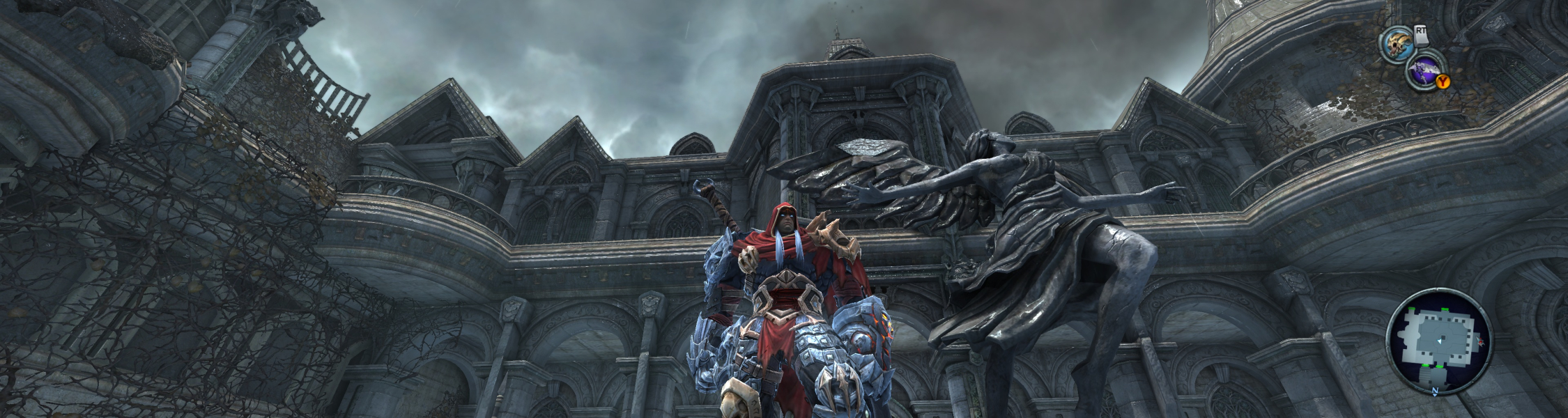
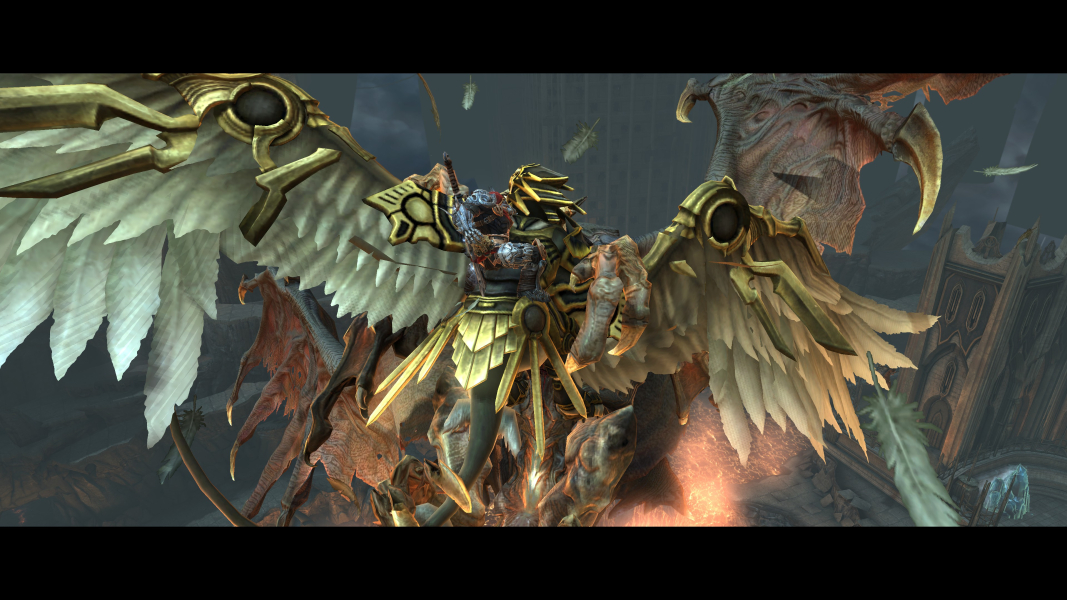
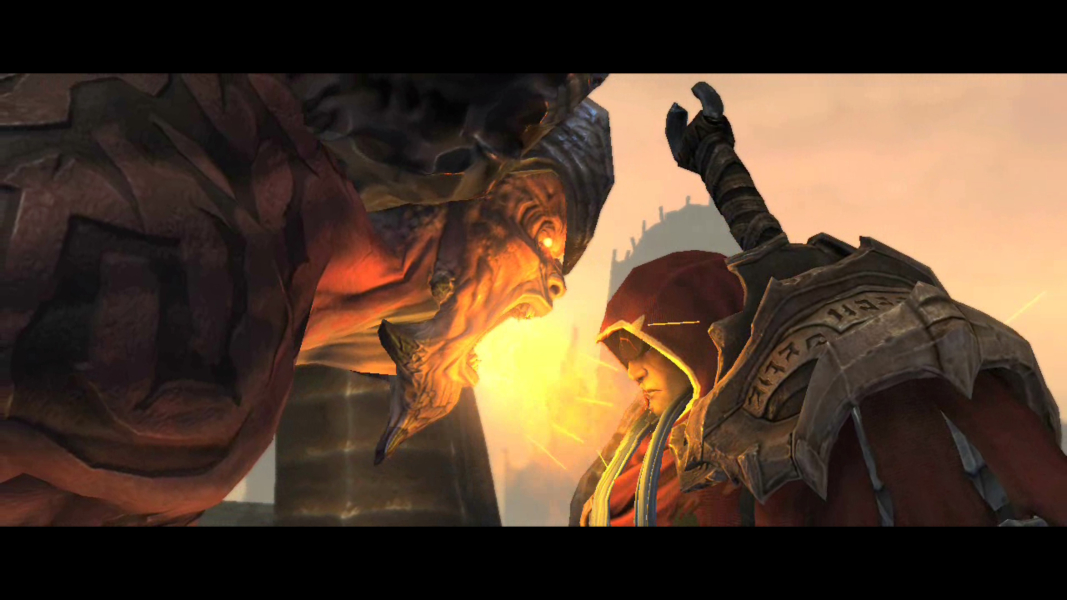
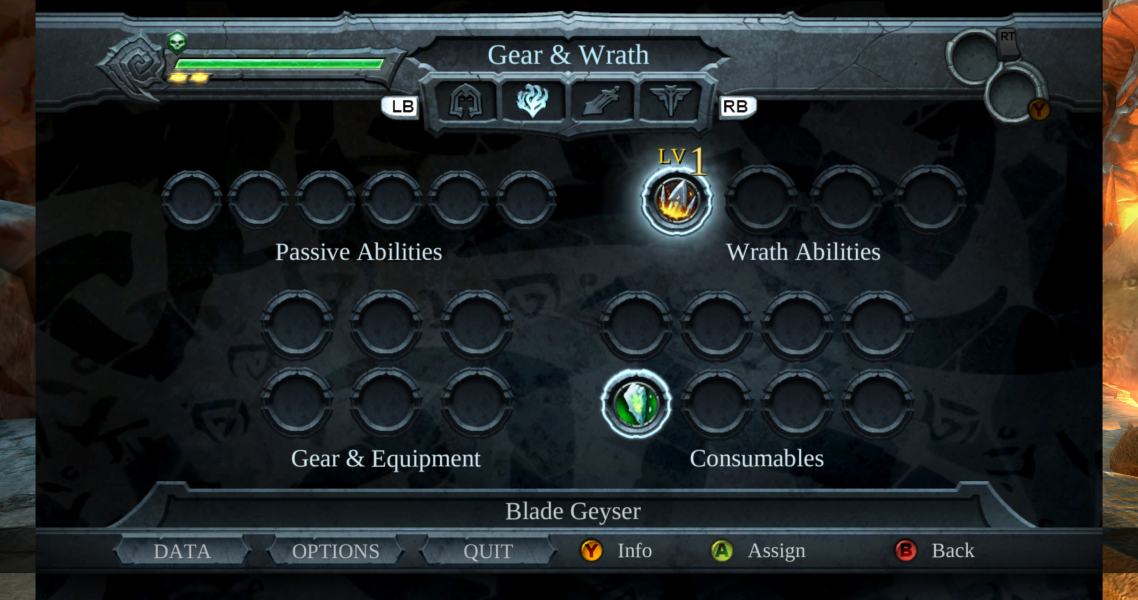
4K UHD Screenshots
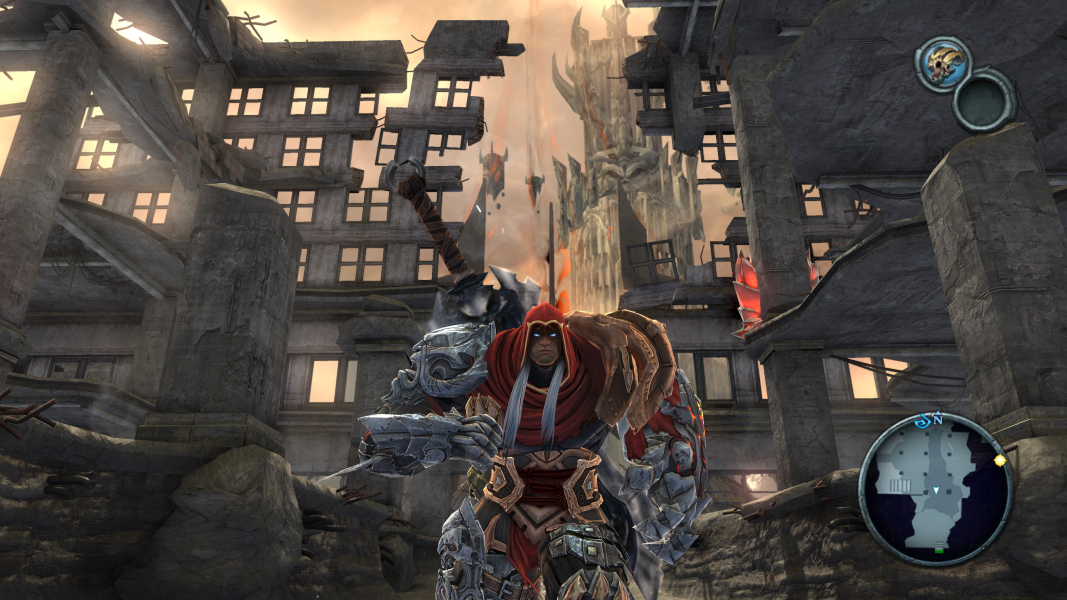
Additional Screenshots