

Developed by Larian Studios, Divine Divinity is an action RPG. This game employs a top-down perspective with mouse-based movement and actions. Combat is fast and geared towards experienced gamers.
The gameworld allows for nonlinear exploration and questing. Character development is a customizable class-based system.
Don't be put off by the goofy title, this game is a gem.
Support Summary
Widescreen | Ultra/Super‑Wide | Multi-Monitor | 4K Ultra HD | |
Support | ||||
Method | ||||
HUD | ||||
Cutscenes | ||||
FMVs |
Screenshots Comparison
Solutions & Issues
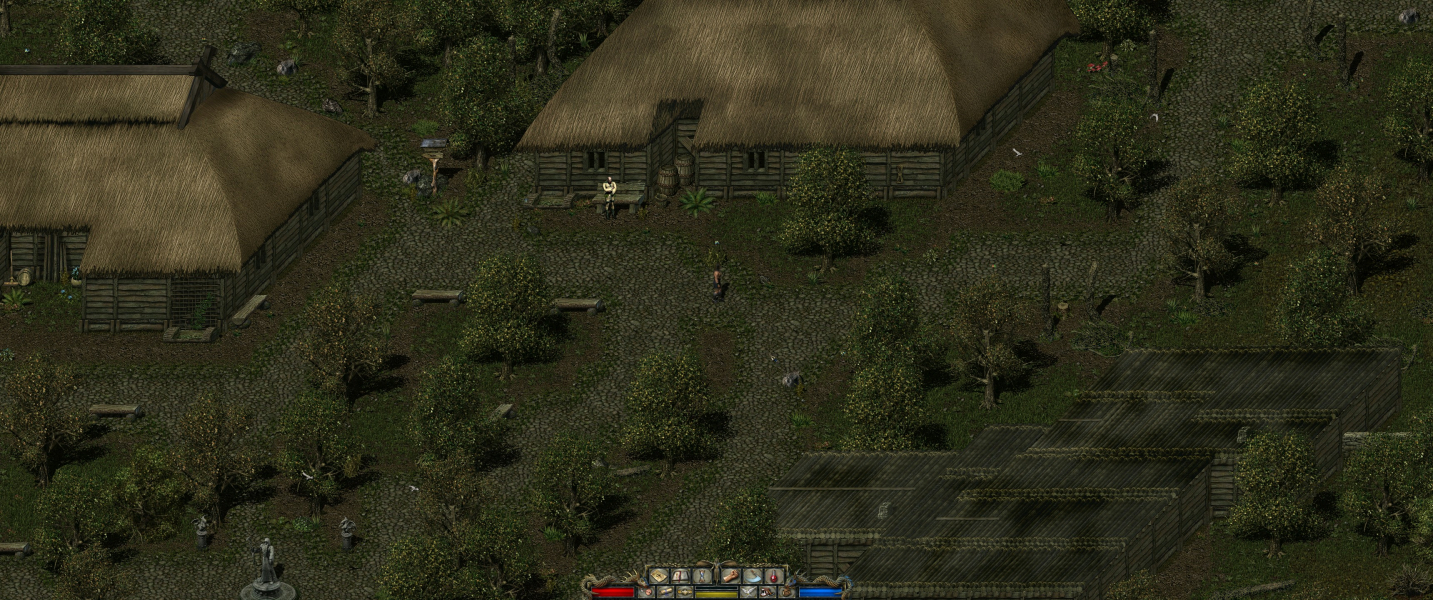
Resolutions (including widescreen) can be selected from the configuration tool. 1920x1200 is about the highest resolution supported using Direct 3D. Software rendering must be selected to use higher resolutions.
Resolutions can also be manually configured. In the root game directory, open the file "config.div" with a text editor. You will see the following...
// display width
width ****
// display height
height ****
Change to your desired widescreen resolution.
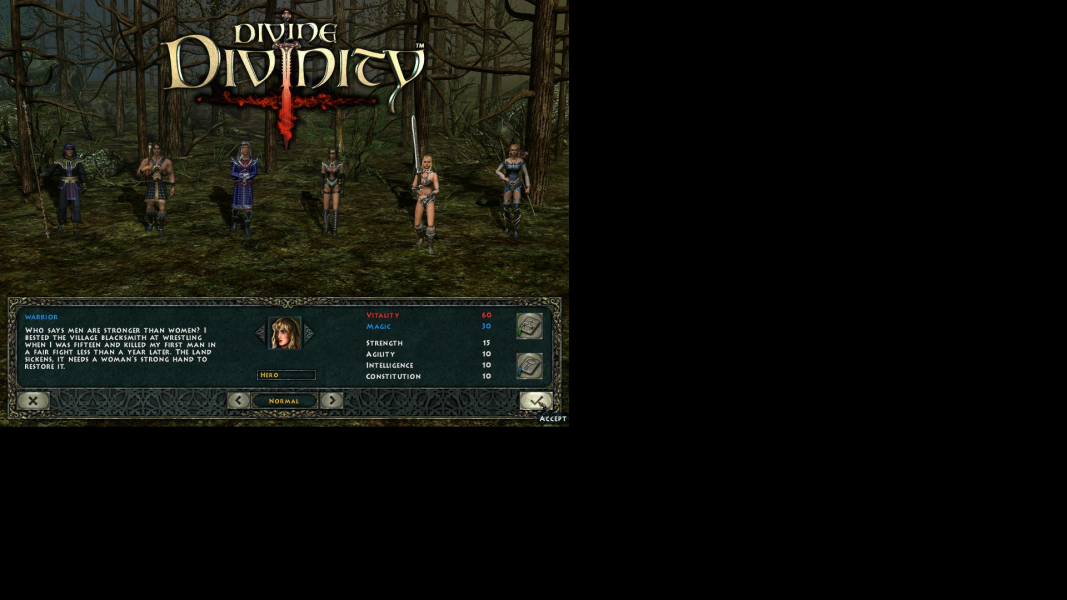
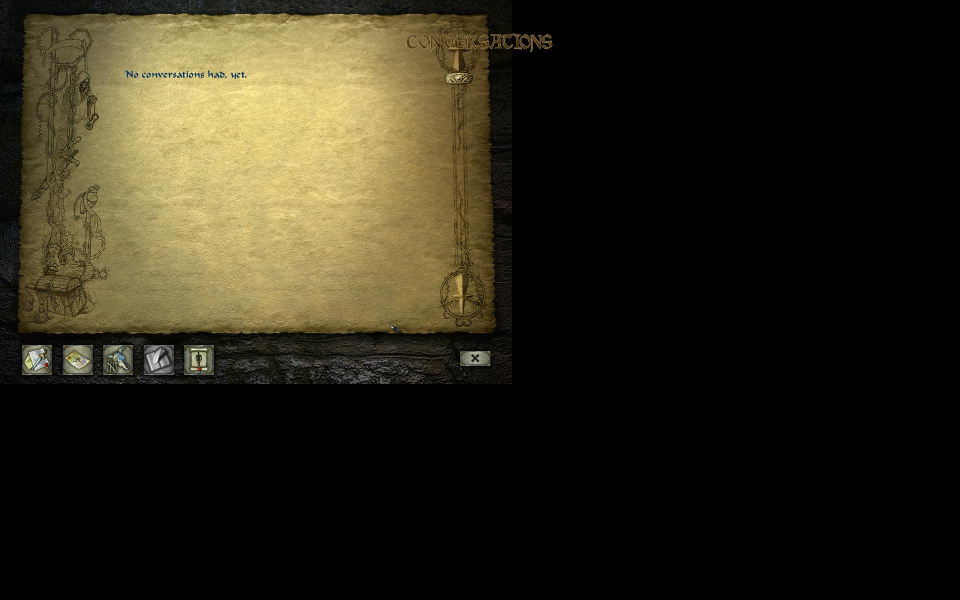
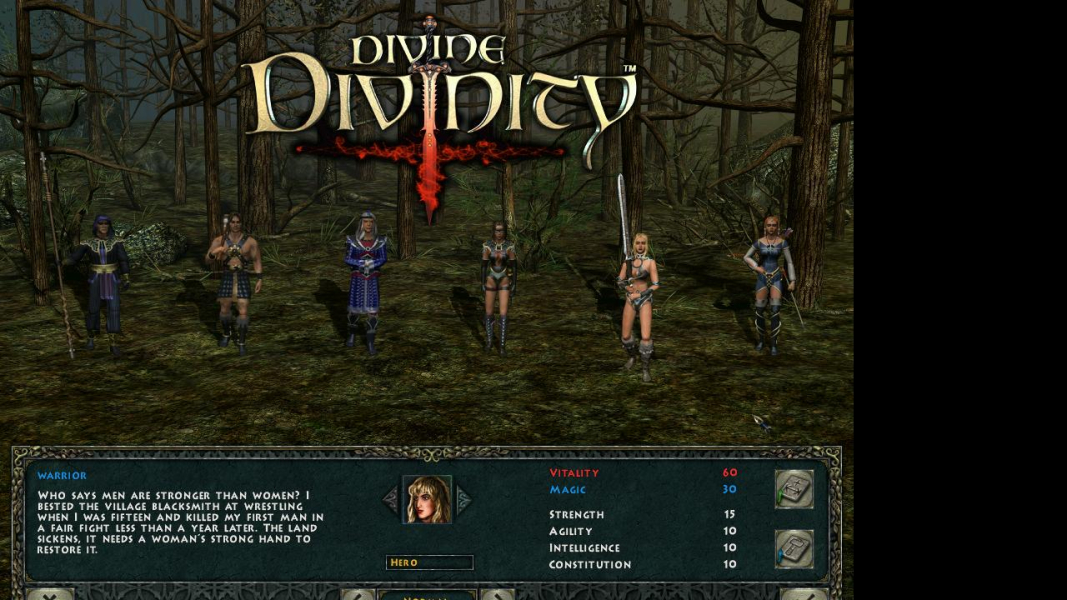
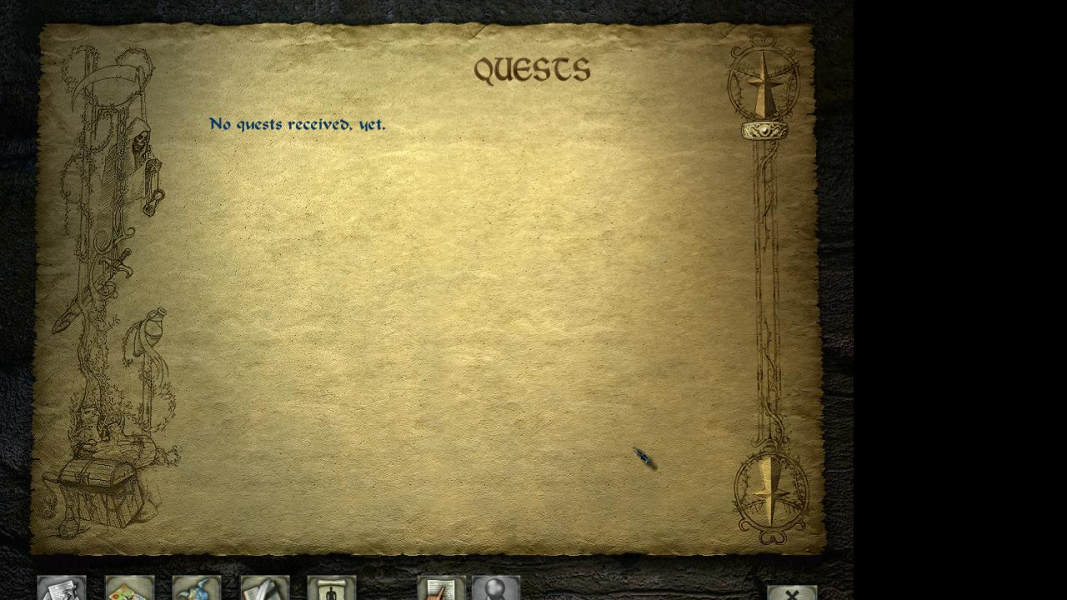
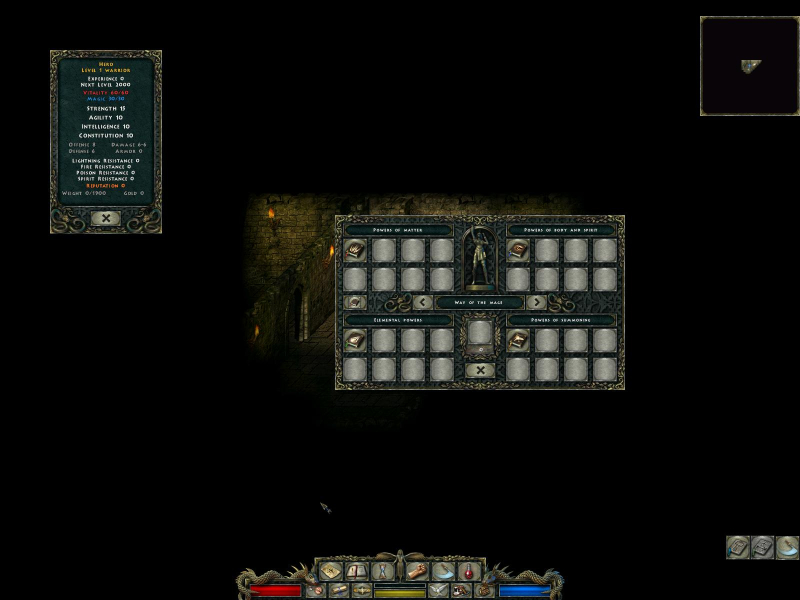
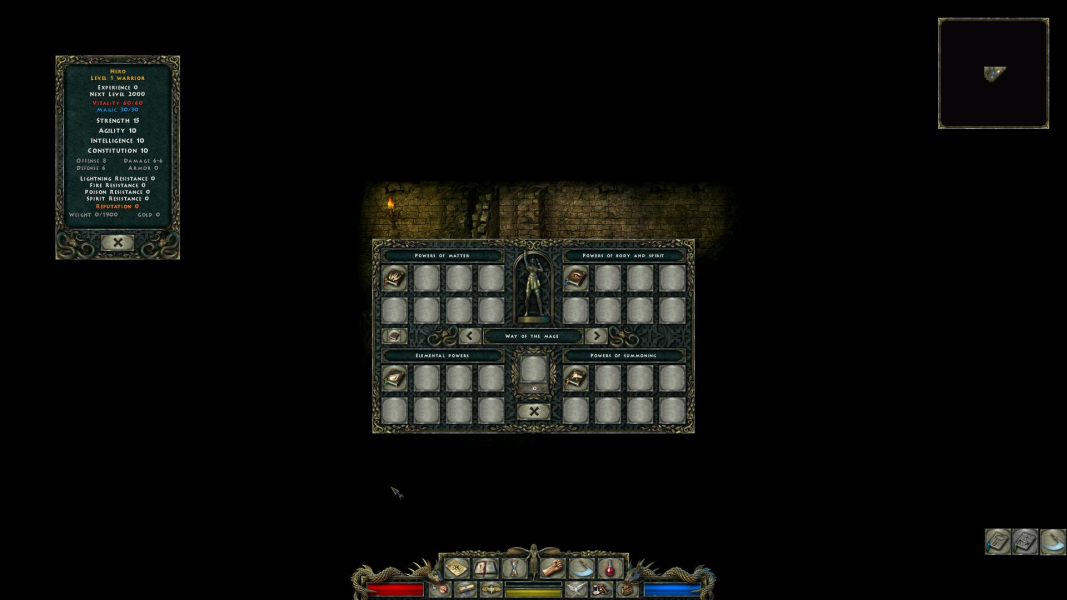
Two-dimensional screens do not scale and will not cover the entire screen in certain widescreen resolutions. The journal screen may have misaligned text depending on your selected resolution. The diary button on the main-game screen is unstable in widescreen resolutions. Press "Q" to get to the quest/map/diray screen.
The journal automap will not display any icons. You will need to press "Q" or "Esc" to exit the automap screen. Use "Q" to move to the other journal sections and use "Esc" to return to the gameworld. The 1280x720 widescreen resolution has slight cropping of two-dimensional screens.
Software rendering must be selected from the configuration tool. Direct 3D causes the game to crash.
Gameplay Screenshots




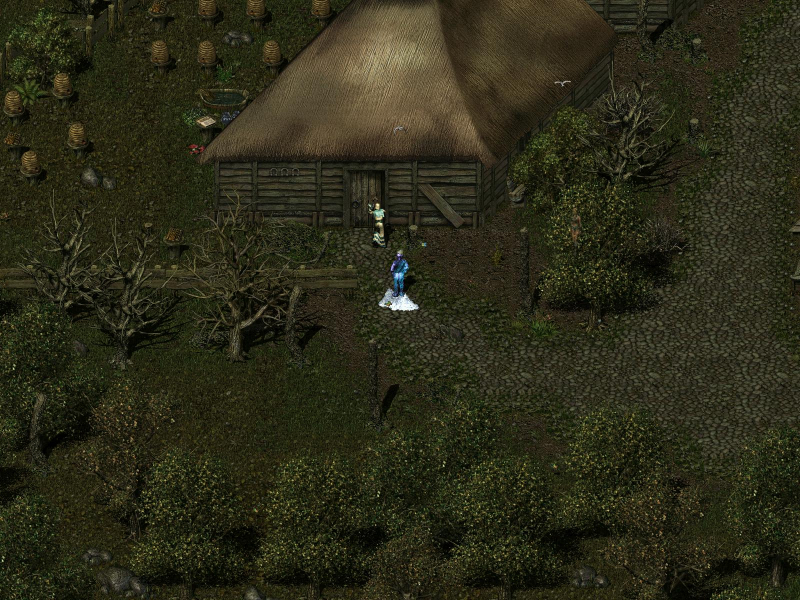
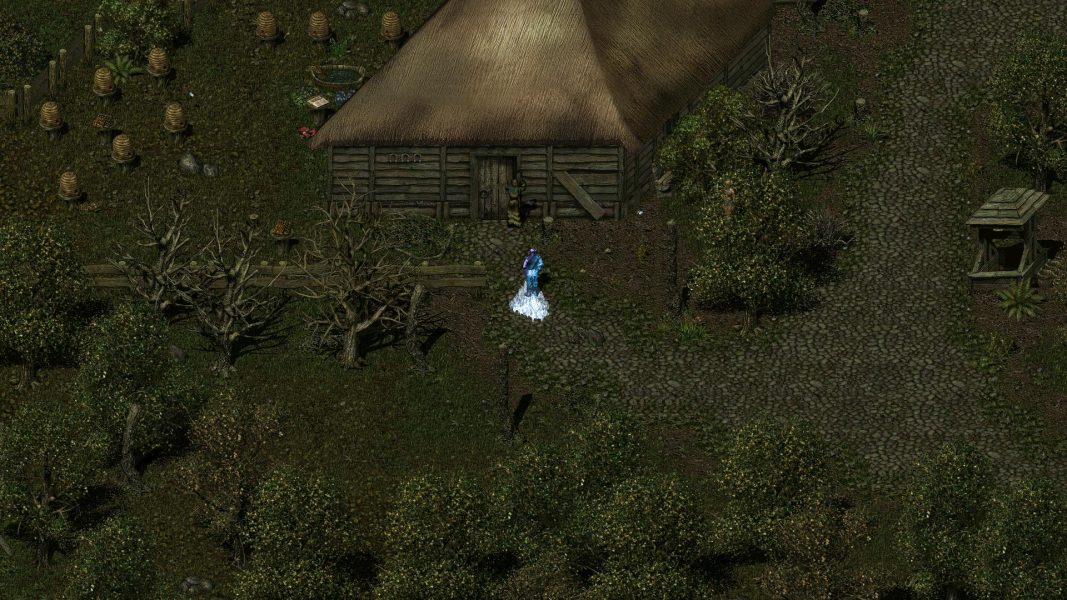
In-Game (Rendered) Cutscenes

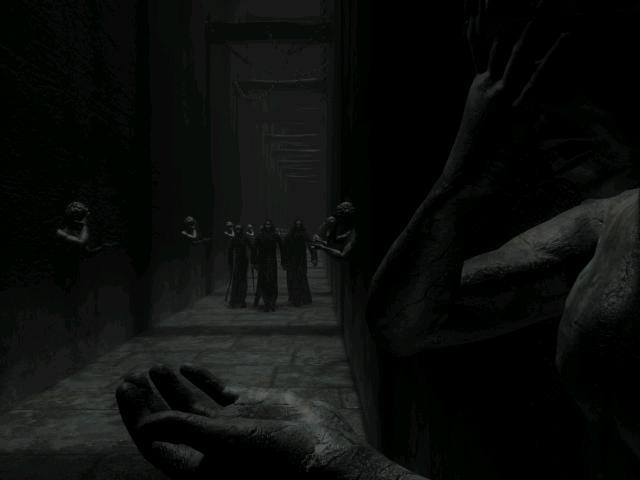
FMV Cutscenes
Menu Screenshots

Additional Screenshots