

Age of Mythology is an RTS set within the major historical mythologies - Greek, Roman, Egyptian. It is in the same play style as Age of Empires II, and with good reason. AOM is from the same developer, and same "series" as AOE2.
From Ensemble Studios, the creators of Age of Empires and Age of Kings, comes Age of Mythology, a game that transports players to a time when heroes did battle with monsters of legend and the gods intervened in the affairs of mortal men.
Taking on the role of one of nine ancient civilizations, players guide their people to greatness by commanding all aspects of their empire: gathering resources, raising massive armies, waging war against enemies, establishing profitable trade routes, building new settlements, enhancing production or military might with improvements, exploring new frontiers, and advancing through four distinct ages.
Support Summary
Screenshots Comparison
Solutions & Issues
Use these command line arguments with the game's executable:
xres=[xres] yres=[yres] as follows.
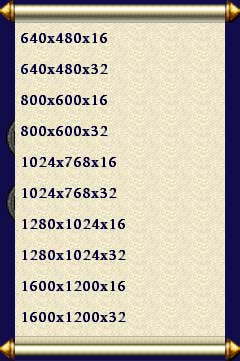
Game doesn't support widescreen resolutions through Options. To use such resolution you have to add a command line parameter:
"C:\Program Files\Microsoft Games\Age of Mythology\aom.exe" xres=1920 yres=1200
Change the resolution to your liking.
Alternately,
1 ) Set the game to whatever res you want, and click OK. It'll go to that res, stretched to fill the screen.
2 ) Then click on the 'play in window' button in the options on the right. It'll fill the screen. Or it did for me.
[Update] Additionally, for AOM: The Titans there is an automatic way to archieve the same thing:
1. Go to "Age of Mythology GE\startup\"
2. Create a text file and name it user.cfg
3. Write the following files to it,
xres=[width]

yres=[height]

+noIntroCinematics

+flashhitpointbarsondamage
4. Now run "aomx.exe" and enjoy the better resolution!
Same method, add xres= yres= to your shortcut's Target field. (The SGU entry only forces windowed mode and doesn't even list the Titans expansion, so don't bother.)
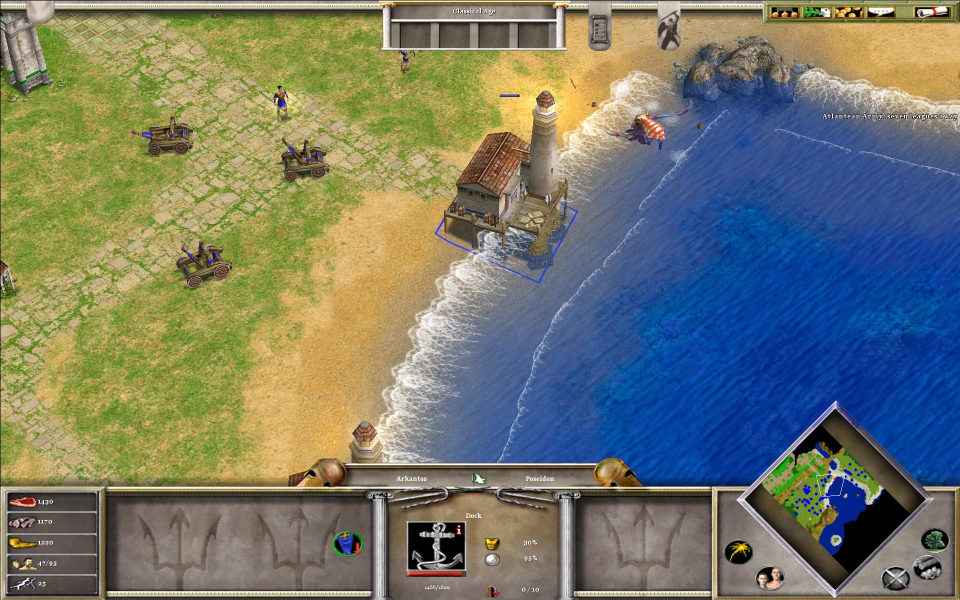
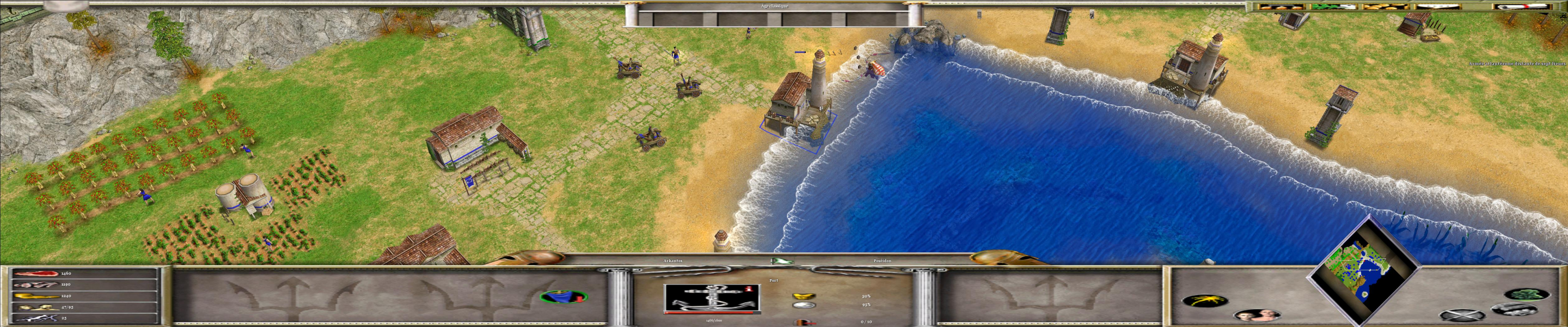
Hor+ gameplay, stretched UI except the minimap.
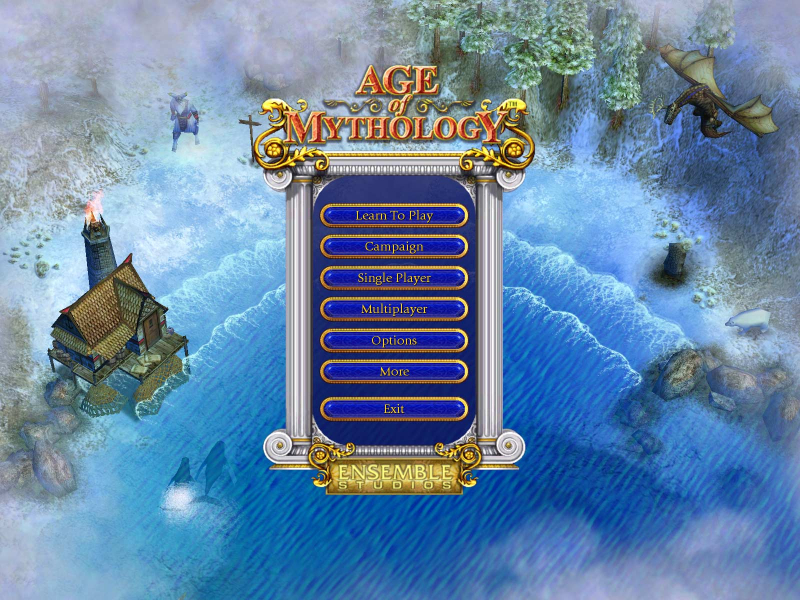
Main menu 2D graphics is stretched, however text labels are OK because they are written with system fonts. Also the background in main menu is OK because it is using game engine. In-game view is Hor+. In-game 2D UI elements are stretched and don't scale with resolution. The text is however scaling with resolutions. The higher the resolution, the smaller the text.
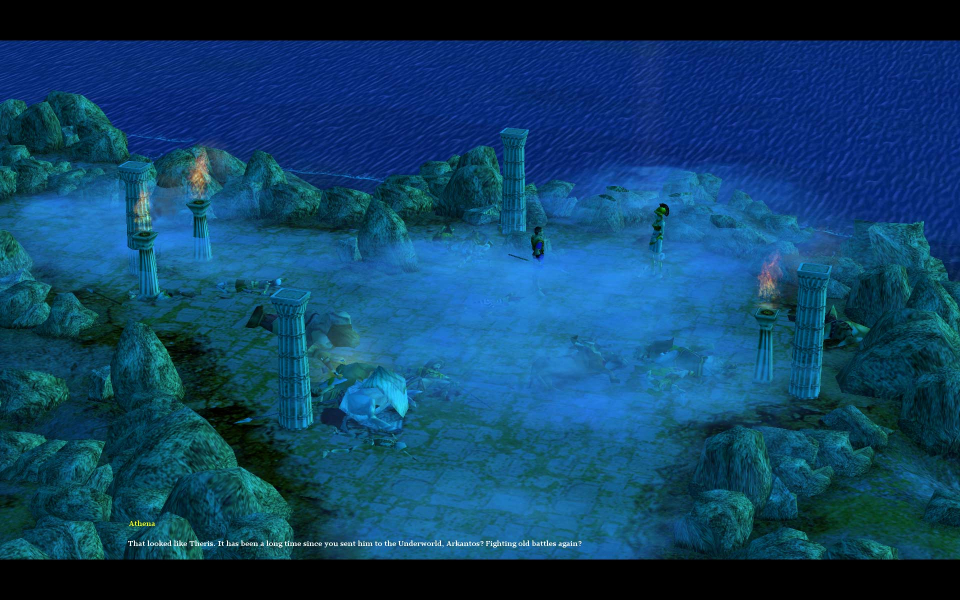
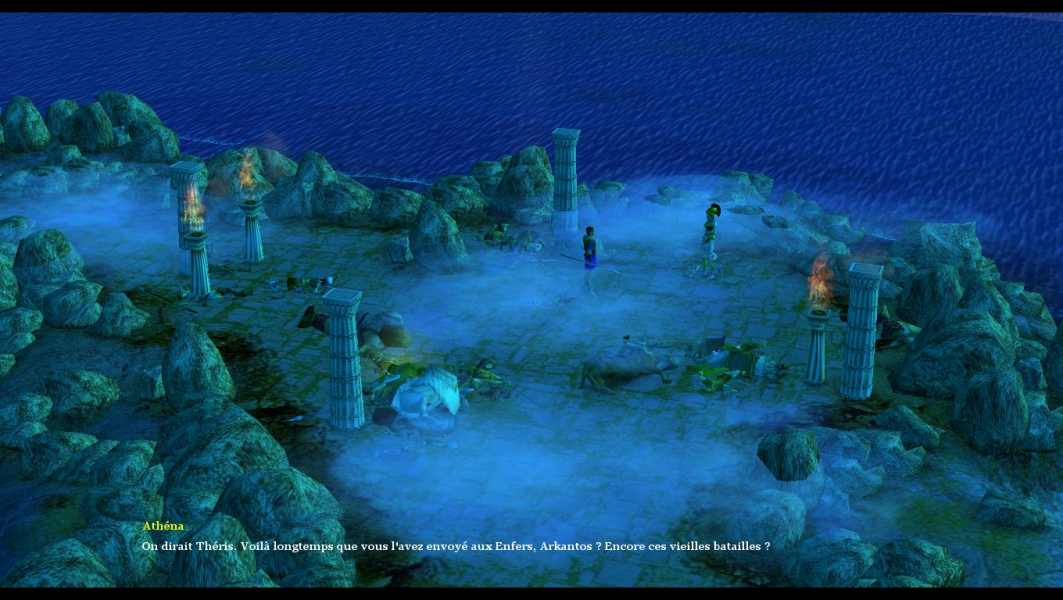
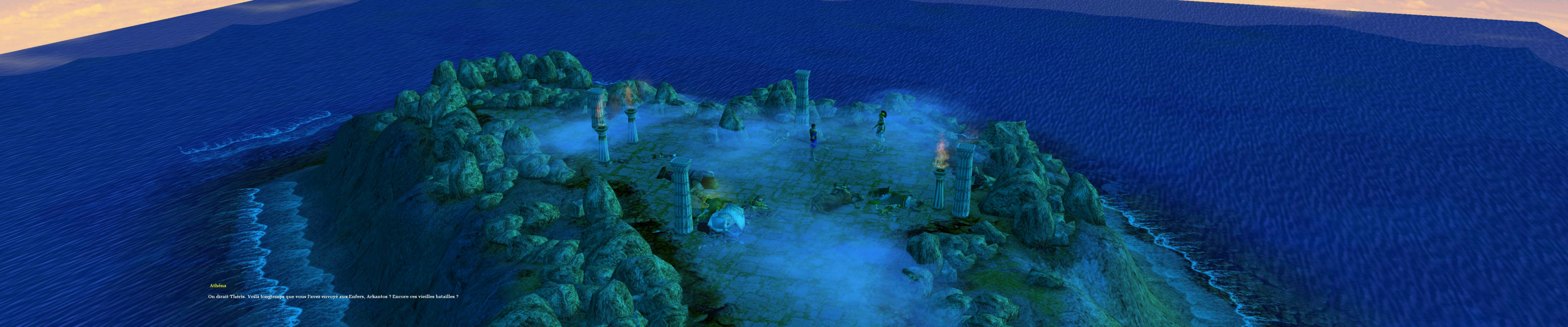
In-game 2D HUD elements are stretched except the text labels. Widescreen cut-scenes (using game engine) are Hor+ and Ver+ against normal.
Gameplay Screenshots



In-Game (Rendered) Cutscenes

Menu Screenshots
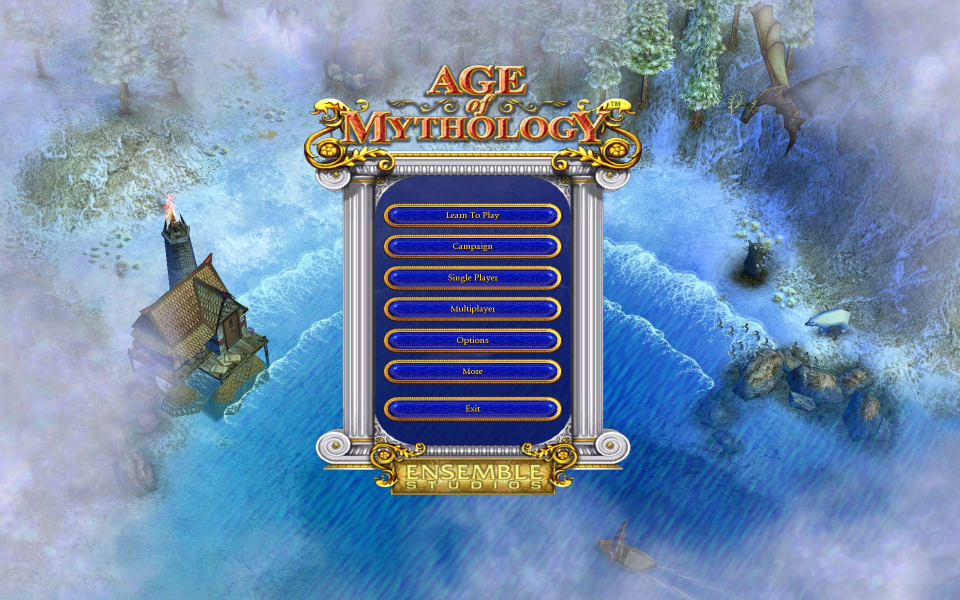
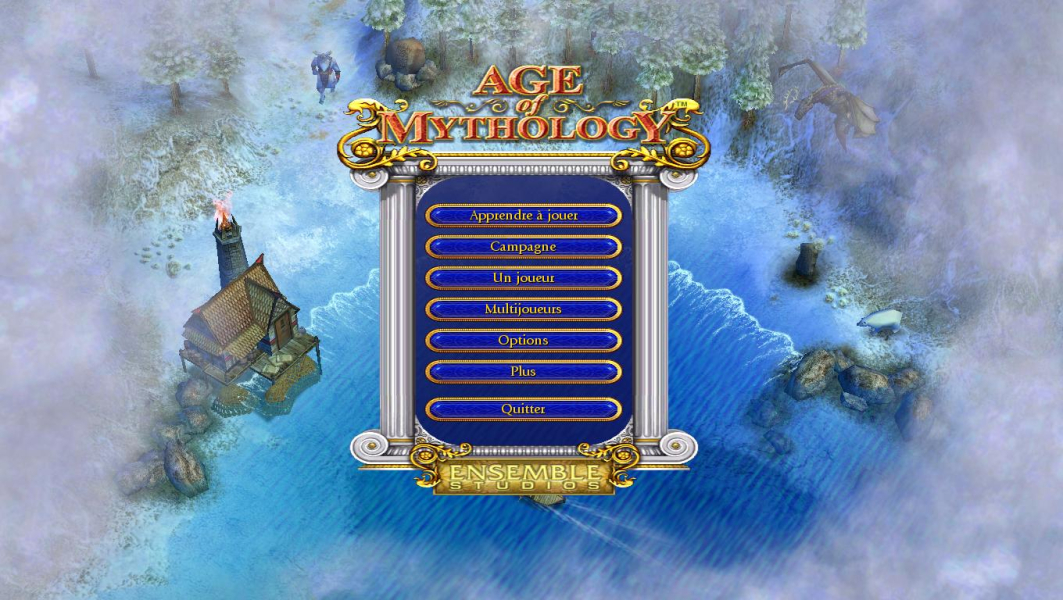
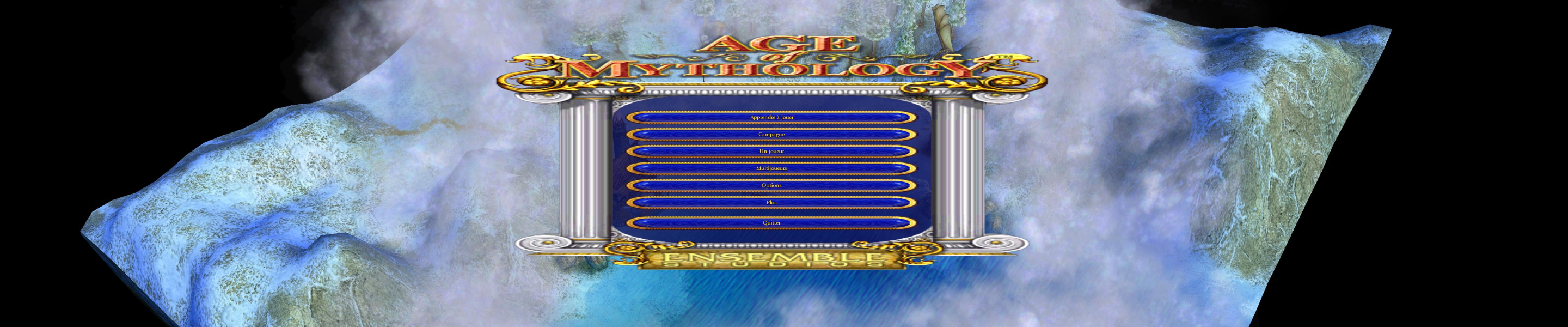
4K UHD Screenshots
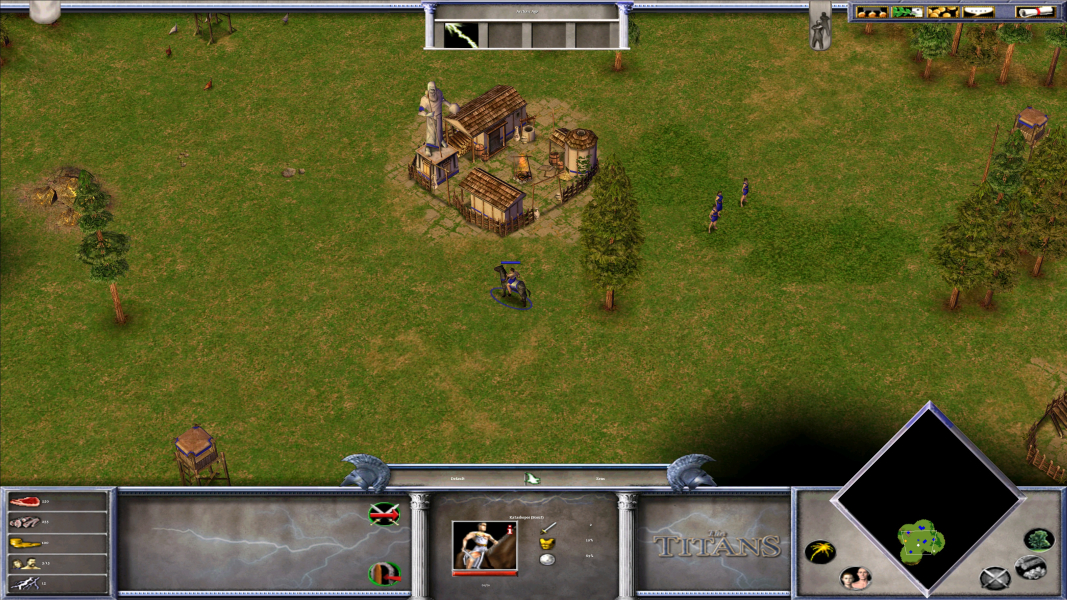
Additional Screenshots