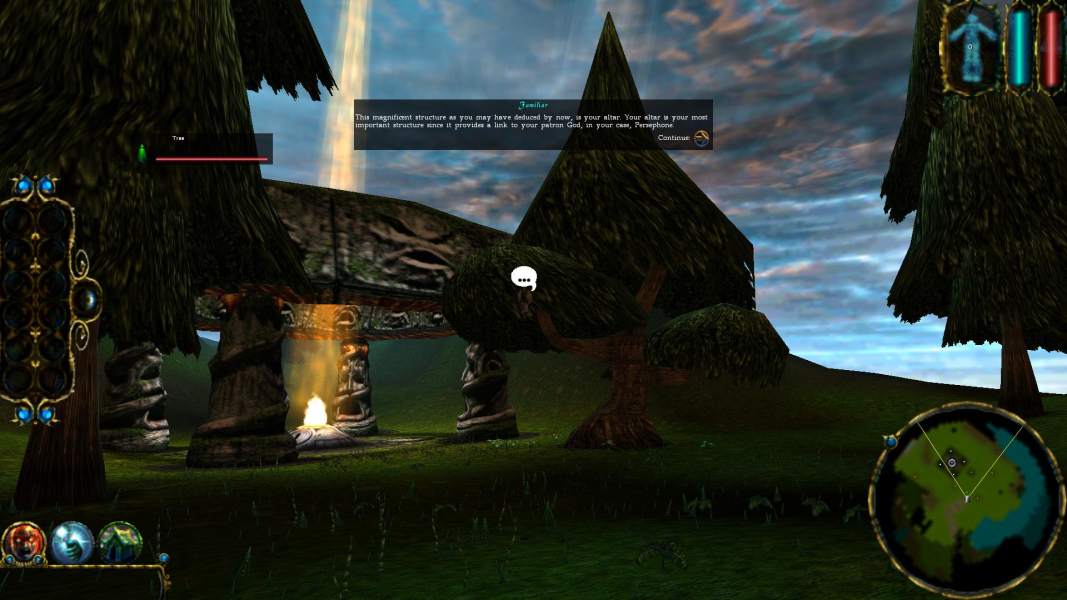


Take control of alien wizards as they seek to control manaliths and banish their opponents from the realms. Harvest the souls of your enemies' creatures and create more powerful, deadly beings to ravage the lands. Sacrifice your own followers to destroy your opponent's altar and claim victory. Master the spells given to you by the five gods of this new world: the righteous god of Life, Persephone, the humble god of Earth, James, the all-knowing god of Air, Stratos, the industrious god of Fire, Pyro, and the sinister god of Death, Charnel. Summon tornados and volcanos to scatter your enemies or remove the very ground from beneath their feet and watch their armies plummet into oblivion. Sacrifice awaits.
Support Summary
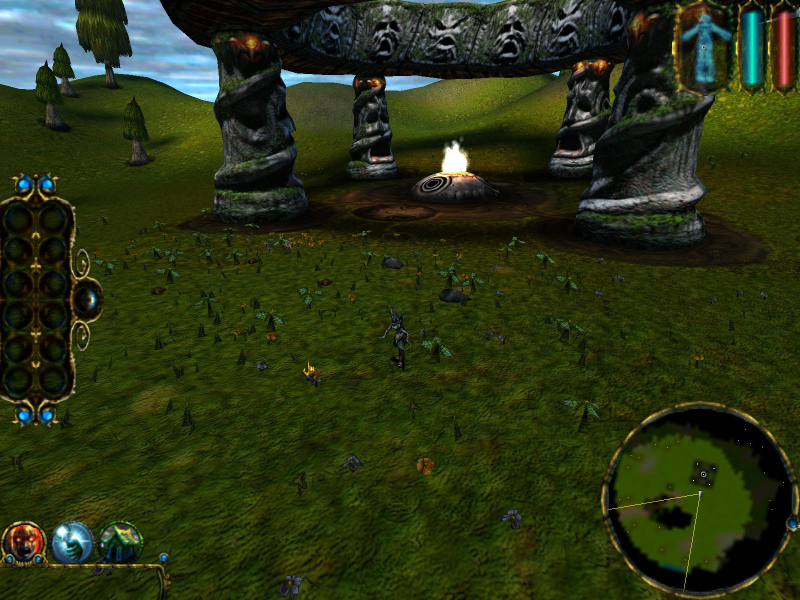
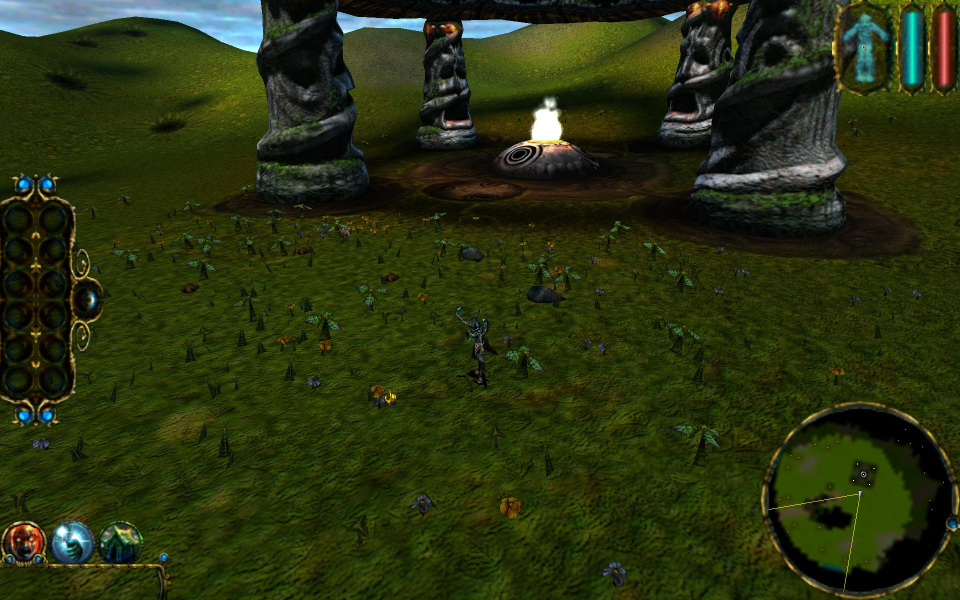
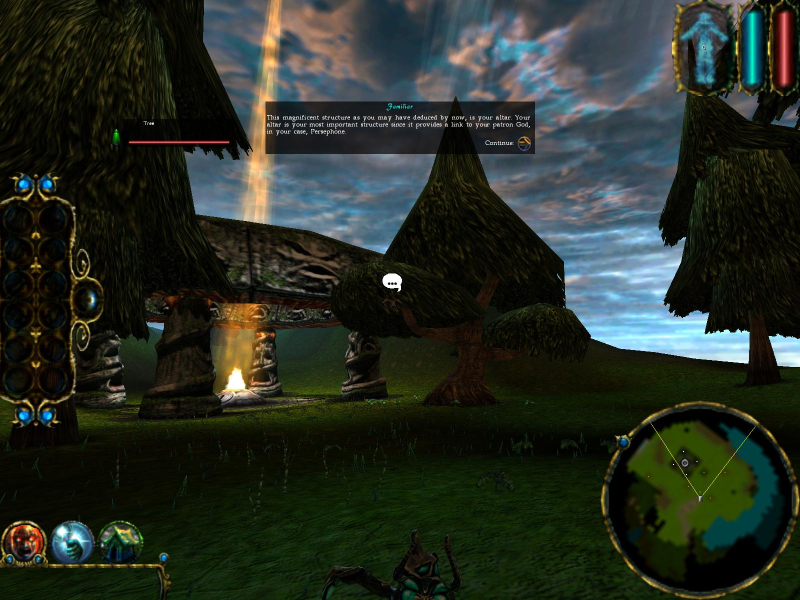
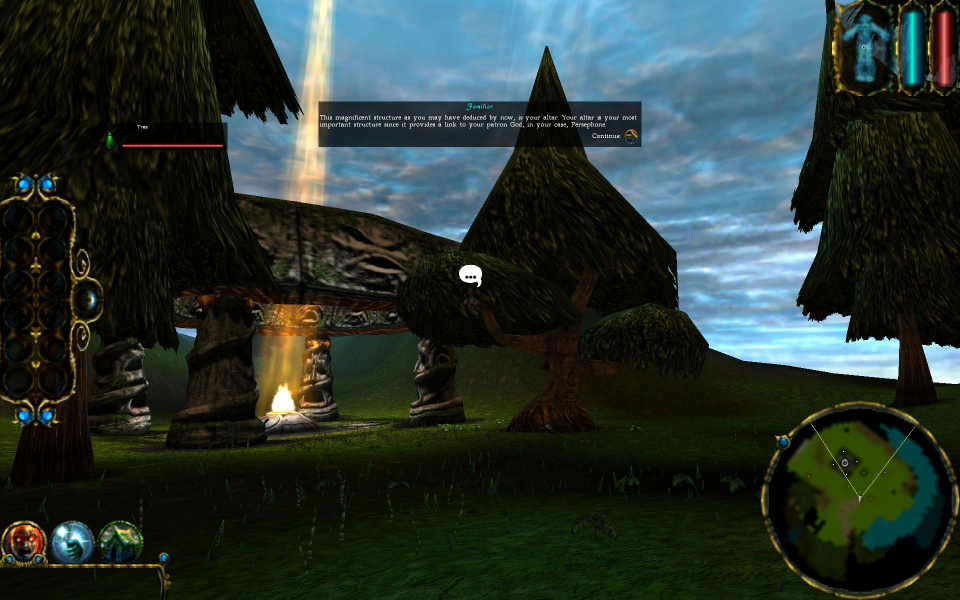
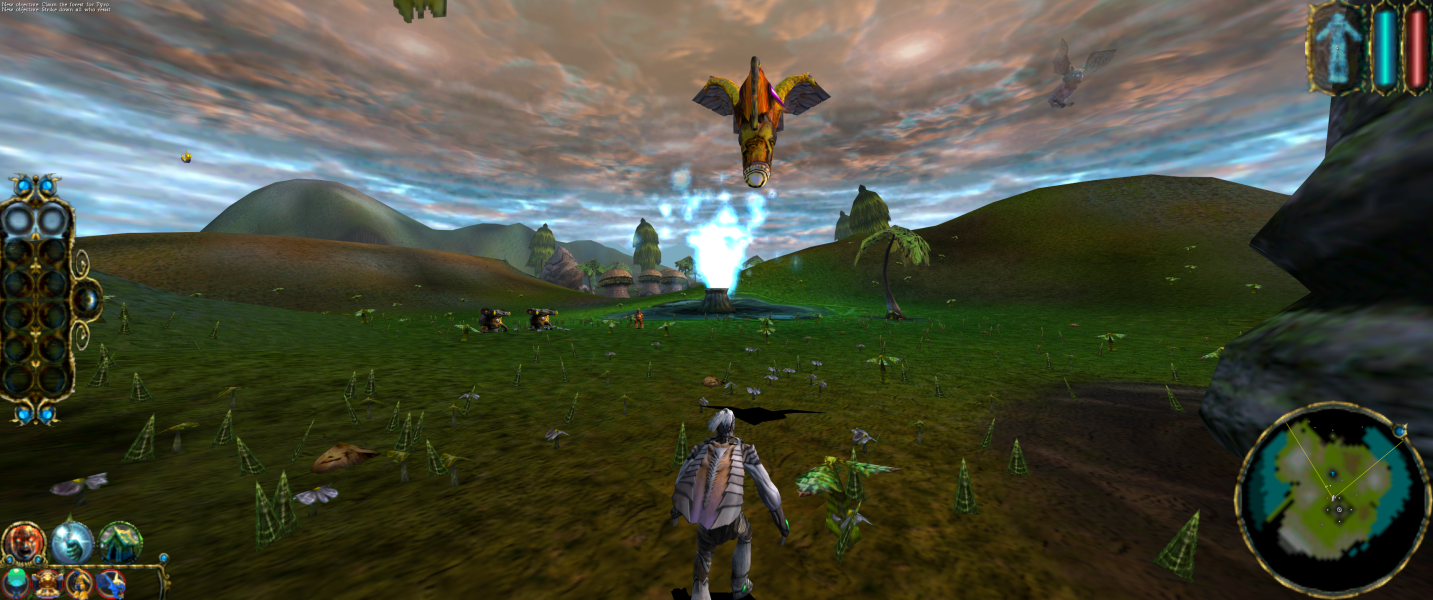
Screenshots Comparison
Solutions & Issues
Replace all files from this archive — Sacrifice.7z in the game folder.
Any resolution can be set in the game menu.
[hr]
Old solution (unusable due game objects disappear):
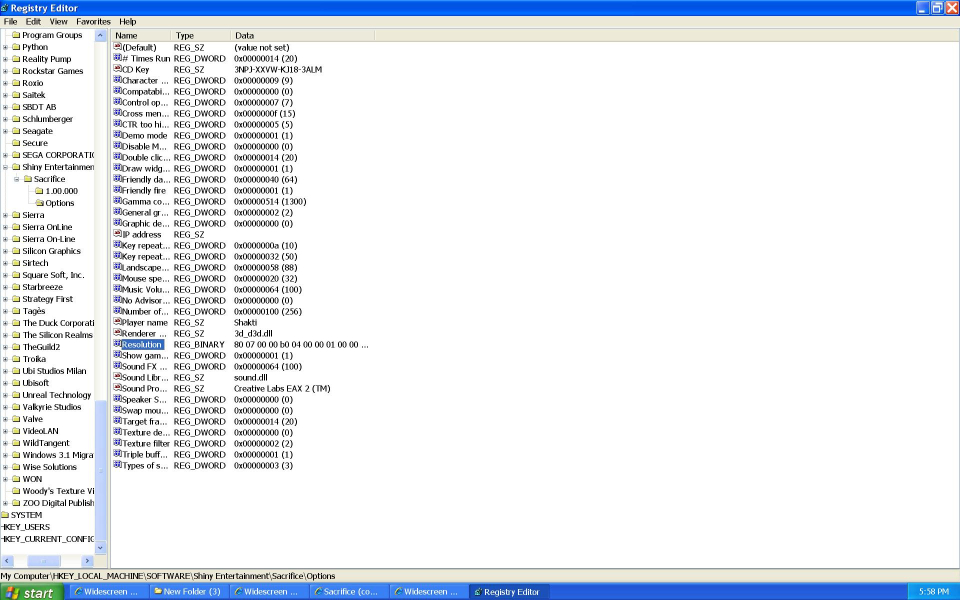
Use run and type "regedit". Go to:
HKEY_LOCAL_MACHINE\SOFTWARE\Shiny Entertainment\Sacrifice\Options
Double-Click on "Resolution" and change the hexadecimal values to your desired widescreen resolution.
Remember that the values are entered in reverse order. For example 1920 is 07 80 in hexadecimal and would be entered as 80 07 in regedit.
Ex.:
1280x720: 00 05 00 00 D0 02
1360x768: 50 05 00 00 00 03
1440x900: A0 05 00 00 84 03
1680x1050: 90 06 00 00 1A 04
1920x1080: 80 07 00 00 38 04
1920x1200: 80 07 00 00 B0 04
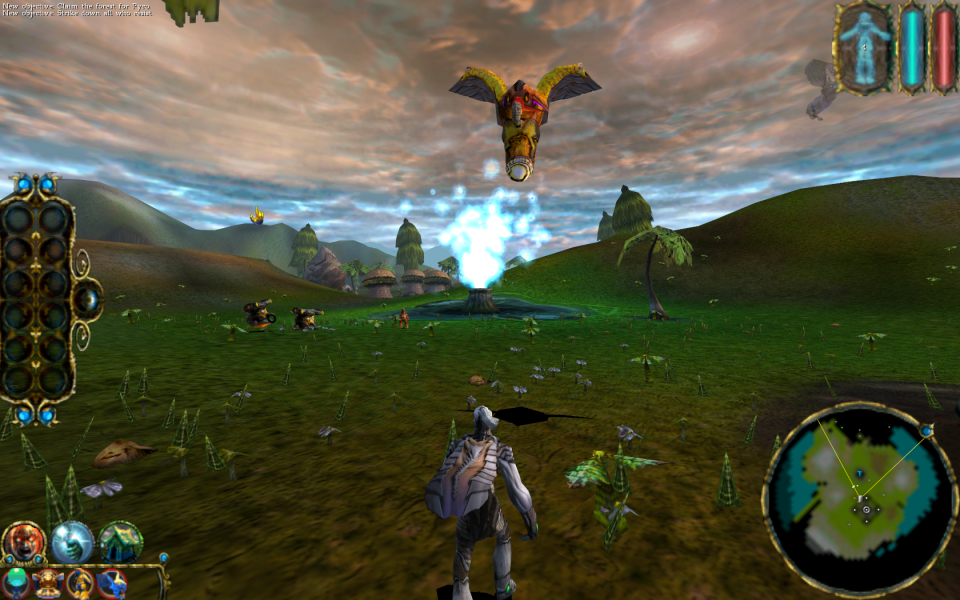
Gameplay Screenshots




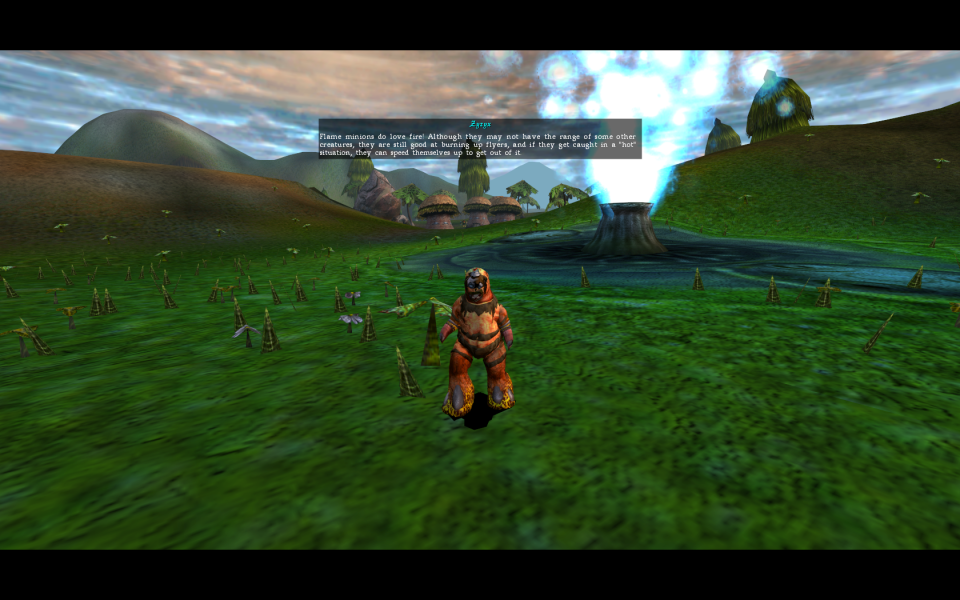
In-Game (Rendered) Cutscenes



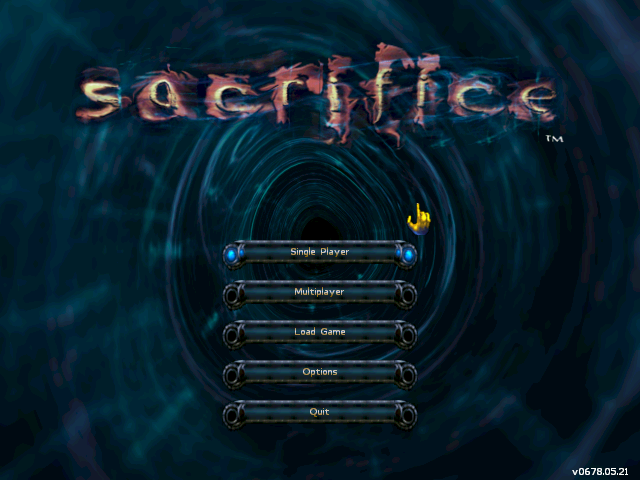
Menu Screenshots
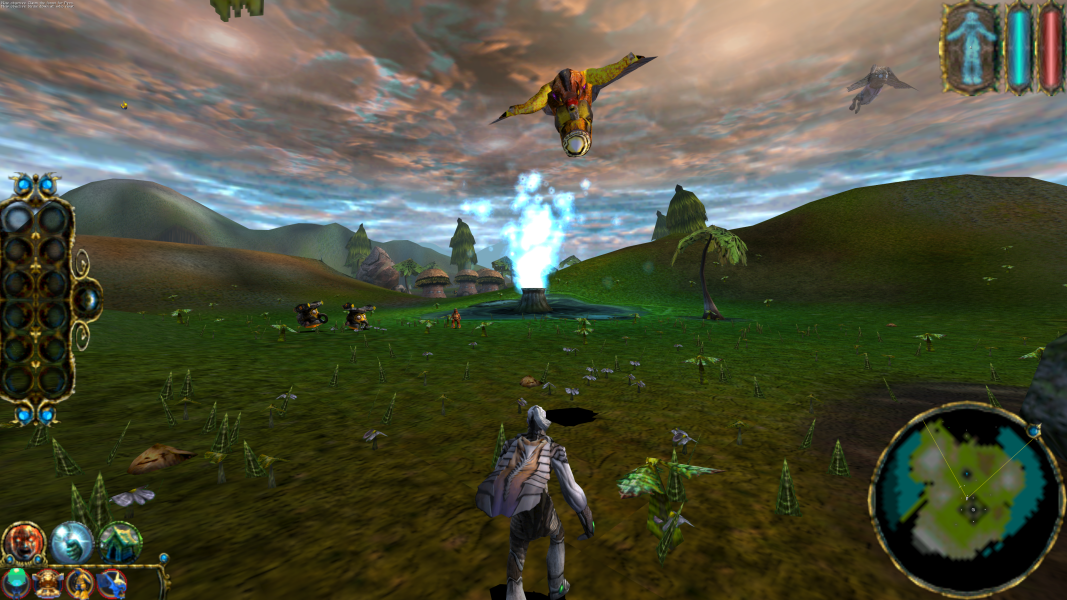
4K UHD Screenshots

Additional Screenshots