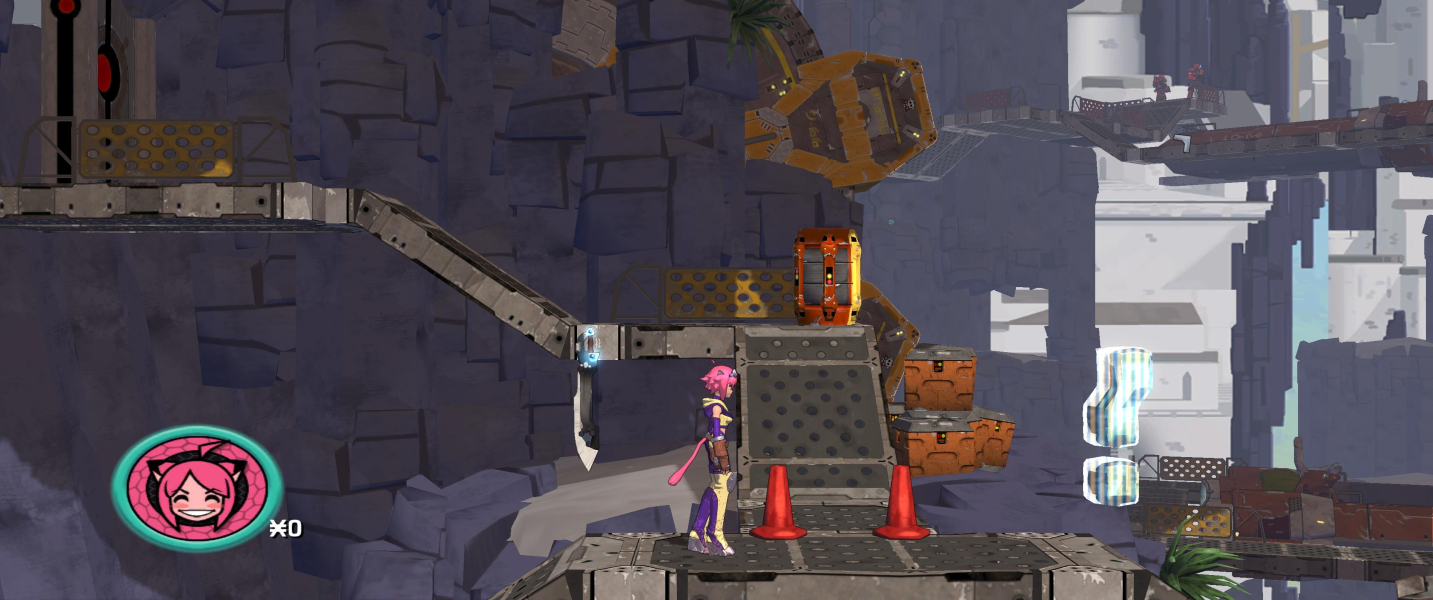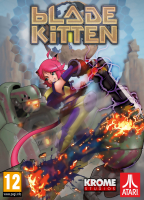


Platformer with action adventure elements, anime-like design and loads of secret stuff to collect.
Support Summary
Game Information
Screenshots Comparison
Solutions & Issues
Native support
Select your fullscreen (any AR) or windowed (16:9) resolution from the options menu. Aspect ratio correction for fullscreen res's can be set to None, 16:10 or 16:9. If you really hate black bars and prefer vertical stretch to letterboxing, choose None.
The Game only supports Aspect Ratio till 16:9 - you need to use Steamless Software and a HEX editor to get it HOR+
Go to --> ...\Steam\steamapps\common\Blade Kitten\BladeKitten.exe and unpack BladeKitten.exe using - Steamless Software
Then Hex edit these Adresses:
Aspect Ratio: Go to Offset 60B250 look for F8 8D A3 3F and change it to 00 00 1A 40
Render Limit: Go to Offset 60B3F0 look for 39 8E E3 3F and change it to 00 00 20 40
Optional FOV: Go to Offset 5F7510 look for 00 00 40 3F and change it to 00 00 B0 3F - see Additional Screenshots
OR
Use the CheatEngine Fix available from the PC Gaming Wiki Community Files (search there). - F1 = 21:9, F2 = 3x16:9 and Numpad + or - for FOV
Same Solution as in Ultra-Widescreen - you need to use Steamless Software and a HEX editor to get it HOR+
Go to --> ...\Steam\steamapps\common\Blade Kitten\BladeKitten.exe and unpack BladeKitten.exe using - Steamless Software
Then Hex edit these Adresses:
Aspect Ratio: Go to Offset 60B250 look for F8 8D A3 3F and change it to 00 00 B0 40
Render Limit: Go to Offset 60B3F0 look for 39 8E E3 3F and change it to 00 00 B0 40
Optional FOV: Go to Offset 5F7510 look for 00 00 40 3F and change it to 00 00 B0 3F - see Additional Screenshots
OR
Use the CheatEngine Fix available from the PC Gaming Wiki Community Files (search there). - F1 = 21:9, F2 = 3x16:9 and Numpad + or - for FOV
Native
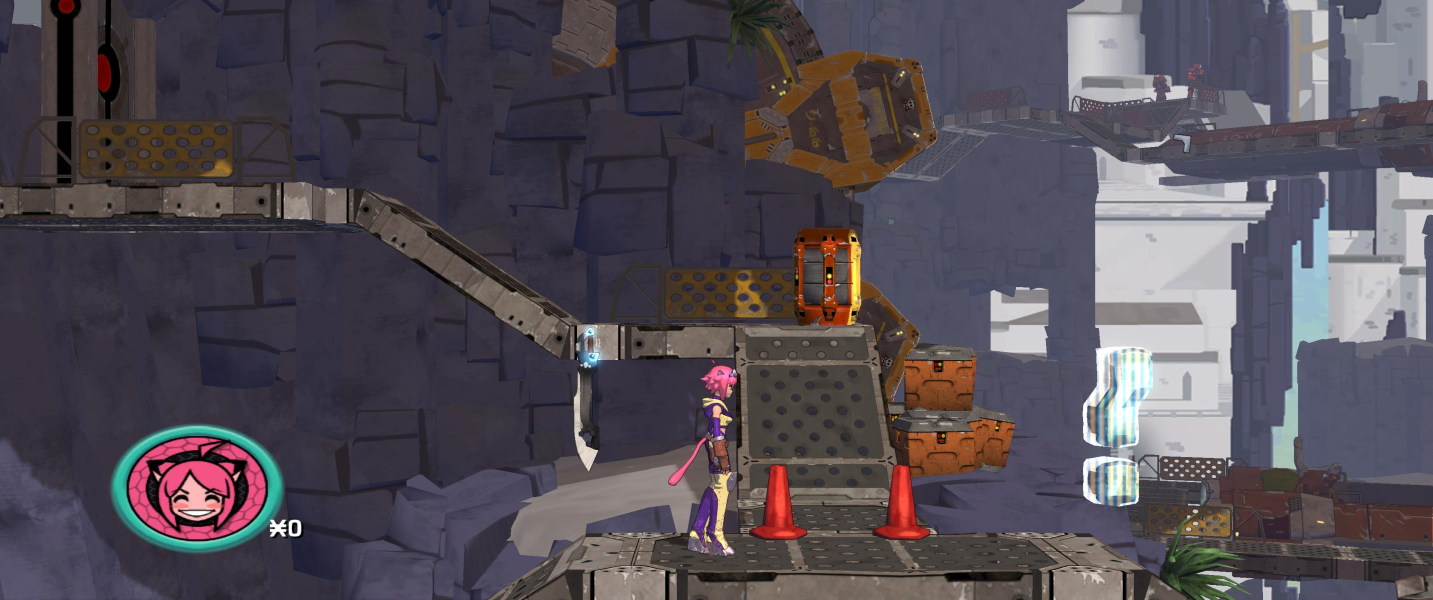
Gameplay Screenshots




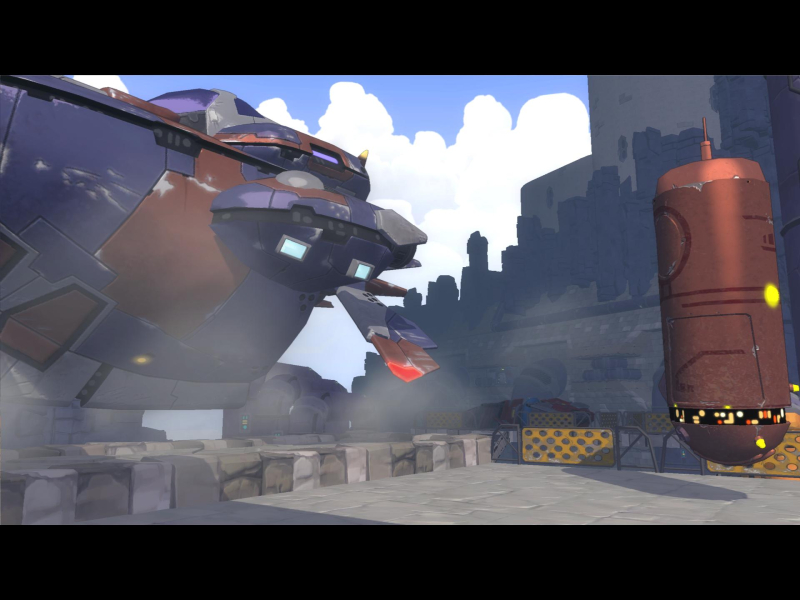
In-Game (Rendered) Cutscenes
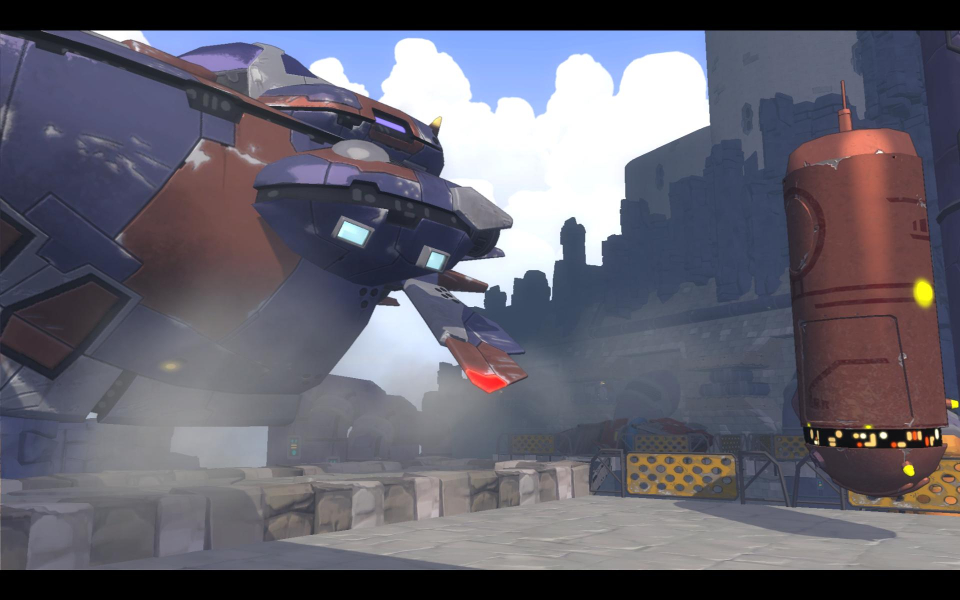
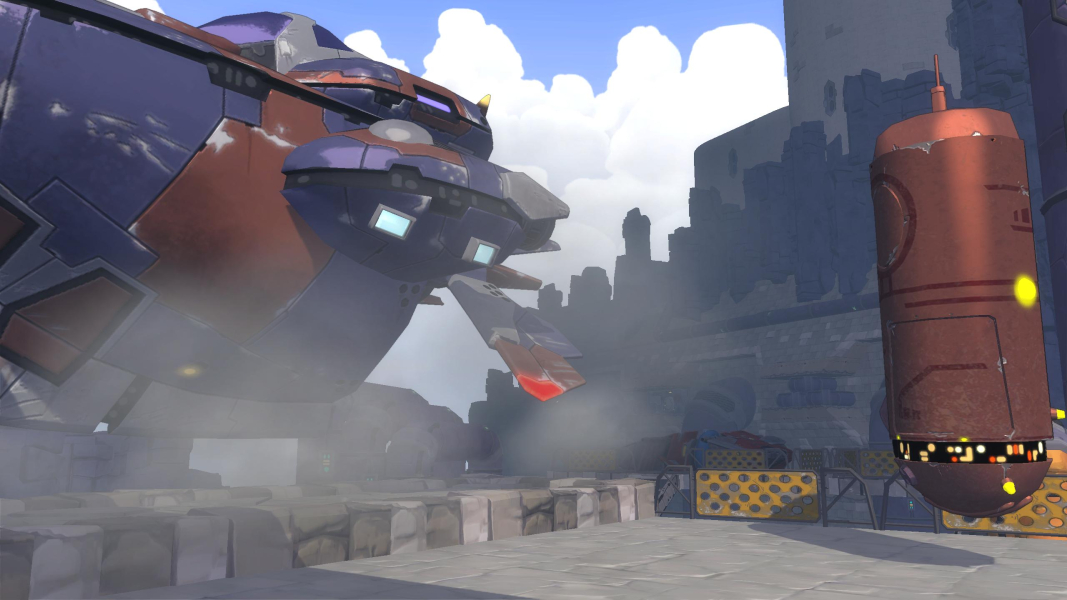
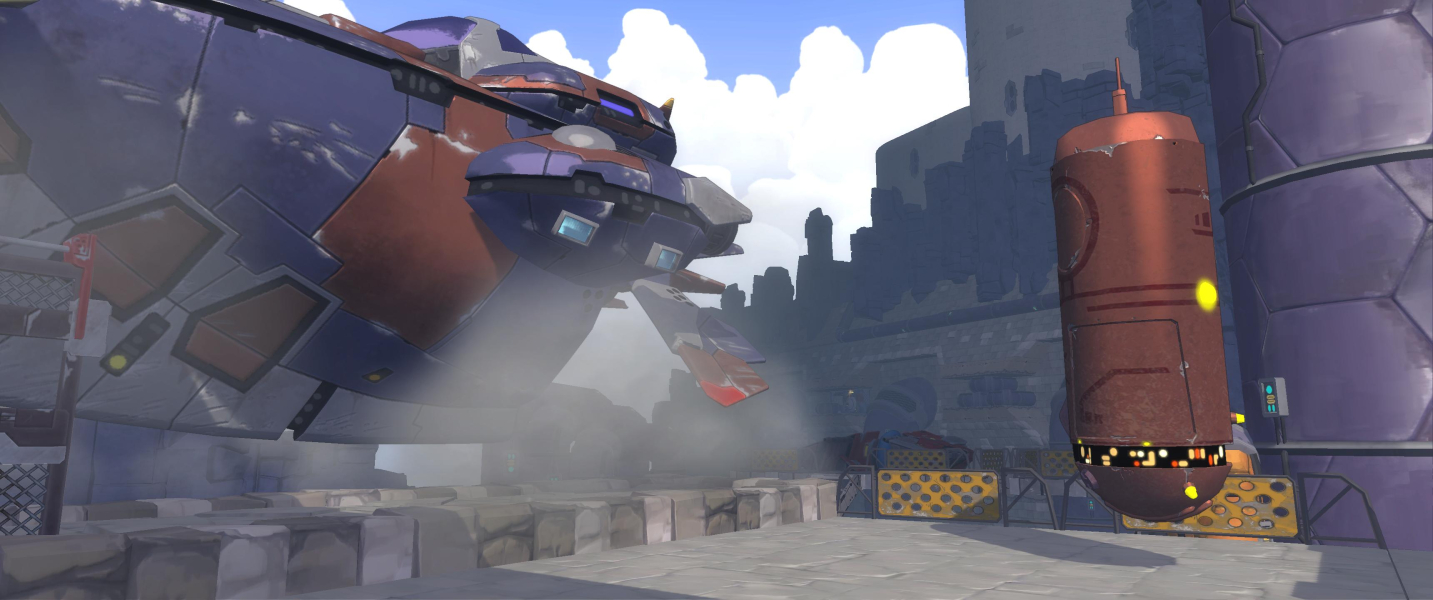

FMV Cutscenes





Menu Screenshots
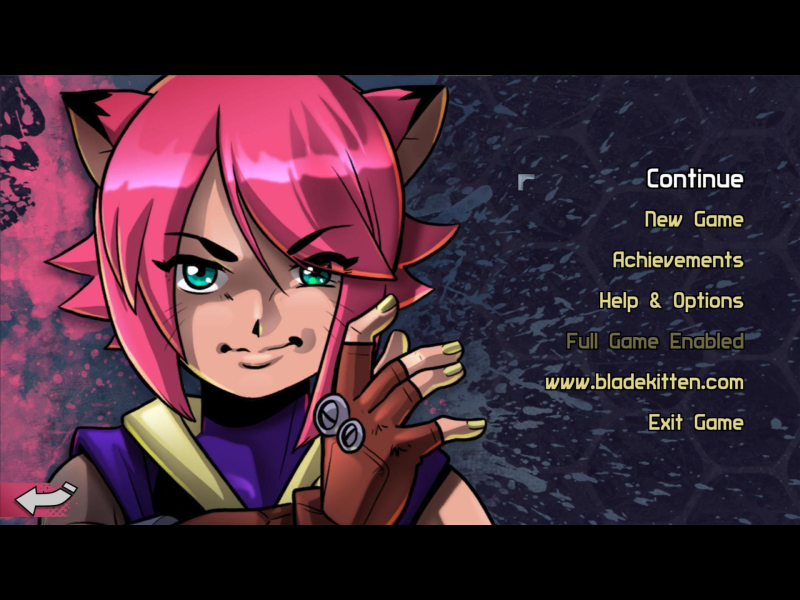
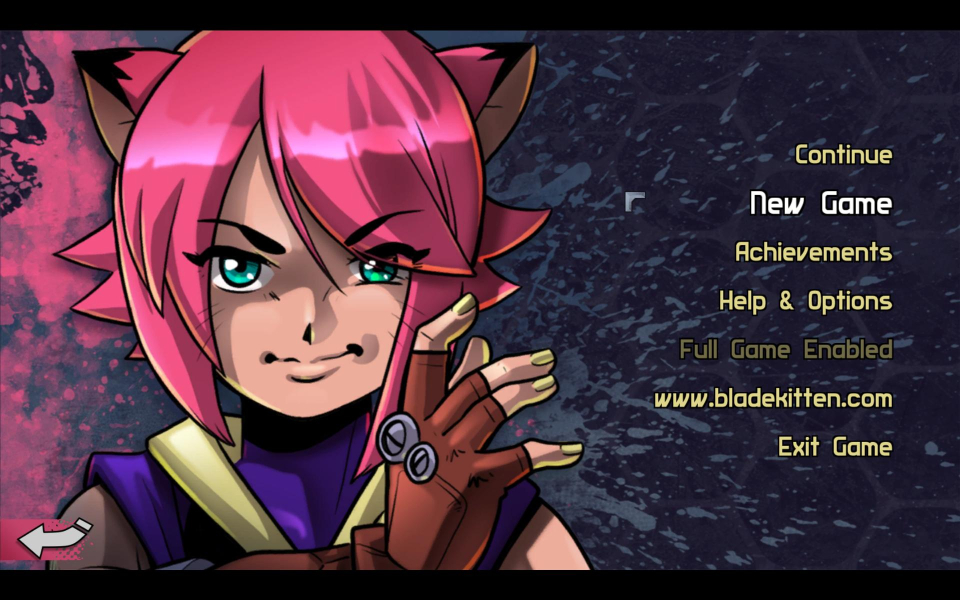
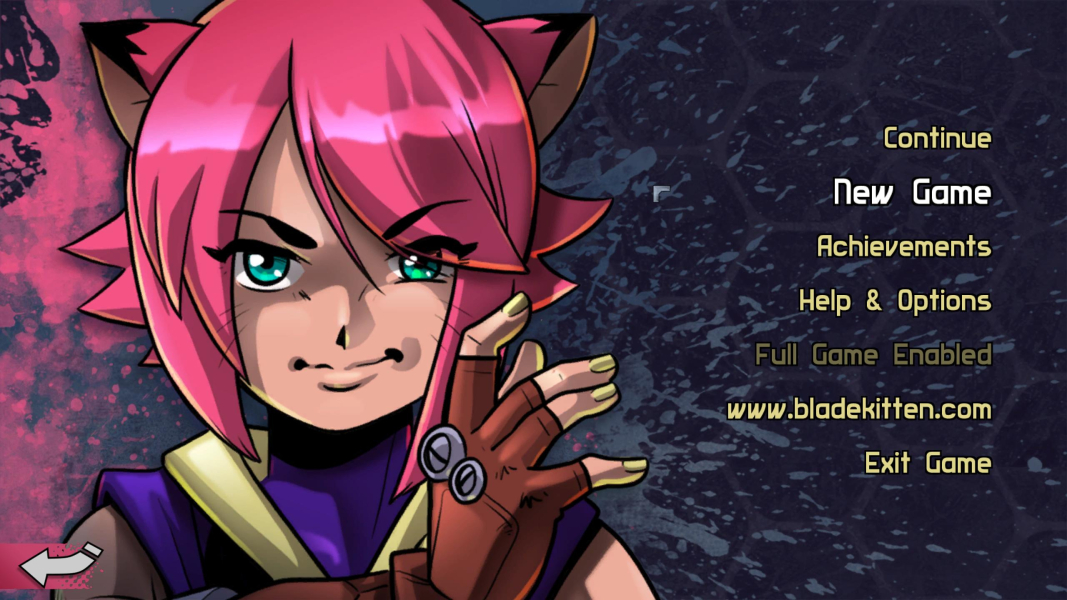
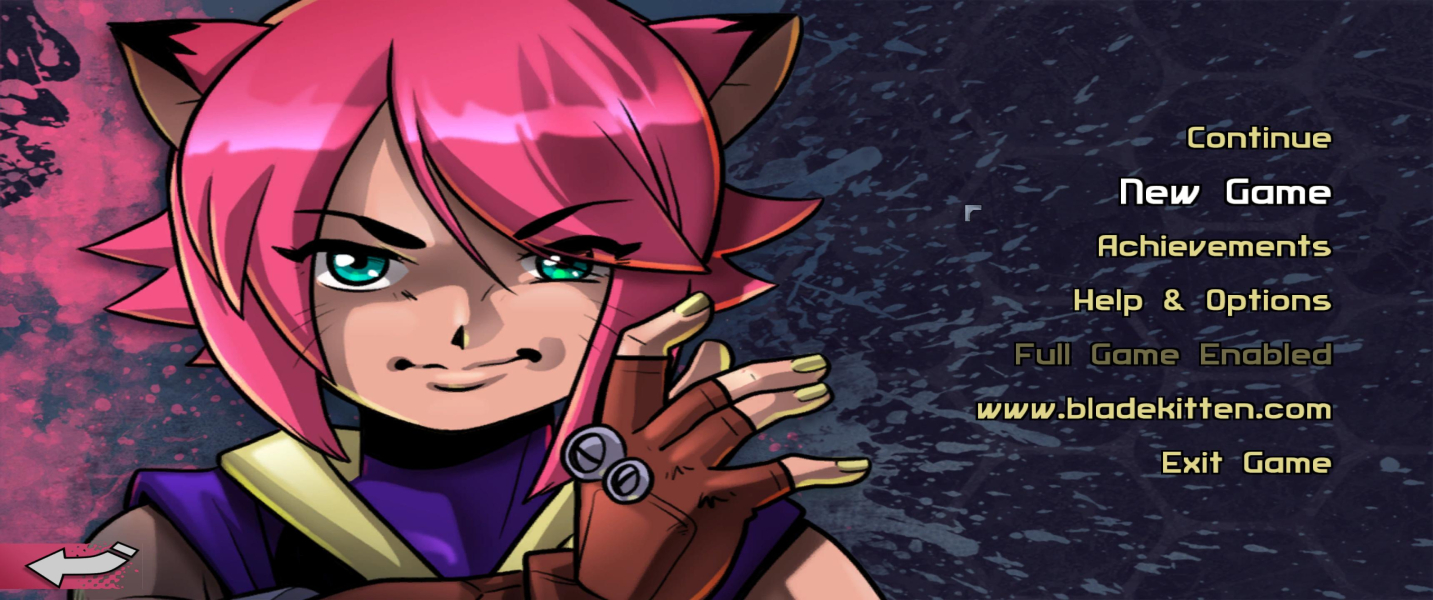

4K UHD Screenshots
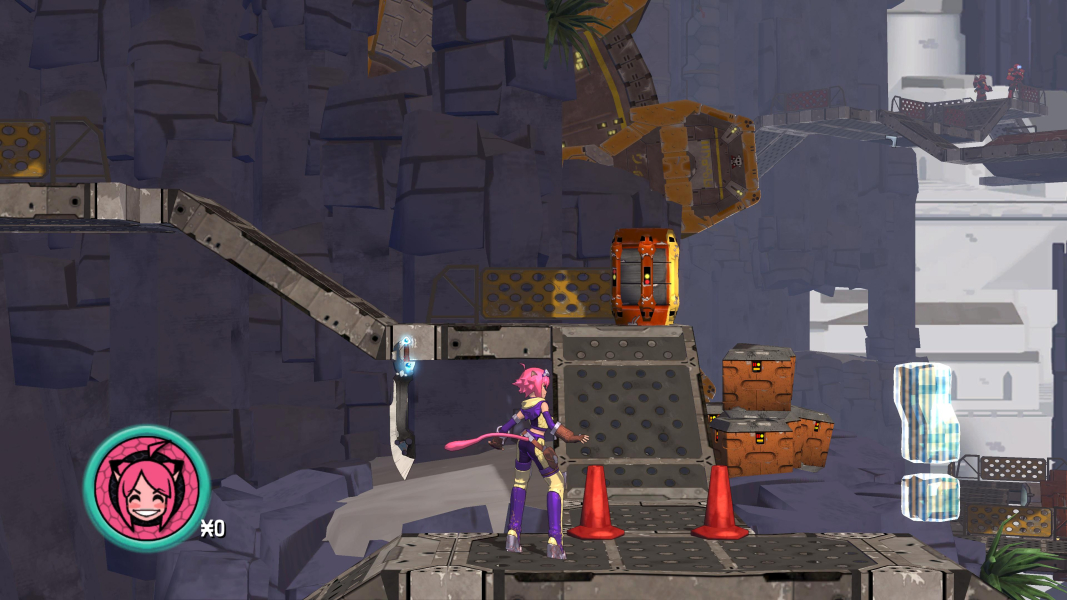
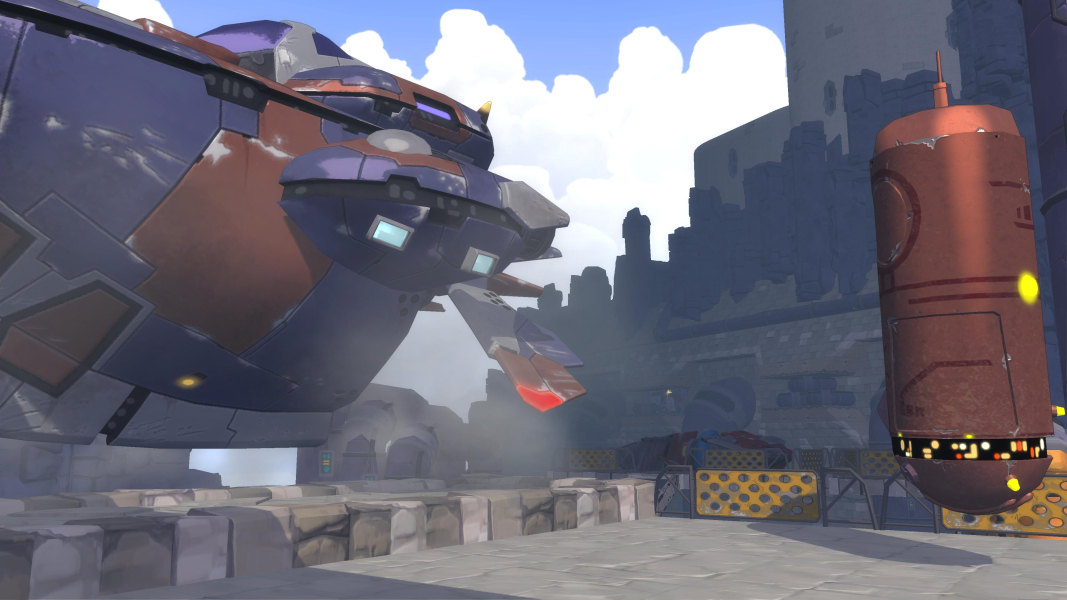

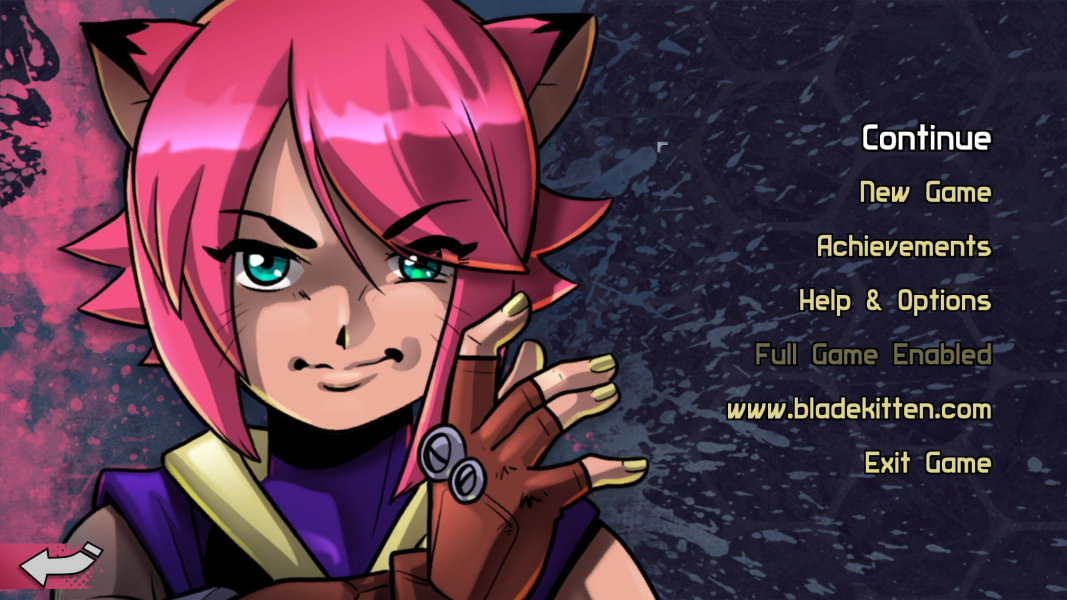
Additional Screenshots