


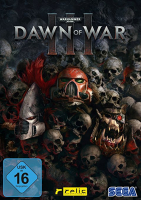


Step into a brutal battle between three warring factions
In Dawn of War III you will have no choice but to face your foes when a catastrophic weapon is found on the mysterious world of Acheron.
With war raging and the planet under siege by the armies of greedy Ork warlord Gorgutz, ambitious Eldar seer Macha, and mighty Space Marine commander Gabriel Angelos, supremacy must ultimately be suspended for survival.
Take control of towering war machines and tip the balance of battle in your favor with the biggest characters in Dawn of War history. Turn the tide with the mighty Imperial Knight (Space Marine), the clattering Gorkanaut (Ork), or the haunting Wraithknight (Eldar).
(source: https://www.dawnofwar.com/)
Support Summary
Game Information
Screenshots Comparison
Solutions & Issues
Native Hor+ support.
- By default in-game resolution setting only controls the quality of rendering. Press Alt+Enter to use any non-native aspect ratio in true windowed mode.
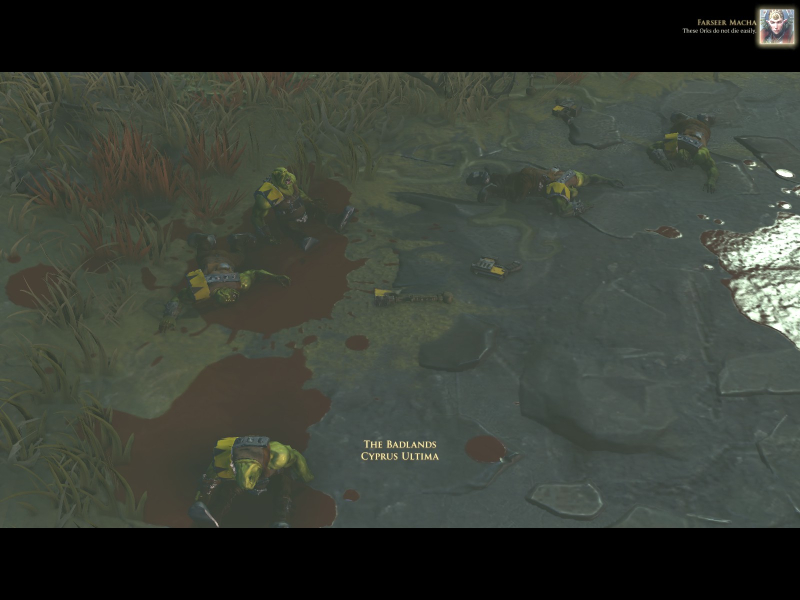
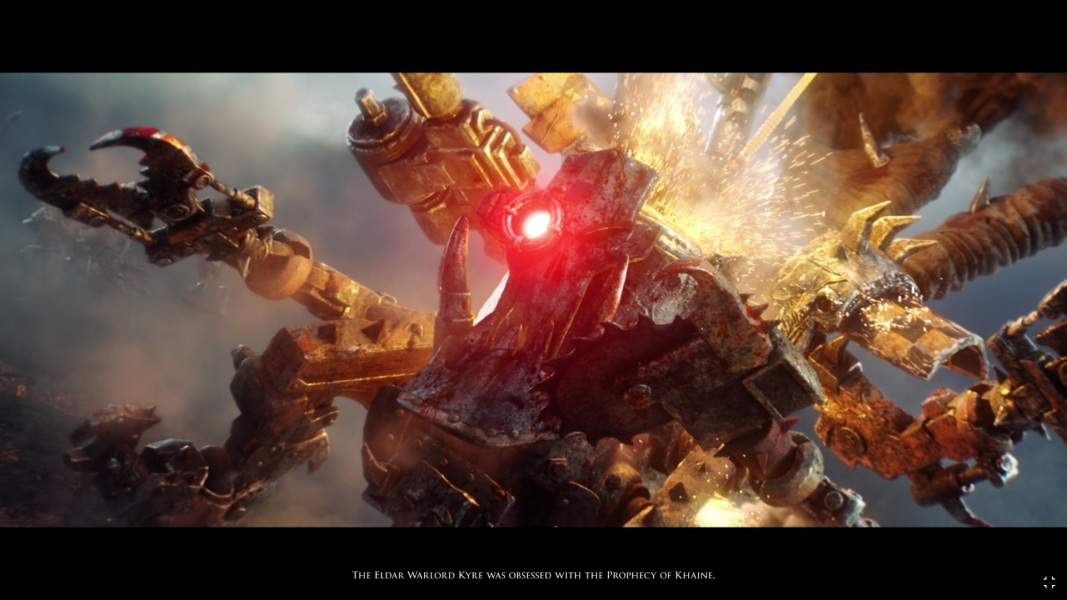
- In-engine cutscenes and Performance Test are letterboxed. The letterboxing is identical for all aspect ratios while FOV is "Vert+".
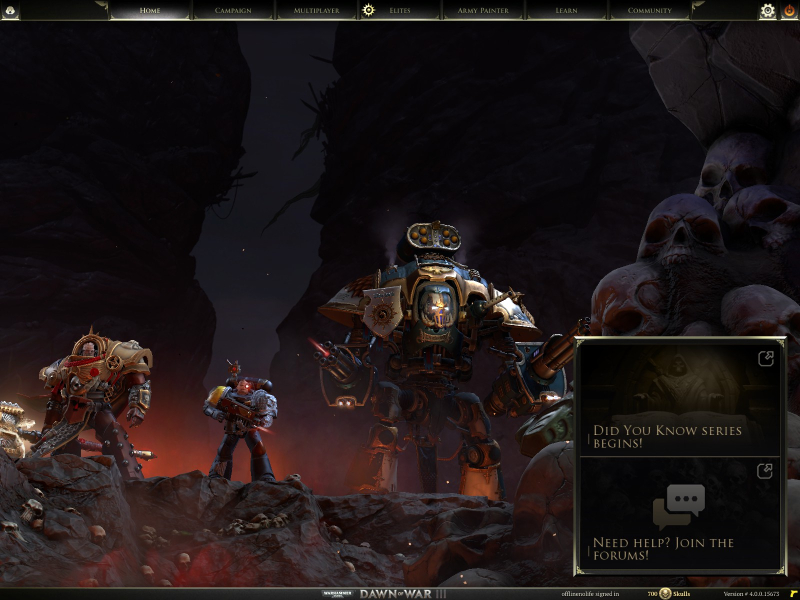
- (Negligible?) Although loading screens and FMVs scale correctly, background art on mission debrief and XP/unlock screens is squished below 16:9.
Tech: Essence Engine 4.0. Settings are stored in %USERPROFILE%\Documents\my games\Dawn of War III\configuration_system.lua
Native Hor+ support.
- In-engine cutscenes and Performance Test are Vert-.
- Background art stretches on mission debrief and XP/unlock screens.
Native Hor+ support with spanned UI.
- In-engine cutscenes and Performance Test are Vert-.
- Background art stretches on mission debrief and XP/unlock screens.
Native support.
Gameplay Screenshots
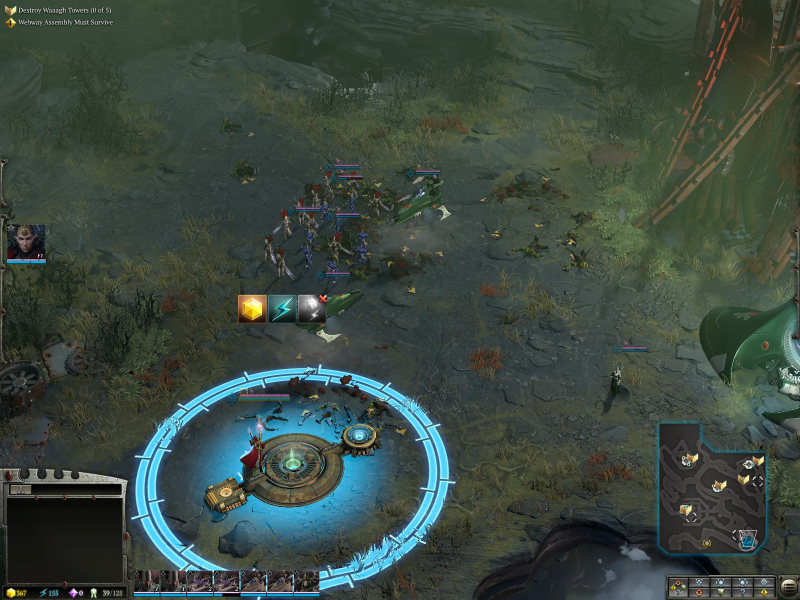


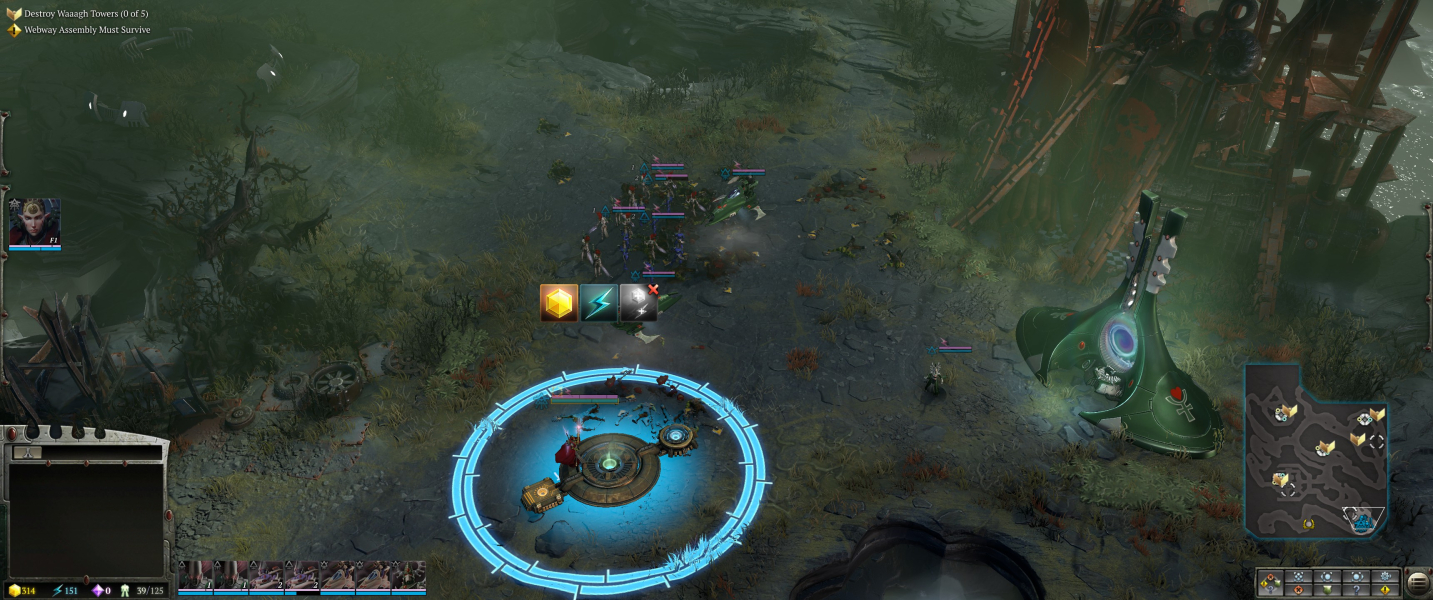


In-Game (Rendered) Cutscenes
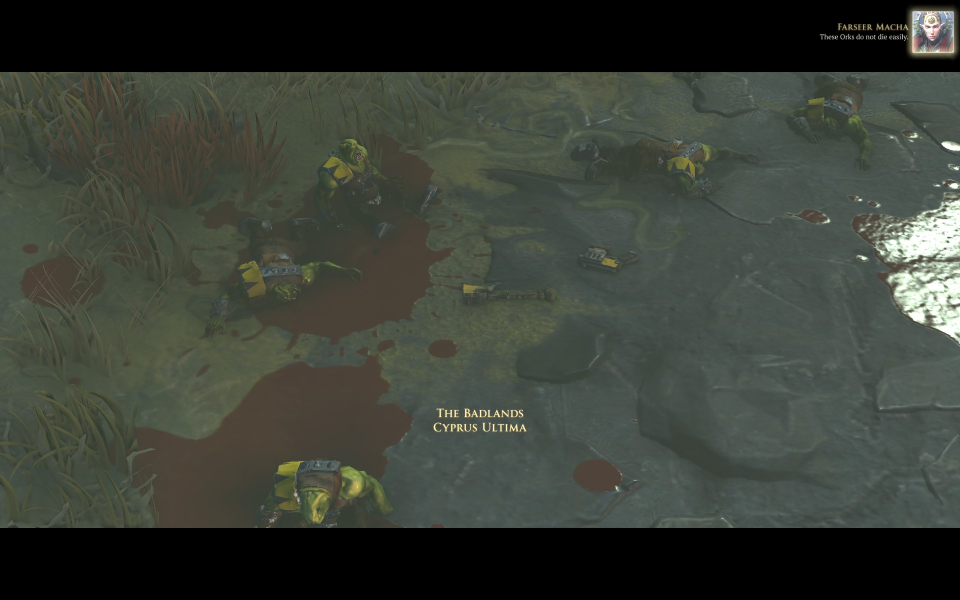
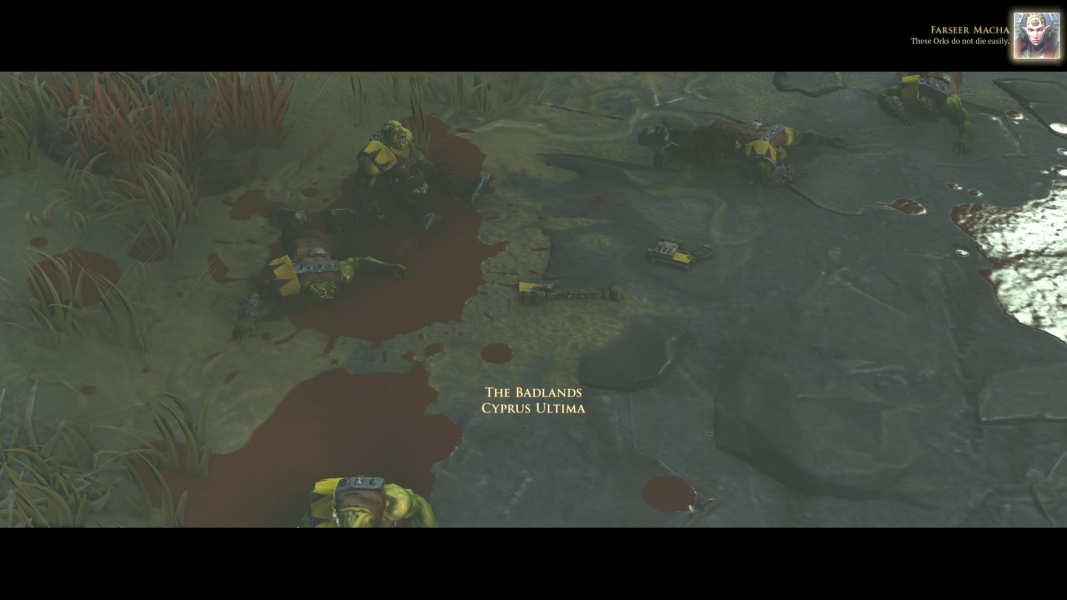
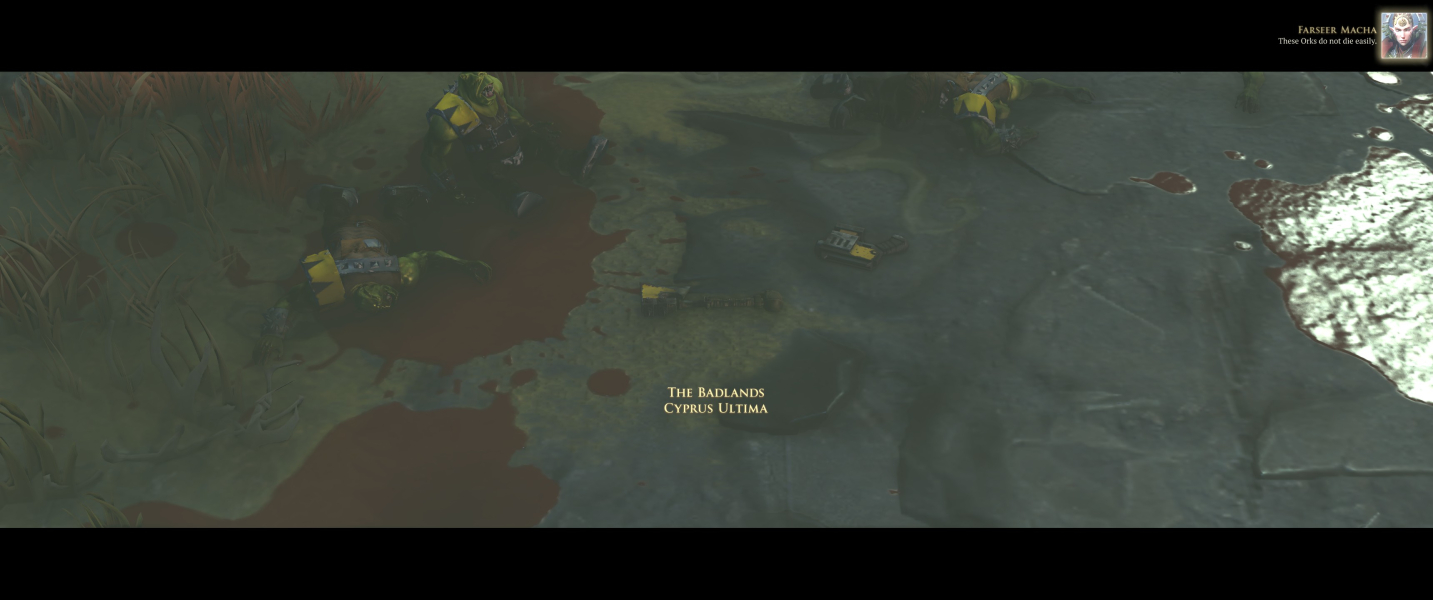

FMV Cutscenes
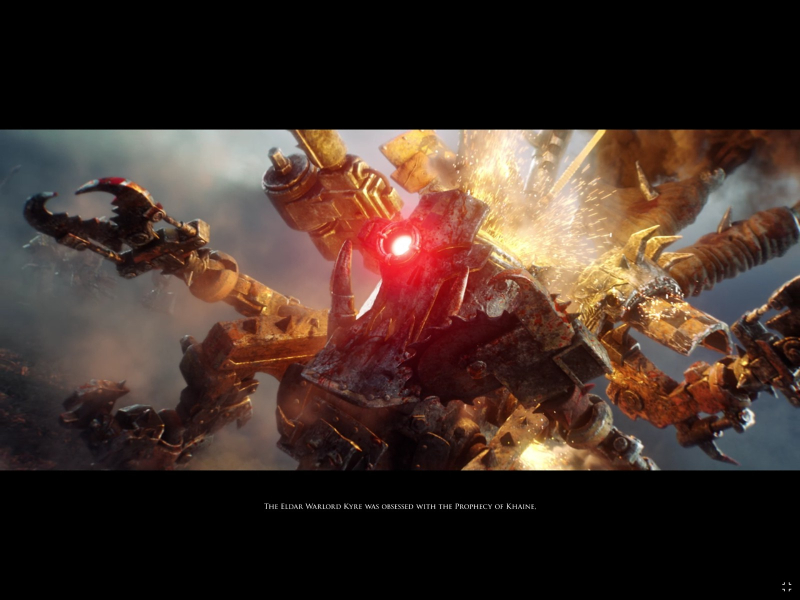



Menu Screenshots
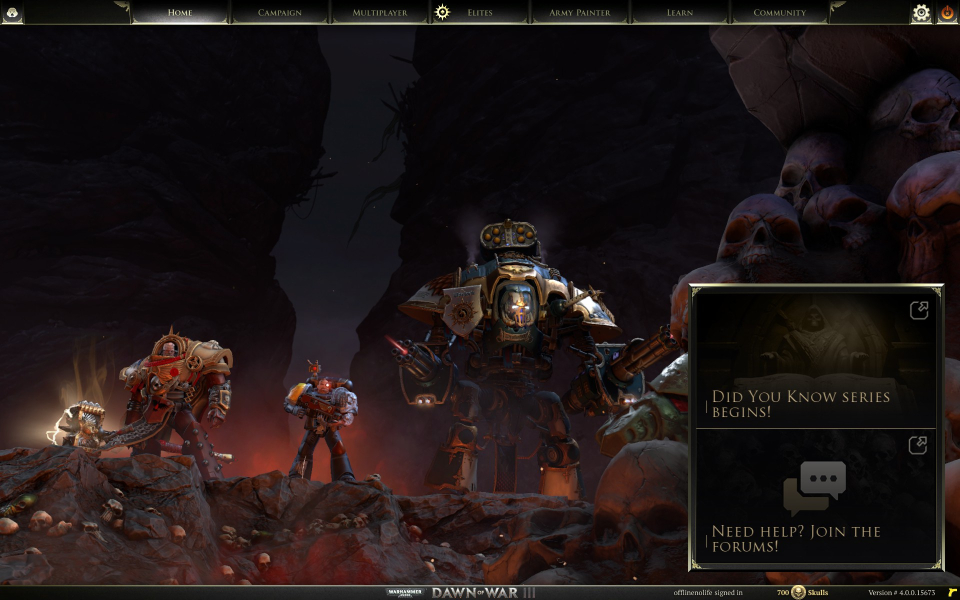
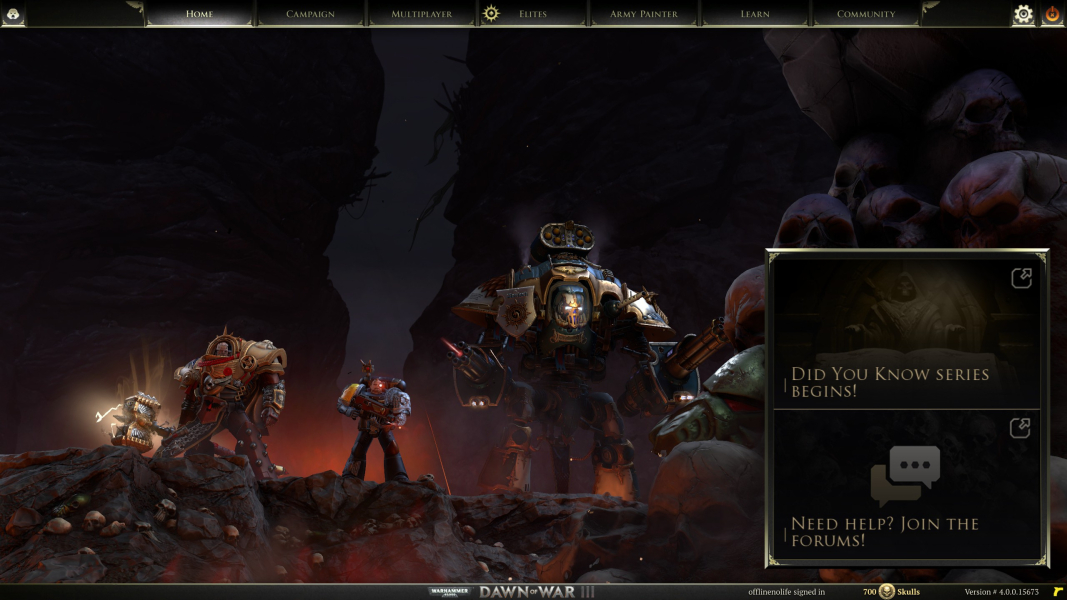
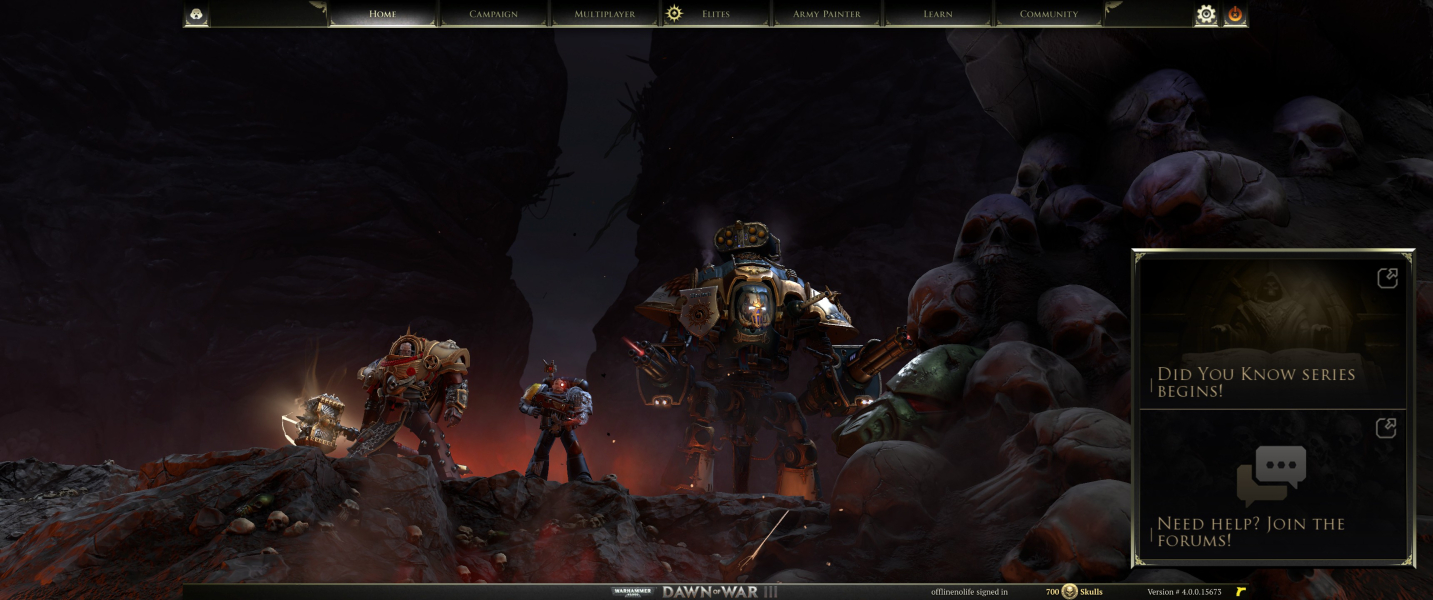

4K UHD Screenshots
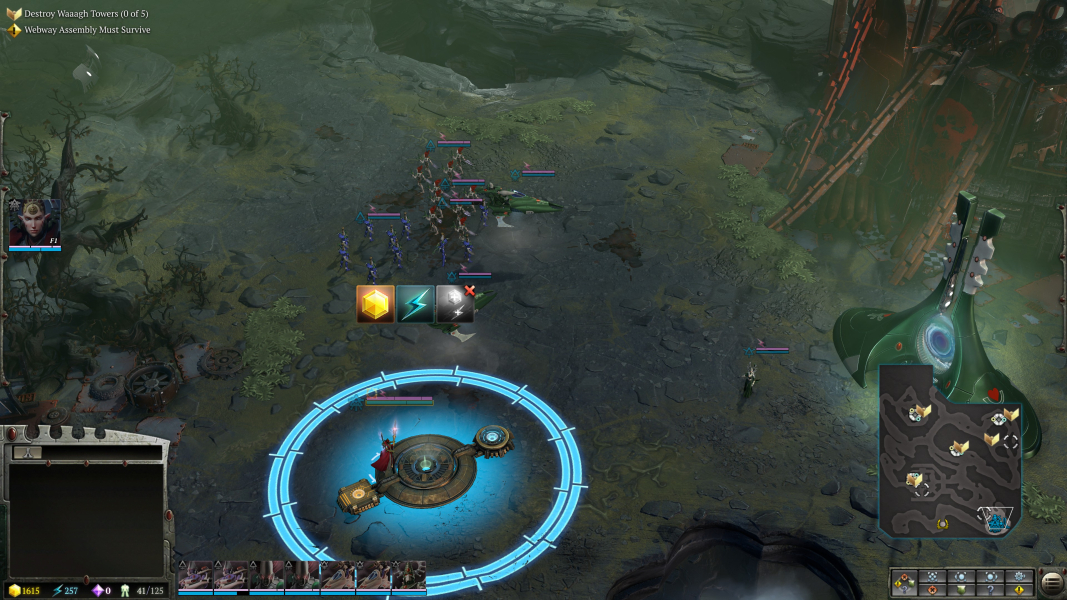

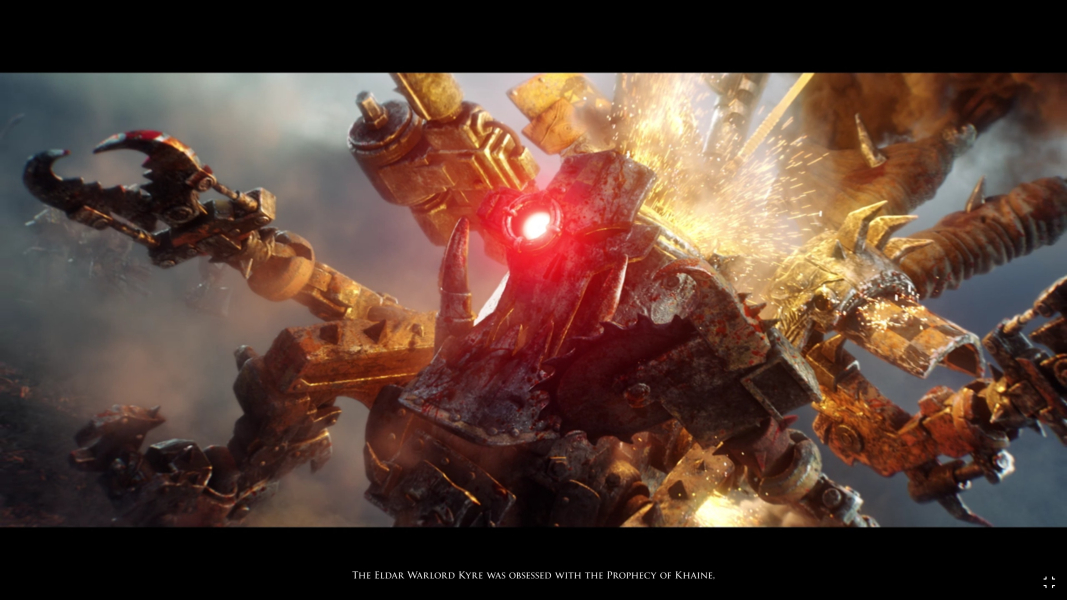
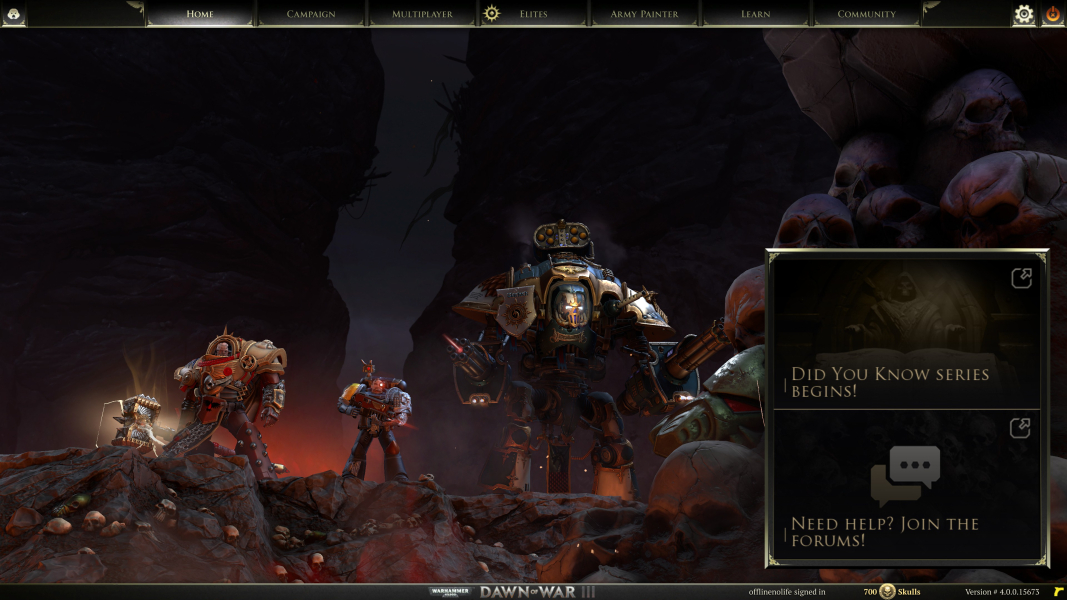
Additional Screenshots


