

Protect the earth from an alien race intent on strip-mining the planet and levelling any cities that lie in the path of their machines.
Support Summary
Game Information
Screenshots Comparison
Solutions & Issues
The game only supports 640x480 by default. The game runs letterboxed and not in true 4:3. There are two methods for making the game run in widescreen. One is for D3D mode, other one is for 3DFX mode.
Only D3D mode can provide original 512x512 res textures while 3DFX mode can go up 256x256 only.
D3D Fix:
1. Download DgVoodoo2 and paste the contents anywhere you want.
2. Copy DDraw.dll & D3DImm.dll from "\DgVoodoo 2\MS\x86" and paste it in the folder where the exe files of MDK is located.
3. Open DgVoodoo2 Control Panel and click on add and select the folder that contains the exe file of MDK like this:
Setup the configurations to your liking [Force point sample will prevent the blurry bilinear filtering on textures]
Change the resolution to a 16:9 or 16:10 resolution.
4. Now download the reshade files from the attachment or here [Password: mdk]
Paste the contents of the archive to the folder where the exe file of MDK is located.
By default, the values are set in a way that works with 16:9 resolutions. If you want to run the game in a 16:10 or 4:3 resolution, then go to "Pre defined values for different aspect ratios" folder and open the desired "DefaultPreset.ini" with a notepad, copy all the texts from it and then paste it on the main "DefaultPreset.ini" file presented in the folder where the exe of MDK is located.
Edges are slightly cropped to prevent the graphical glitches shown otherwise. Sniper mode is vert- but gameplay isn't hampered and the UI is still visible in sniper mode along with the bullet camera. So it's very usable. 3rd person gameplay and the cutscenes are fine too. Only the ending msuic video gets cropped on top and bottom.
You can disable the fix by pressing "Scroll lock" key if you want. If the graphics are missing/ not showing up correctly, set the ingame graphics settings like the one shown in the screenshot below:
You can set Kurt to texture if you want non blurry kurt but it can result in some artifacts.
Yes I made a fix for 4:3 too since the game is slightly pillarboxed too natively.
3DFX Fix:
1. Follow the instructions from the GoG forum: https://www.gog.com/forum/mdk_series/mdk_1_widescreen_fix_sort_of
You can download Idarion's widescreen fix from PCgamingwiki: https://www.pcgamingwiki.com/wiki/MDK
Gameplay Screenshots


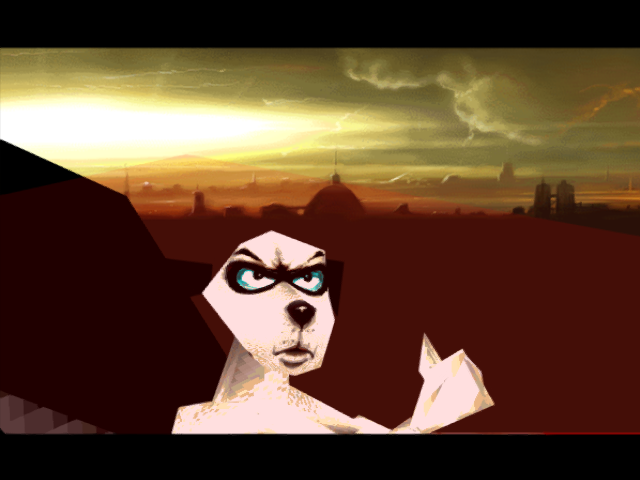
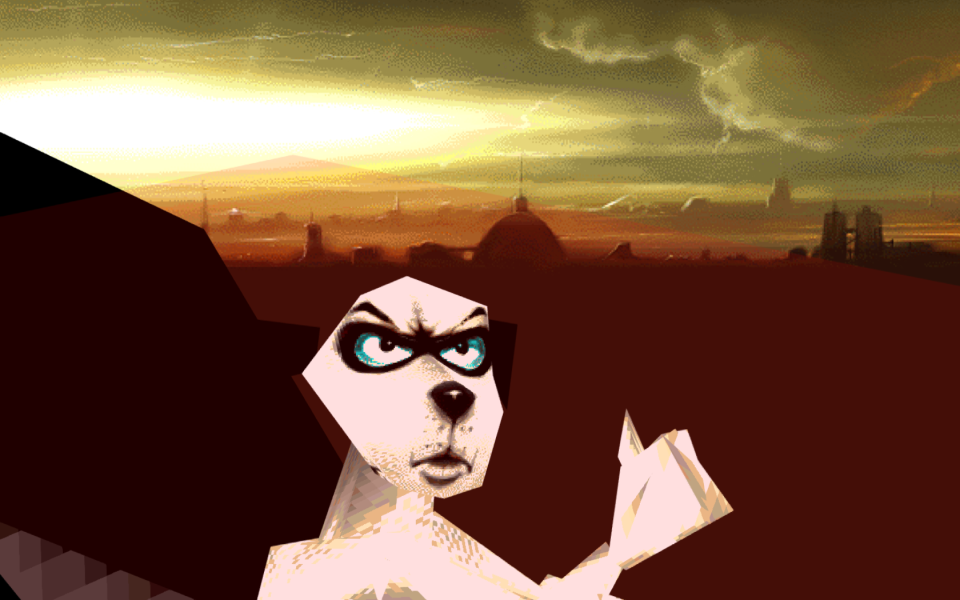
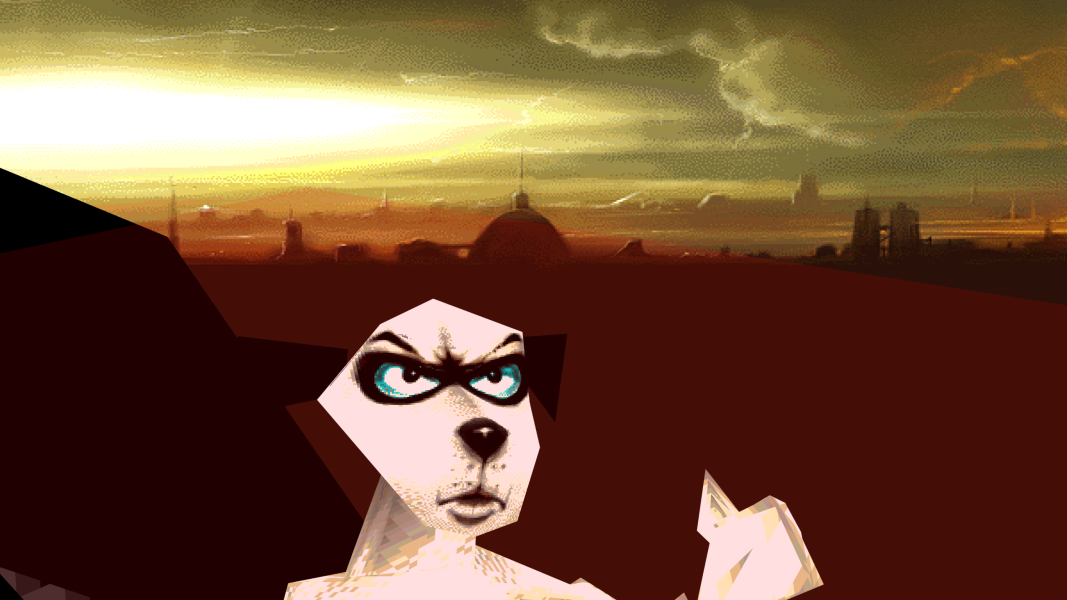
In-Game (Rendered) Cutscenes
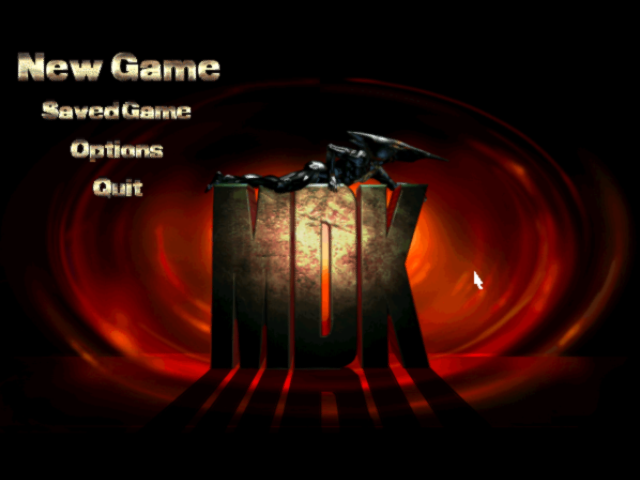
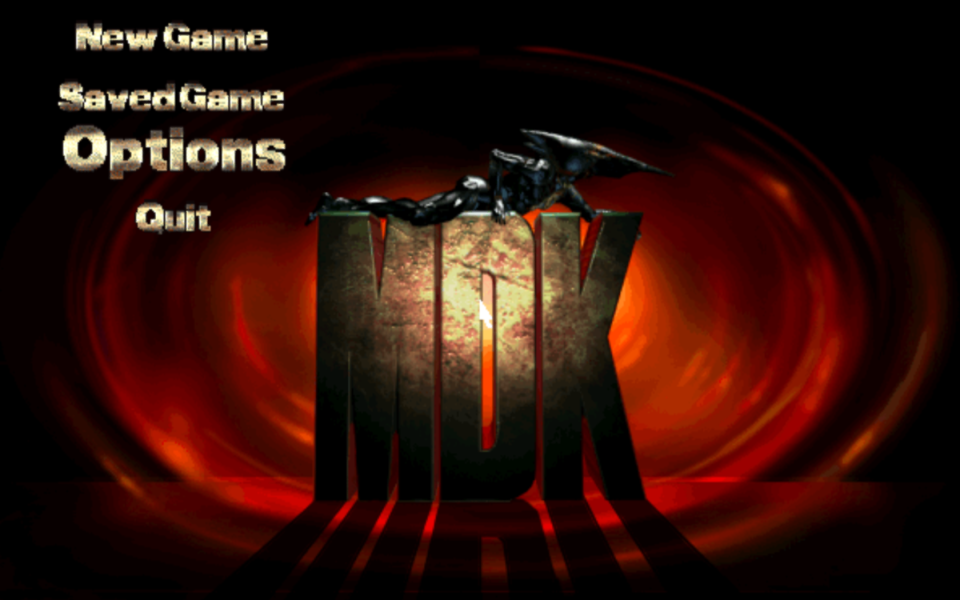
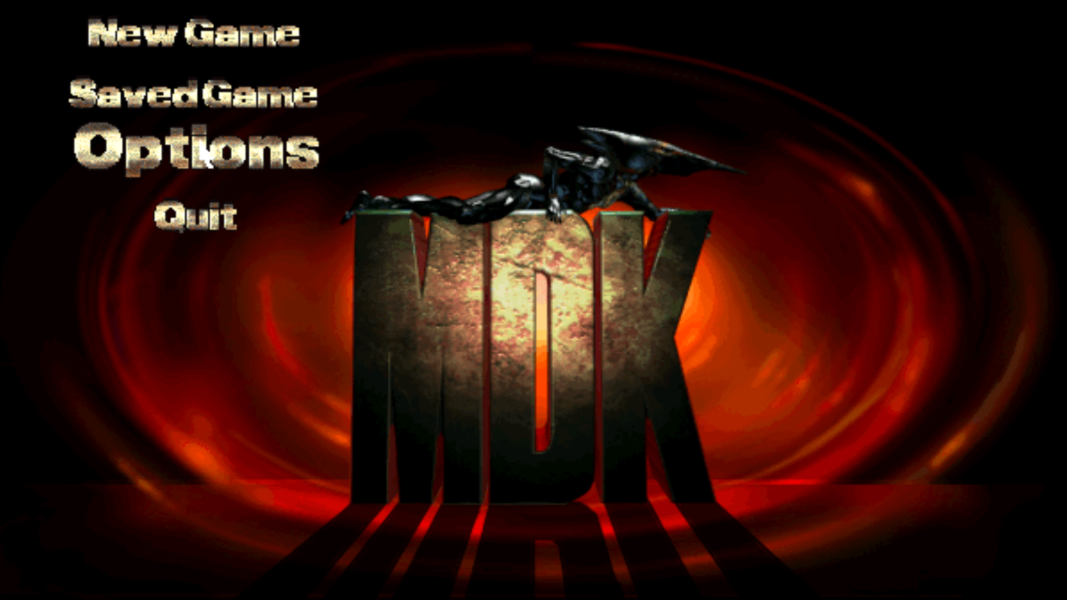
Menu Screenshots