

Duke Nukem returns for the third time to kick ass and chew bubblegum (and he's all out of gum). You play as the Duke, and do battle with hordes of aliens, mutants, and other deadly foes who threaten earth. Your armory consists of a large variety of weapons, including FPS staples like pistols, shotguns, and RPGs, and some unique tools like the shrink ray, the freezethrower, and the jetpack.The EDuke32 engine is a port of the originally DOS-based game that allows for higher resolutions, including widescreen ones.
Support Summary
Game Information
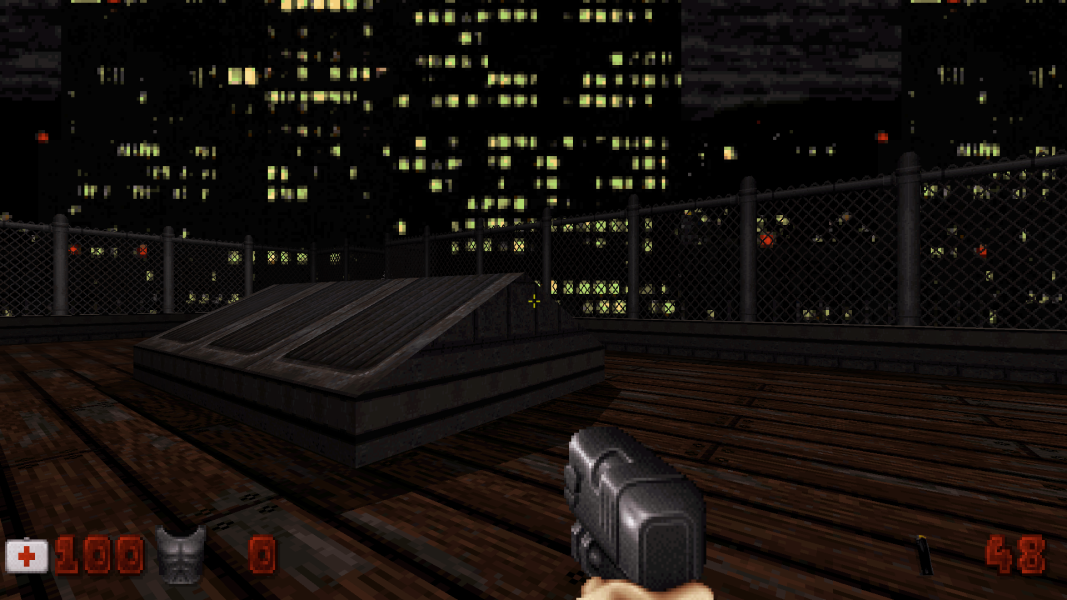
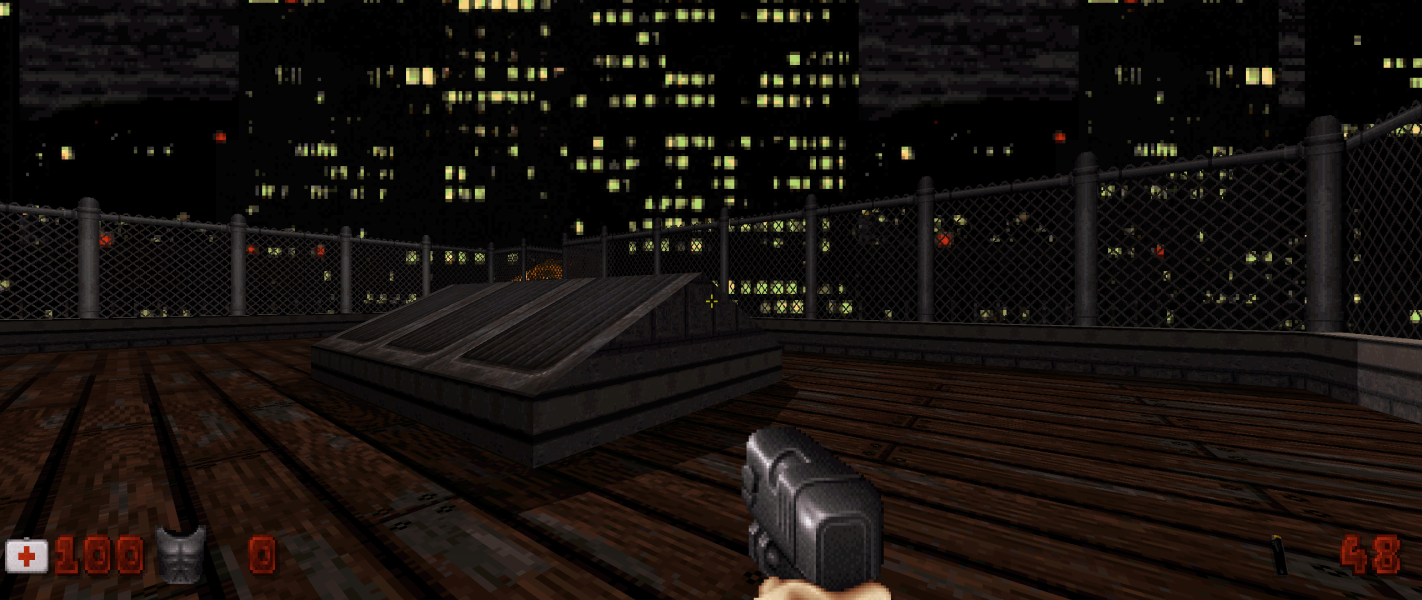
Screenshots Comparison
Solutions & Issues
Native. EDuke32 requires DUKE32.GRP. If you have installed Duke Nukem 3D, you will find this file where ever you installed the game to.
When launching eDuke32, you will get a launcher. Make sure fullscreen mode is enabled. If it is, all of your resolutions should be available.
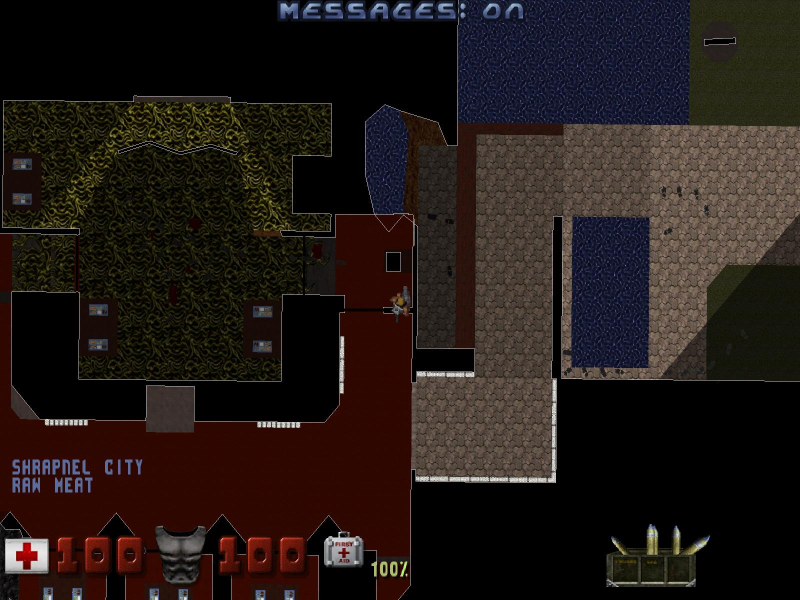
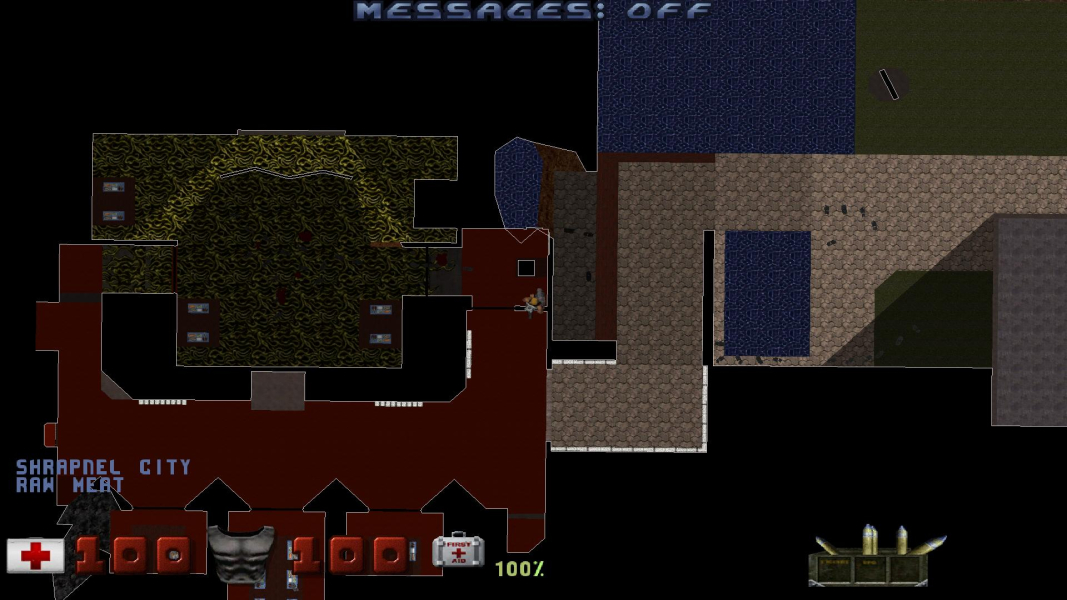
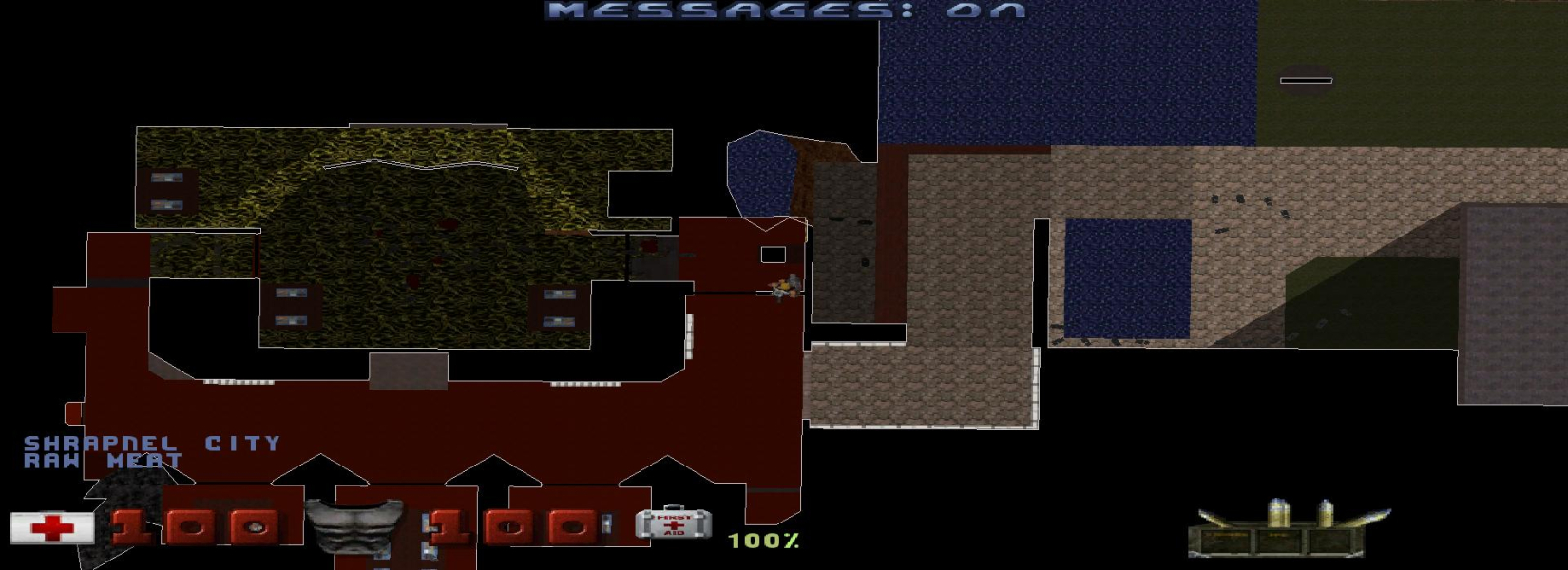
The auto-map has some aspect ratio issues that prove problematic.
First, 16:10 is the only aspect ratio where it works correctly. You can tell because when you rotate it, other aspect ratios have a skewed look, as objects change their dimensions as they rotate (what used to become a square turns into a rectangle as it turns 90 degrees, and back to a square as it turns another 90 degrees).
In 4:3, the map is both hor - and horizontally squashed. It's like it gets horizontally squashed and then it zooms in like that was supposed to compensate.
In 16:9 and wider, the map simply stretches horizontally.
The map is used constantly throughout gameplay, and IMO, this distortion goes beyond an aesthetic fault, so I have to consider this a consequential flaw.
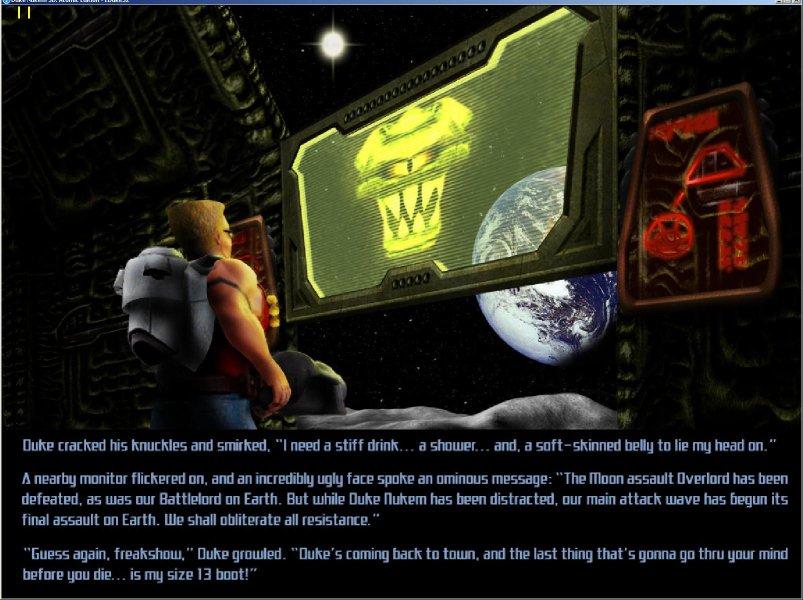
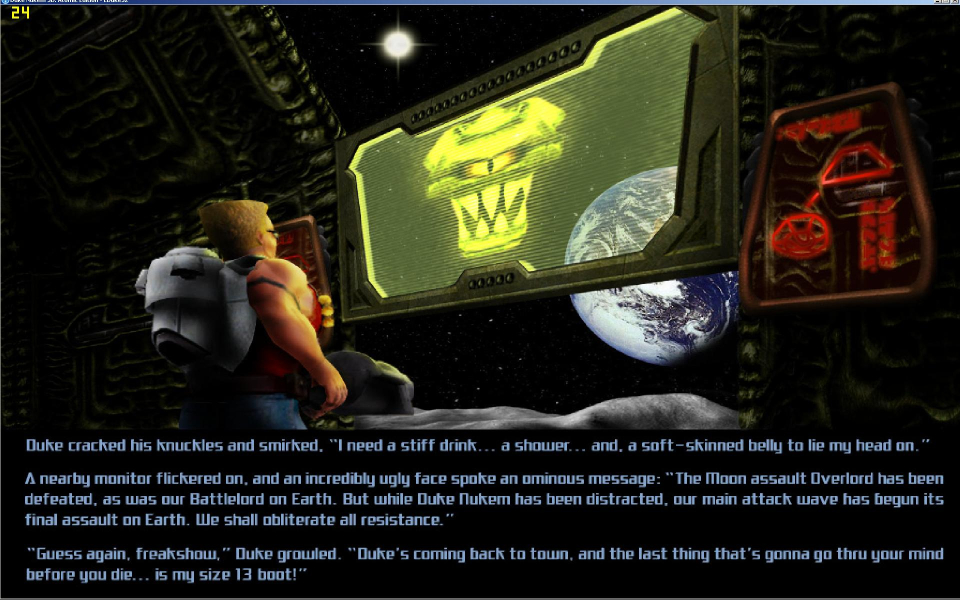
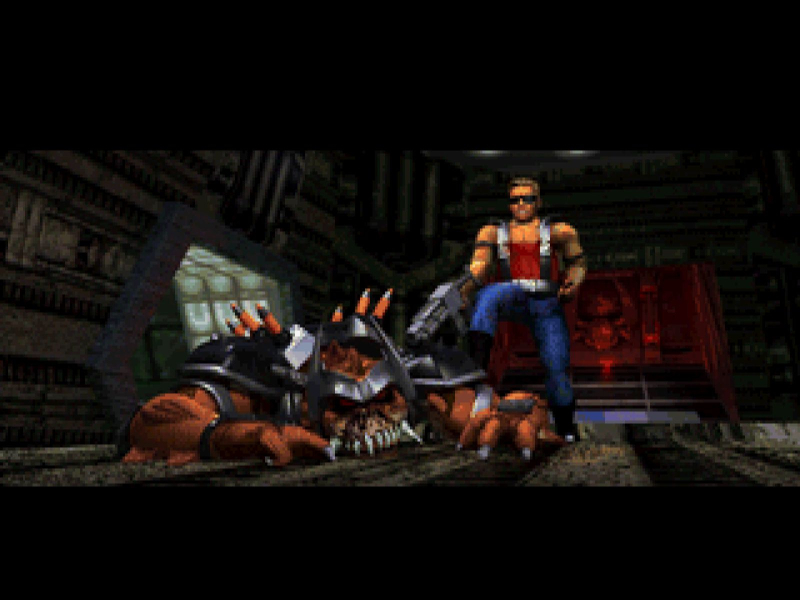
FMVs are stretched. There are also some static 2D screens in between episodes, and they too stretch.
Use EDuke32. Resolutions are listed in the launcher.
Use EDuke32. Resolutions are listed in the launcher.
Gameplay Screenshots



FMV Cutscenes

Menu Screenshots
Additional Screenshots