Blog posts

Crysis 3 2013 Manual PLP Instructions

Game spreads basically perfect. Hor+ & FOV proper. Guns, aim, vehicle-views & HUD are all proper. HUD element-positions span full width, but are fairly adjustable (via Safe Area in Options). Rendered cutscenes full hor+, FMVs usually pillarboxed (rarely full vert-). All text & menus are proper (menu text on center, with rendered background either pillarboxed or hor+). Bloody injury overlay stretched full (looks fine).
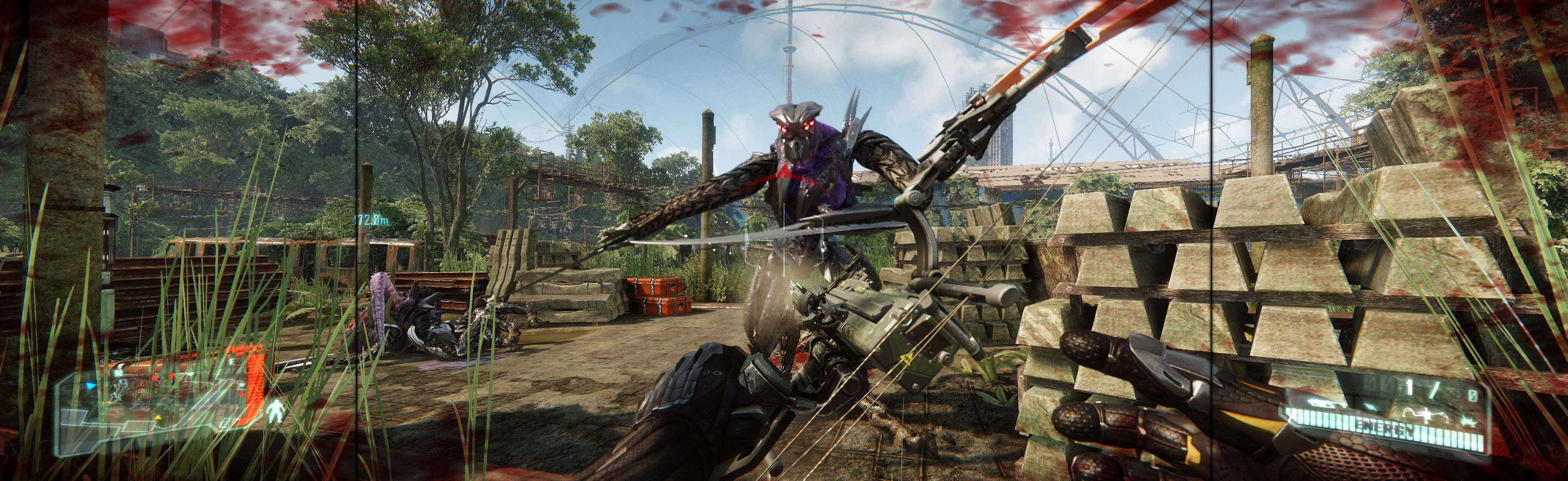

(PLP screenshot with bezel effect)
imusrt on

Dead Island Riptide 2013 Manual PLP Instructions

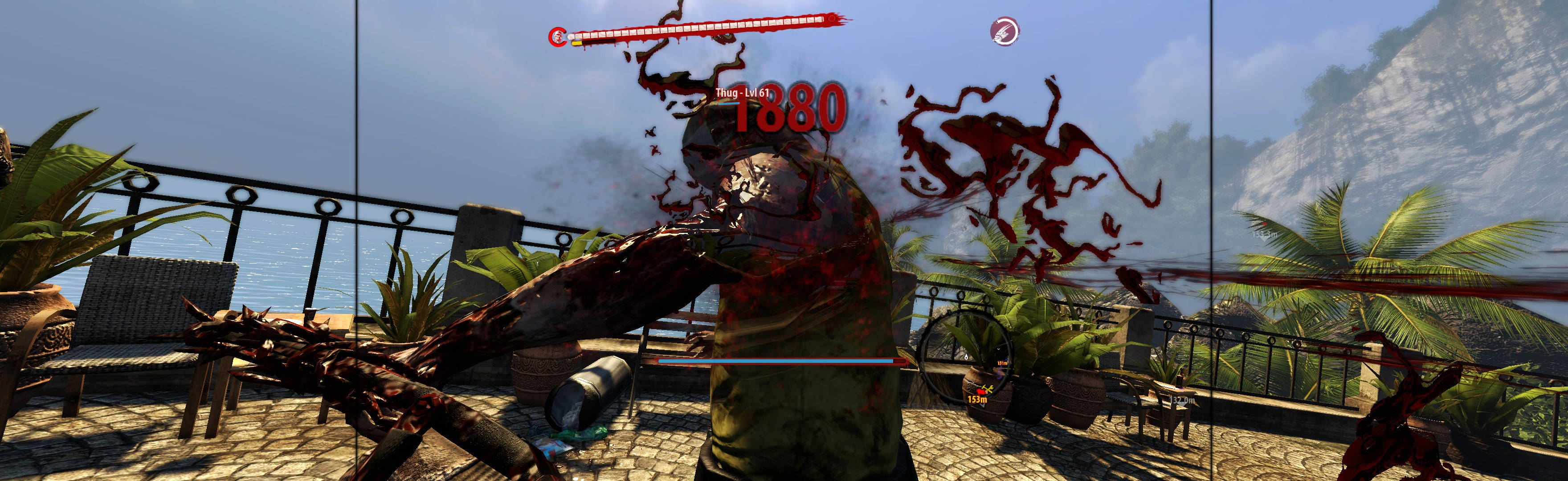
Game looks good, & menus work well (fully visible, background proper). FOV dead-proper, rendered cutscenes full hor+. Weapons look & aim proper (& un-aimed is near-proper *). All text is proper. Menu elements & HUD on center (with some encroachment **). Perfection is achievable but too annoying ***. The easy way has some ugliness ****.


(PLP screenshot with bezel effect)
imusrt on

Dead Space 3 2013 Manual PLP Instructions

Borderless: In-game windowed (not borderless), VSync off (for unlocked FPS), quit. Edit %LOCALAPPDATA%\EA Games\Dead Space 3\system.txt. Window.Height & Width = your PLP resolution (no border *), Window.WideScreen = true, Window.FOVScale = 1.05 (ie crop off legs, keep butt). ShiftWindow (+ border = borderless & to position).
OR Fullscreen (unconfirmed but logical): use SoftTH (DX9 x86), in-game select resolution.


(PLP screenshot with bezel effect)
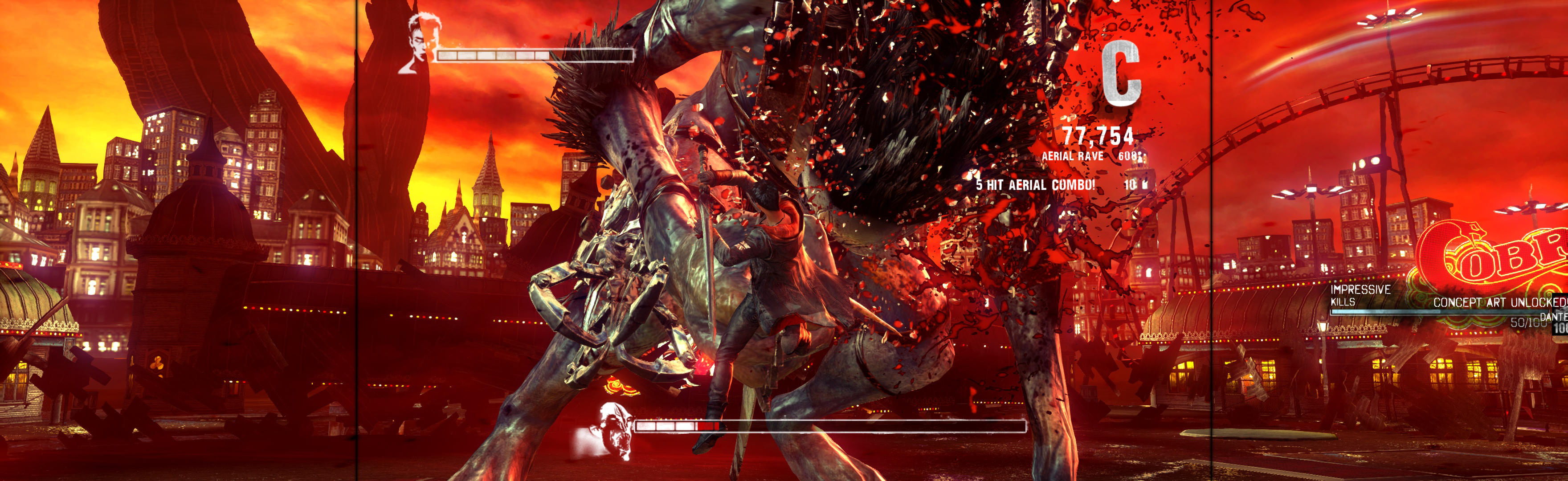
imusrt on

Grid 2 2013 Manual PLP Instructions

In-game: windowed. ShiftWindow (+ border = borderless). If game loses focus, click icon in taskbar x2.


(replay, PLP screenshot with bezel effect, compressed)
imusrt on