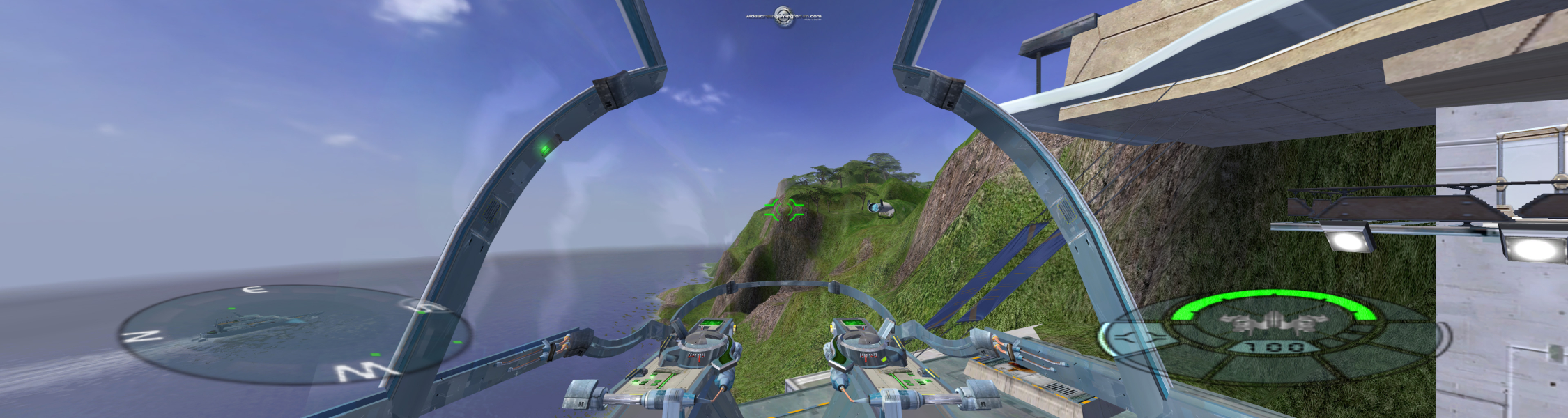


Yager (aka Aerial Strike: The Yager Missions in NA) is set in a futuristic world where countries borders no longer exist and the earth is controlled by a number of mega corporations, most notably DST, as well as Proteus and Lobos Robotics. Although the old countries officially do not exist there are tell tale signs identifying each environment.
The Proteus Islands are a tropical paradise and the headquarters of the Proteus Corporation. The Free Trade Zone, a landscape dotted with turbines and palm trees, is the only zone not controlled by any corporation. The DST zone and surrounding fjords are connected to the Free Trade Zone by a system of caves, rivers, and deltas that run deep into DST territory. Bitterfeld is a desolate area littered with disused industrial buildings, crashed ships, abandoned machinery and other debris left behind by the old Progress Company.
Support Summary
Game Information
Screenshots Comparison
Solutions & Issues
First apply the latest patches ... v522 update ... and the multiplayer ... mp-v524 add-on.
You may need a no-CD ...
Run the game once ... save a profile.
Exit the game and in the game folder ... \THQ\Yager\savegames\101 .... edit the ... 101.ysc file using WordPad ...
Modify the line .... set CFG_GFX_RESX 800 ... to read ... set CFG_GFX_RESX 1920 (or your desired resolution)
Modify the line .... set CFG_GFX_RESY 600 ... to read ... set CFG_GFX_RESY 1200 (or your desired resolution)
Now ... download the FOV Hack by Racer_S below
Set it as follows ...
Field of View (FOV): 1.36
Width Field of View (FOV): 1.44
Field of View (FOV When Zoomed): 0.4
If you use the Launcher to start the game tick the box ... SSE Version
If you use Yager.exe to start the game don't tick the box ... SSE Version
Start the game up ...
Once your flying in the first mission/tutorial press the down arrow key to go to the external view...
Now press the Numpad * ... to enable the FOV Hack.
You can now change to whatever view you prefer with the correct FOV.
When you use the "boost" in the game or have your ship repaired you will need to re-set the FOV with the Numpad *
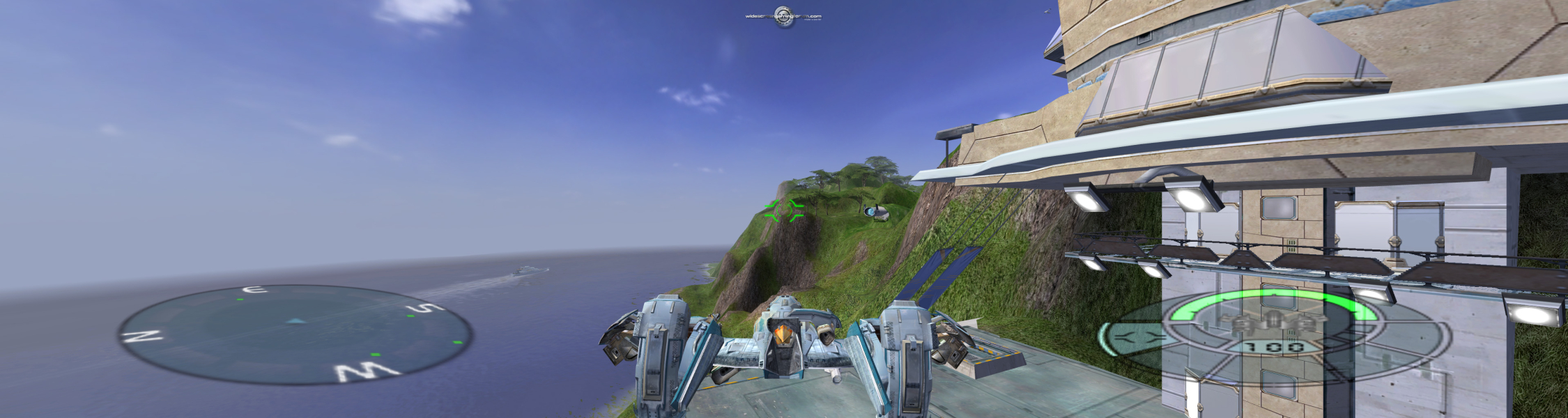
Same method. For TripleHead ...
Modify the line .... set CFG_GFX_RESX 800 ... to read ... set CFG_GFX_RESX 3840 (or your desired resolution)
Modify the line .... set CFG_GFX_RESY 600 ... to read ... set CFG_GFX_RESY 1024 (or your desired resolution)
Set the FOV tool as follows ...
Field of View (FOV): 2.25
Width Field of View (FOV): 2.28
Field of View (FOV When Zoomed): 1
If you use the Launcher to start the game tick the box ... SSE Version
If you use Yager.exe to start the game don't tick the box ... SSE Version
Gameplay Screenshots


Additional Screenshots