

X3: Terran Conflict is the latest appearance in the X-series by Egosoft. This is supposedly the final chapter. It's a space simulator, offering many possibilities to it's players, like fighting, trading, building factories, fleets, etc.
Support Summary
Game Information
Screenshots Comparison
Solutions & Issues
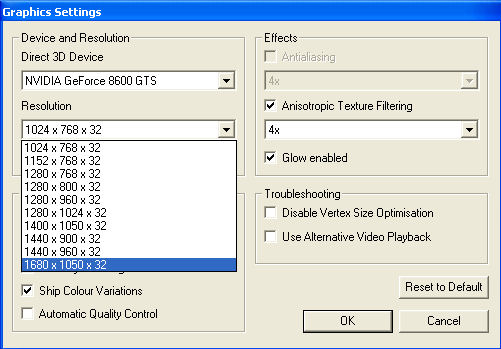
As with previous games in the series, there is a minimum requirement for the vertical resolution of 768 pixels, due to ingame menu restrictions (I assume). As a result, 1280x720 is not supported.
The FOV setting seems to correspond to the vertical, not the horizontal. So basically, you can set it at whatever you think is enough vertical FOV - the renderer will take care of the horizontal part automatically.
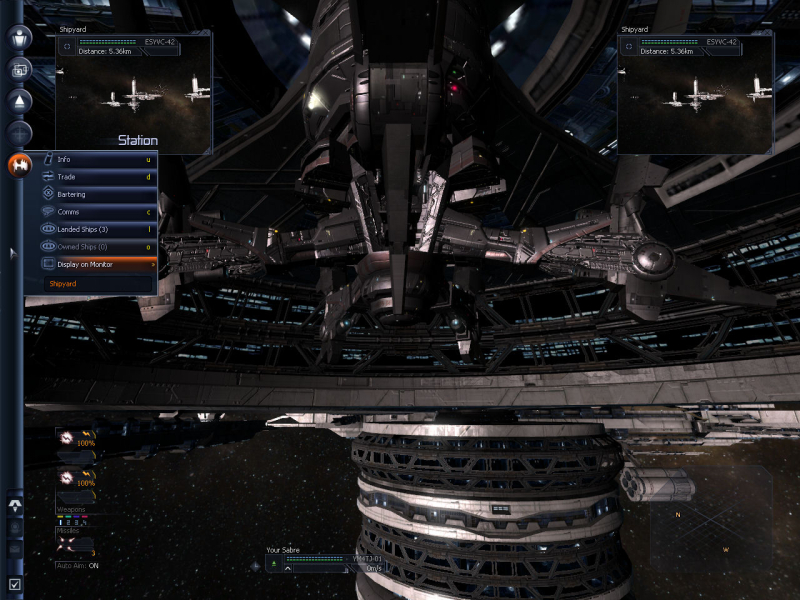
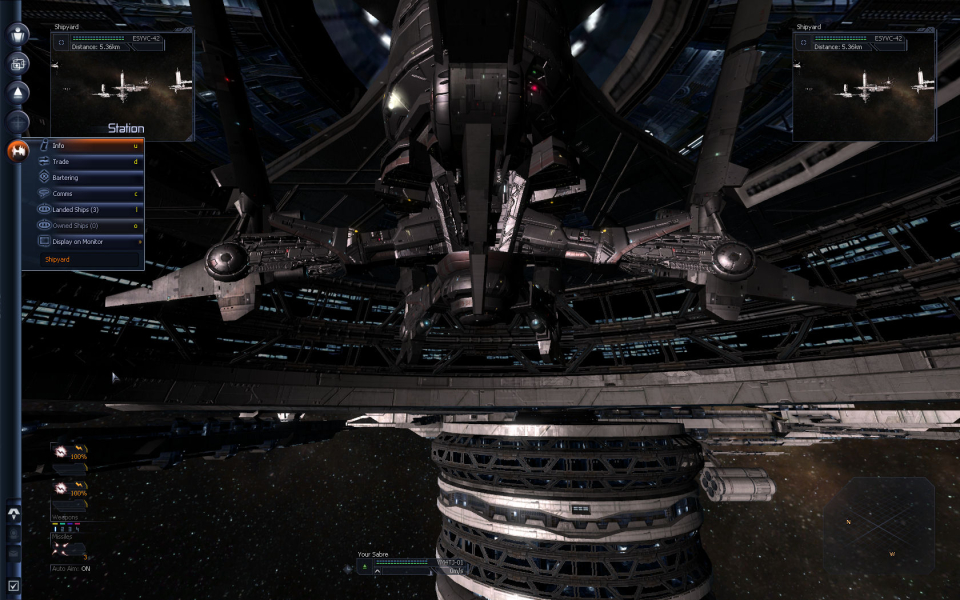
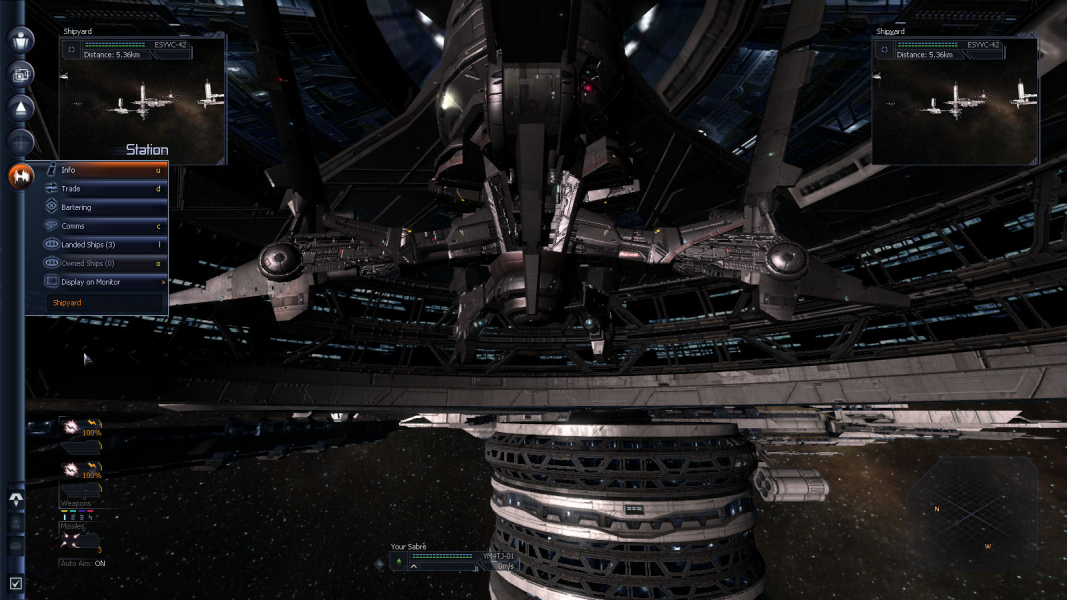
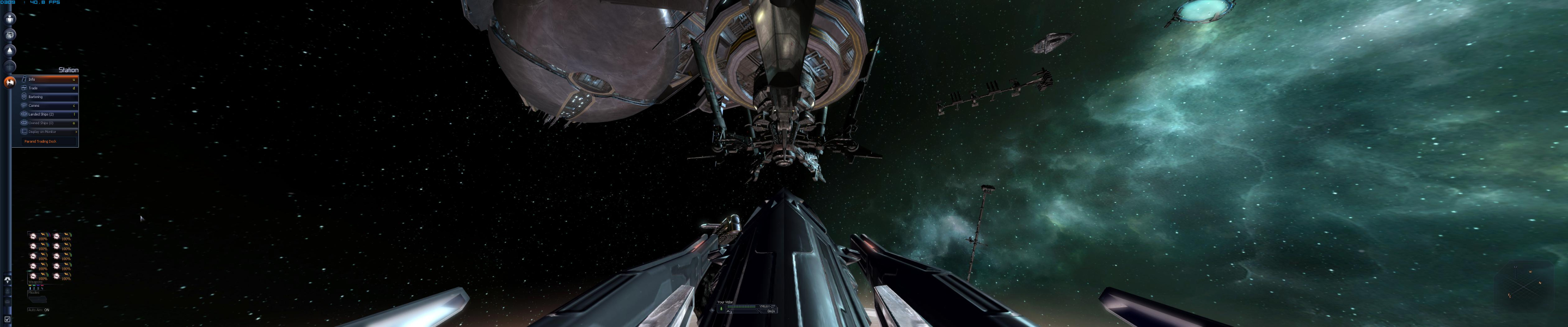
HUD elements are scaled properly and maintain their (pixel-based) dimensions. They are properly put further apart when resolutions increase, as shown by the previous gameplay screenshots.
A WSGF user reported this: FYI the HUDs are not scaling, it's just the same pixel dimensions. Scaling would be an increase or decrease in the size of the HUD while maintaining the dimensions. Yet again, another space sim I want to play, unplayable.
Gameplay Screenshots


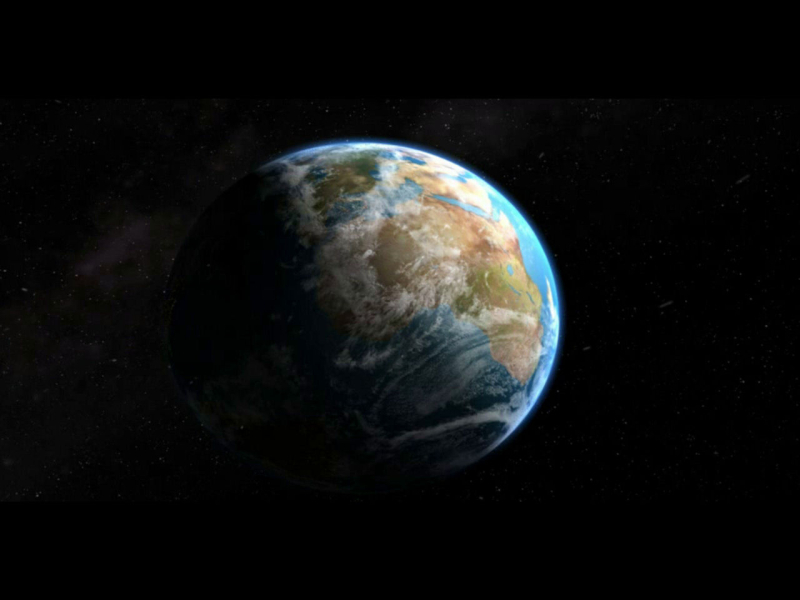
FMV Cutscenes


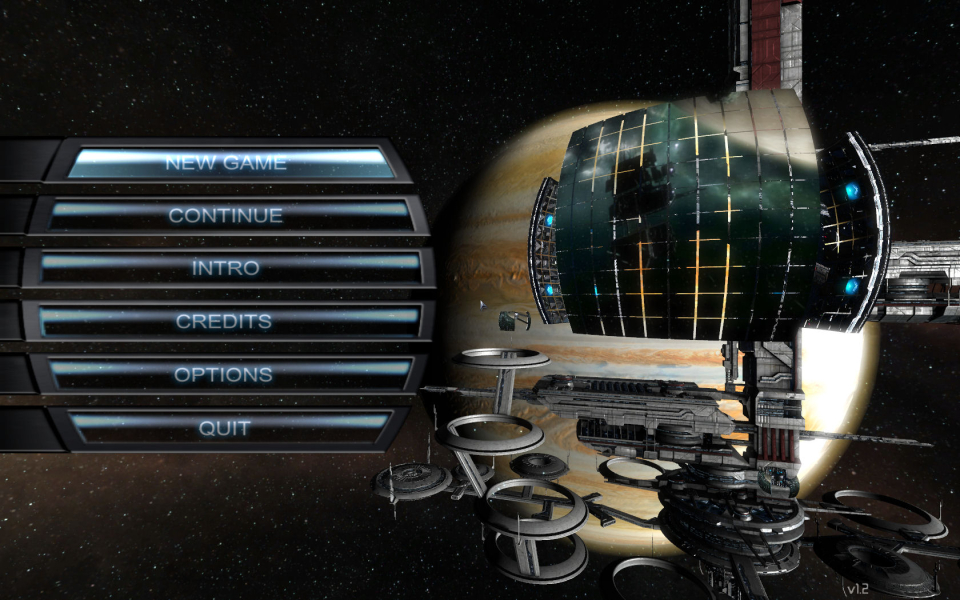
Menu Screenshots

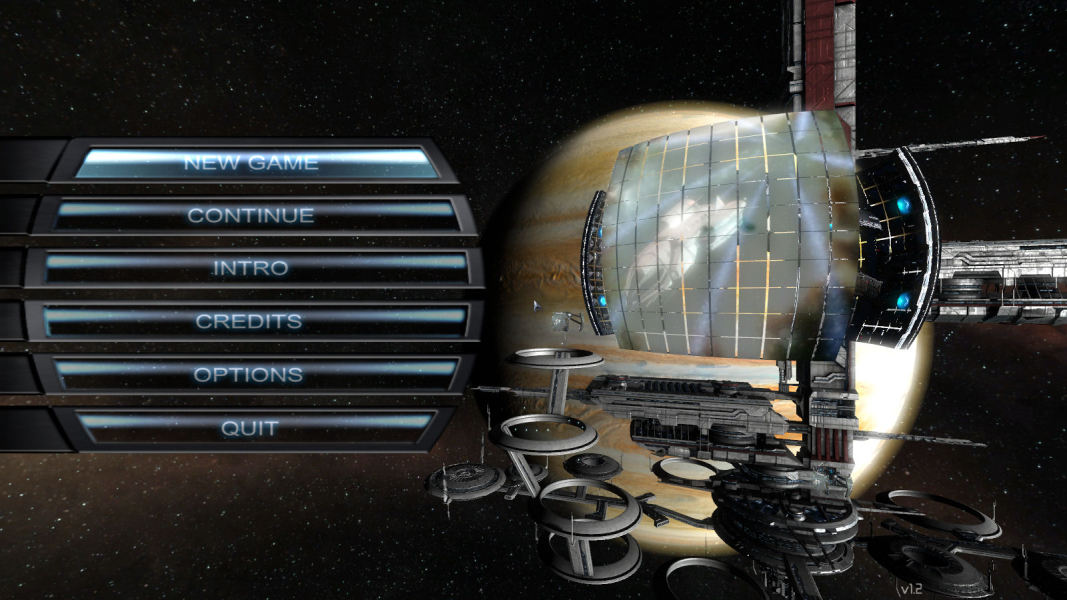
Additional Screenshots