


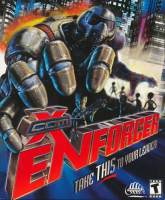


Third-person shooter spin-off in the X-COM series set during the First Alien War in 1999.
Support Summary
Game Information
Game Status:Released
Release Date:
Tested Version:GOG.com
Setting:Sci-Fi
Genre:Third-Person Shooter
Developer:Microprose
Screenshots Comparison
Solutions & Issues
Widescreen Solution & Issues:
Only some widescreen resolutions are detected in-game and FOV is Vert- by default.
- Choose the Direct3D renderer in-game.
- Go to the System folder in the installation folder.
- Open XCom.ini
- Change FullscreenViewportX= and FullscreenViewportY= to the desired fullscreen resolution (for windowed adjust WindowedViewportX= and WindowedViewportY= instead).
- Open User.ini.
- Change DesiredFOV=90.000000 and DefaultFOV=90.000000 to the desired FOV (fixes both gameplay and cutscenes).
- If the chosen resolution is greater than 2048x2048 pixels download dgVoodoo2 and copy the files from the MS folder into Enforcer's System folder (if the game starts in windowed mode increase the DirectX VRAM value with dgVoodooSetup.exe).
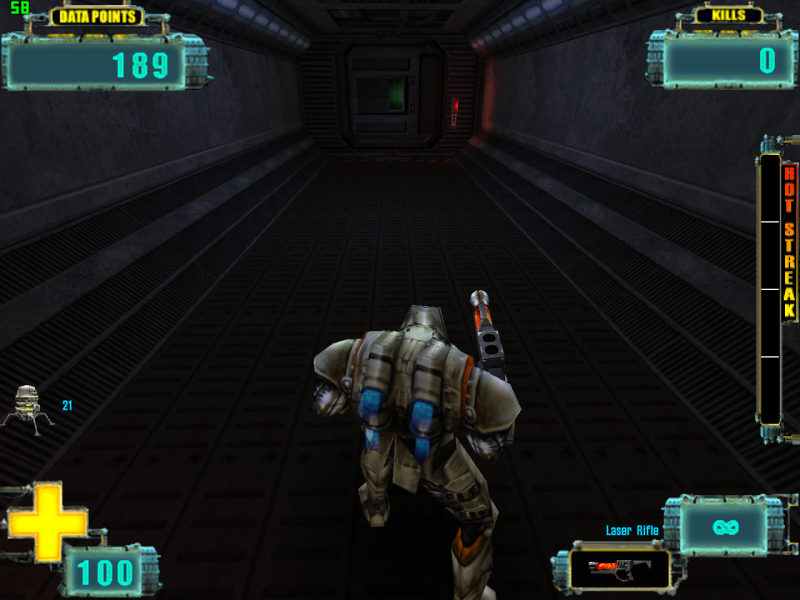
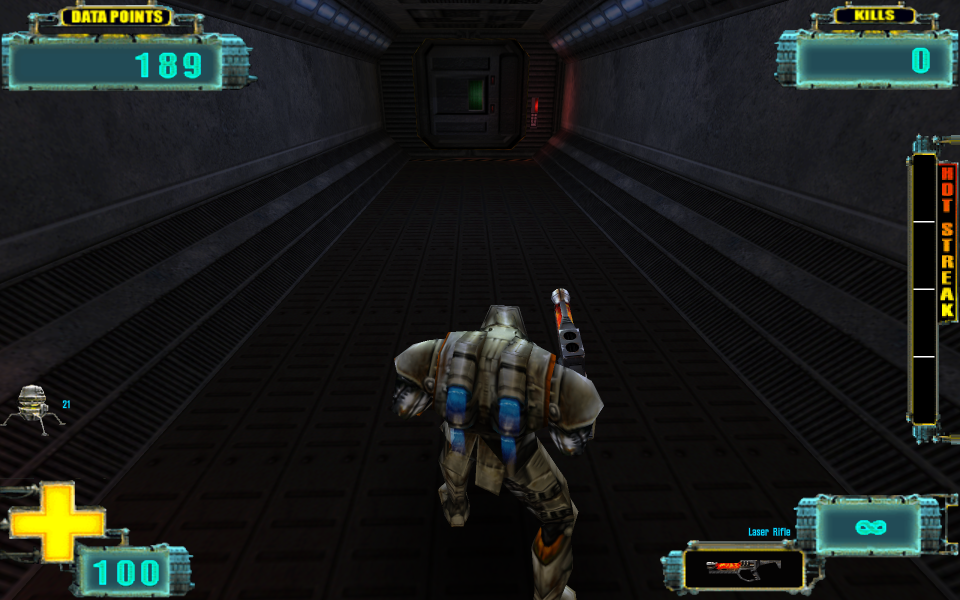
Most of the HUD is stretched (weapon names, objective numbers, and objective progress messages are scaled correctly).
FMV cutscenes and menus are windowboxed at higher resolutions. Loading screen backgrounds are stretched (loading screen text is scaled correctly).
Ultra/Super-Wide Specific Solution & Issues:
Same as widescreen method.
Eyefinity / Surround Specific Solution & Issues:
Same as widescreen method. NOTE: if the game switches back to windowed mode run dgVoodooSetup.exe and increase the VRAM value on the DirectX tab (128 MB worked during testing with dgVoodoo 2.53).
Gameplay Screenshots
4:3 Screenshot
16:10 Screenshot
16:9 Screenshot

21:9 Screenshot

32:9 Screenshot

Eyefinity / Surround Screenshot

In-Game (Rendered) Cutscenes
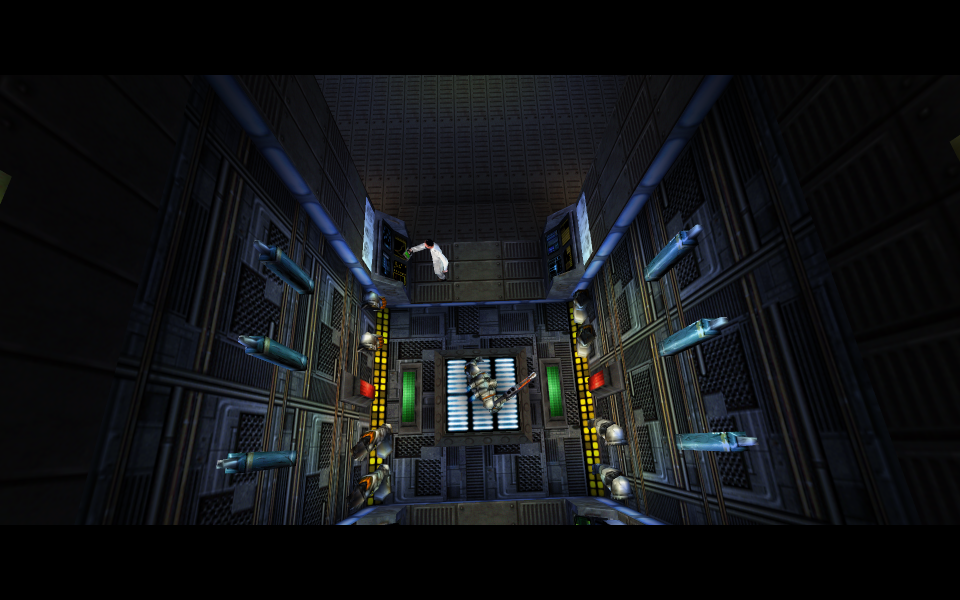
16:10 Cutscene
21:9 Cutscene

Eyefinity / Surround Cutscene

FMV Cutscenes
4:3 FMV Cutscene

Menu Screenshots
4:3 Menu

16:10 Menu
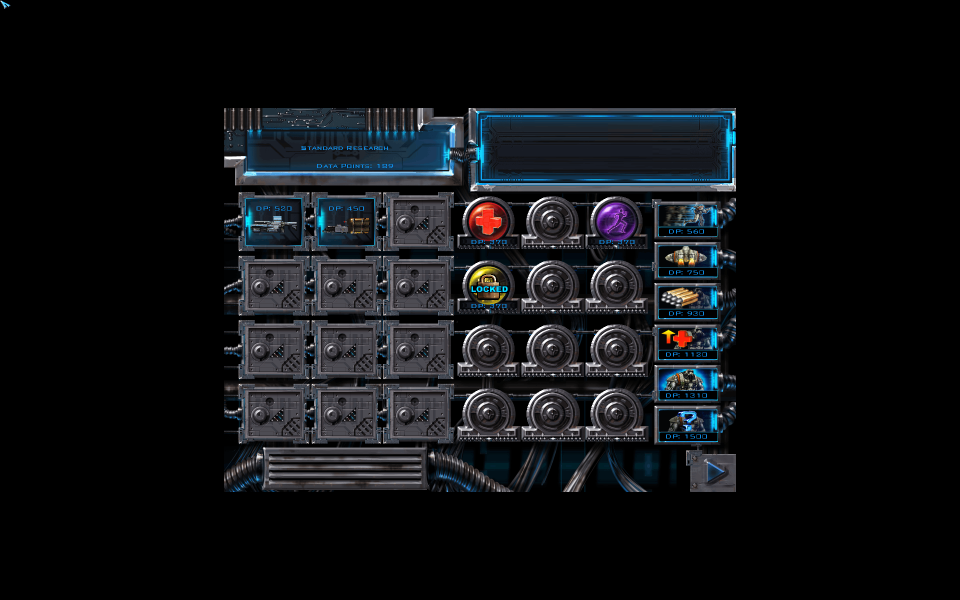
16:9 Menu
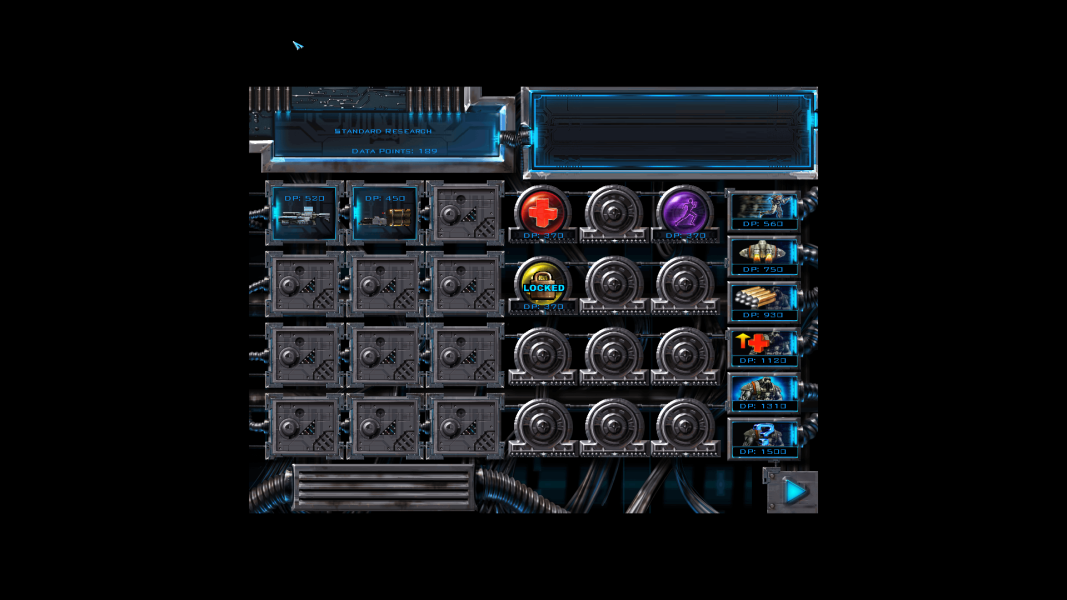
21:9 Menu
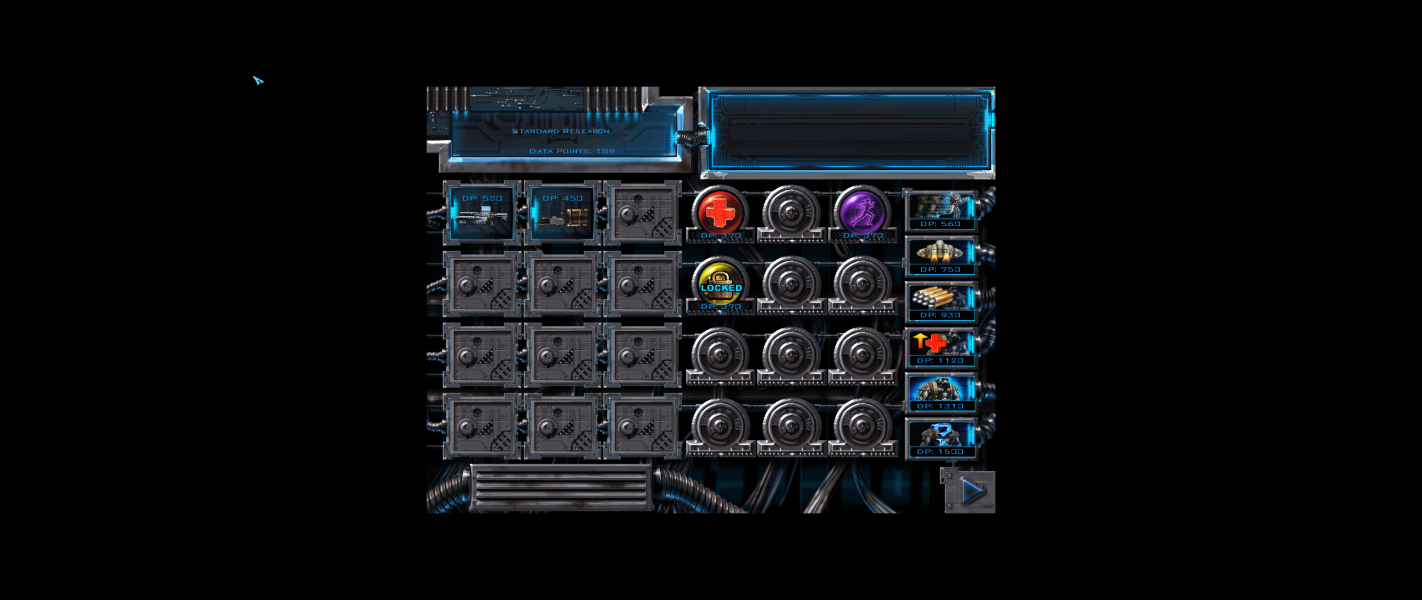
Eyefinity / Surround Menu


