


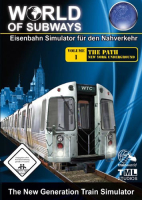


World of Subways is a standalone train sim series focusing on urban passenger transport (subways, city trains, trams). It features control over radio announcements, first-person free roaming in stations as well as detailed graphics with 3D cab controls, dynamic lights and motion blur. Vol. 1 : The Path models the route between New Jersey and NYC. An add-on has been released that introduces missions besides the basic schedules. Vol. 2 : U7 will take players to Berlin.
Support Summary
Game Information
Screenshots Comparison
Solutions & Issues
Open C:\Program Files\TML-Studios\World of Subways Vol.1\Data\Engine\variables.cfg in Notepad and look for the line
$fov = "60";
Change this value according to your AR as follows :
70 for 16:10
75 for 16:9
You can probably fine-tune these to your liking (no decimals though). I dislike the "magnified" look of the first-person view so I use 90 in 16:10 anyway...
The C4 Engine uses a FOV range of 45 to 90. Higher values in variables.cfg will be automatically adjusted to 90 by the engine (your changes remain in the file though). Decimals seem to be unsupported : values of 69.4 and 79.4 both resulted in a 90 in-game FOV.
Whatever the in-game resolution, the main menu always displays in 1024x768. So it will stretch on ws displays lacking fixed AR scaling.
Max FOV value (90) is too low, gameplay is massively Vert-.
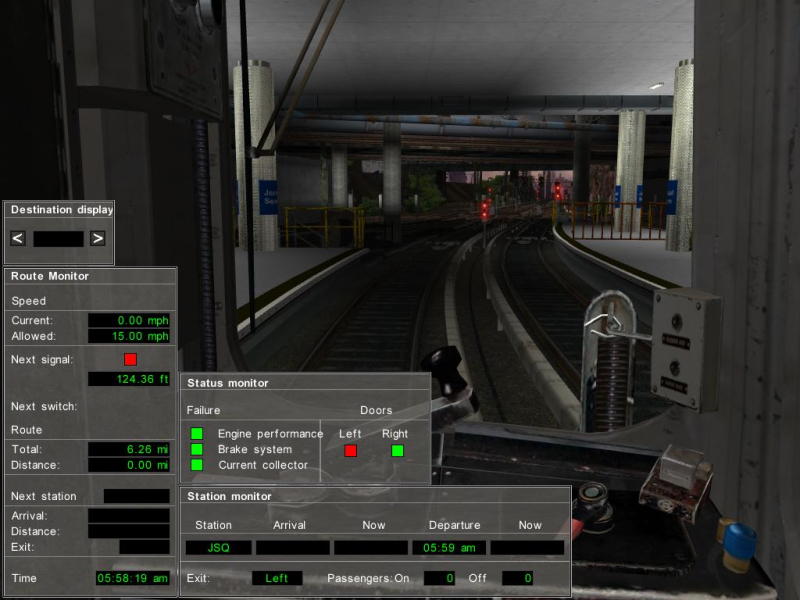
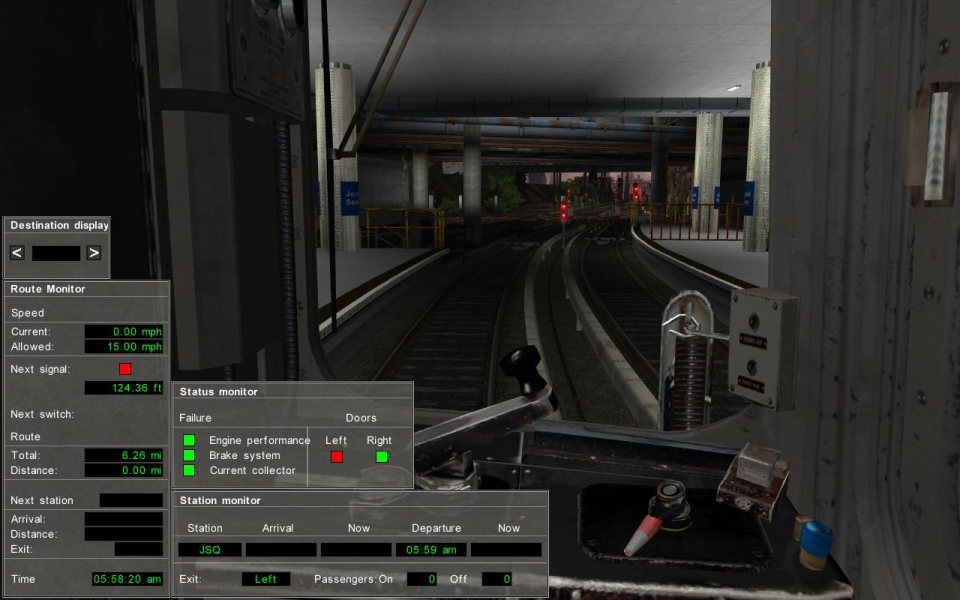
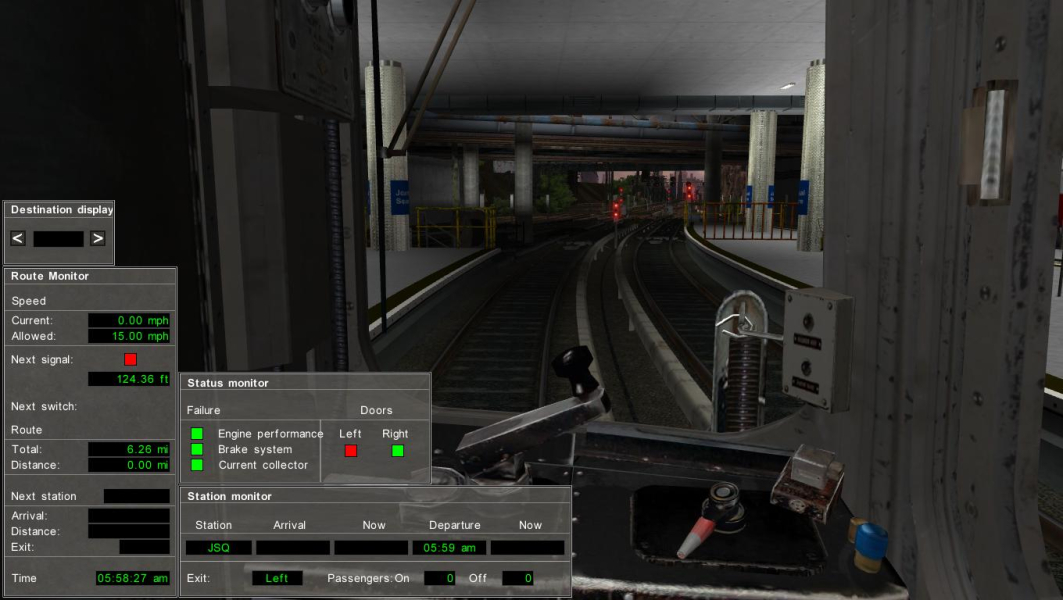
Gameplay Screenshots


Additional Screenshots


