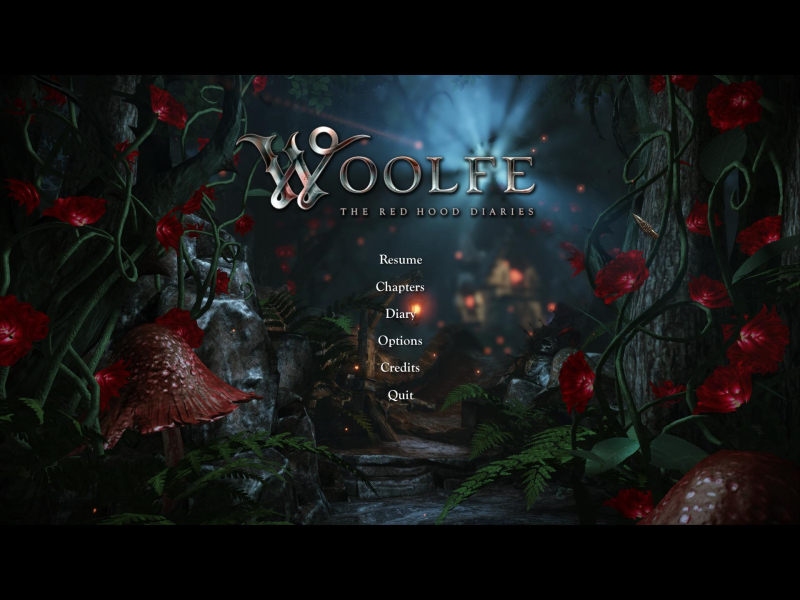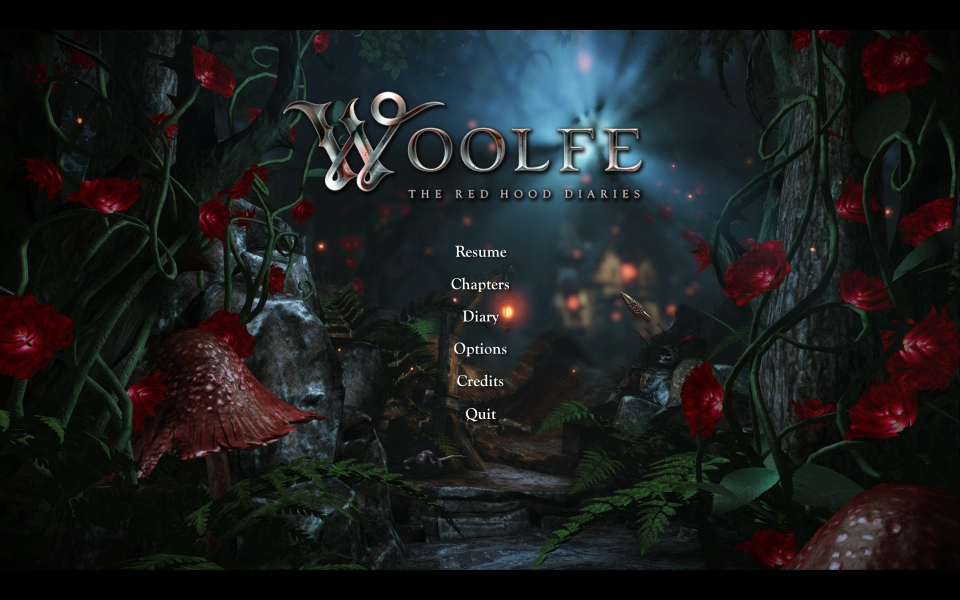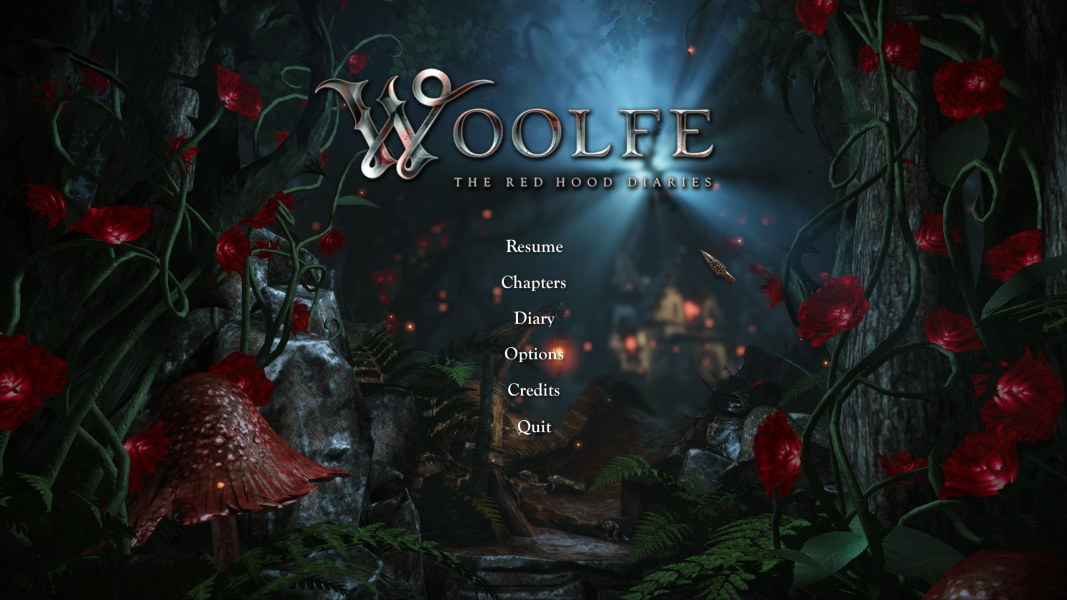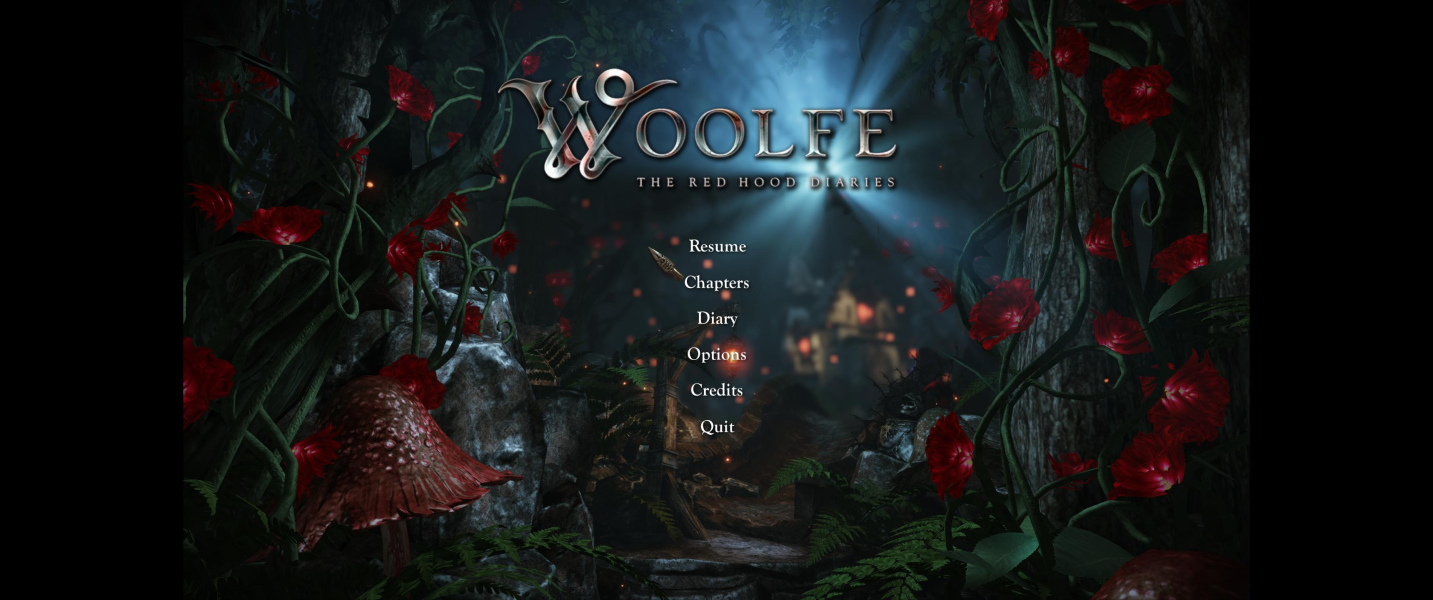


Woolfe: The Red Hood Diaries is a 3D cinematic platformer loosely based on the Little Red Riding Hood fairy tale. It is the first and eventually only game in what was planned to be an episodic series. The player controls Red Riding Hood who lives with her granny in the forest. Her father works in the city Ulrica for Woolf Industries led by B.B. Woolfe. One day he dies in a work accident, but Red does not believe that. She goes to the city to investigate and to avenge her father.
Support Summary
Game Information
Screenshots Comparison
Solutions & Issues
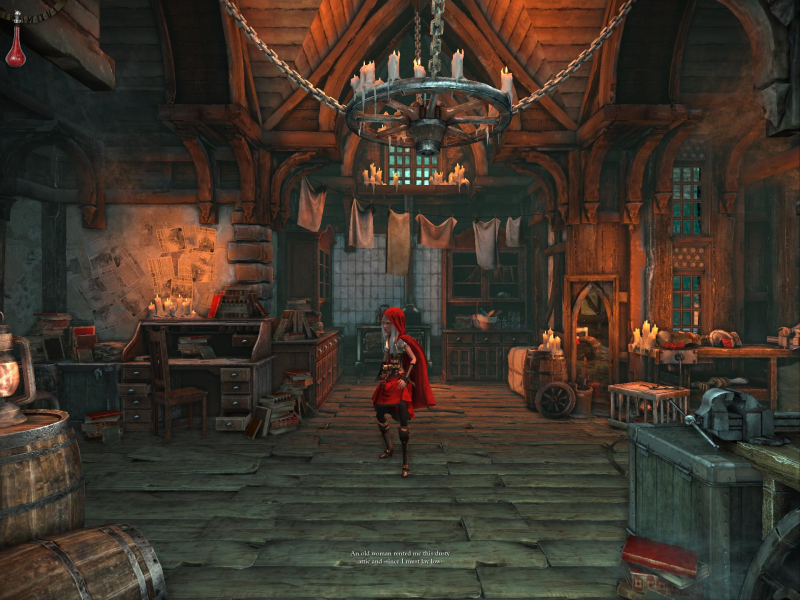
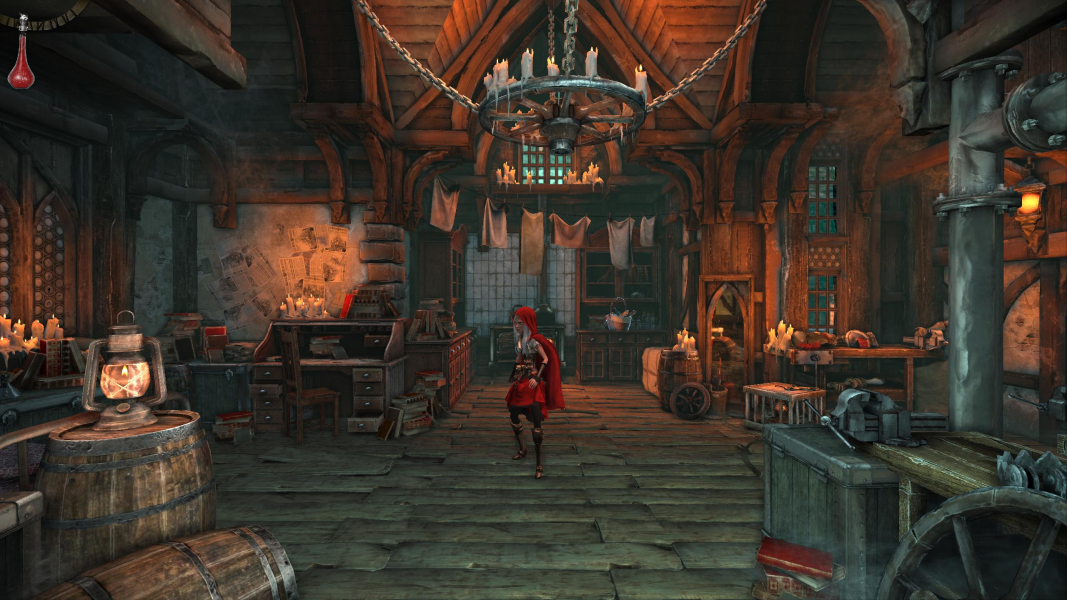
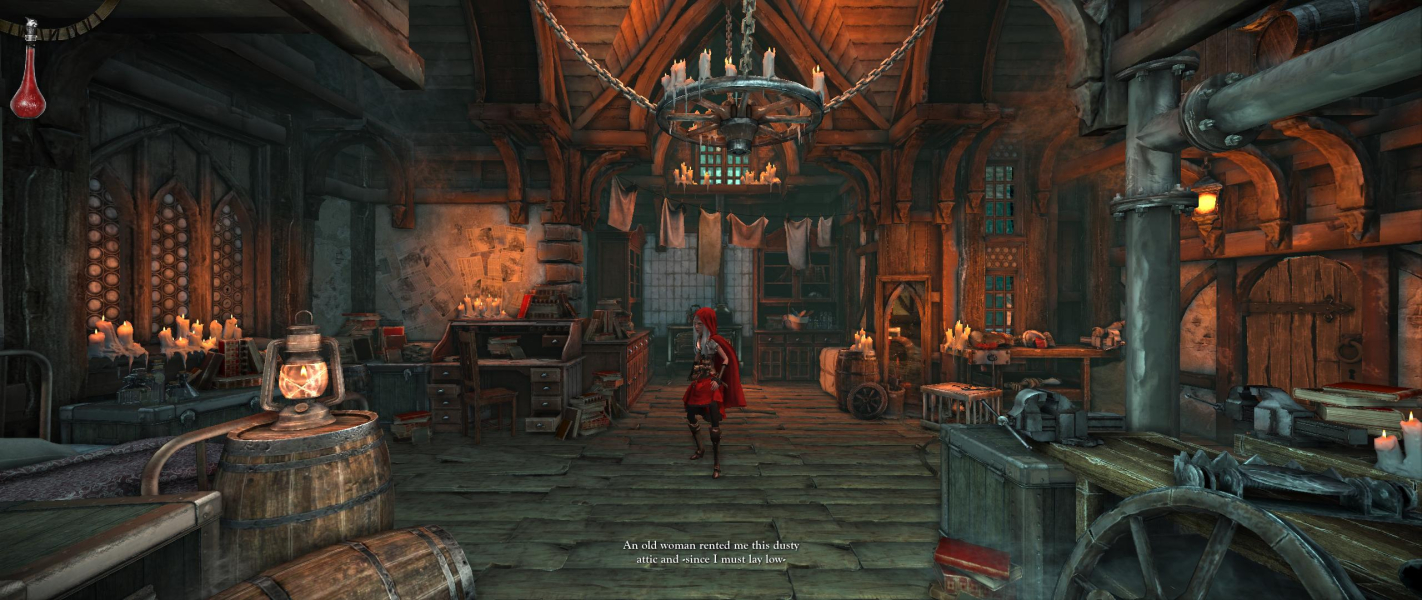
The Game itself is VERT(-) but it is easy managed to HOR(+) via ini edit:
Go to --> ...\Steam\steamapps\common\WoolfeTRHD\WoolfeGame\Config and edit DefaultWoolfeInput.ini.
Put at the end of the last line:
.Bindings=(Name="F1",Command="FOV 80")
.Bindings=(Name="F2",Command="FOV 90")
.Bindings=(Name="F3",Command="FOV 96")
You can also just put this " | OnRelease FOV 96 " in this Line --> .Bindings=(Name="GBA_Move_Up",Command="Axis aMoveVert Speed=1.0 DeadZone=0.2 | OnRelease FOV 96")
The Game itself is VERT(-) but it is easy managed to HOR(+) via ini edit:
Go to --> ...\Steam\steamapps\common\WoolfeTRHD\WoolfeGame\Config and edit DefaultWoolfeInput.ini.
Put at the end of the last line:
.Bindings=(Name="F1",Command="FOV 80")
.Bindings=(Name="F2",Command="FOV 90")
.Bindings=(Name="F3",Command="FOV 96")
.Bindings=(Name="F4",Command="FOV 112")
You can also just put this " | OnRelease FOV 112 " in this Line --> .Bindings=(Name="GBA_Move_Up",Command="Axis aMoveVert Speed=1.0 DeadZone=0.2 | OnRelease FOV 112")
Resolutions can be modified here --> C:\Users\....\Documents\My Games\WoolfeTRHD\WoolfeGame\Config\WoolfeWoolfeSystemSettings.ini
Gameplay Screenshots



In-Game (Rendered) Cutscenes


Menu Screenshots