The Witcher

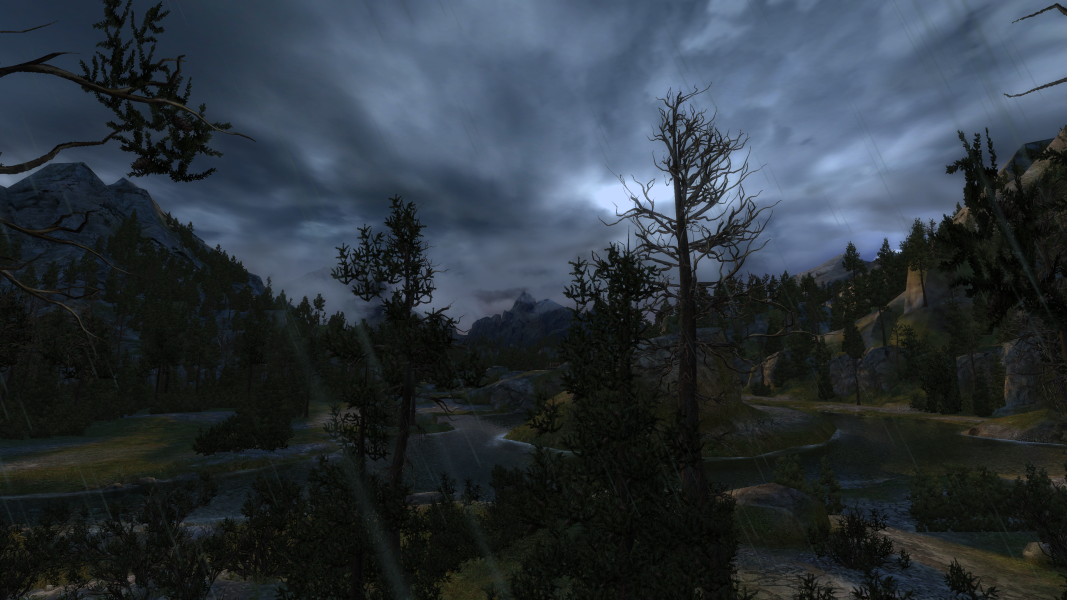
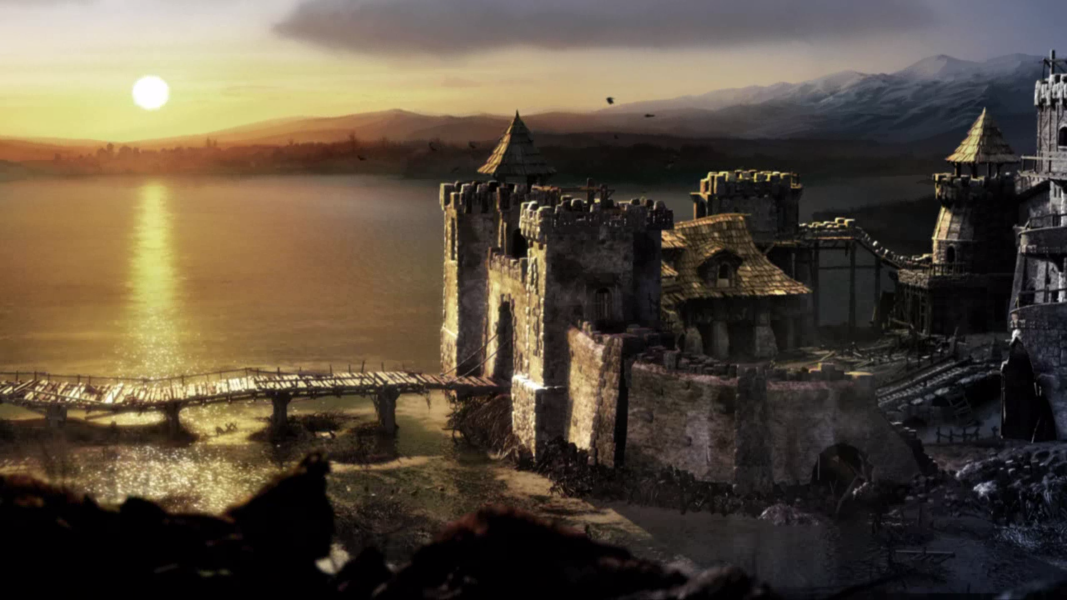
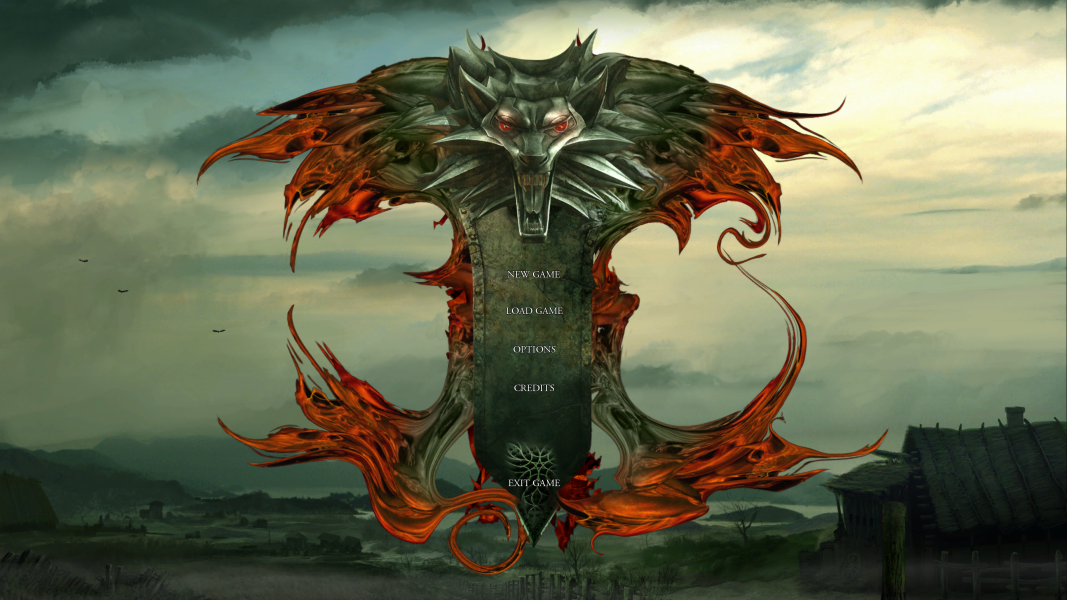
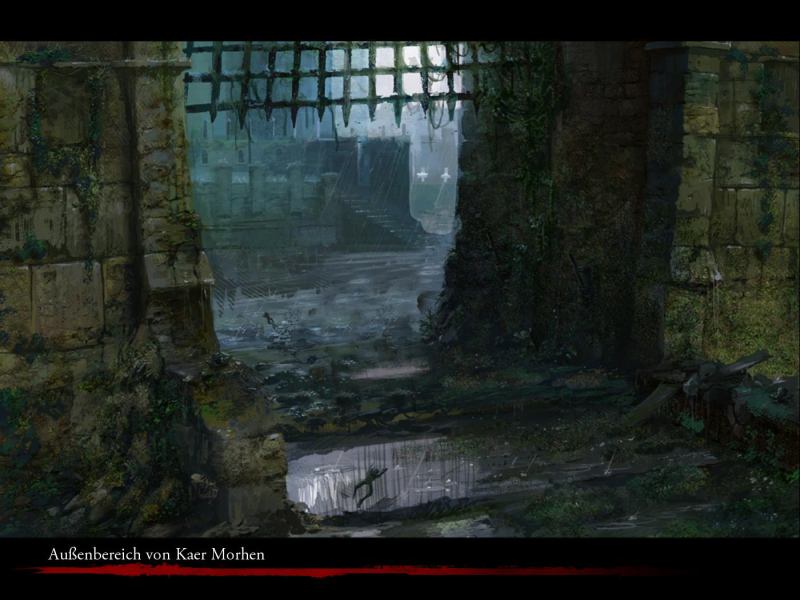
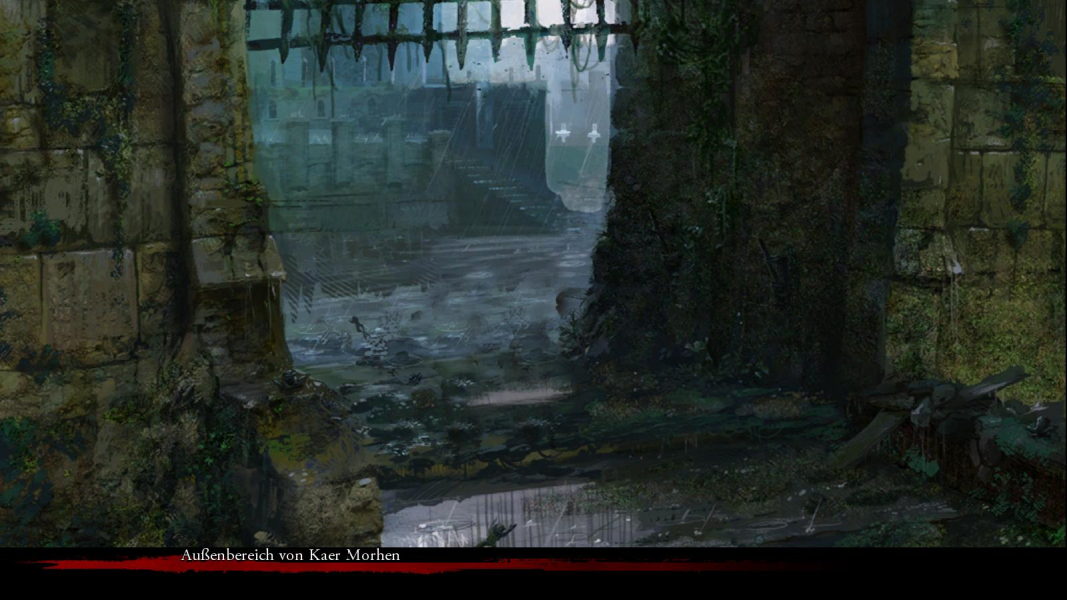
Set in a world created by best-selling Polish author Andrzej Sapkowski, The Witcher combines spectacular action and an intriguing storyline. You are aWitcher, a warrior who has been trained to fight since childhood, subjected to mutations and trials that have transformed you. You earn a living killing monsters, and are a member of a brotherhood founded long ago to protect people from werewolves, the undead, and a host of other beasts. The game uses advanced graphics and physics systems for a high-powered blend of brutal action, complex RPG options and character configuration, and sweeping storytelling.The game uses the latest Aurora engine from Bioware (Neverwinter Nights).

Support Summary

Widescreen
Ultra/Super‑Wide
Multi-Monitor
4K Ultra HD
Support
Method
HUD
Cutscenes
FMVs

Game Information

Game Status:Released
Release Date:
Tested Version:Retail upgraded to Enhanced Edition patched to v1.5
Play Styles:Single-Player
Setting:Fantasy
Genre:RPG
Developer:CD Projekt

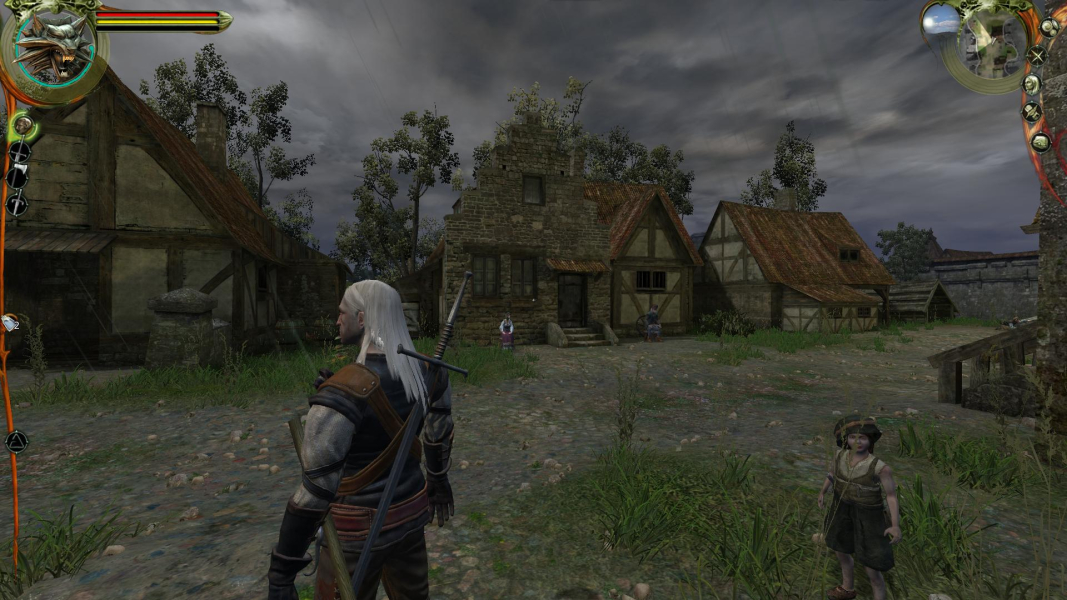
Screenshots Comparison

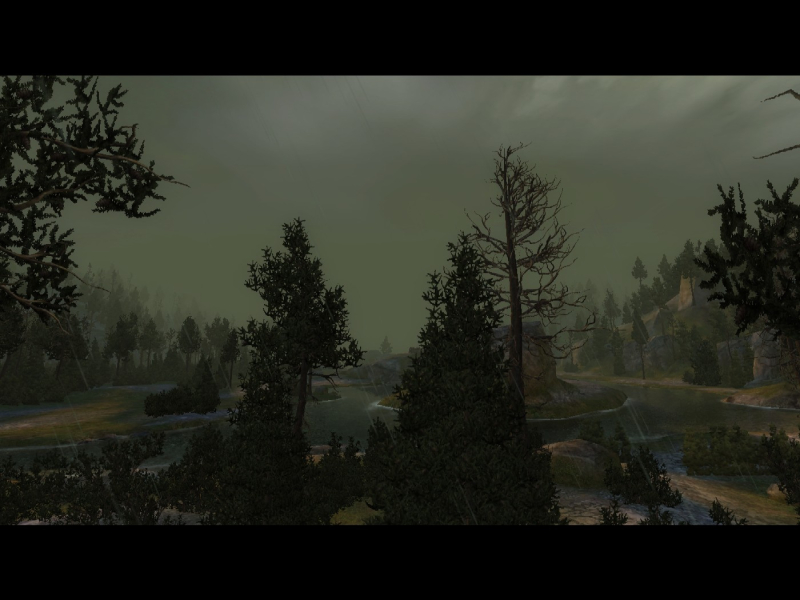
4:3 Screenshot
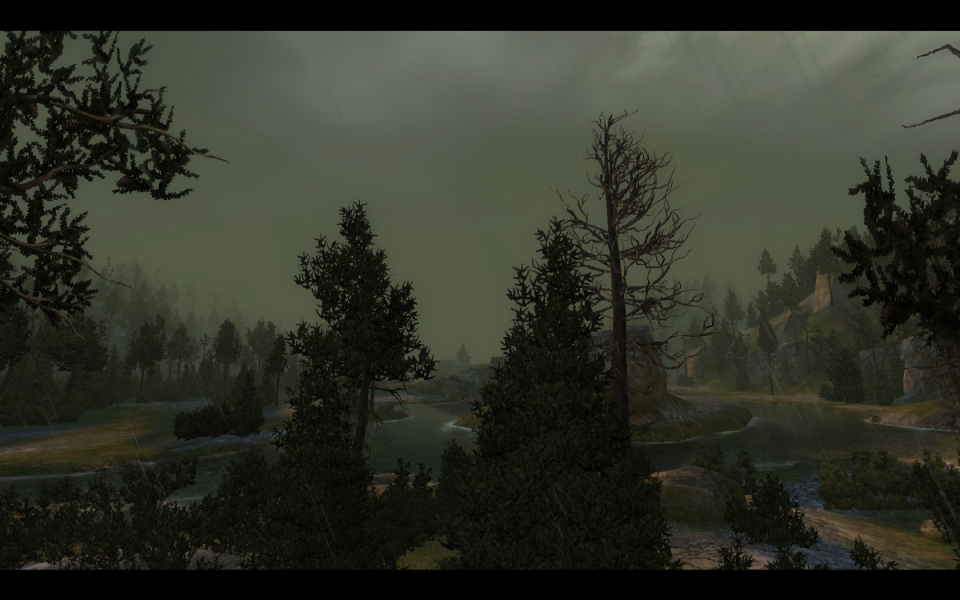
16:10 Screenshot
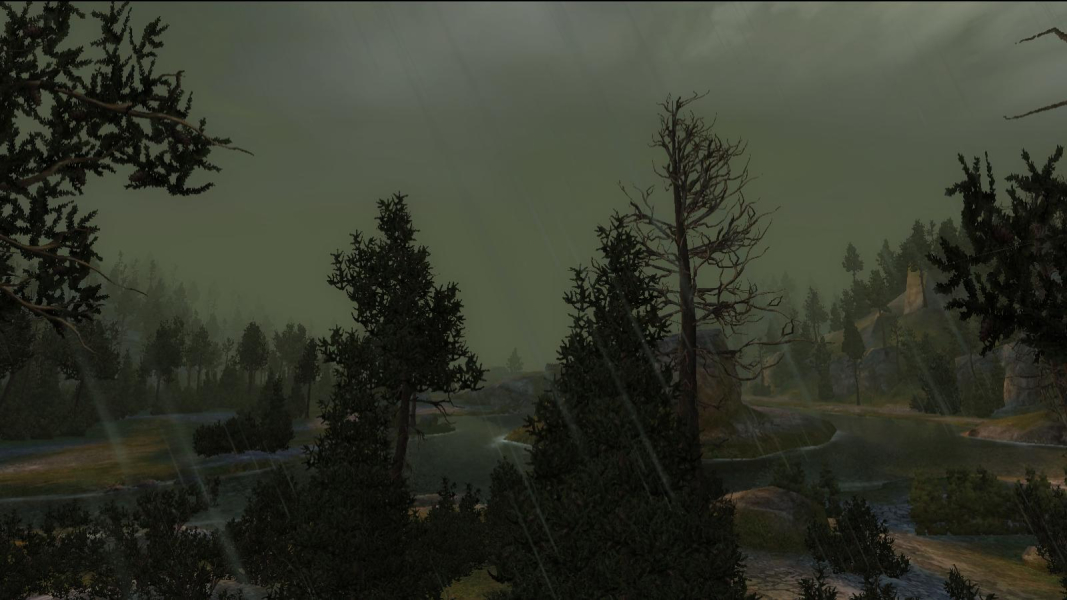
16:9 Screenshot
21:9 Screenshot
A monitor with a question mark on it. The text above it reads "There is currently no image uploaded for this field." There is a semi-transparent WSGF logo in the background, while the main background is white. The image aspect ratio is 21:9.
32:9 Screenshot
Eyefinity / Surround Screenshot
Solutions & Issues
Widescreen Solution & Issues:

Native support. Resolution can be changed at any time from the options menu.
Settings are stored in the registry (HKCU\Software\CD Projekt RED\Witcher\Settings).

Anti-Aliasing must be Disabled for the game to run at 2560x1600 fullscreen.

Ultra/Super-Wide Specific Solution & Issues:

To fix ingame cutscenes replace witcher.exe in the game folder (The Witcher Enhanced Edition Director's Cut\System\). Fix available from the PC Gaming Wiki Community Files (search there).

Eyefinity / Surround Specific Solution & Issues:

Centered HUD Solution:

Replace witcher.exe in the game folder (The Witcher Enhanced Edition Director's Cut\System\). Fix available from the PC Gaming Wiki Community Files (search there).

Native; anti-Aliasing is limited to 2x.
Setting Lighting to Low will partially fix real-time cut-scenes.

4:3 Screenshot
16:10 Screenshot
16:9 Screenshot
21:9 Screenshot
A monitor with a question mark on it. The text above it reads "There is currently no image uploaded for this field." There is a semi-transparent WSGF logo in the background, while the main background is white. The image aspect ratio is 21:9.
32:9 Screenshot
Eyefinity / Surround Screenshot
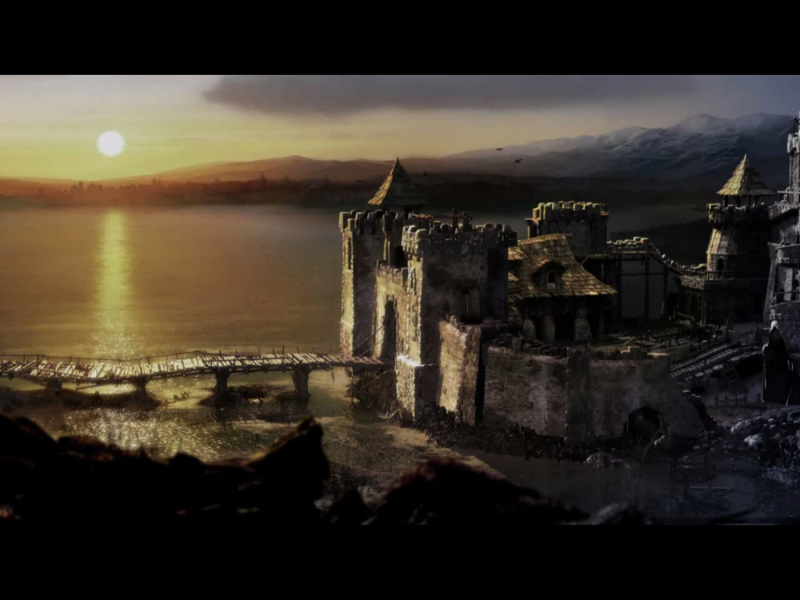
4:3 Cutscene
16:10 Cutscene
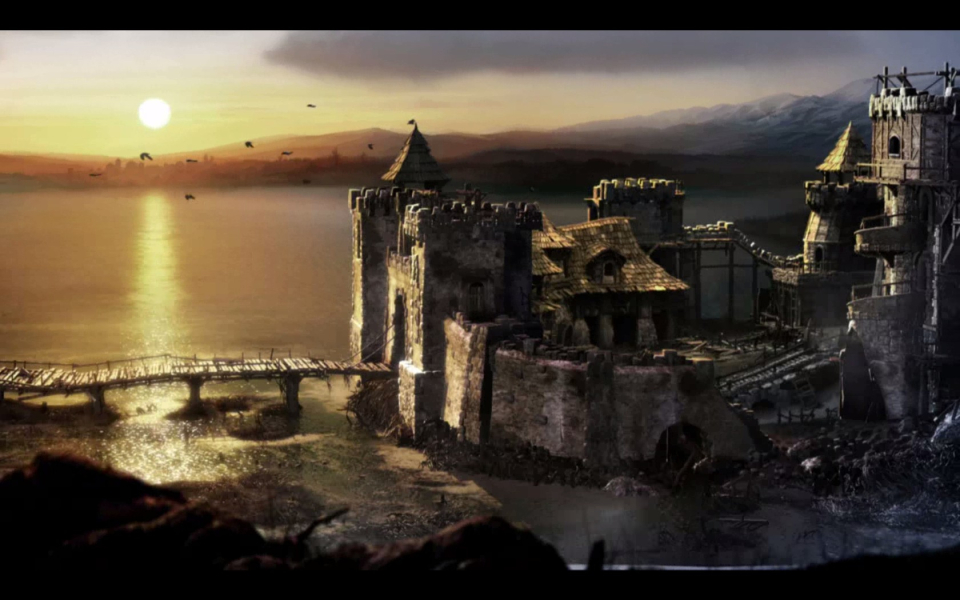
16:9 Cutscene
Eyefinity / Surround Cutscene
4:3 FMV Cutscene
16:10 FMV Cutscene
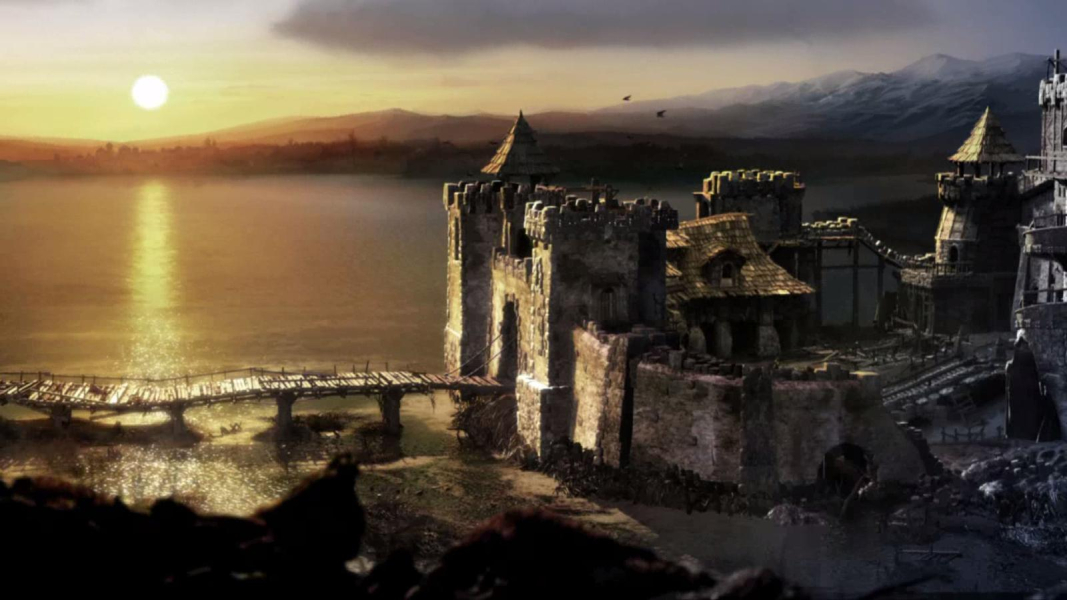
16:9 FMV Cutscene
Eyefinity / Surround FMV Cutscene
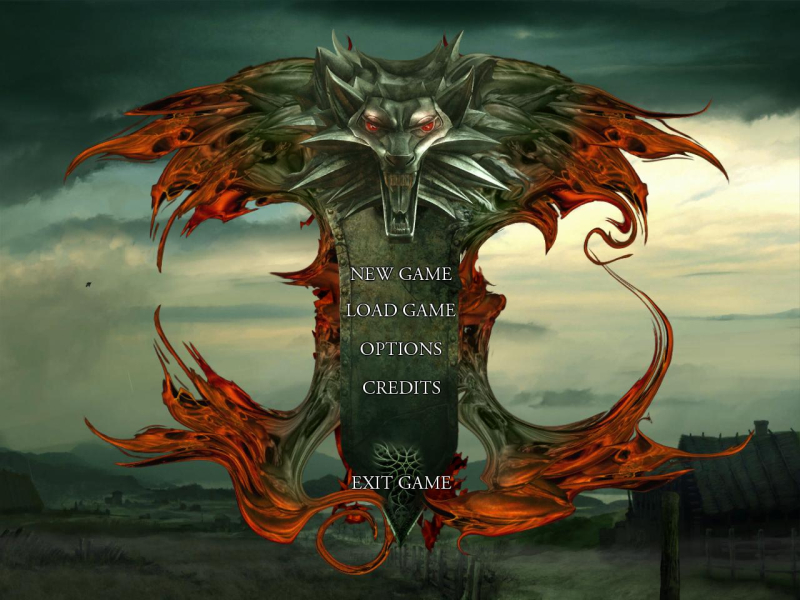
4:3 Menu
16:10 Menu
16:9 Menu
Eyefinity / Surround Menu
4K Gameplay Screenshot
4K In-Game Cutscene
4K FMV Cutscene
4K Menu Screenshot
Uploaded by: skipclarke
Inventory, 4:3
Uploaded by: skipclarke
Inventory, 16:10
Uploaded by: skipclarke
Inventory, 16:9
Uploaded by: skipclarke
Inventory, 48:9
Uploaded by: skipclarke
Loading Screen 4:3
Uploaded by: skipclarke
Loading Screen 16:10
Uploaded by: skipclarke
Loading Screen 16:9
Uploaded by: skipclarke
Loading Screen 48:9
Uploaded by: skipclarke
Dice minigame, 4:3
Uploaded by: skipclarke
Dice minigame, 16:10
Uploaded by: skipclarke
Dice minigame, 16:9
Uploaded by: skipclarke
Dice minigame, 48:9
Uploaded by: skipclarke
Dialog scene, 4:3
Uploaded by: skipclarke
Dialog scene, 16:10
Uploaded by: skipclarke
Dialog scene, 16:9
Uploaded by: skipclarke
Dialog scene, 48:9
Uploaded by: skipclarke
Isometric view, 4:3
Uploaded by: skipclarke
Isometric view, 16:10
Uploaded by: skipclarke
Isometric view, 16:9
Uploaded by: skipclarke
Isometric view, 48:9
15:9 Resolutions:1280x768
Eyefinity / Surround Resolutions:
Multi-Monitor Layouts: