

Warcraft III is the third in the venerable RTS series from Blizzard, set in their Warcraft universe.
Support Summary
Game Information
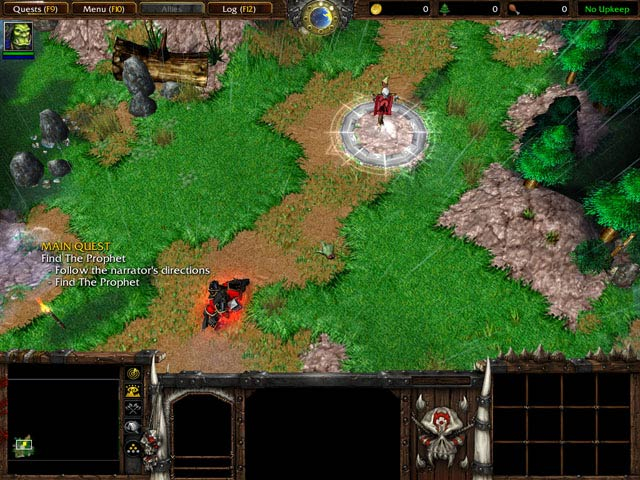
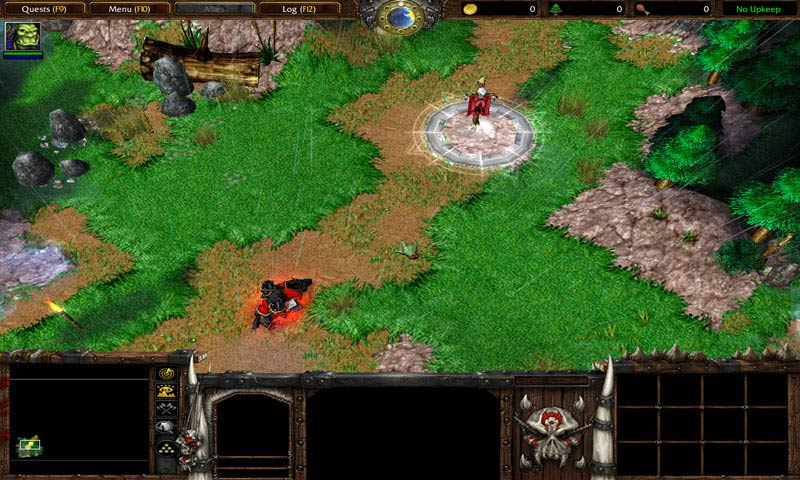
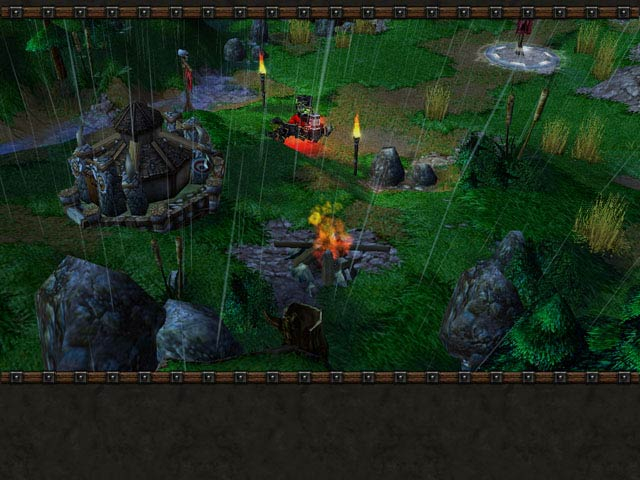
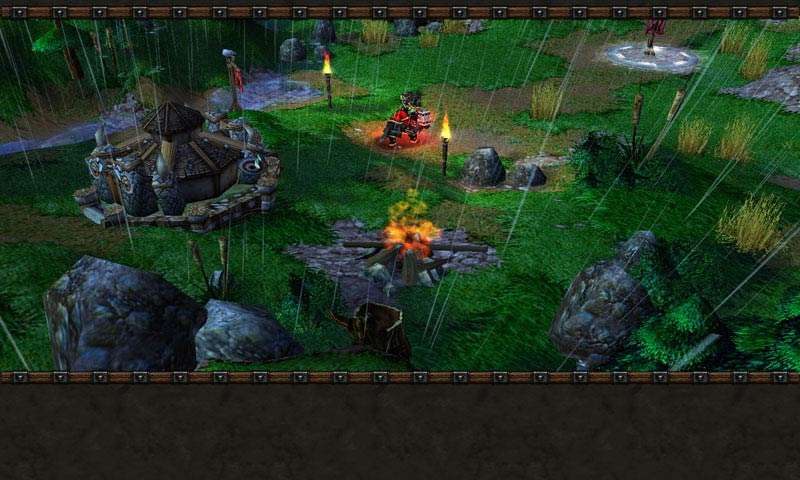
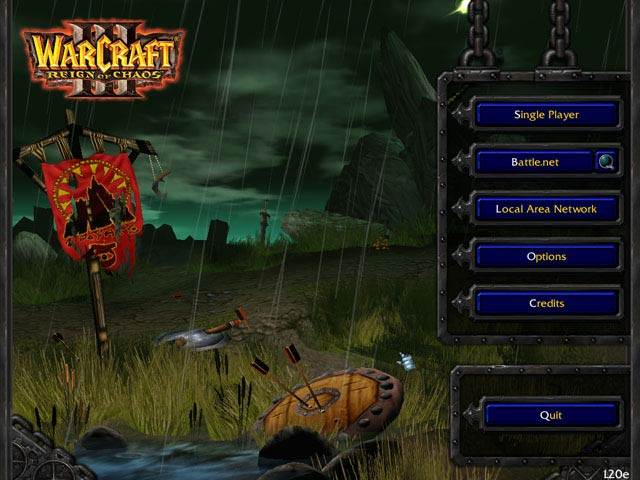
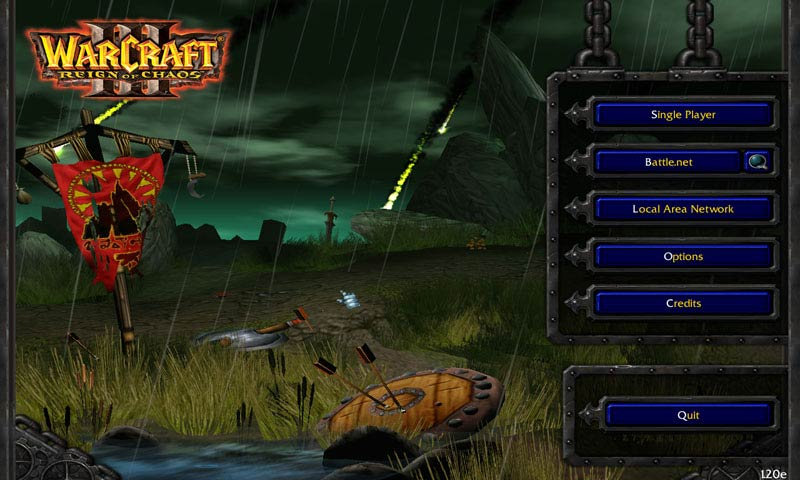
Screenshots Comparison
Solutions & Issues
Patch 1.25b has rendered all solutions reported below useless/obsolete. To update, simply try to access any of the online functions of the game and it will ask you to download the patch.
---------------
Solution 1
Widescreen is achieved through a registry hack.
Find:
HKEY_CURRENT_USER\Software\Blizzard Entertainment\Warcraft III\Video
Edit:
reswidth = xxxx
resheight = yyyy
as appropriate.
--------------
Solution 2
This is a hack, and you will get banned if you try to play ladder online with it.
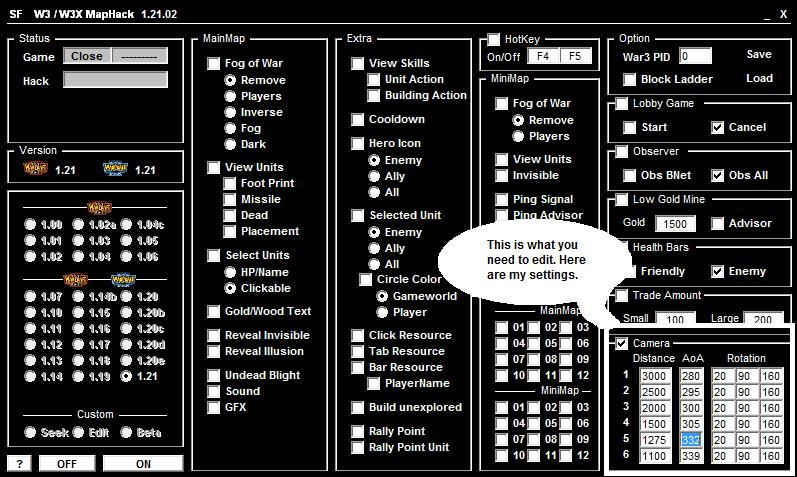
Download shadowfrench maphack -
http://securegamers.com/shadowfrench/W3XMapHack12102.exe
Open it up and you will see this. I unselect EVERYTHING so that nothing is checked. I don't want to see the map hack i just want the FOV fix.
As you can see nothing except the camara is un-checked. There are 6 spots, and they are the 6 different camara views you have when you scroll your mouse wheel, or use the page up and page down keys. It is automatically set to the warcraft default.
Distance
=====
The distance is how high the camara is. The further back you are the more you can see. For me i like 2500.
AoA
===
The AOA is the angle of the view. Somthing around 280 is looking stright down. I like mine around 295.
Rotation
=====
I just leave this alone, its the horizontal angle.
So just start up the game first, leave it on the load screen, turn on the hack and fix the settings, click the on button, and you are good to go. Enjoy, i know i sure as hell am.
Now all we need is a non-streched wide screen option and we are set.
--------------------
Solution 3
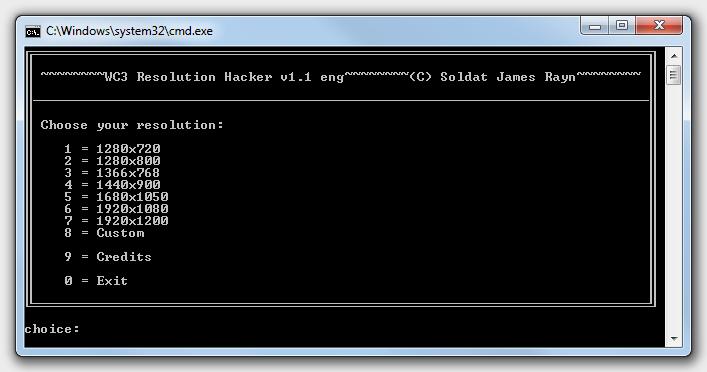
It's a very easy to use tool to set widescreen resolutions, you can choose between some standart WS resolutions or you can enter a custom resolution
here you can download it:
(english translated version)
http://home.arcor.de/server2download/progs/WC3_Res_Hacker_eng.zip
(german version)
http://home.arcor.de/server2download/progs/WC3_Res_Hacker.zip
Have Fun
Gameplay Screenshots



In-Game (Rendered) Cutscenes
Menu Screenshots
Additional Screenshots