

Set in the fantastic world of long ago Venice, the young Scarlett falls victim to a terrible mystery, which begins with the murder of her companion by a secretive alliance of mighty necromancers. Thus fate takes its inevitable course and threatens to throw the world out of order.
Scarlett finds out that she is the daughter of death incarnate and is blessed with his ultimate powers. She is the only one who can stop the gruesome powers that threaten to destroy the entire living world.
Now it’s your chance to reverse fate! Get ready for a fast-paced adventure set in an epic world filled with dark dangers and merciless adversaries. Arm yourself with mighty weapons, rally together powerful allies and master the dark powers of death. Can you conquer the powers that threaten to inescapably destroy the world of the living? Follow your path down into the deepest abyss to death itself – and back again, if you are worthy!
Support Summary
Game Information
Screenshots Comparison
Solutions & Issues
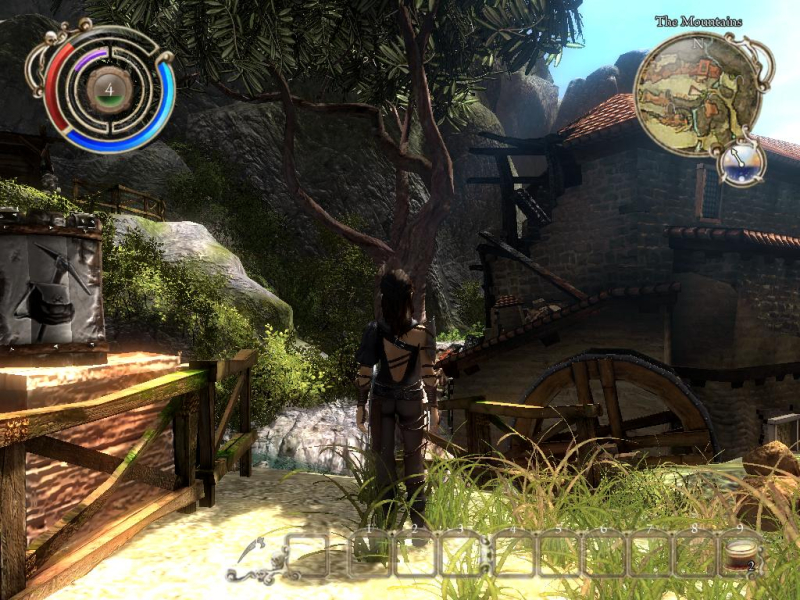
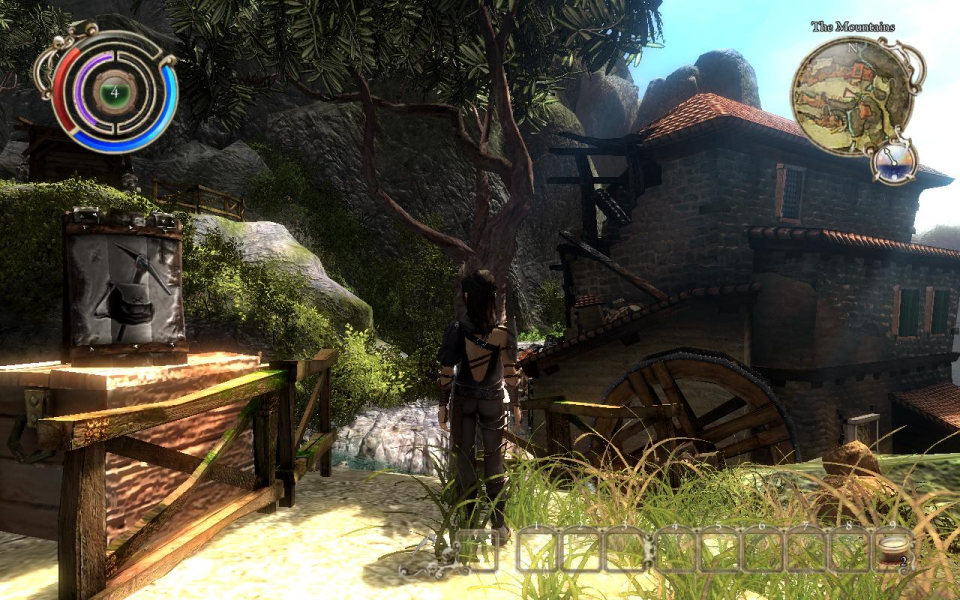
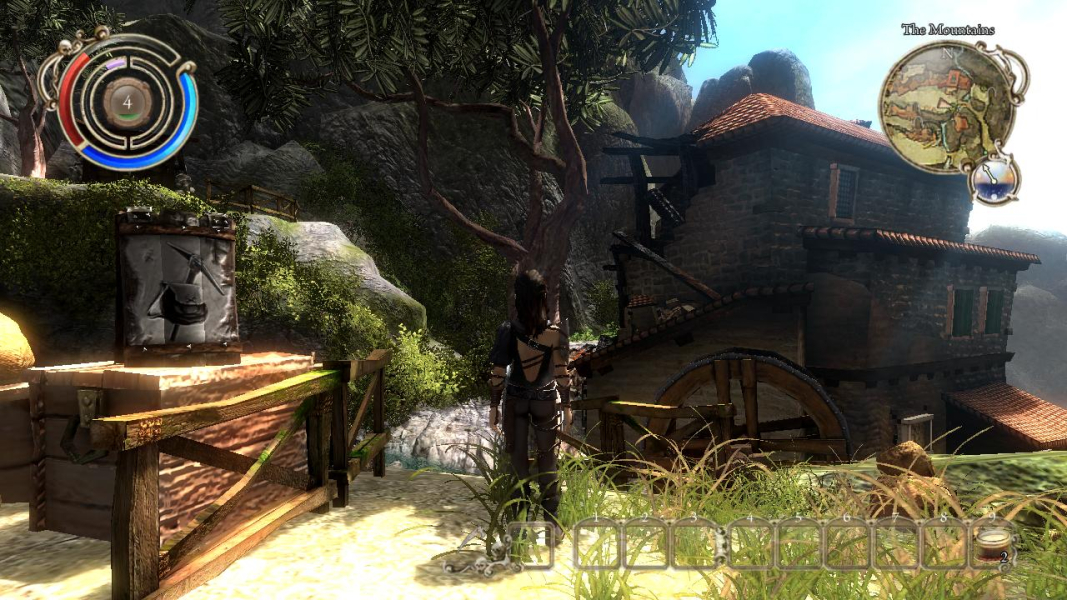
Native support, including Surround gaming.
If you need to tweak up some settings, they can be found from My Documents\Venetica\settings-user.ini. Fov setting is visible there, if needed.
Native support for surround gaming, everything is Hor+.
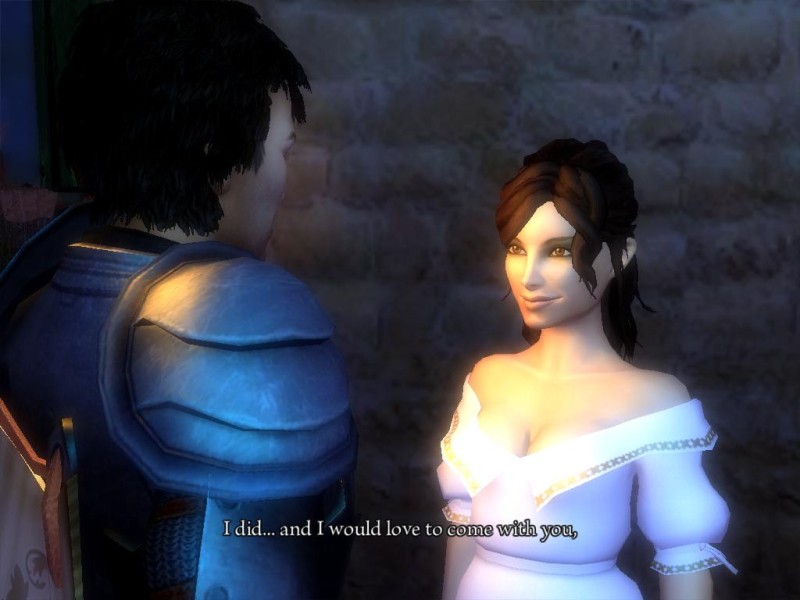
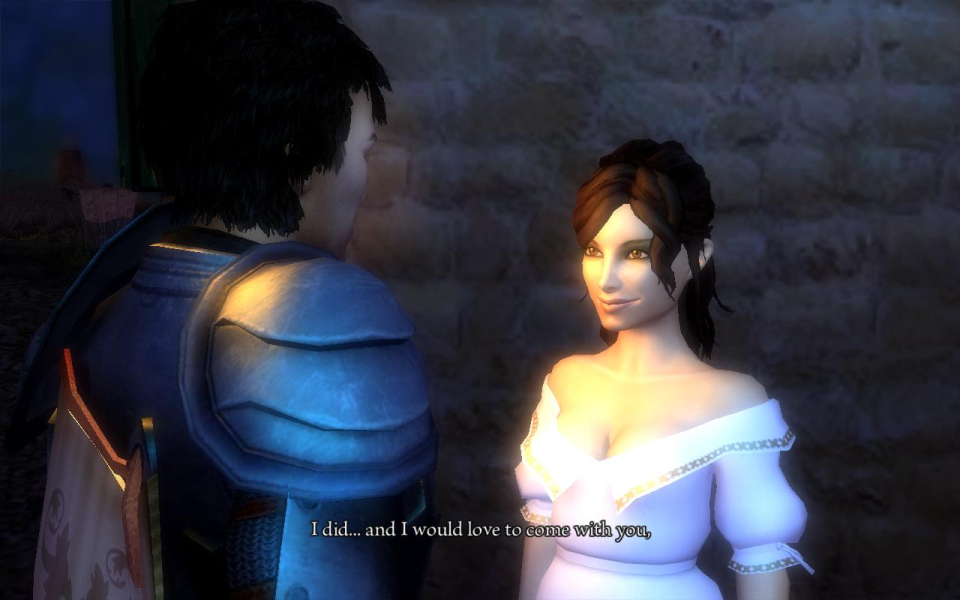
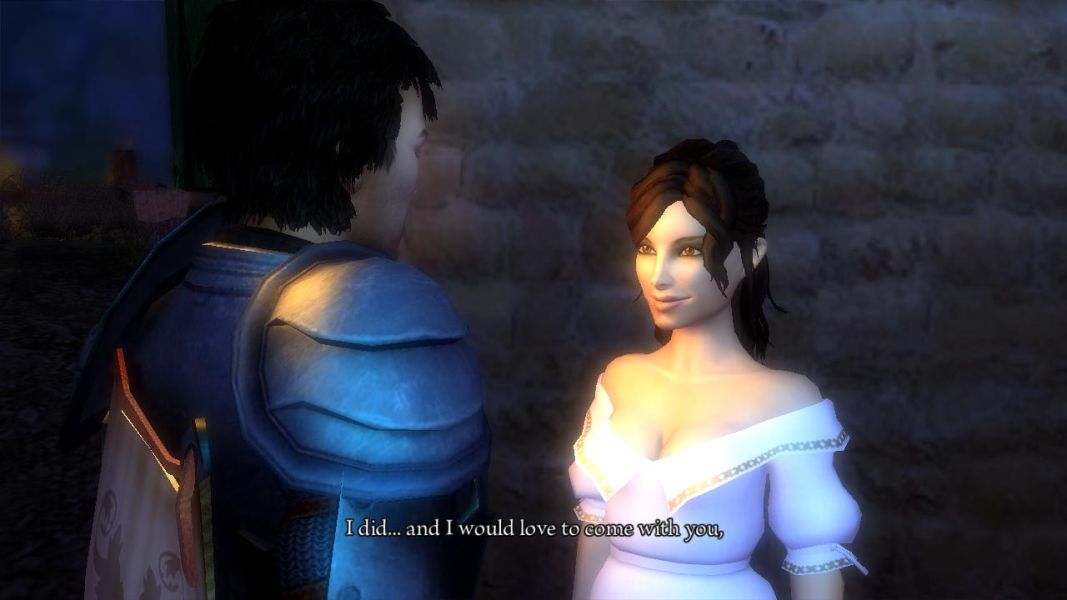
Gameplay Screenshots



In-Game (Rendered) Cutscenes