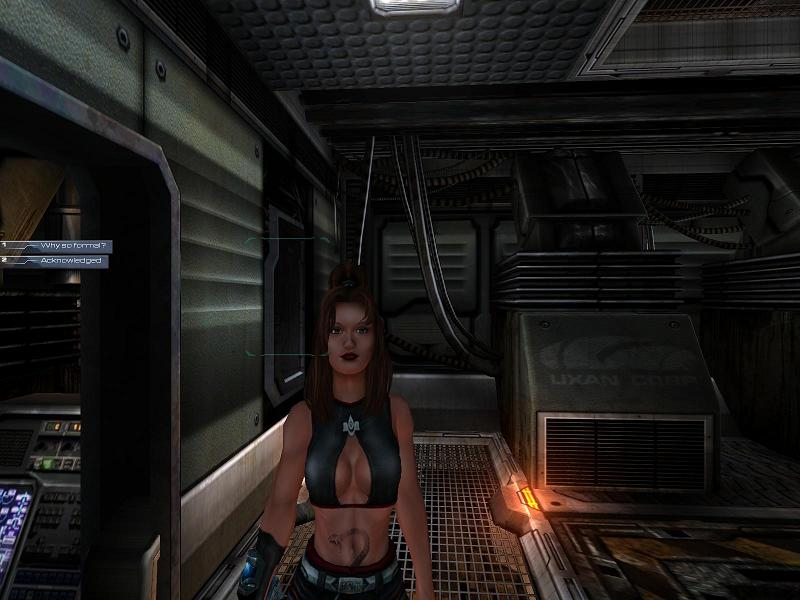
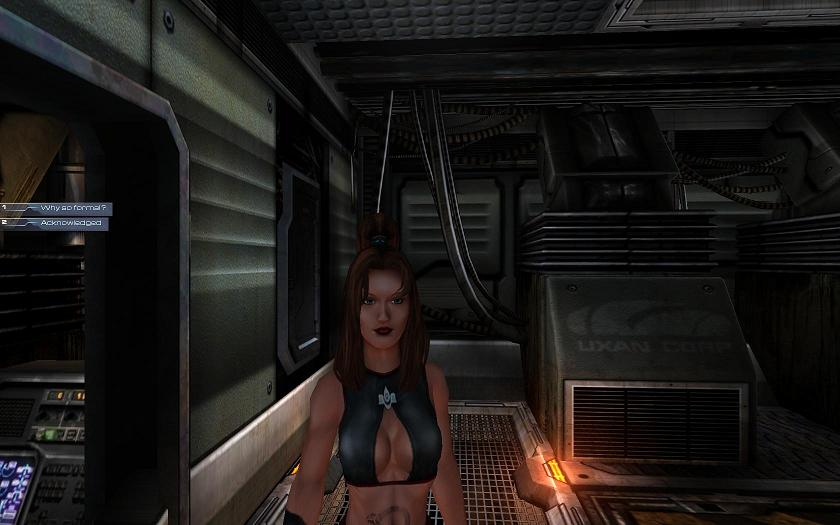
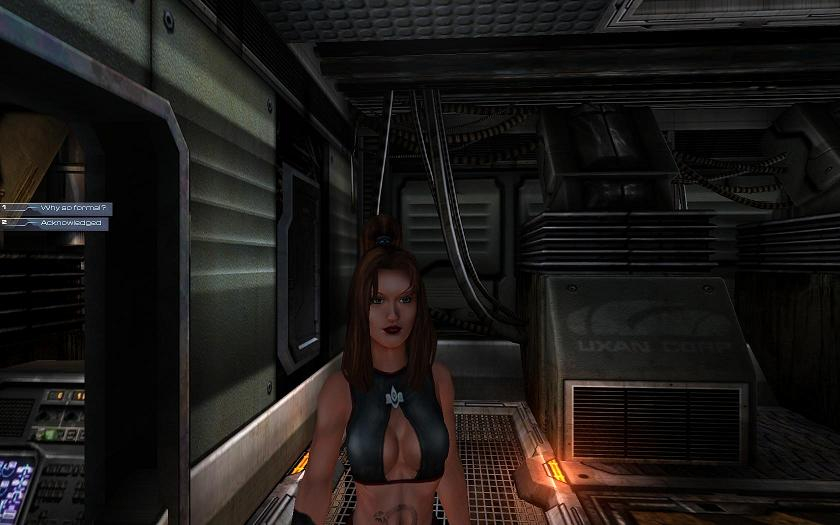
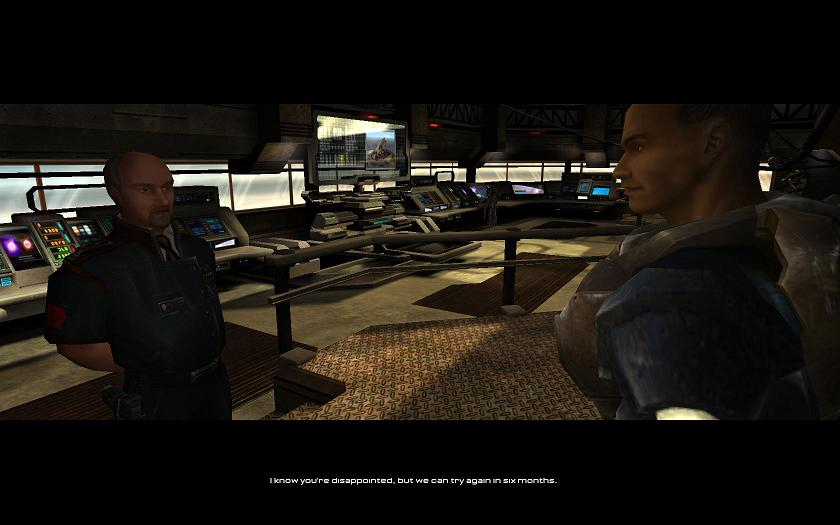
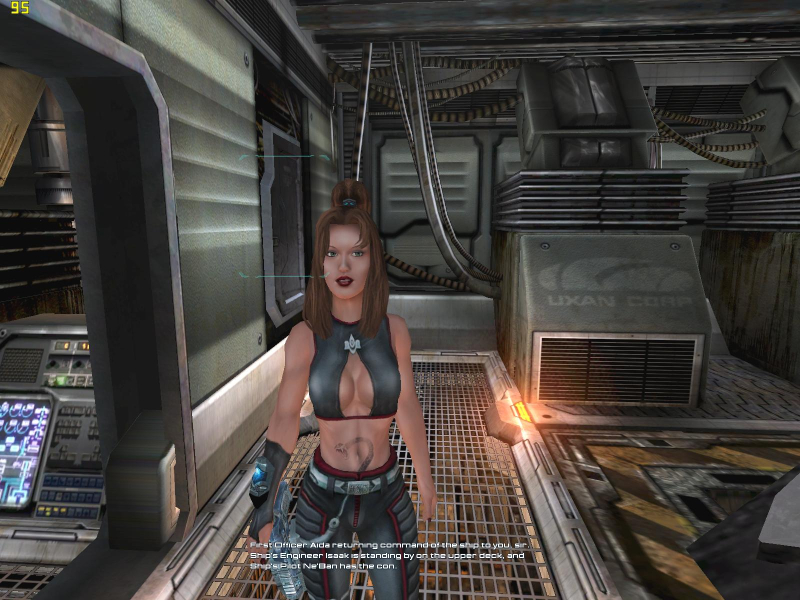
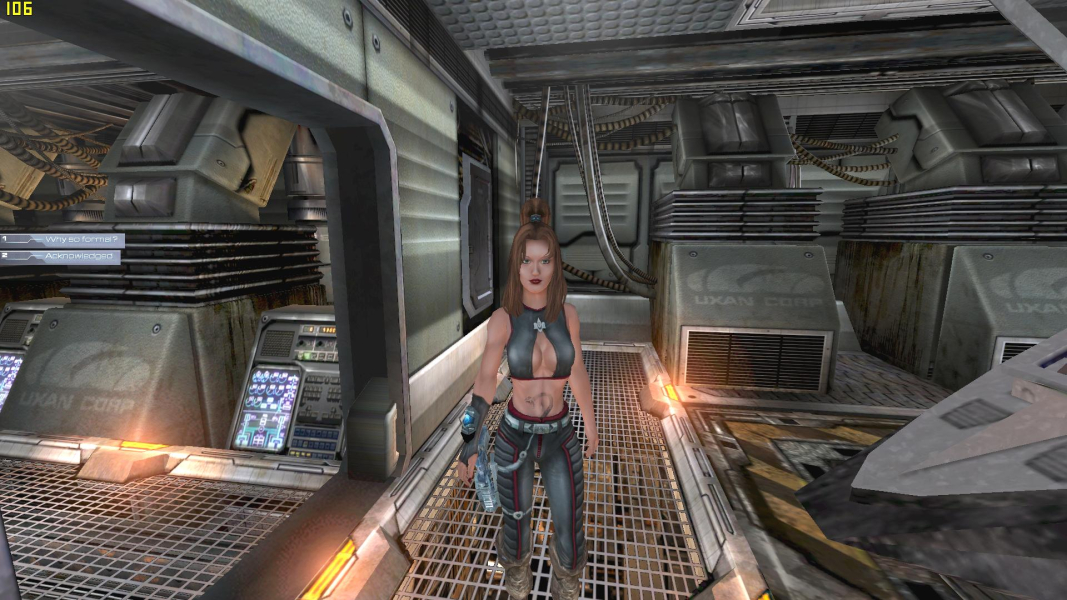
Unreal 2 is a sci-fi FPS from Legend Entertainment and Infogrames. You play as ex-marine Marshal John Dalton, and engage in planetary missions in a wide variety of environments.
Support Summary
Game Information
Screenshots Comparison
Solutions & Issues
The Game is VERT- out of the Box - you need to INI - CONSOLE and HEX edit to get it HOR+
FOV edit: Go to --> ..\Unreal 2 – The Awakening Special Edition\System\user.ini. Look for the line bCheatsEnabled= and change its value to true.
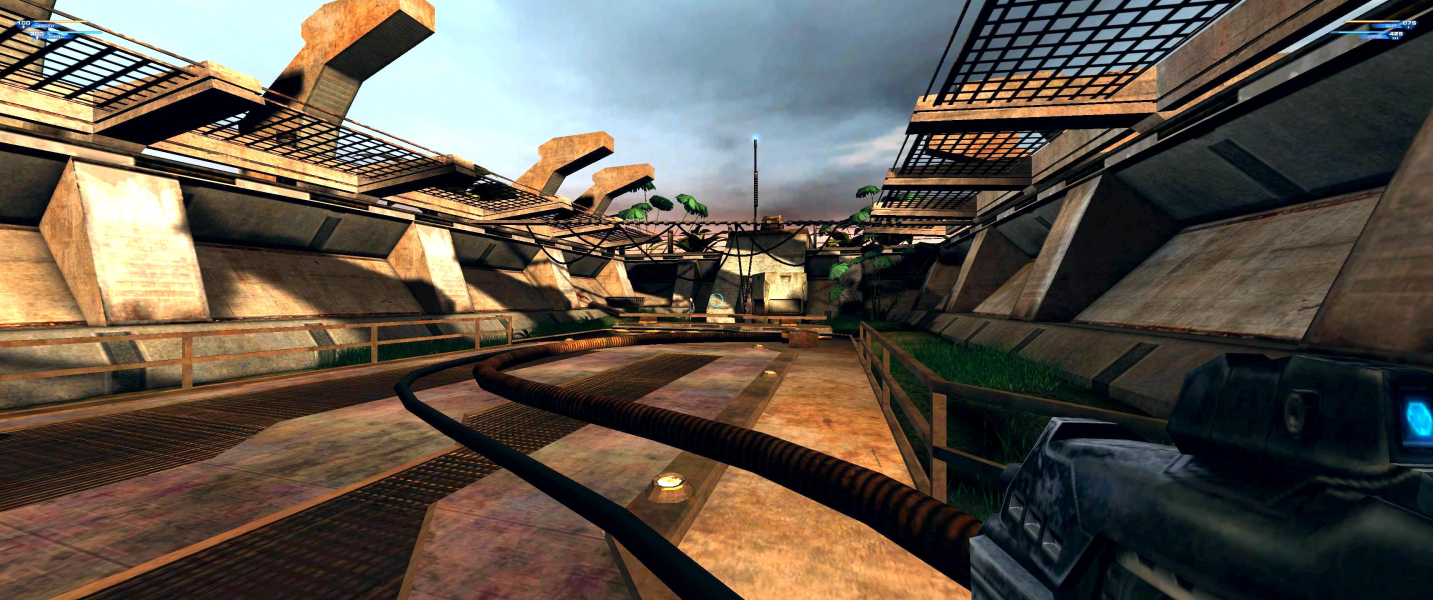
Time to run the game. To set your fov bring down the console by pressing '~' then type 'SetFOV 100 (16:10) or 106 (16:9).
(Do not edit the FOV manually since the whole time you are on the ship, the game forces the FOV=90 regardless of the settings in the User.ini file - the Console method overrite it)
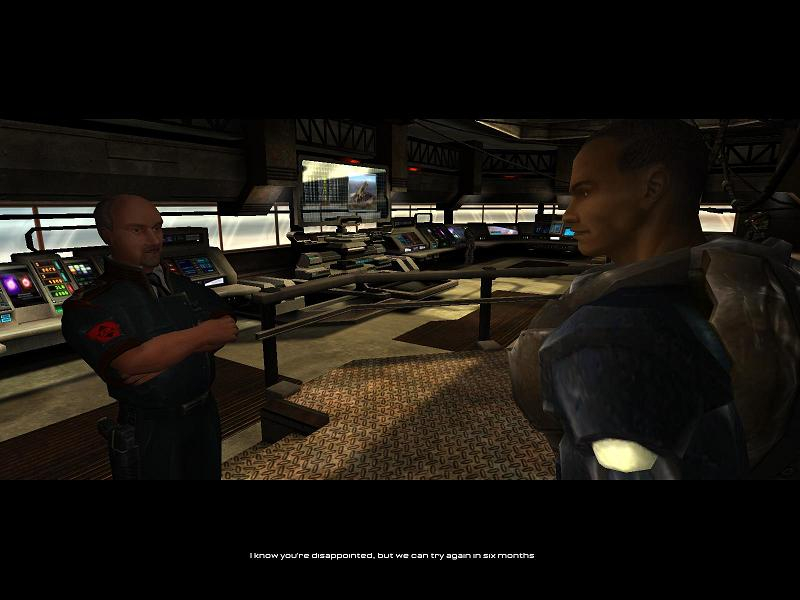
Cutscene FOV: Hex edit this File --> ..\Unreal 2 – The Awakening Special Edition\System\Engine.u.
Go to Offset 1EF70 look for 00 00 AA 42 and change it to 29 DC BE 42 (16:10) or CD CC CA 42 (16:9)
Or use my Attachment Unreal.2.Cutscene.FOV.Fix.7z. Fix available from the PC Gaming Wiki Community Files (search there).
Same Solution as in Widescreen:
FOV edit: Bring down the console by pressing '~' then type SetFOV 123
Cutscene FOV:Go to Offset 1EF70 look for 00 00 AA 42 and change it to B8 9E EA 42.
Same Solution as in Widescreen:
FOV edit: Bring down the console by pressing '~' then type SetFOV 152
Cutscene FOV:Go to Offset 1EF70 look for 00 00 AA 42 and change it to E1 7A 15 43.
Same Solution as in Widescreen.
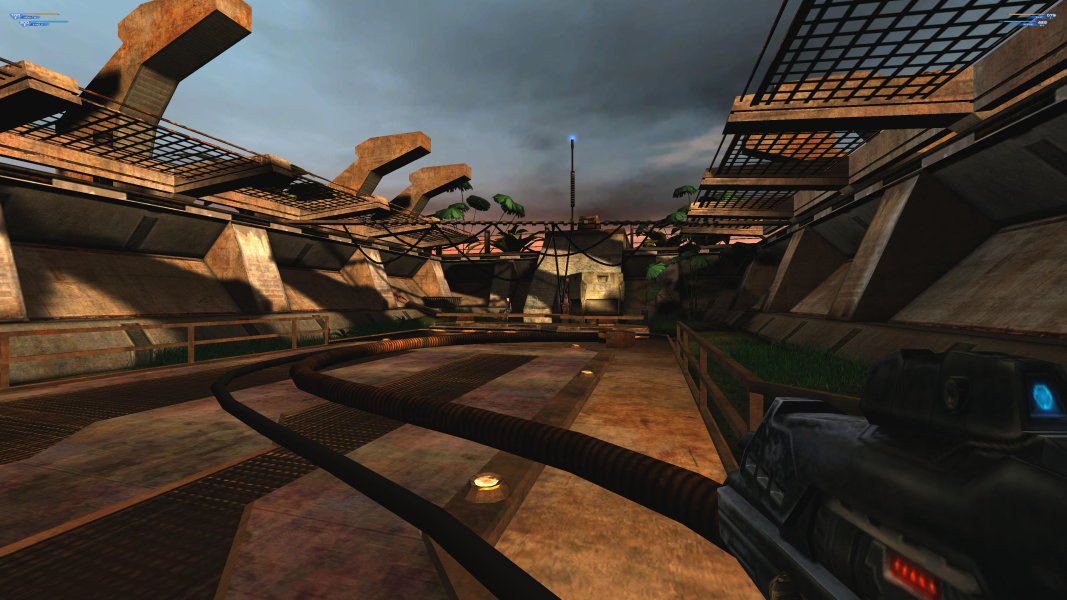
Gameplay Screenshots




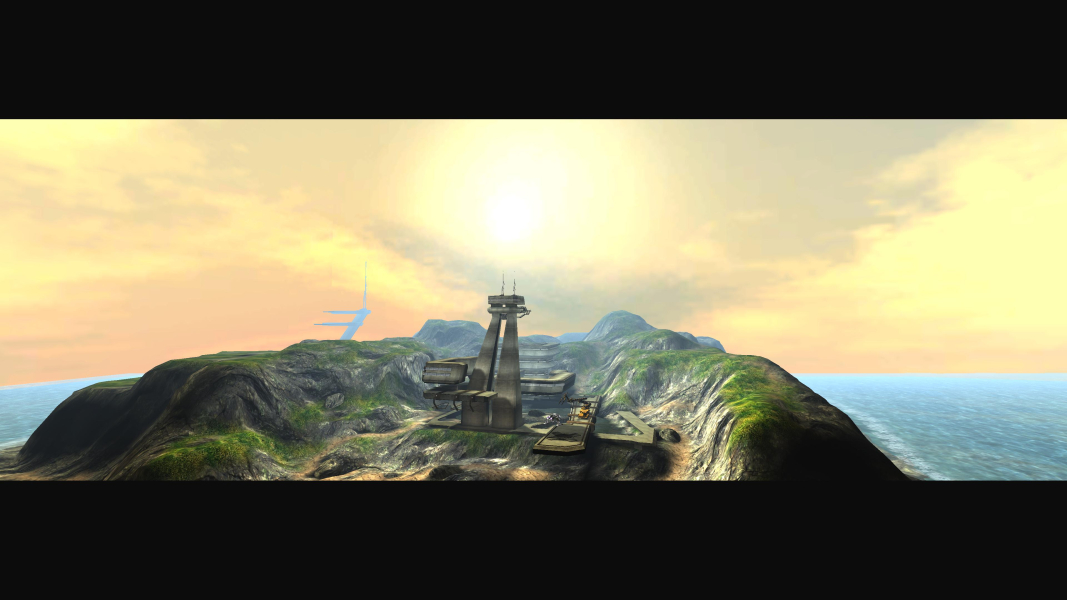
In-Game (Rendered) Cutscenes

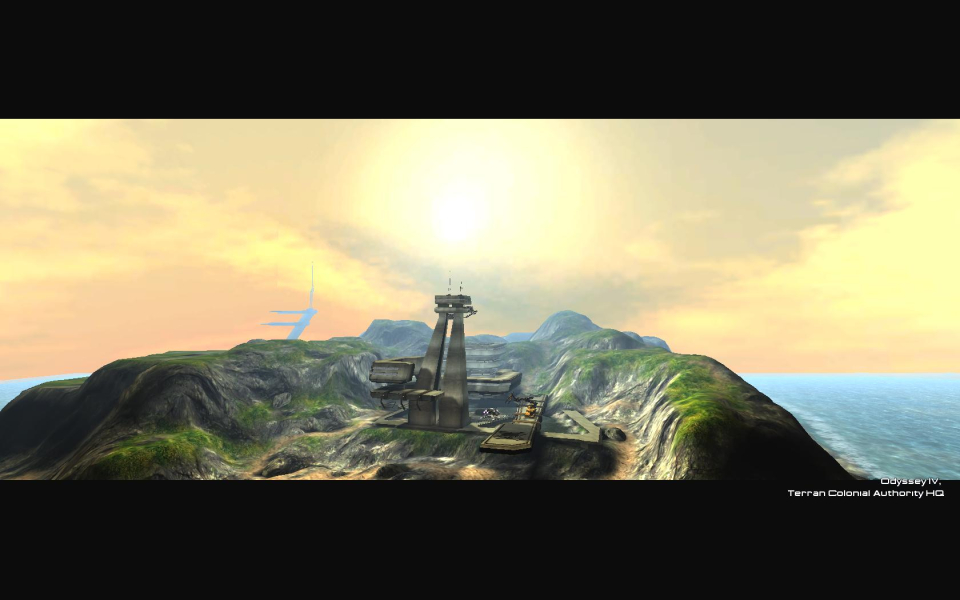

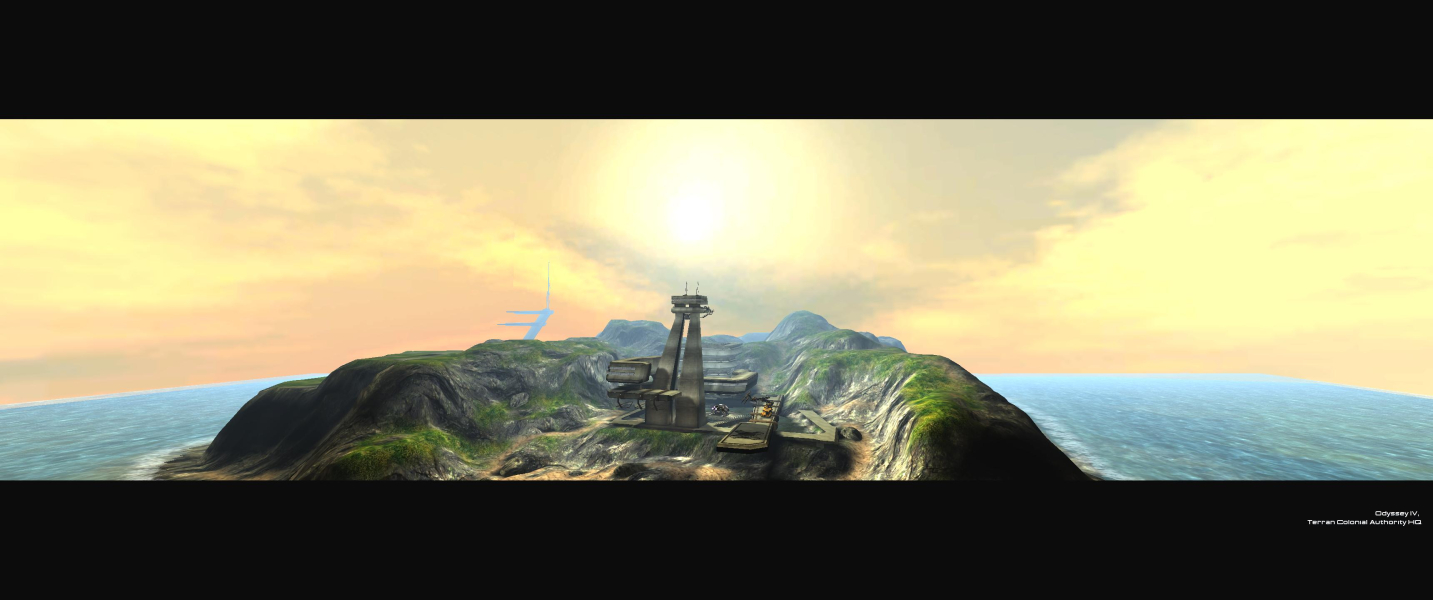

FMV Cutscenes





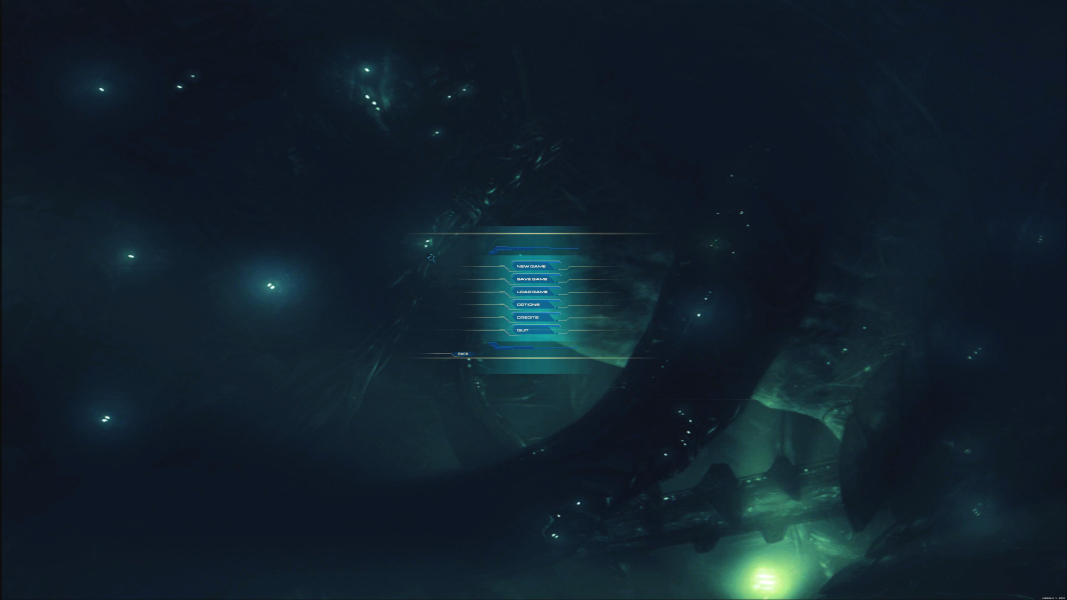
Menu Screenshots

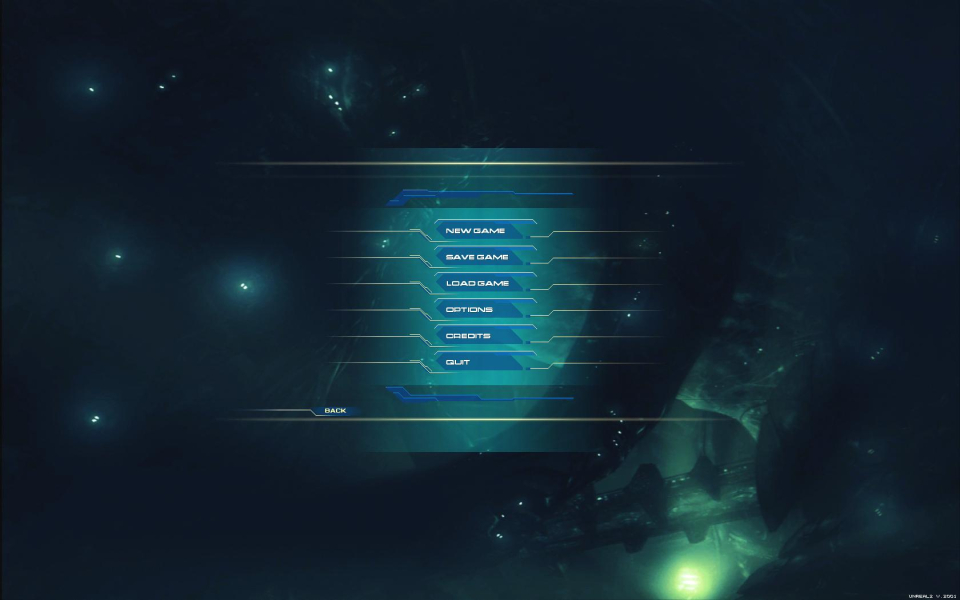

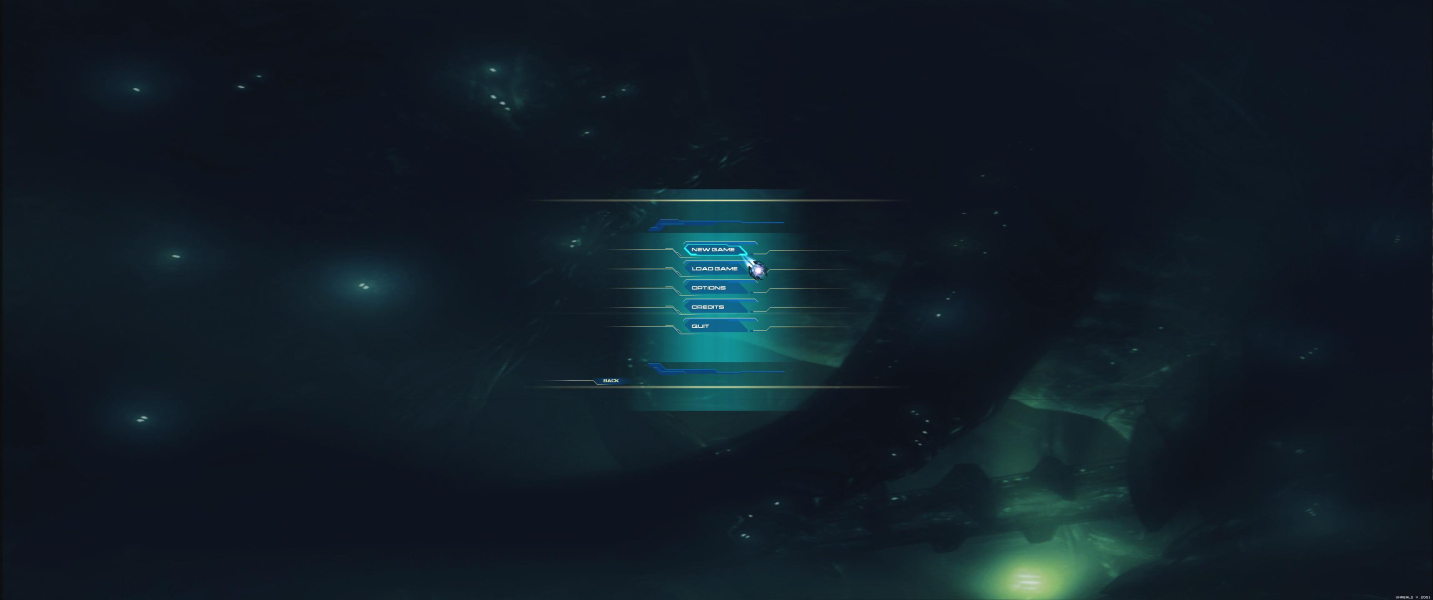

4K UHD Screenshots

Additional Screenshots