

Confront a mysterious prophecy in the sixth main entry in the Ultima series of RPGs.
Support Summary
Widescreen | Ultra/Super‑Wide | Multi-Monitor | 4K Ultra HD | |
Support | ||||
Method | ||||
HUD | ||||
Cutscenes | ||||
FMVs |
Game Information
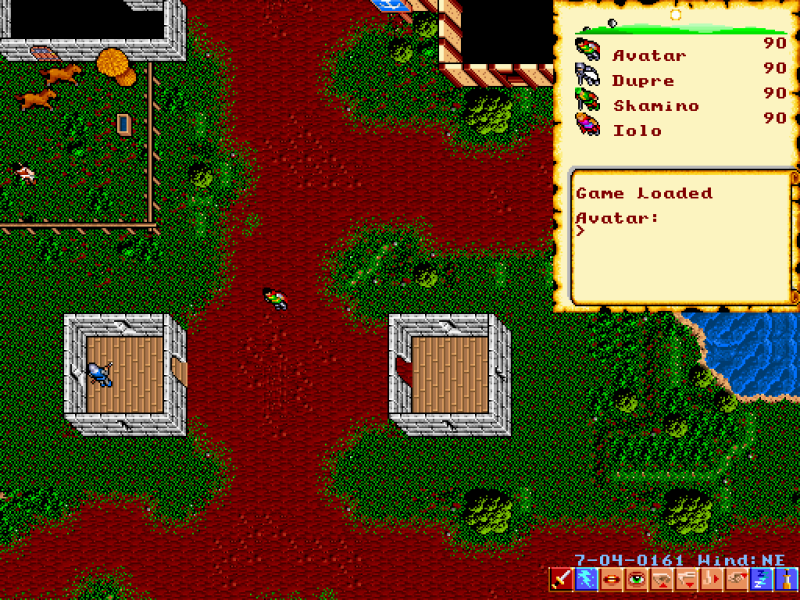
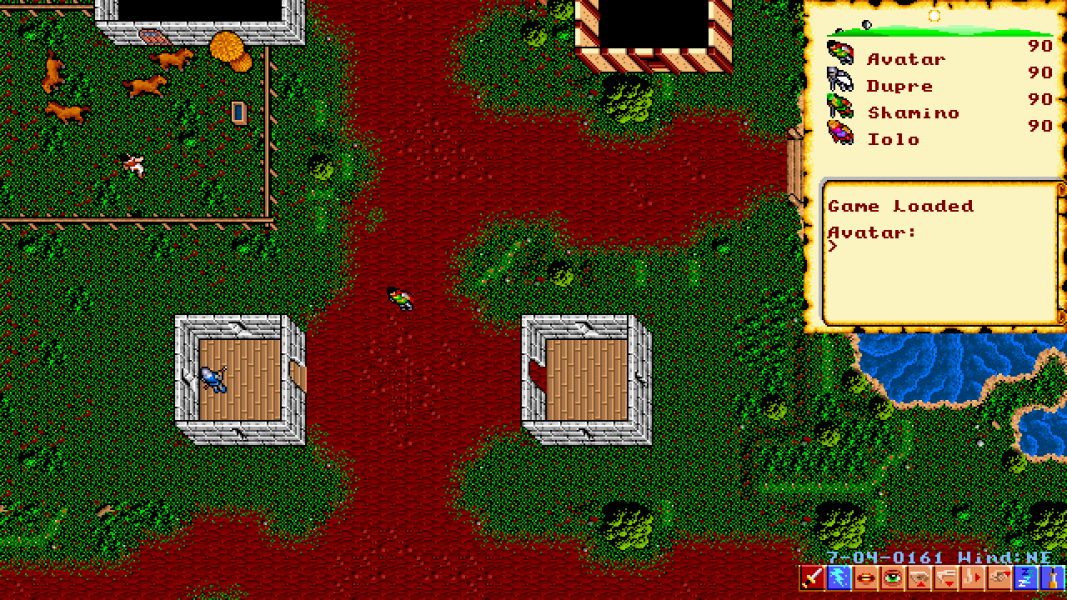
Screenshots Comparison
Solutions & Issues
Install and run Nuvie. Go to Video Options and set game style to either "new style" or "original+ full map", then exit the game.
Edit nuvie.cfg to set your resolution; on Windows this is located in the installation folder.
screen_width and screen_height determine the base resolution, game_width and game_height determine the gameplay area within the output resolution and scale_factor determines the multiplier used for determining the final output resolution; if scaling is 2 (the default) set both resolution options to half of the output resolution you want, e.g. for a final output resolution of 1920x1080 this would be 960 (width) and 540 (height).
Everything maintains the correct aspect ratio. Pre-rendered cutscenes are windowboxed while gameplay fits the resolution used (as long as the game style is set to "new style" or "original+ full map"). The scale_factor multiplier and resolution can be adjusted as needed to make everything bigger while still filling the screen.
Gameplay Screenshots