

Ultima IX (Ultima 9) is a 1999 Role Playing Game by Origin Systems
Support Summary
Game Information
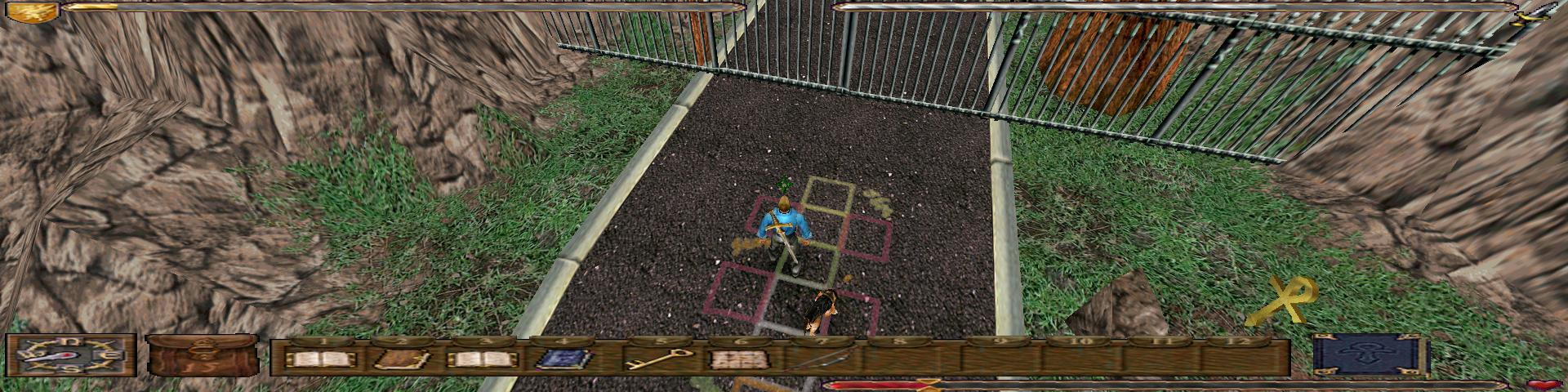
Screenshots Comparison
Solutions & Issues
Ultima IX automatically lists widescreen resolutions in the setup tool but the output is Vert; do the following for Hor+.
Go to the installation folder and edit u9.exe with a hex editor. Search for the following hexadecimal values...
28 02 85 00 68 00 00 70 42 8B 88 BC 00 00 00 E8
00 70 42 represent the game's default field of view (FOV) of 60. Change to the FOV you want by calculating the FOV (see below) or use these example values: 29 5C 96 42 equals an FOV of 75.18, 29 DC 8A 42 equals an FOV of 69.43. These give a Hor+ equivalent of the default FOV of 60.
For other FOV settings, calculate the horizontal FOV you want using FOV Calc or your own personal preference.
Next you need to convert your horizontal FOV into the four pair hexadecimal format.
Paste your horizontal FOV into IEEE-754 Analysis.
Make a note of the Binary32 value.
Reverse the pairs (so e.g. if Binary32 is 42 96 5C 29 change it to 29 5C 96 42).
If you already have existing saved games you will need to modify them as well. Go into the savegame folder where the game is installed and hex-edit the *.sav files. Search for 00 00 70 42 and change it to your custom FOV.
Gameplay Screenshots