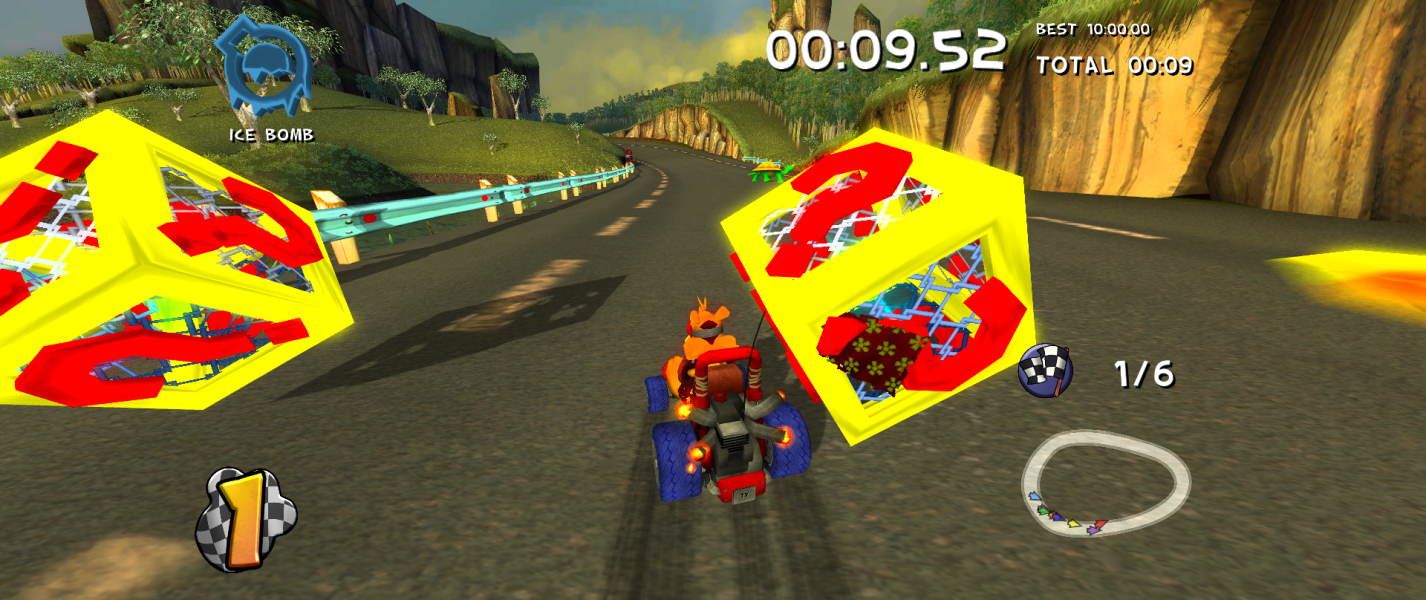


A sequel to the first TY title, TY goes undercover in a handful of missions in Southern Rivers.
Support Summary
Game Information
Screenshots Comparison
Solutions & Issues
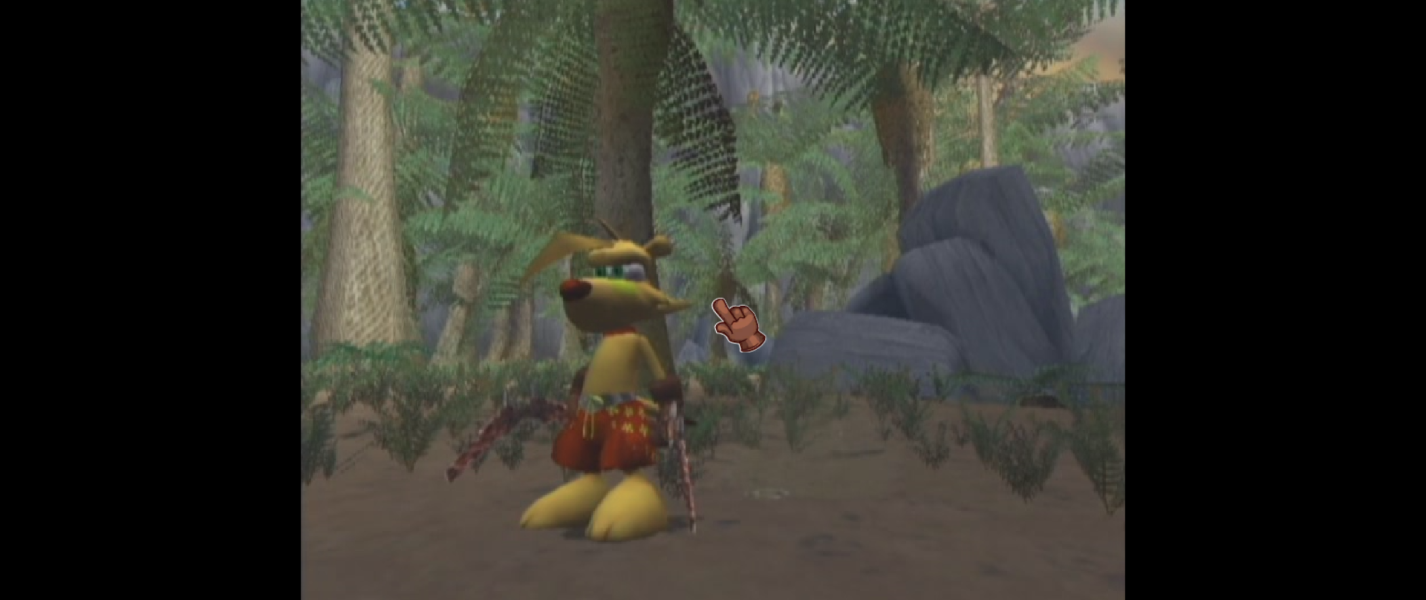
Like with the previous TY game, the game uses simulated windowboxing despite the FOV being extended to cover actors standing off the frame in cut-scenes.
- Open up "TY2.exe" in a hex editing program.
- Find the bytes "C7 44 91 20 00 00 00 FF", then replace it with "C7 44 91 20 00 00 00 00" on every occurrence or find "55 8B EC 83 EC 08 6A FF" and replace "55" with "C3".
To set the horizontal aspect ratio limit, calculate the aspect ratio by dividing the resolution width and height and convert the result to a little endian hex, next find and replace "39 8E E3 3F" with the result hex value, then multiply the ratio decimal by 512 and do the same thing, but find "39 8E 63 44" and replace it with it.
Note: In some points of the game such as Maurie speaking inside the circle on the screen, the FOV is temporarily zoomed in.
For window resizing below the locked resolution "640x480", find "BA 80 02" and "BA E0 01", then replace both of them with "BA 00 00". For optional FOV, it is also requires the borders removed before affecting the UI as it resizes along with the border and the default value to the FOV is 1.0.
available from the PC Gaming Wiki Community Files (search there)
Same solution as above.
Same solution as above.
Same solution as above for other aspect ratios besides 16:9.
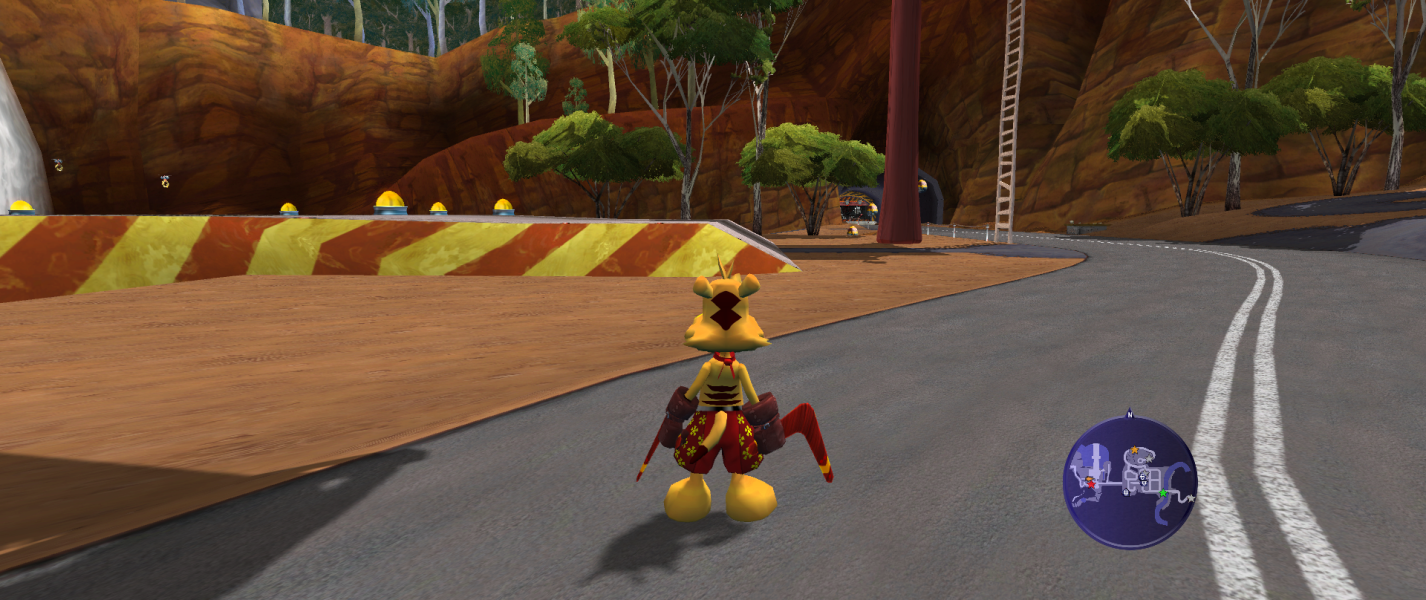
Gameplay Screenshots
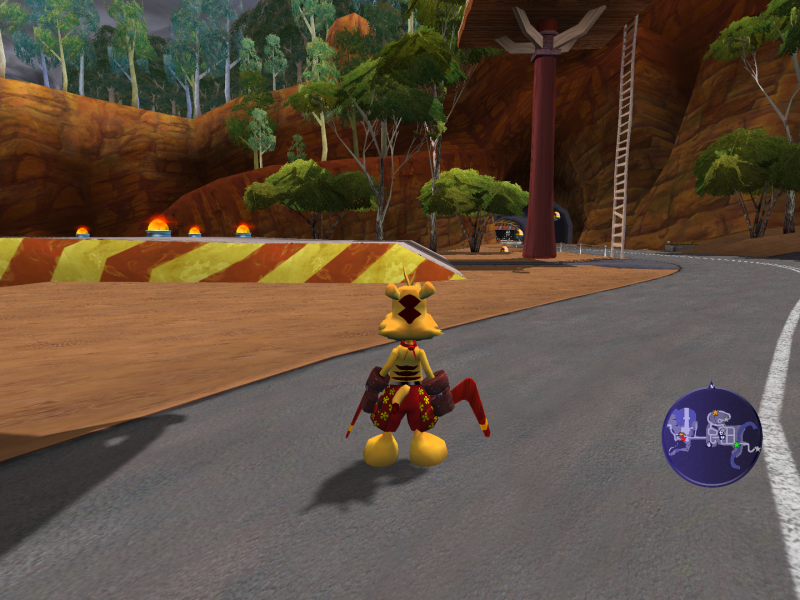
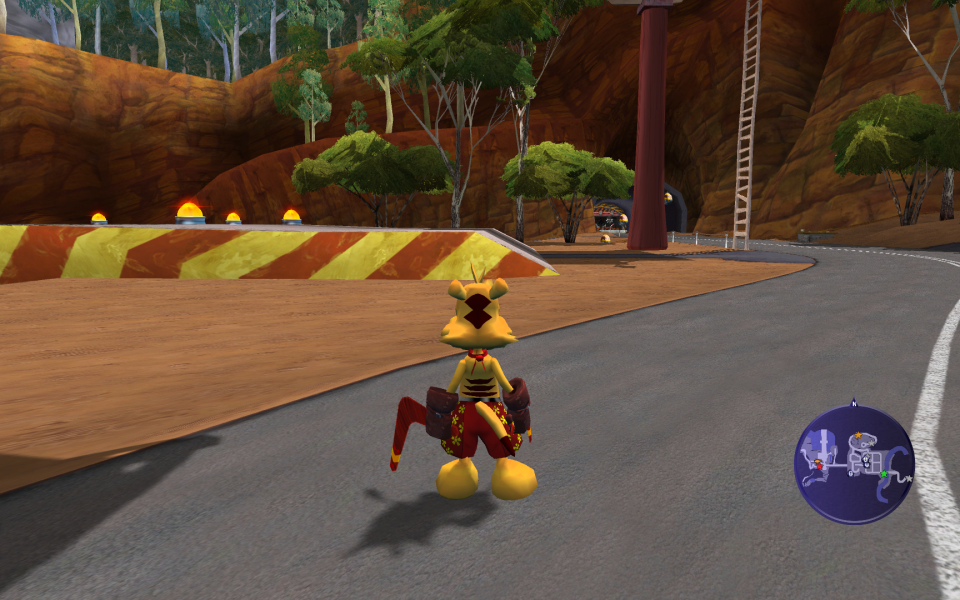
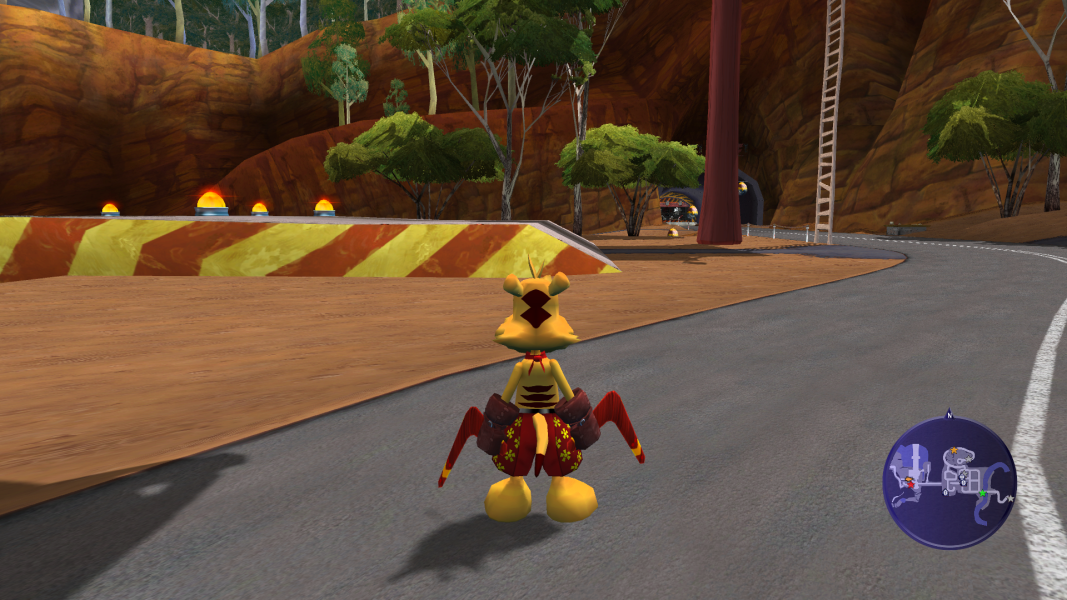


In-Game (Rendered) Cutscenes
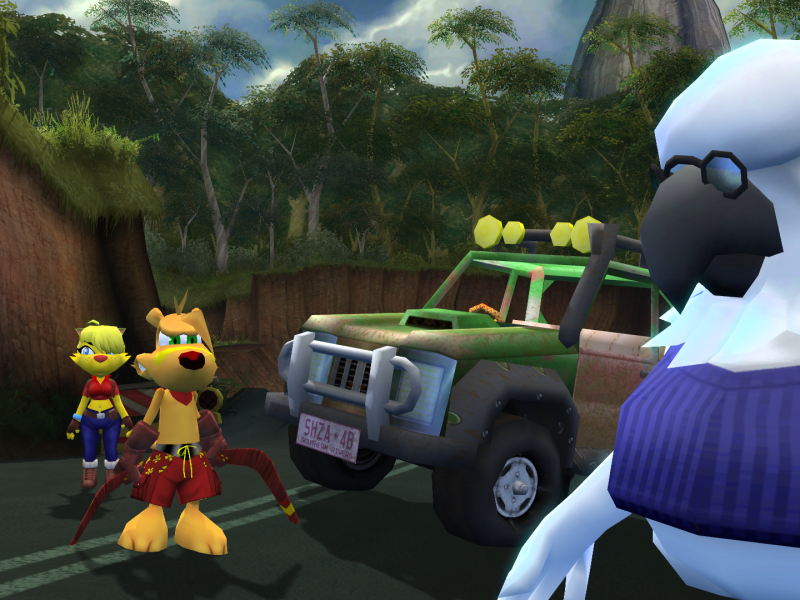
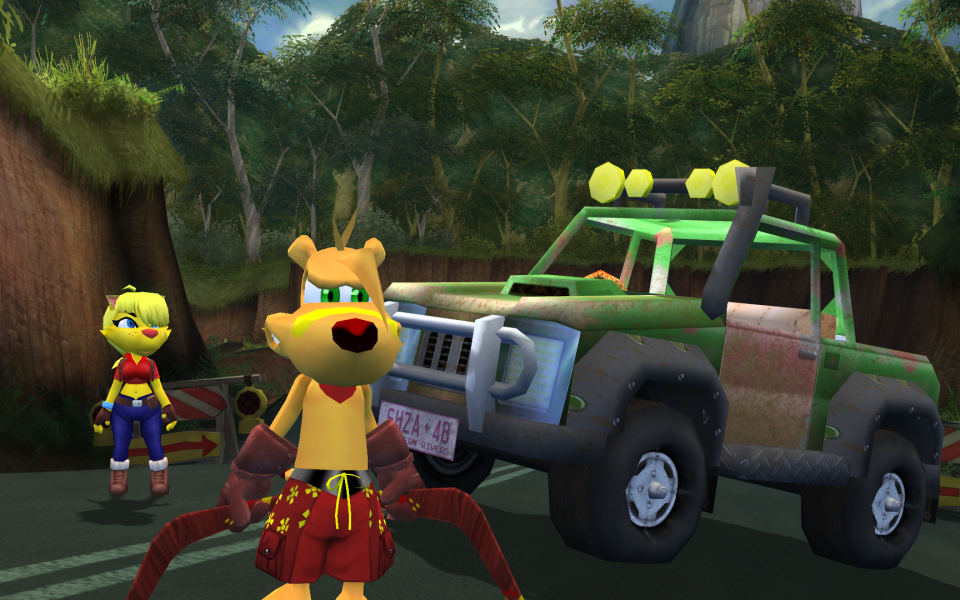
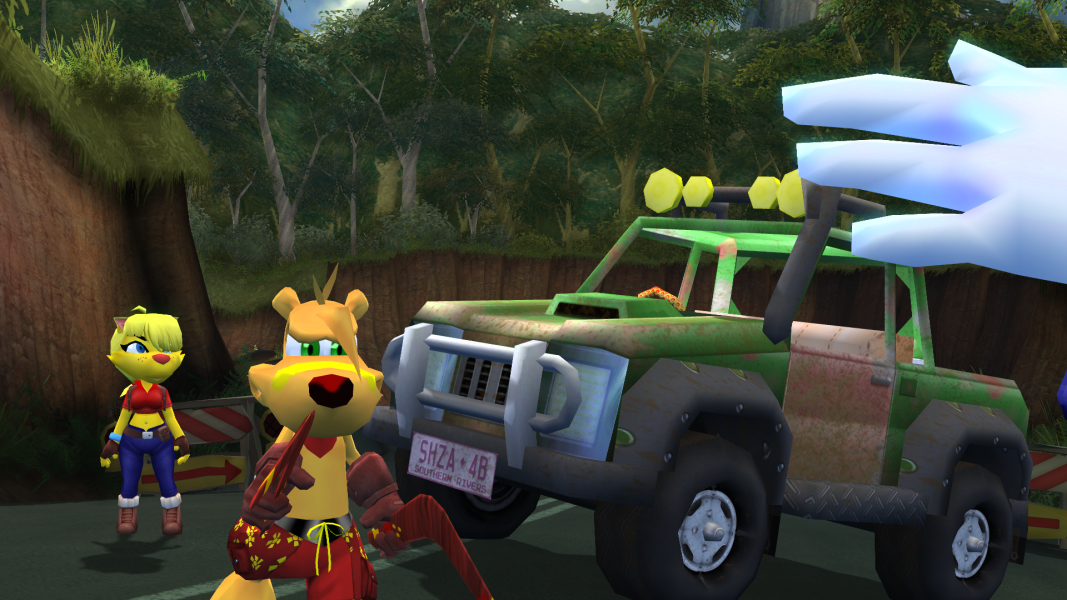
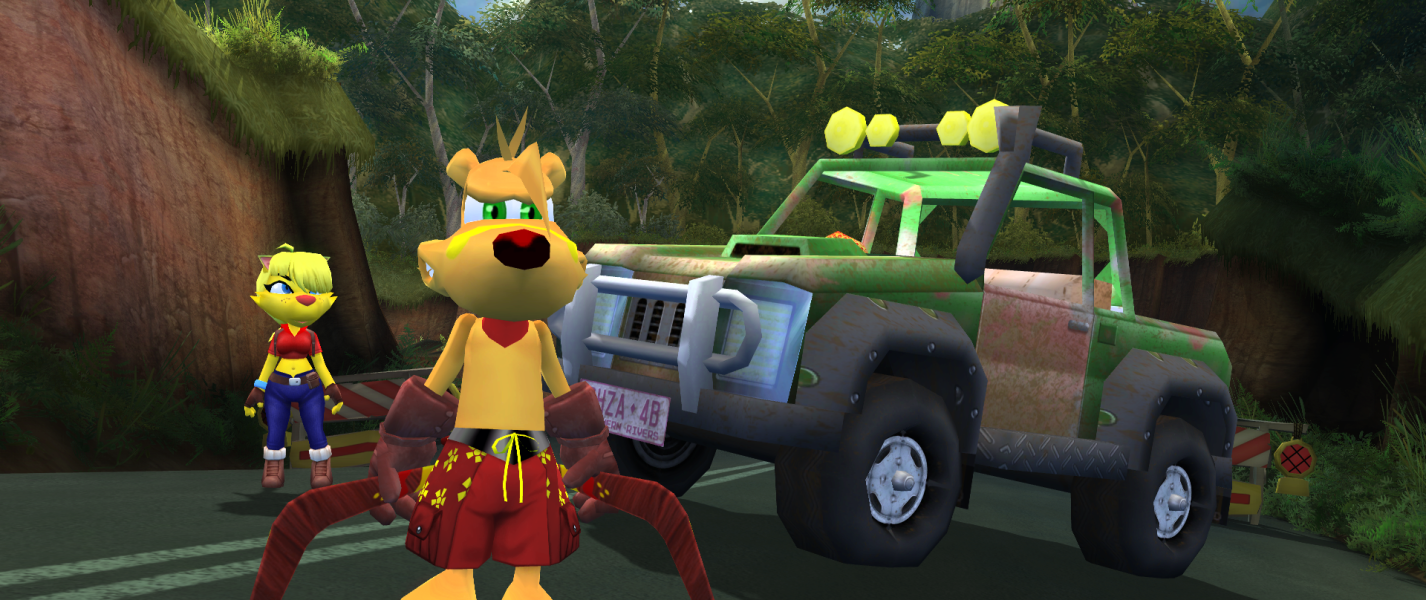

FMV Cutscenes
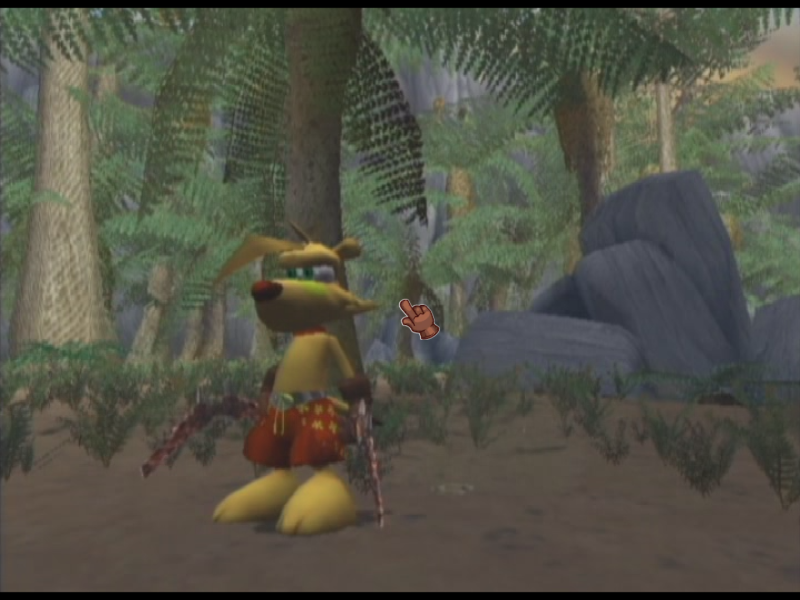
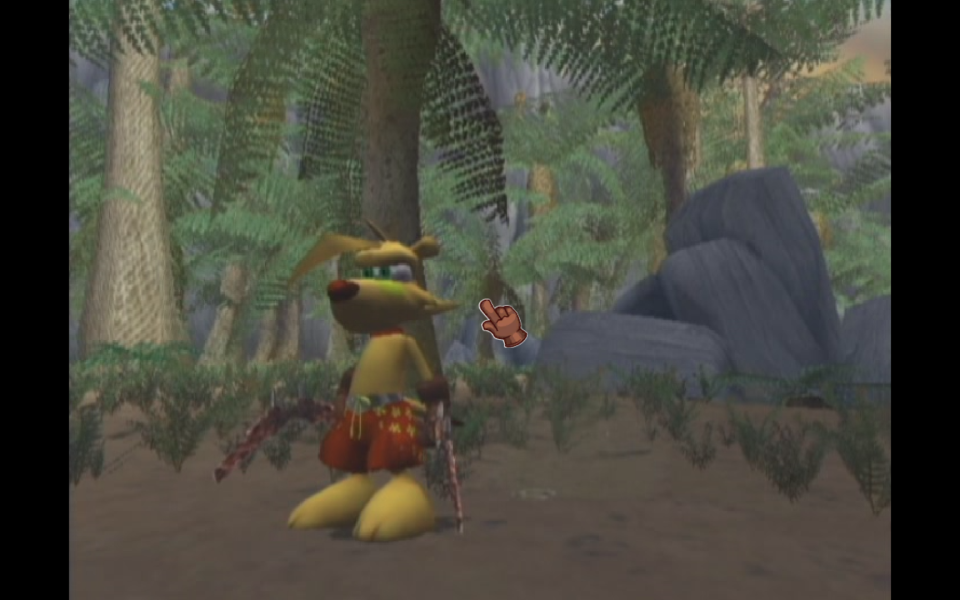
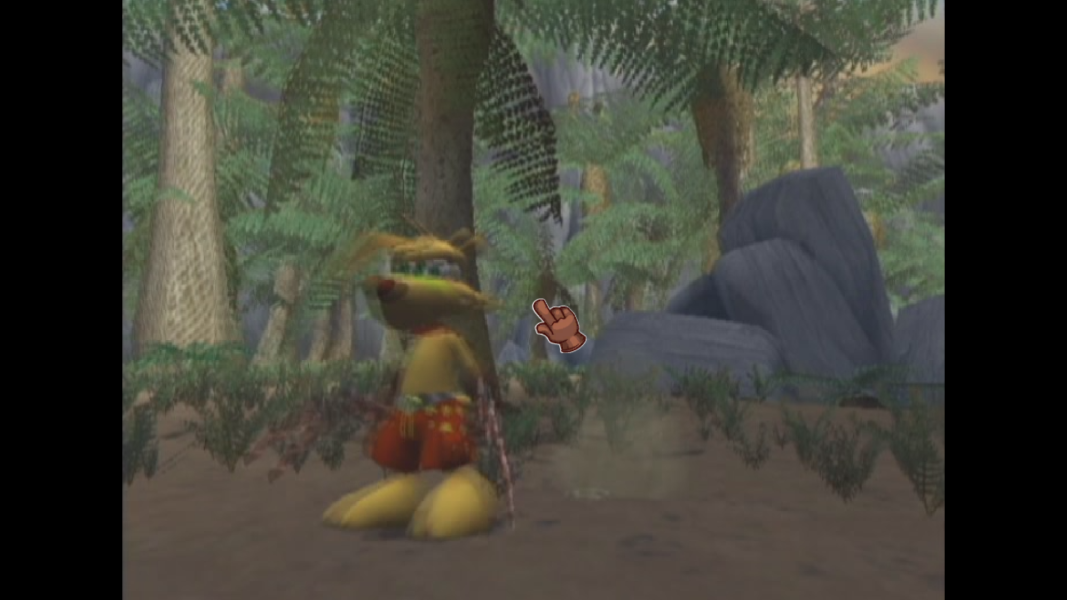

Menu Screenshots




Additional Screenshots