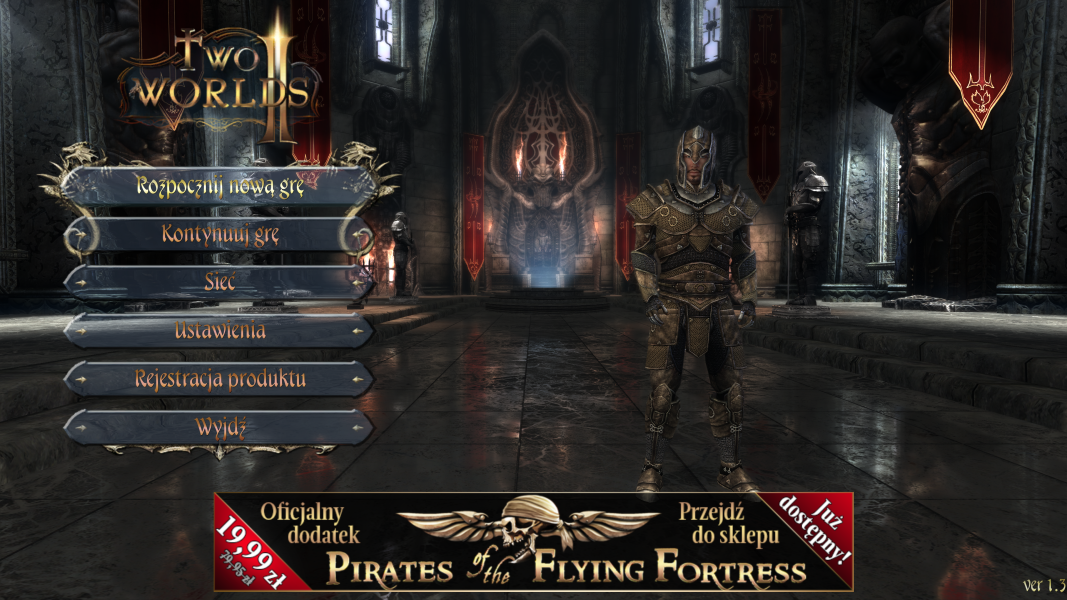


Two Worlds II is a real-time role-playing game that takes place in an open fantasy world where players take the role of a single character with whom they can explore and undertake quests. From the beginning players can customize the appearance of the protagonist such as shape of face and body, and skin colour. As is common in role-playing games, the player’s character will level up by gaining experience points through completion of quests and defeating enemies.
Support Summary
Game Information
Screenshots Comparison
Solutions & Issues
FOV Solution:
By default FOV is 45°
№1
In the game folder, create a folder named "parameters", and in it file "autoexecGame2.con"
Open the file "autoexecGame2.con" using a text editor and type the command:
engine.fov 60
Then save the file.
№2
Open console by pressing ~ and input command:
engine.fov 60
Console command runs until the game is restarted.
You will have to enter the command every time you start the game.
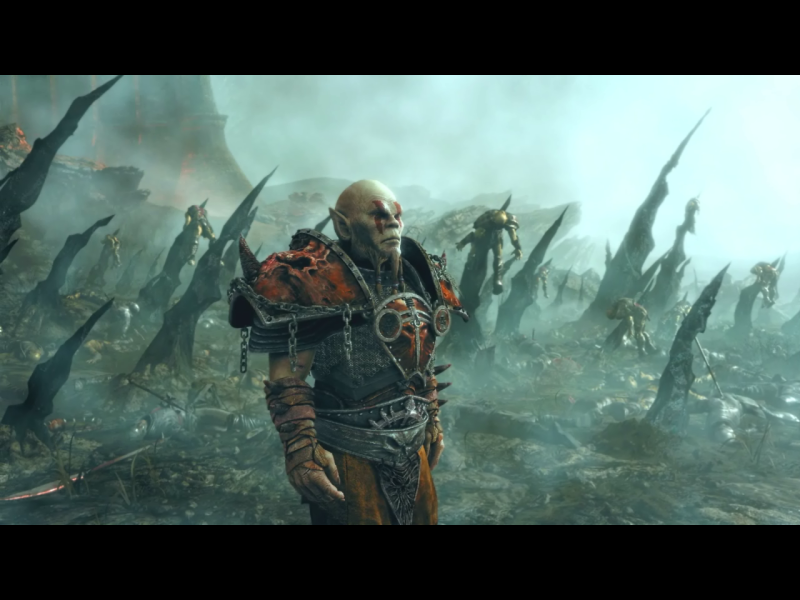
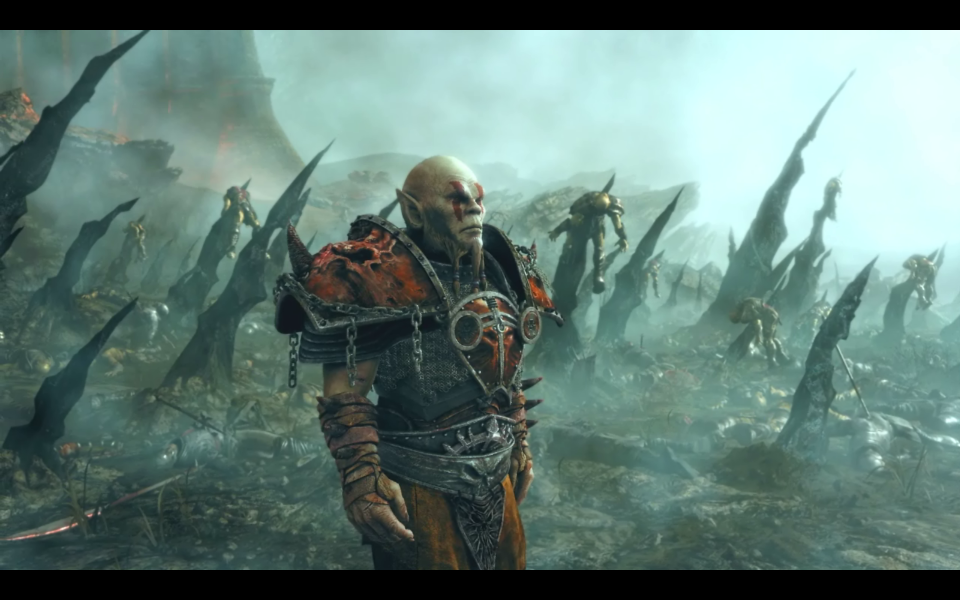
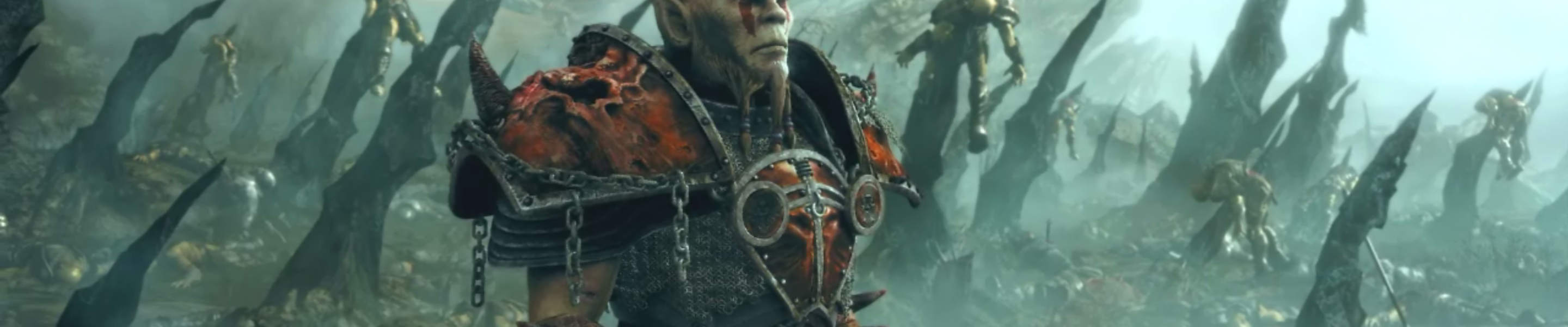
FMVs are vert- but watchable on 21:9
Shadows can be displayed incorrectly. If so, enter the command in console:
Engine.ShadowSelectorEps0 360
or add this command to a file "autoexecGame2.con"
This is slightly lower shadows quality, but will remove most of problems with shadows.
edit:
FMVs are vert-
Lighting is kind of affected by this high res 5760x1080. And it looks like DOF is affected too.
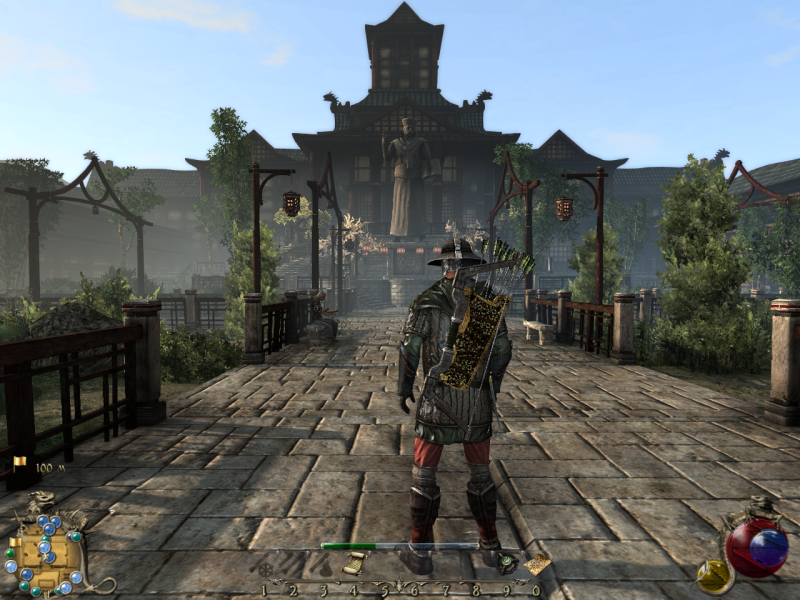
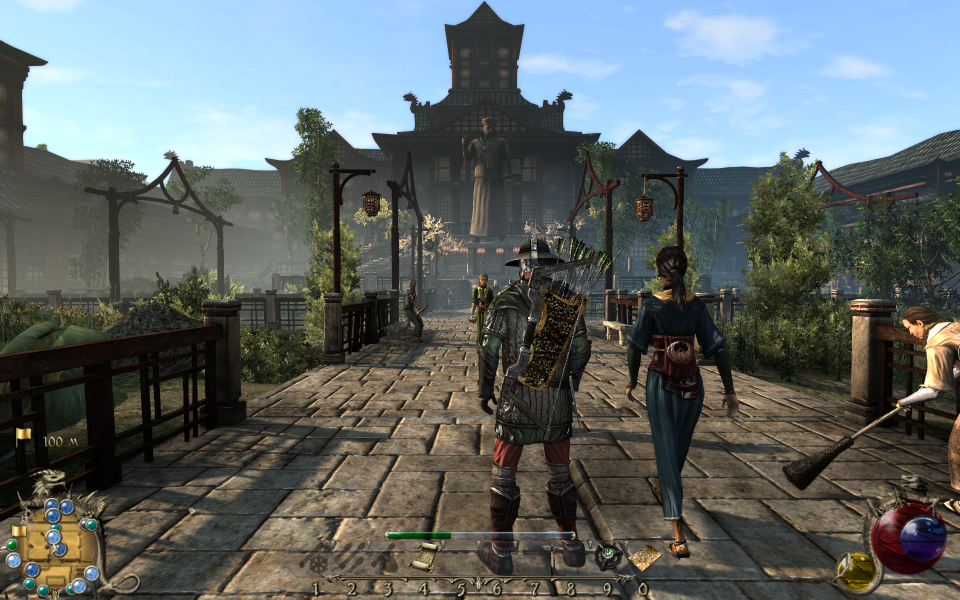
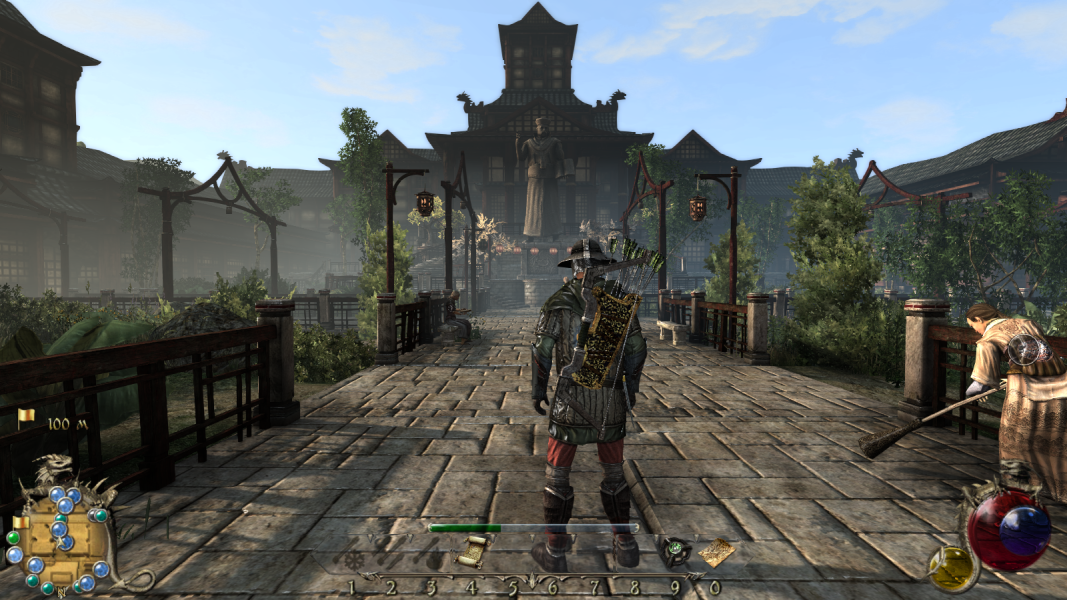
Gameplay Screenshots


FMV Cutscenes

Menu Screenshots

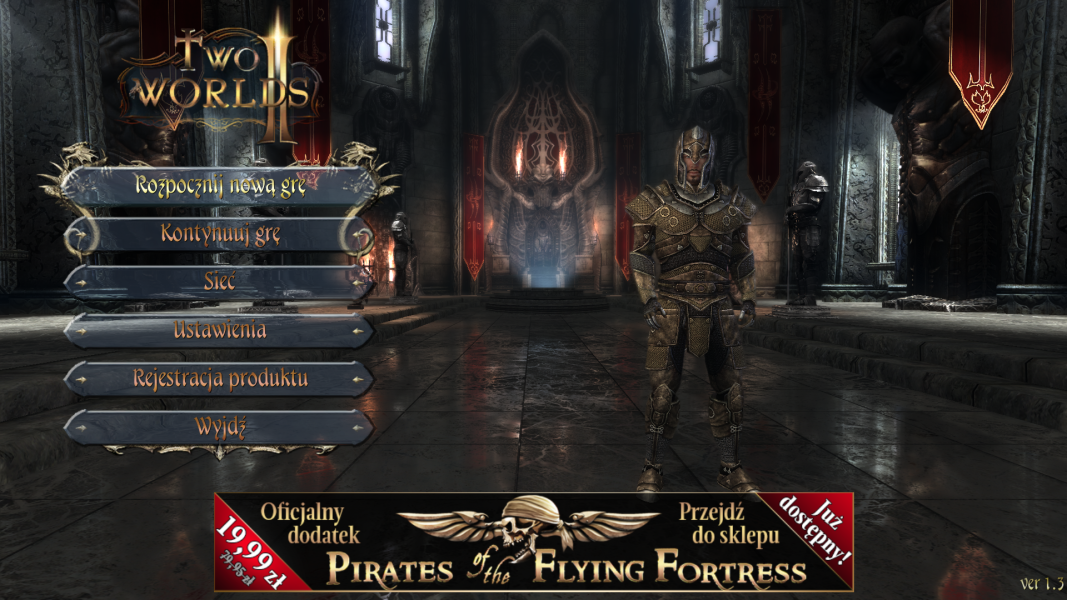
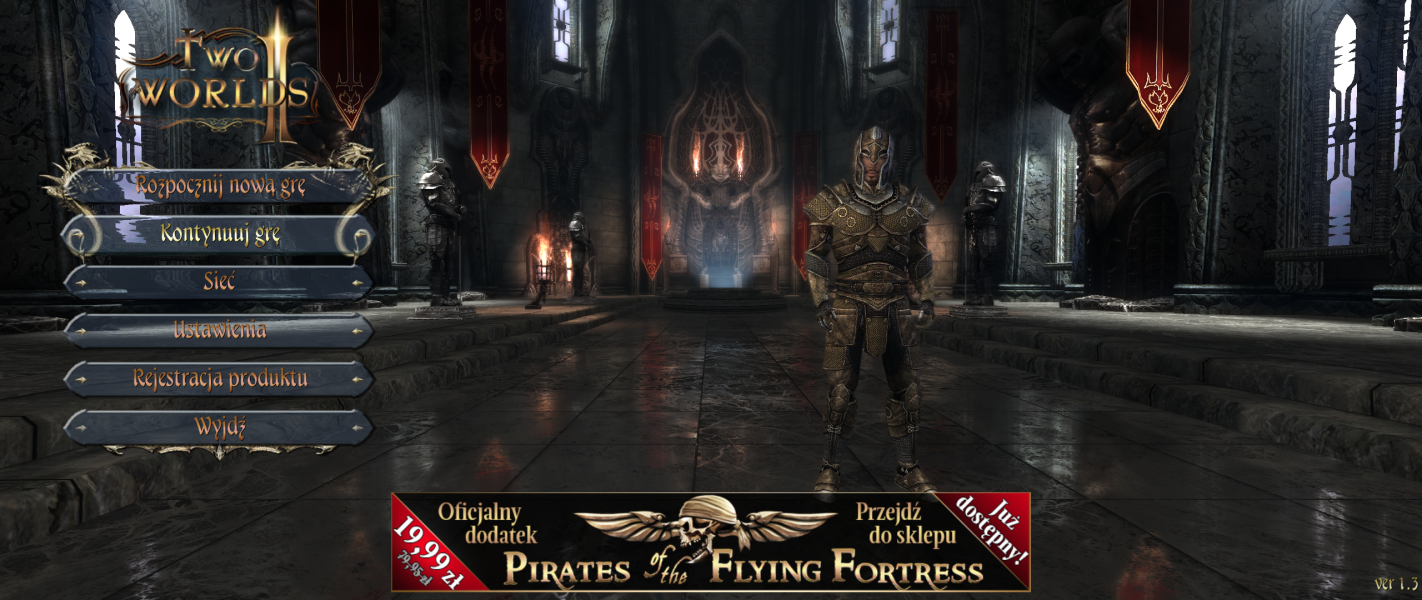
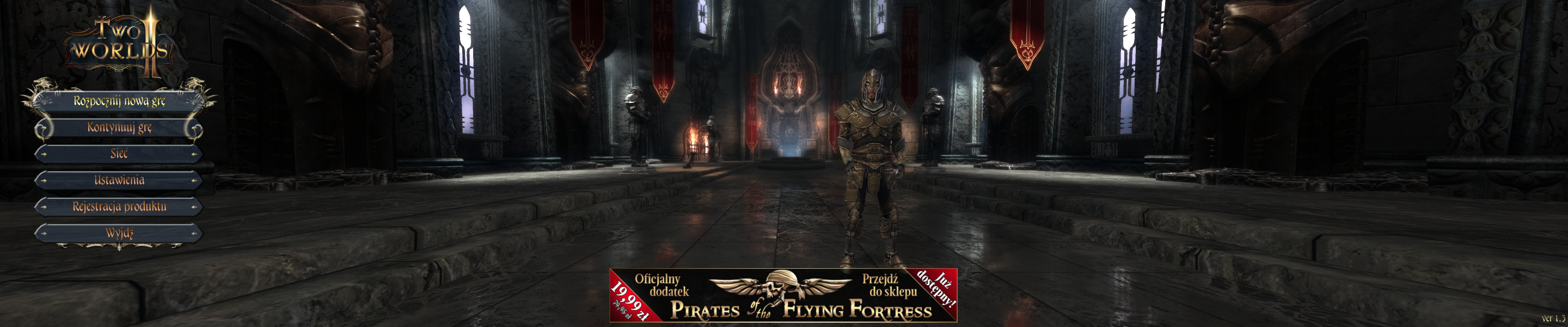
4K UHD Screenshots