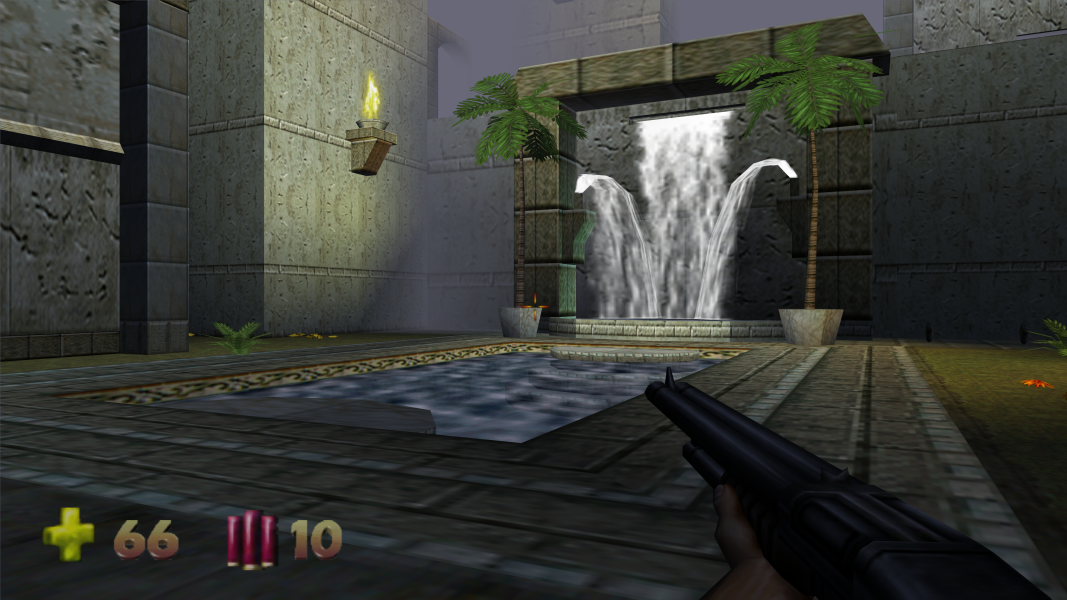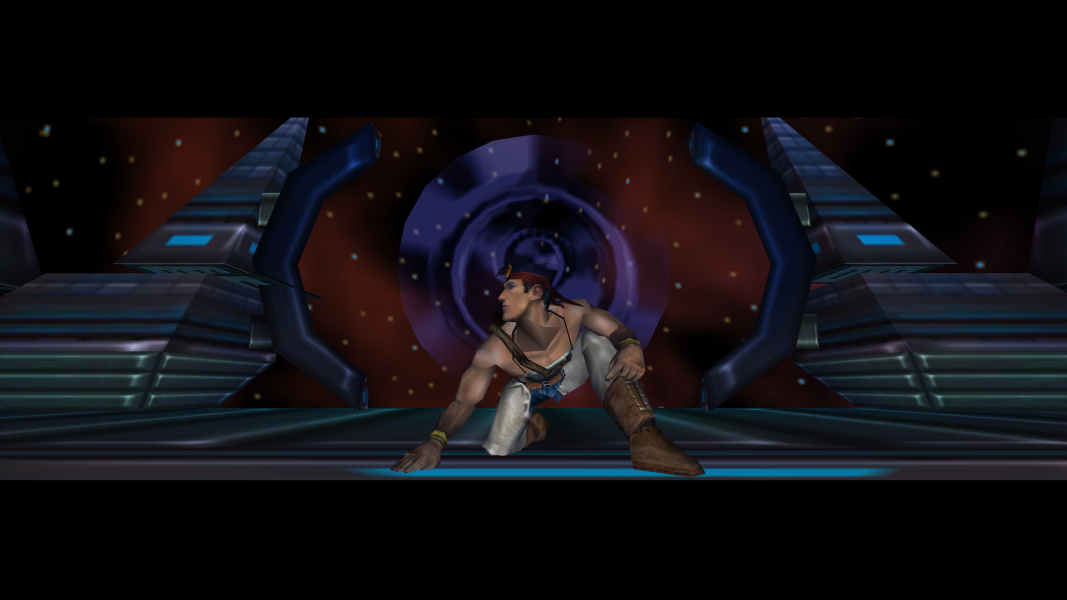


You are the Turok Joshua Fireseed, who has been summoned to the Lost Land to defeat the alien race known as the Primogen. The collection of weapons available to Turok are arguably the best selection of weapons to ever appear in a first-person shooter. This game boasts an aiming system that allows for specific body parts to be targeted and "removed". Razor Wind = Carnage.
Support Summary
Game Information
Screenshots Comparison
Solutions & Issues
Hor+ Solution:
Copy all content from files available from the PC Gaming Wiki Community Files (search there) into the game folder, depending on the desired resolution.
Windows 8 and Windows 8.1 users should additionally copy ddraw.dll from archive into the game folder, to avoid window border.
Resolutions higher 2048 pixel will work only at Windows 7 and higher.
Stretch Solution:
No native support for widescreen resolutions. This method can be used to add any custom resolution.
In the root game directory open up the file "Video_D3D.dll" with a HEX editor. Search for all or part of the following...
40 01 00 00 C7 05 94 FD 01 10 F0 00 00 00 39 1D C0 B2 01 10 75 14 C7 05 84 FD 01 10 00 02 00 00 C7 05 94 FD 01 10 80 01 00 00 39 1D 04 B3 01 10 75 14 C7 05 84 FD 01 10 80 02 00 00 C7 05 94 FD 01 10 E0 01 00 00 39 1D 48 B3 01 10 75 14 C7 05 84 FD 01 10 20 03 00 00 C7 05 94 FD 01 10 58 02 00 00 8B 0D 8C B3 01 10 B8 00 04 00 00 3B CB 75 0F A3 84 FD 01 10 C7 05 94 FD 01 10 00 03
Every two sets of bolded pairs correspond to a resolution. Whichever pair you change will be the original resolution that you will need to select in the game's video options menu. Look under "Properties".
These are the resolution values listed in order of appearence in the HEX code...
320x240
512x384
640x480
800x600
1024x768
Change the two HEX pairs to your desired resolution remembering to flip the order.
For example, 800x600 is 0320 and 0258 in hexadecimal. They are flipped in the HEX code to appear as 2003 and 5802.
I will replace these values with my desired resolution. In hexadecimal 1920x1200 is 0780 and 04B0. I flip them and replace the 2003/5802 values with 8007 and B004. I know have a 1920x1200 resolution when I select 800x600 in the options menu.
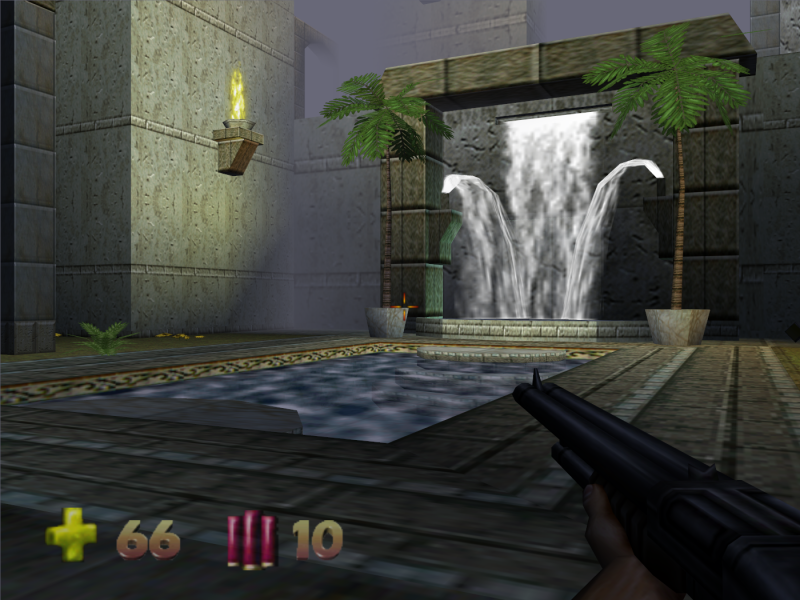
Gameplay Screenshots


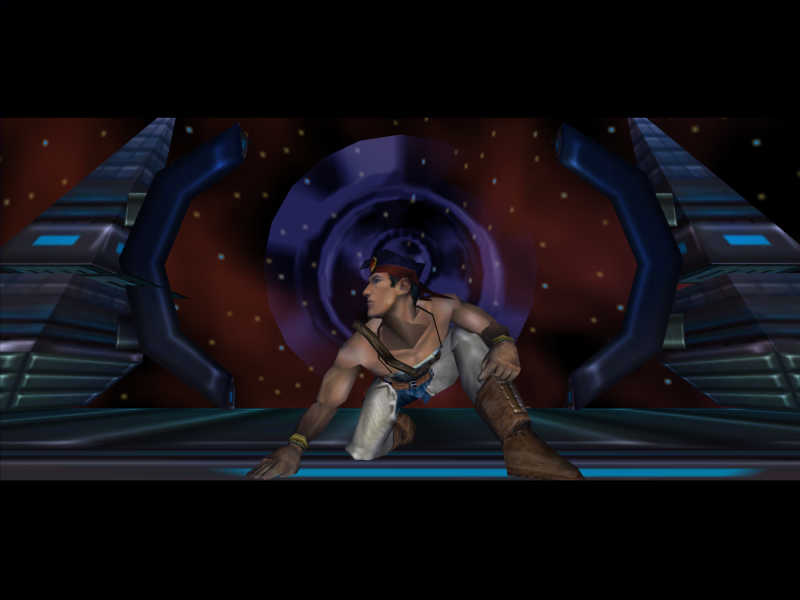
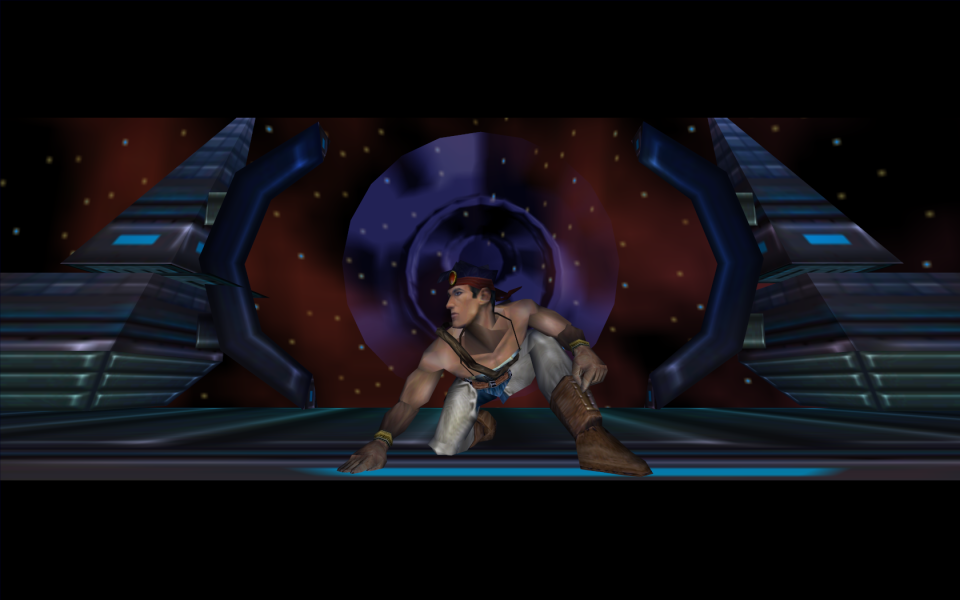
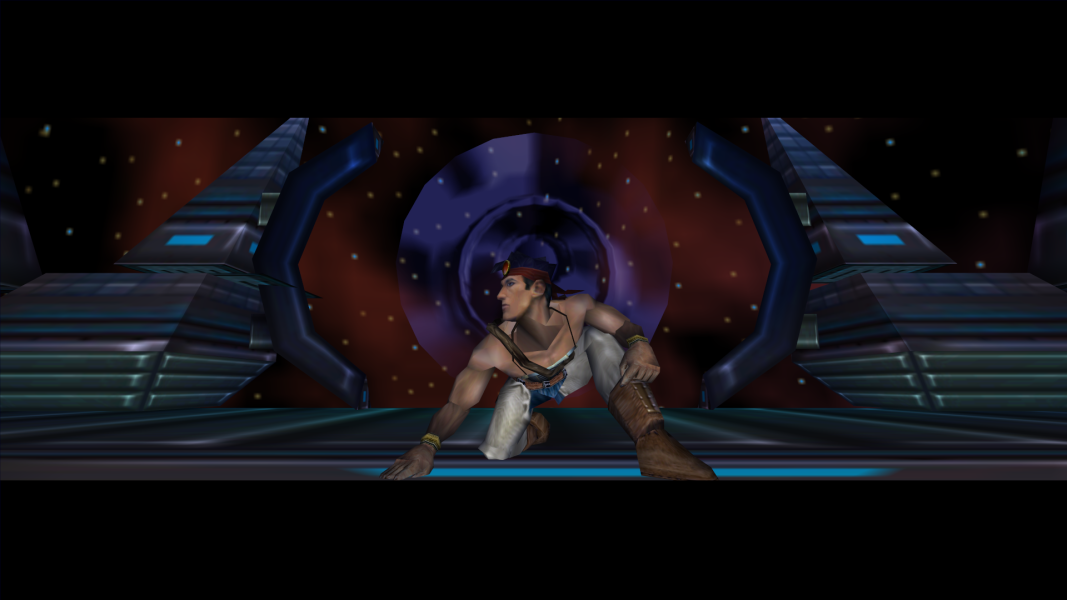
In-Game (Rendered) Cutscenes


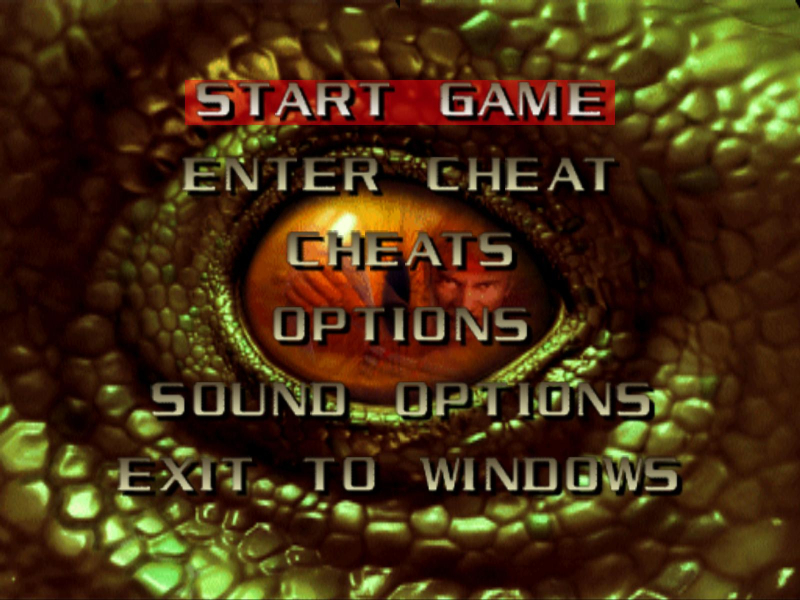
Menu Screenshots
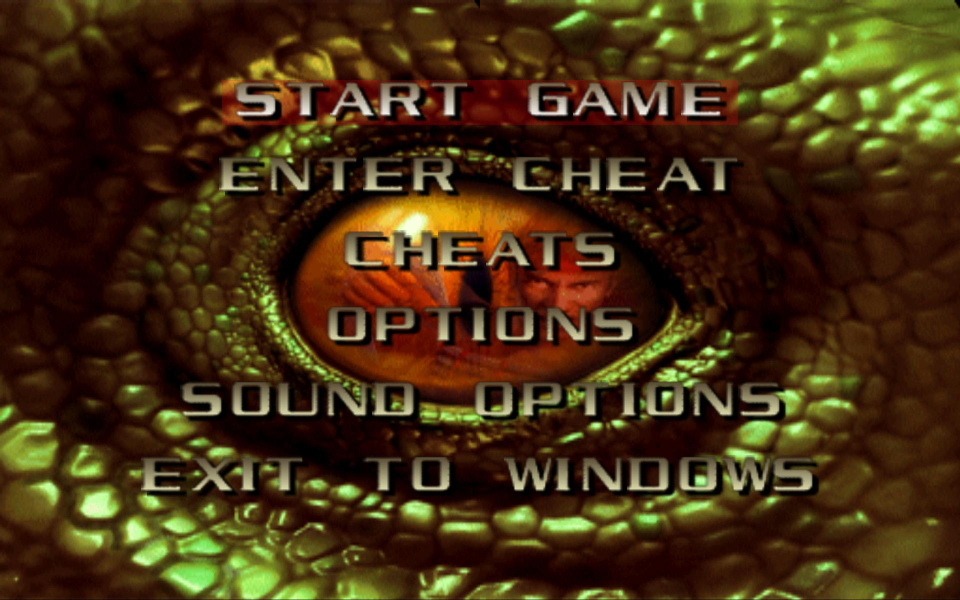

4K UHD Screenshots