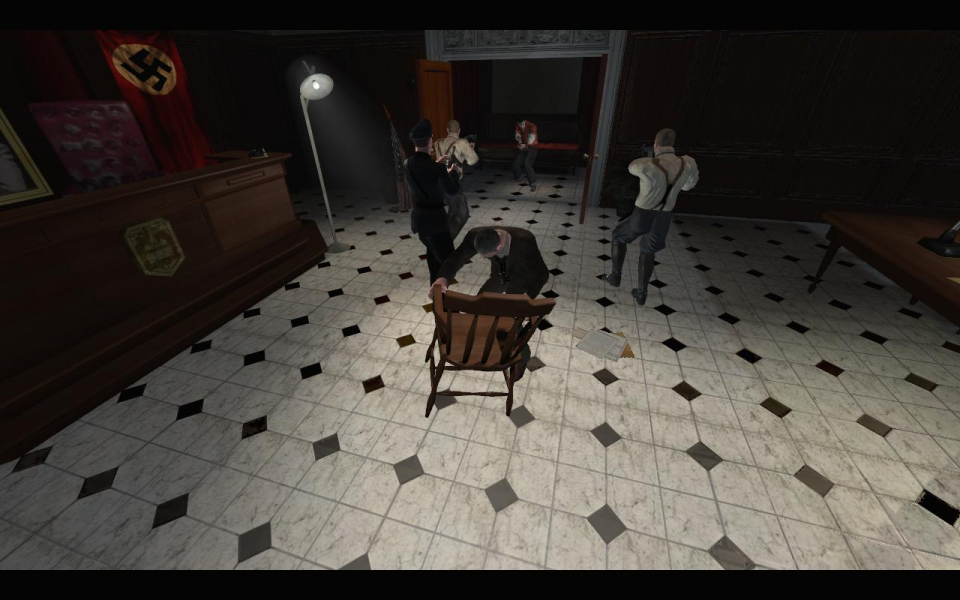


Turning Point: Fall of Liberty is a first-person shooter (although occasional events trigger a third-person view) set in a fictional year 1953 as the Nazis, supreme rulers of all Europe, launch a massive assault upon the United States.
Support Summary
Game Information
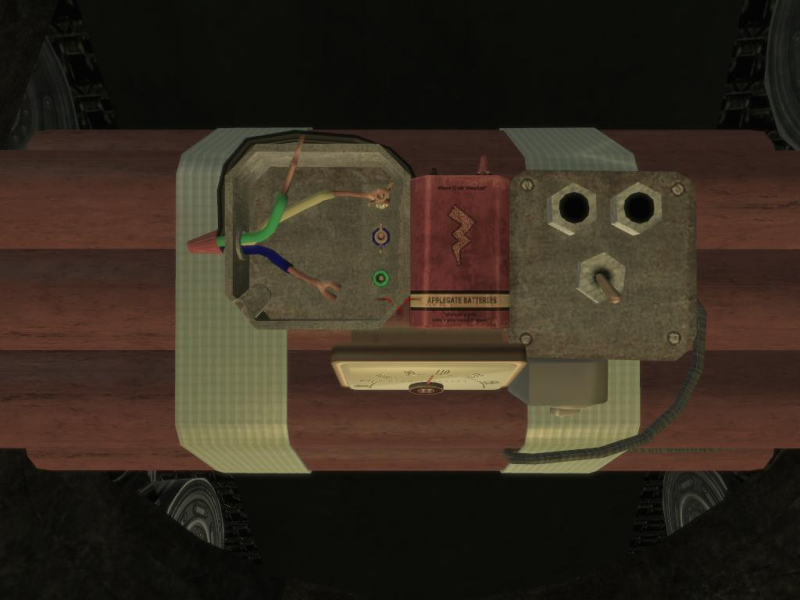
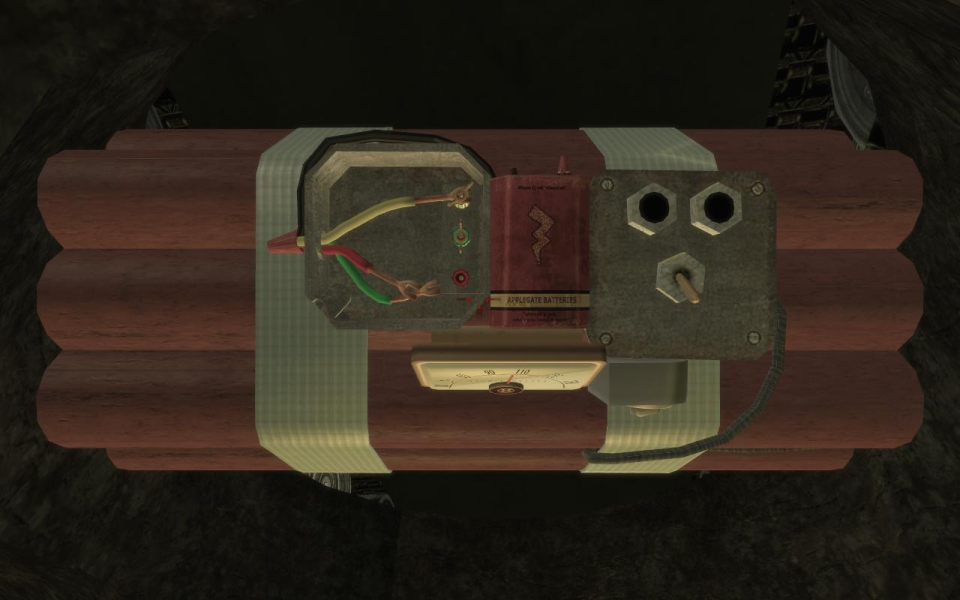
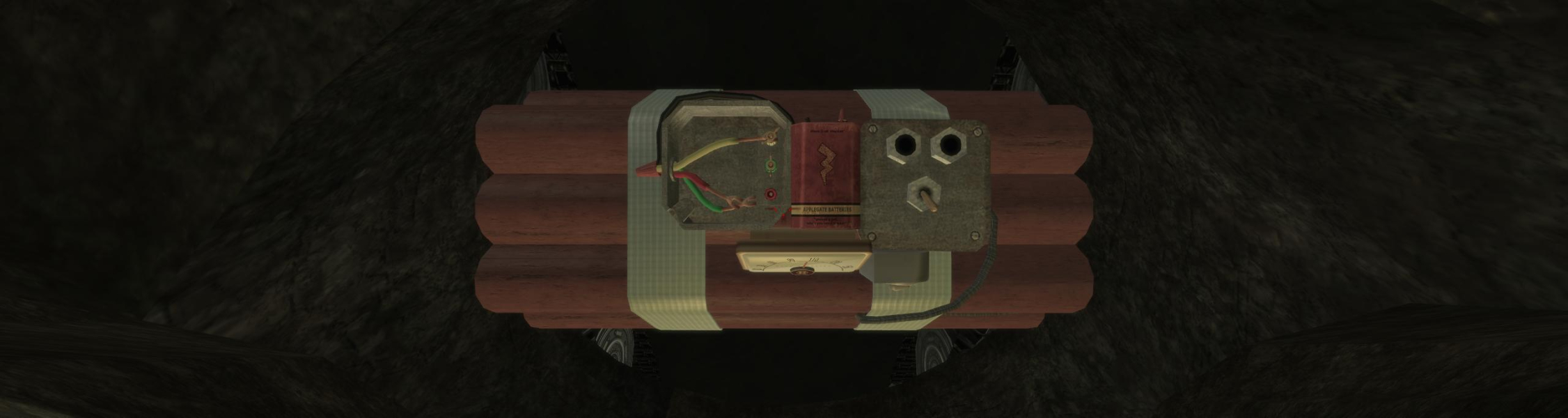
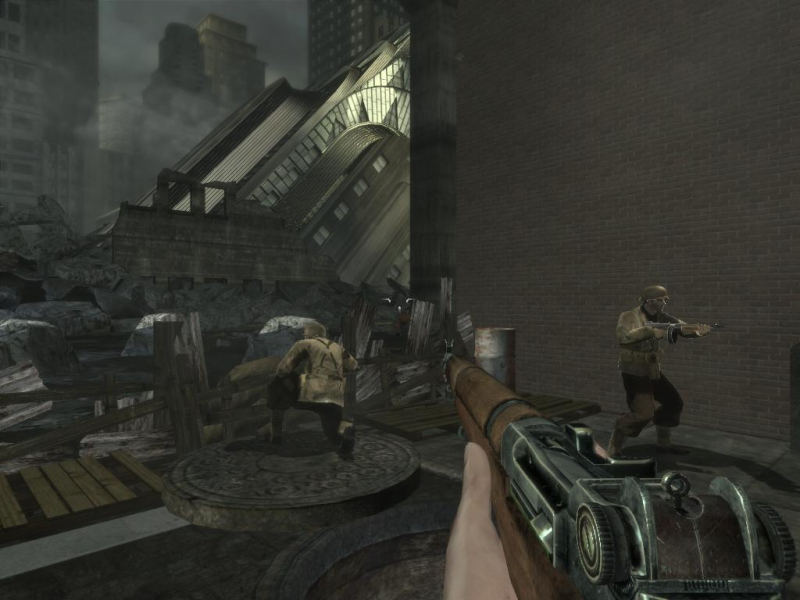
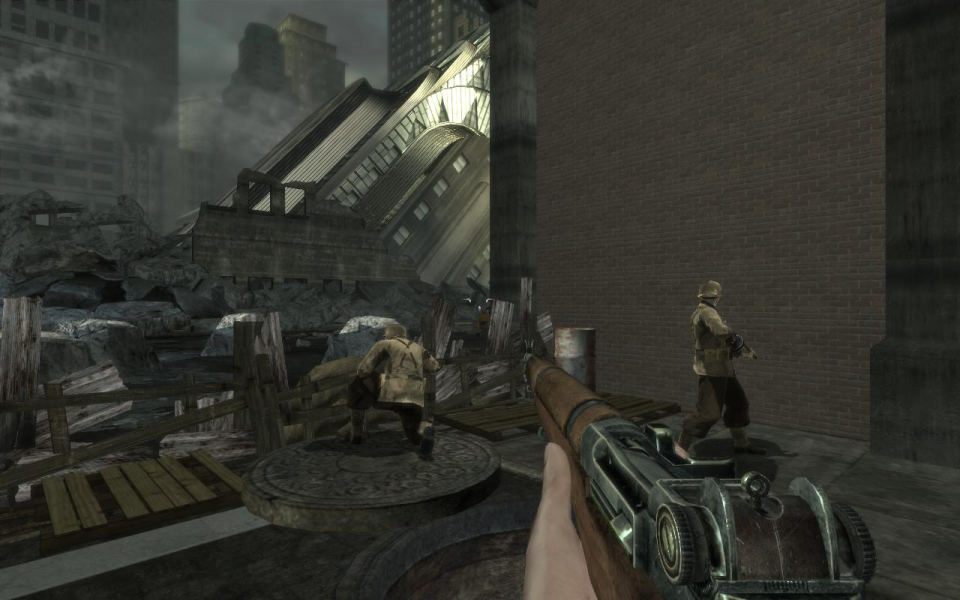
Screenshots Comparison
Solutions & Issues
.ini (native for 1280x720 and 1680x1050, see Supported Resolutions section below)
1) First, you must start the game for the necessary user files to be created. Once at the main menu, just quit. That should be enough.
Then you have to manually enter your desired width and heigth in TPEngine.ini found in :
(XP) C:\Documents and Settings\\Local Settings\Application Data\My Games\Turning Point\TPGame\Config
(Vista) C:\Users\\AppData\Local\My Games\Turning Point\TPGame\Config
2) Search for ResX= and ResY= under [SystemSettings] and replace the values with any width and height of your liking. Save the file and you're all set.
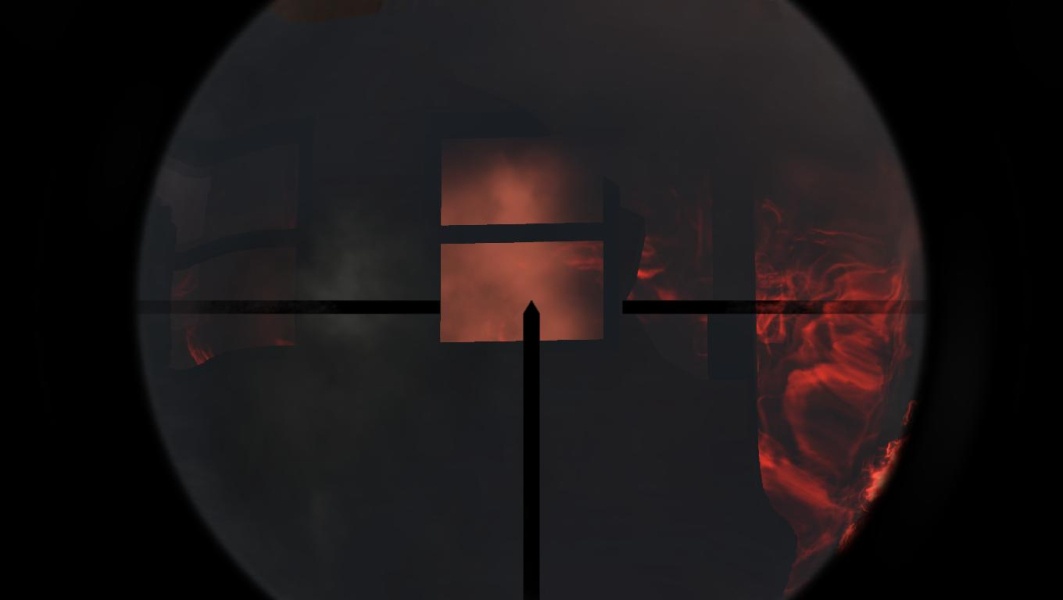
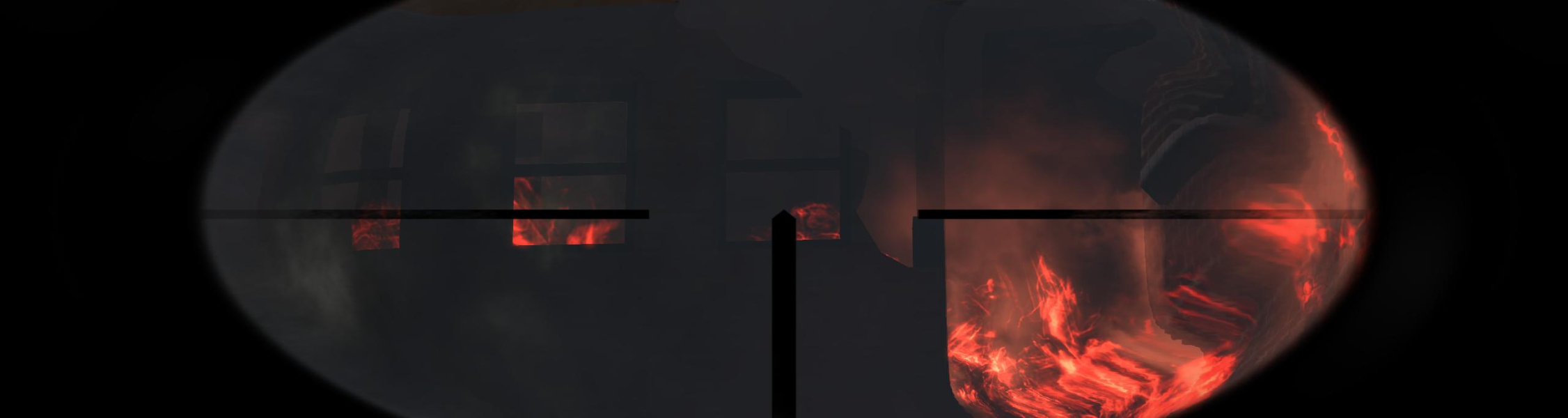
Sniper scopes stretch in Triplehead
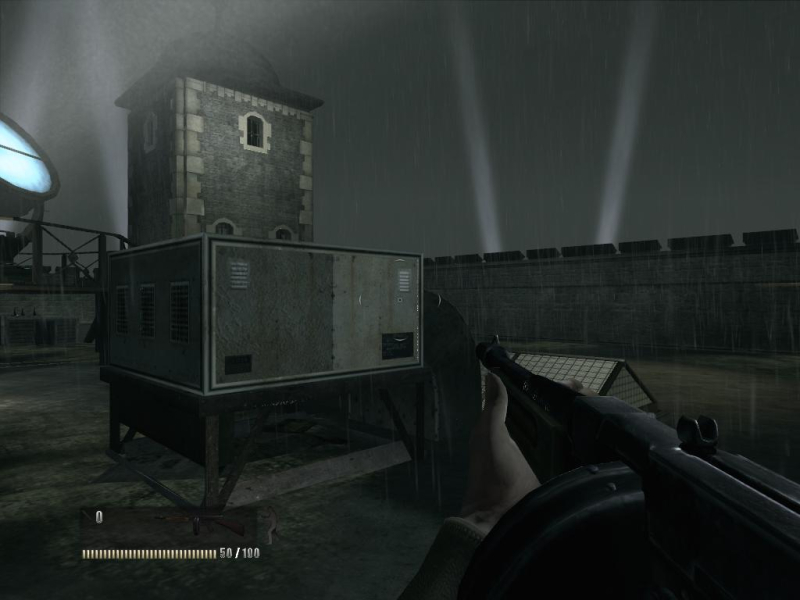
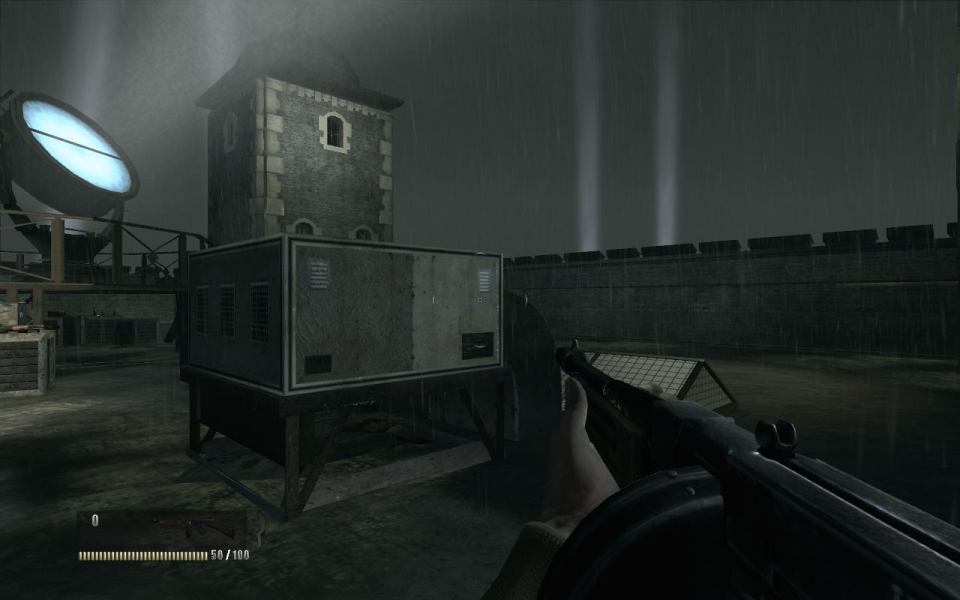
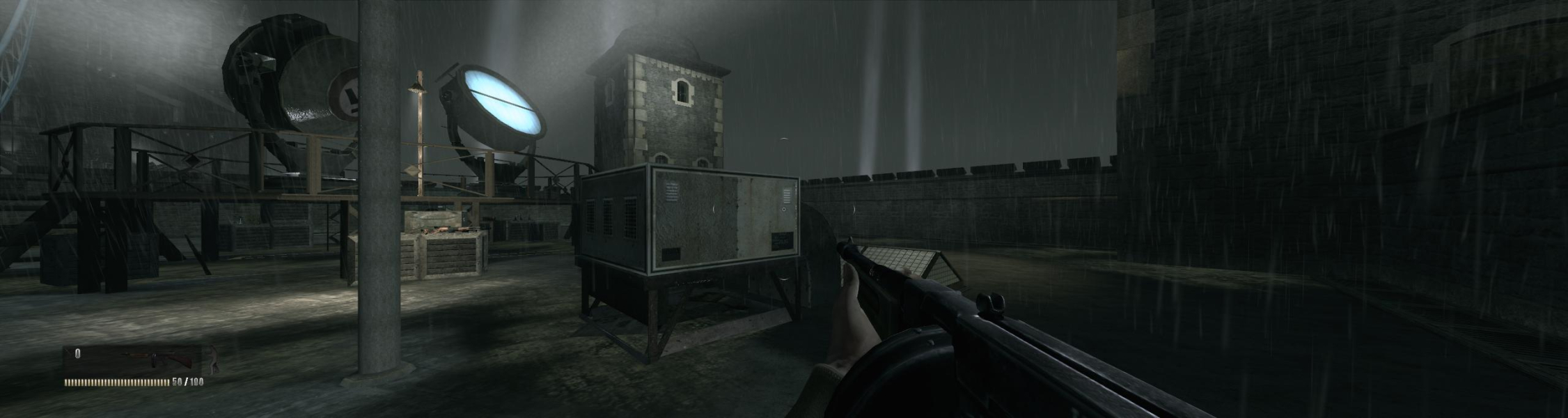
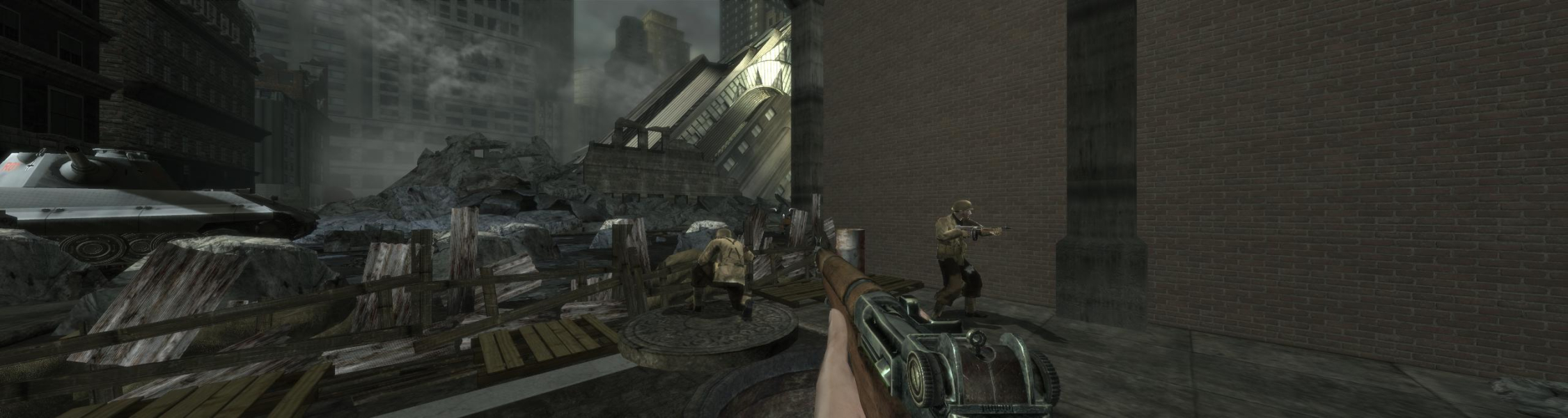
Gameplay Screenshots


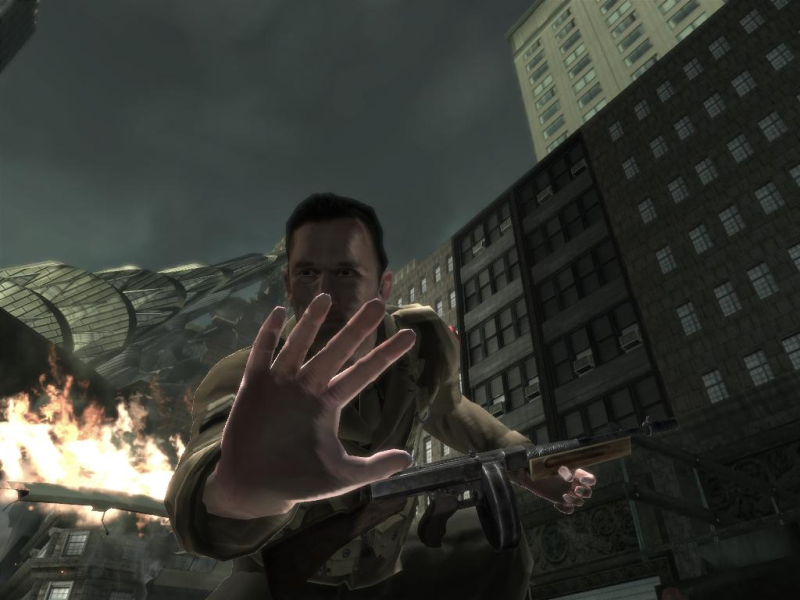
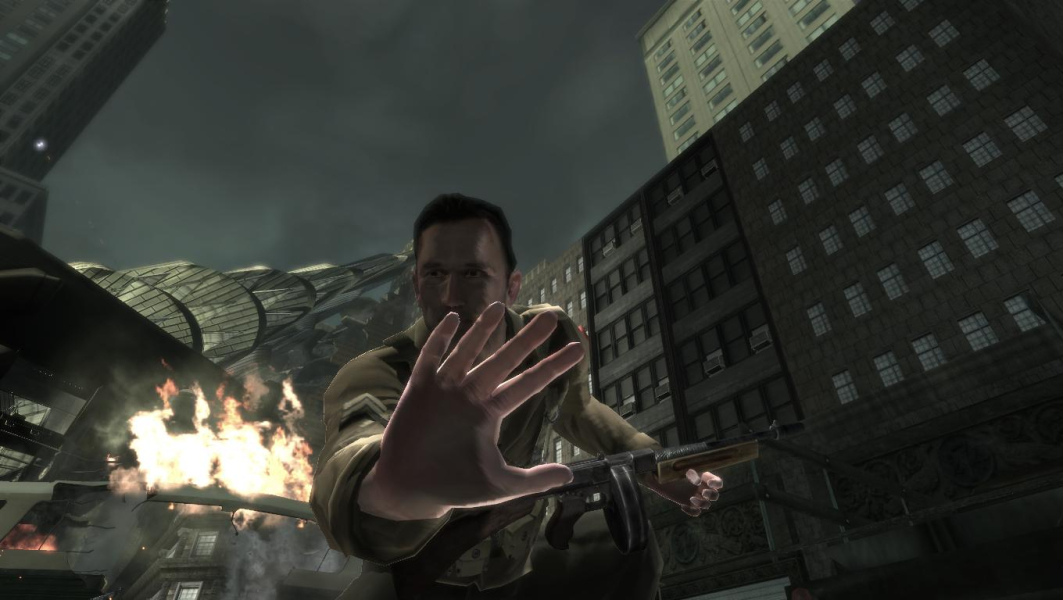
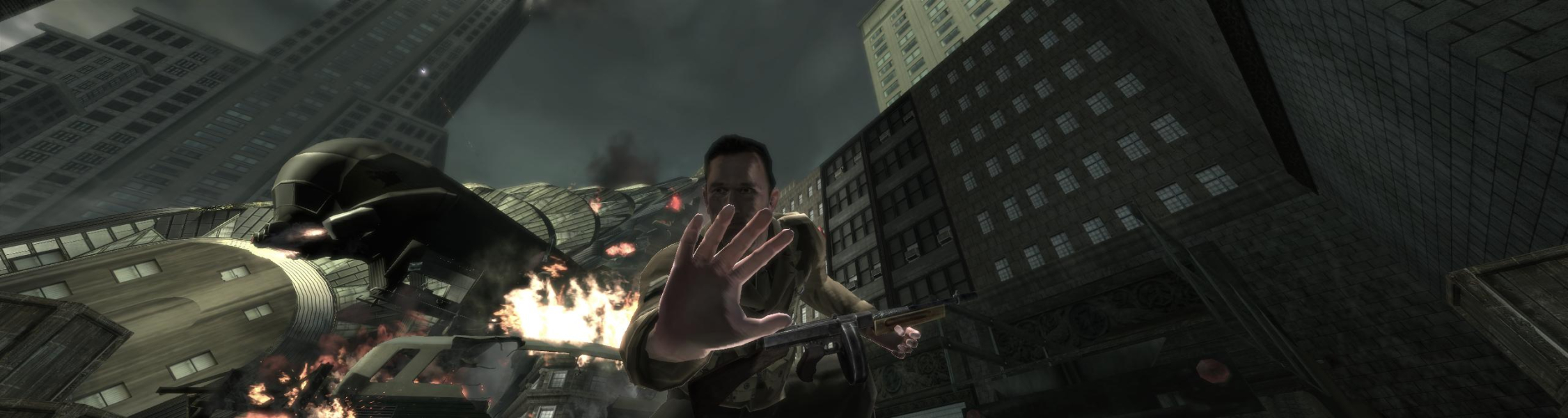
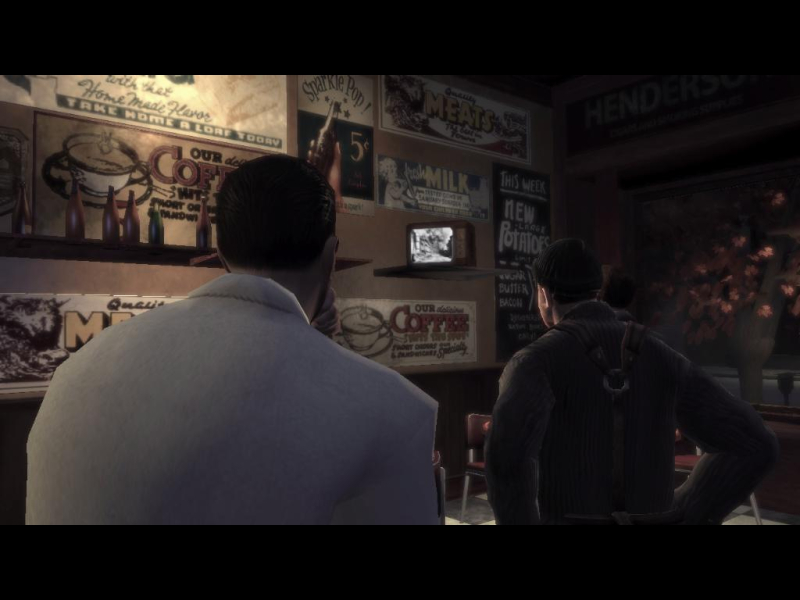
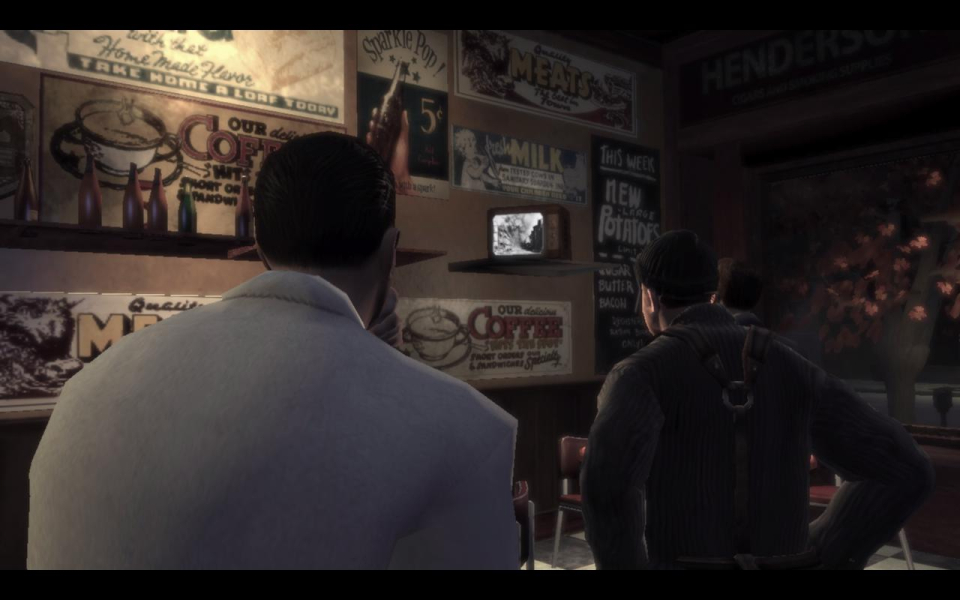
In-Game (Rendered) Cutscenes

FMV Cutscenes


Additional Screenshots