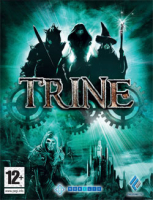


Platform/puzzle game by Frozenbyte. Reminds a lot of The Lost Vikings.
Support Summary
Game Information
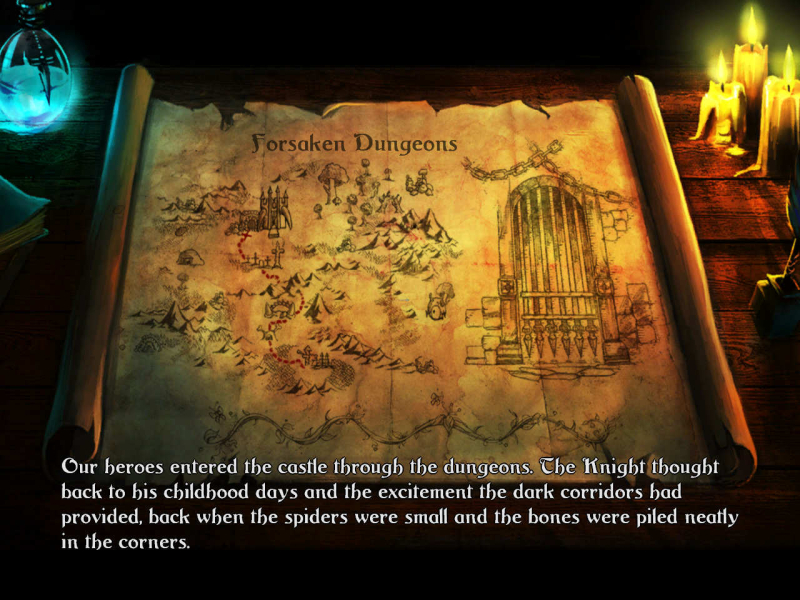
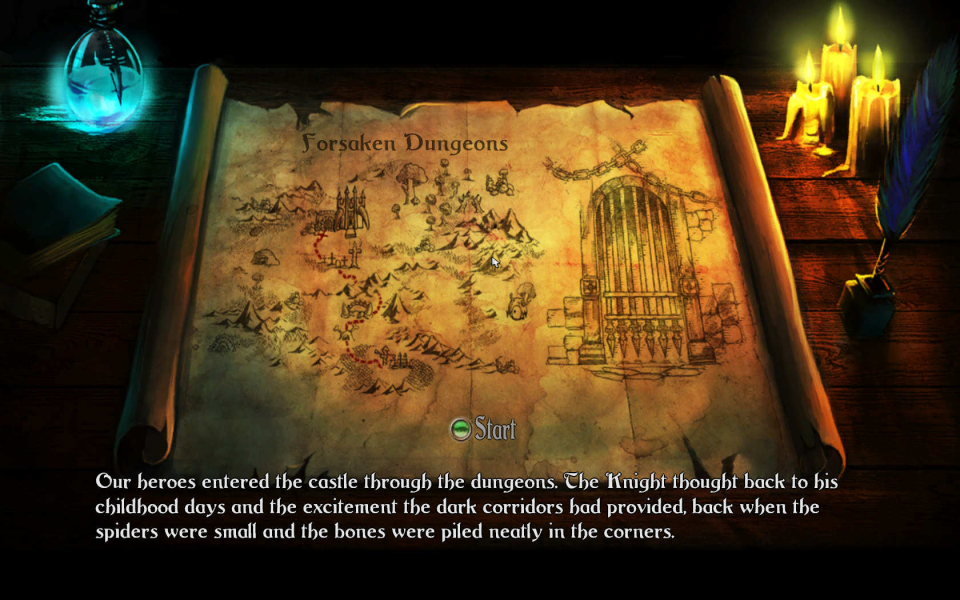
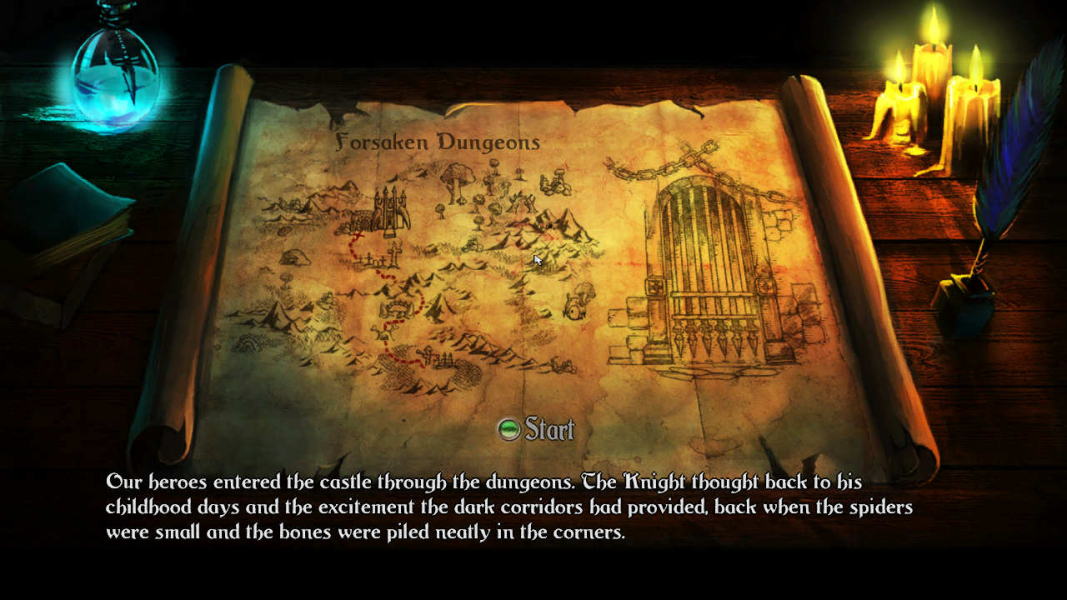
Screenshots Comparison
Solutions & Issues
Native for widescreen.
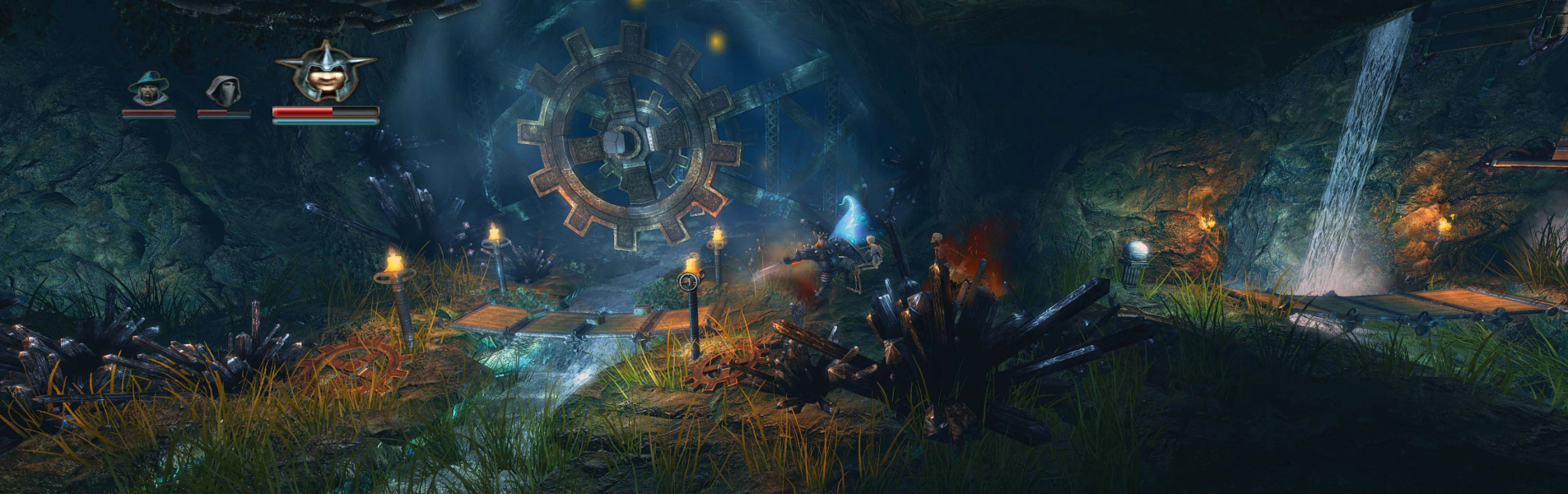
Update for version 1.08: Native support for both widescreen and multi-mon. Simply select your desired resolution from the launcher app.
However, when I selected 1280x720 for testing 16:9 support, the game reverted to 800x600. When I chose 1440x900 it reverted to 1152x864, etc. Most likely because these resolutions do not appear in Windows, much like 1920x1200 and 1920x1080. It appears to choose the nearest resolution available to you in Windows, even if it's not in it's own list. I will assume this list is fixed, unless someone proves otherwise. By setting my secondary screen to main, I managed to get 1280x720 running, as that one does support it. No problems seem to have arisen there.
For custom res ...
You must edit the options.txt file located at C:\Program Files (x86)\Nobilis\Trine Demo (GamesPlanet)\config
Find under Display (lines 85 & 86)
Code:
screen_height = 1080
screen_width = 1920
Change the numbers to your desired resolution.
The resolution box in the game launcher will now appear blank. Simply leave it as it is and launch the game.
Update for version 1.08:
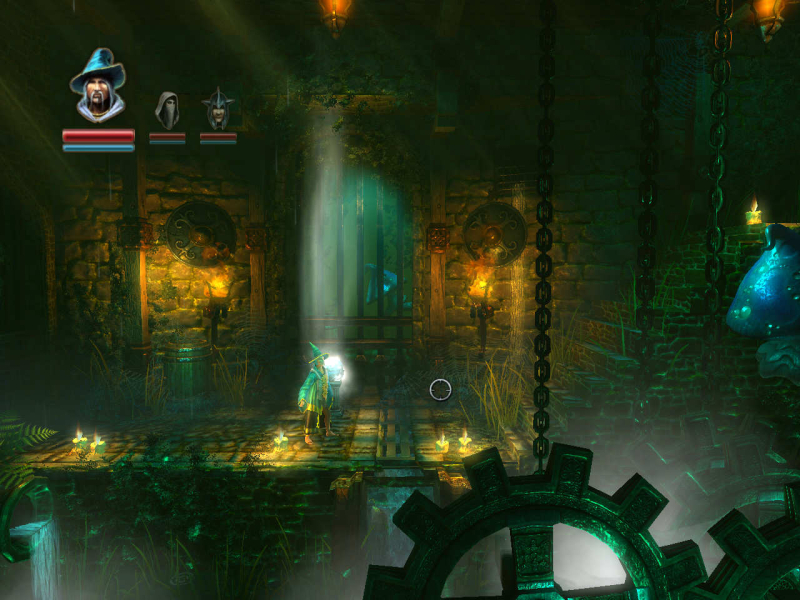
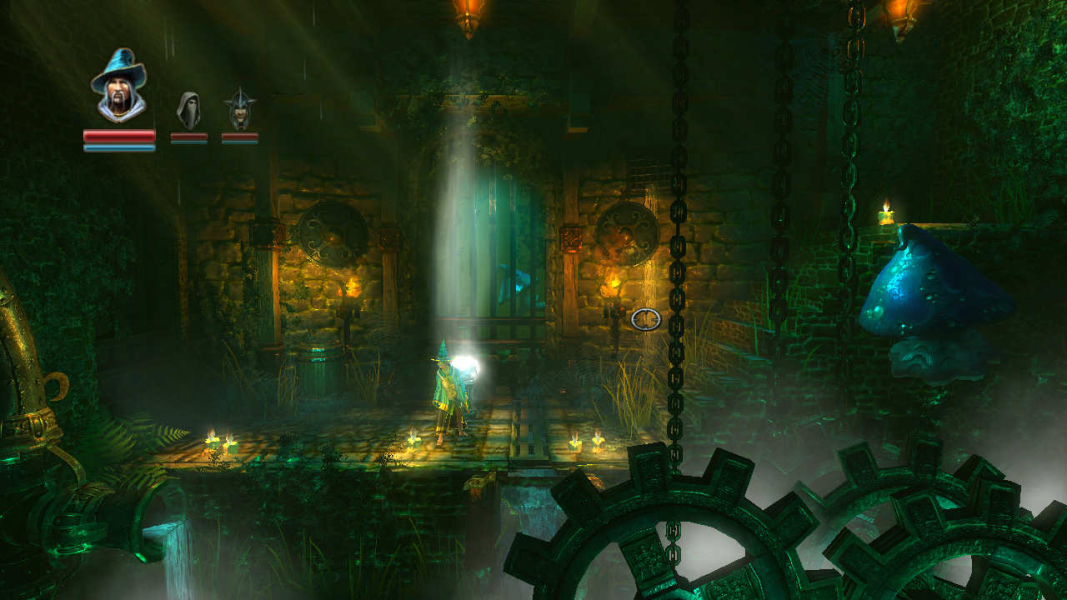
Native, Hor+. Most of the HUD stretches, but the cursor/crosshair doesn't.
It seems 2x AA is the max setting for multi-mon. The game won't run with 4x AA.
Gameplay Screenshots



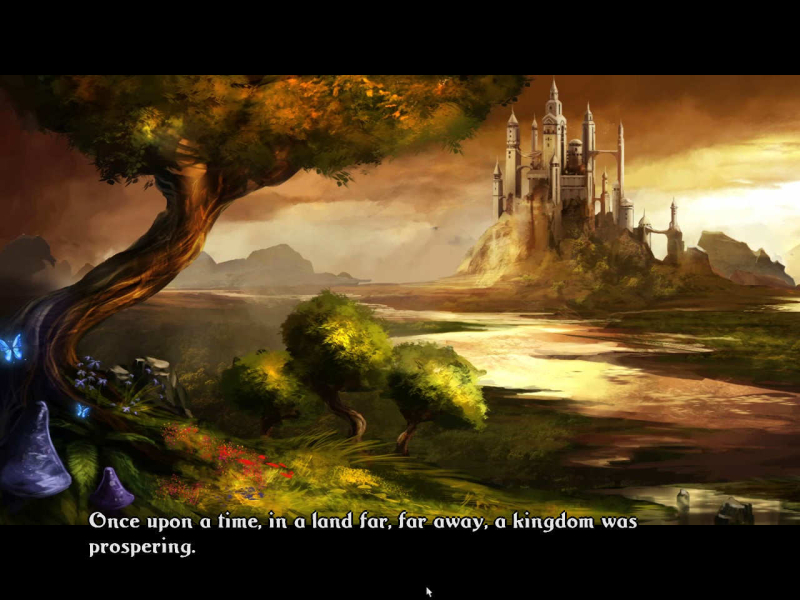
FMV Cutscenes
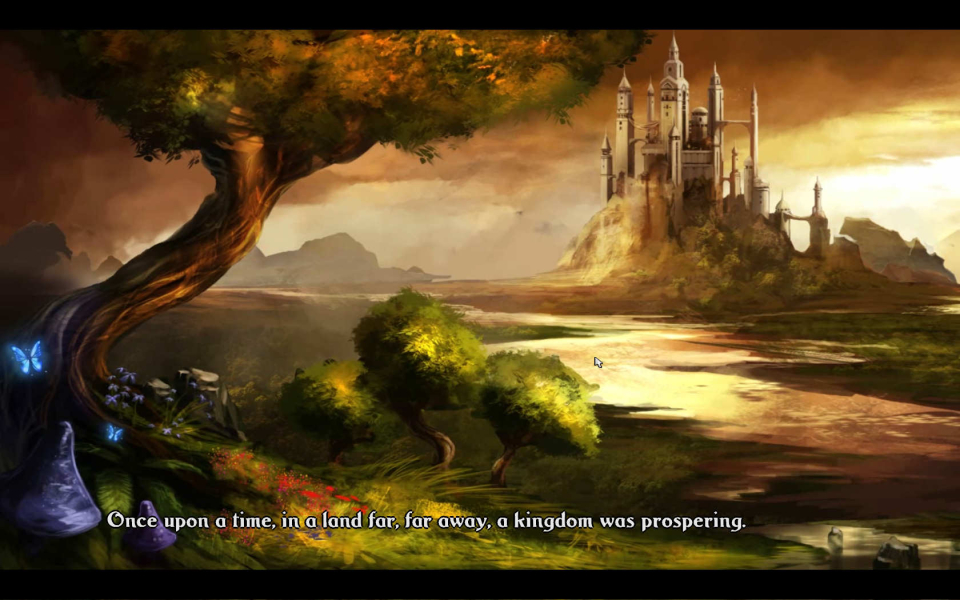
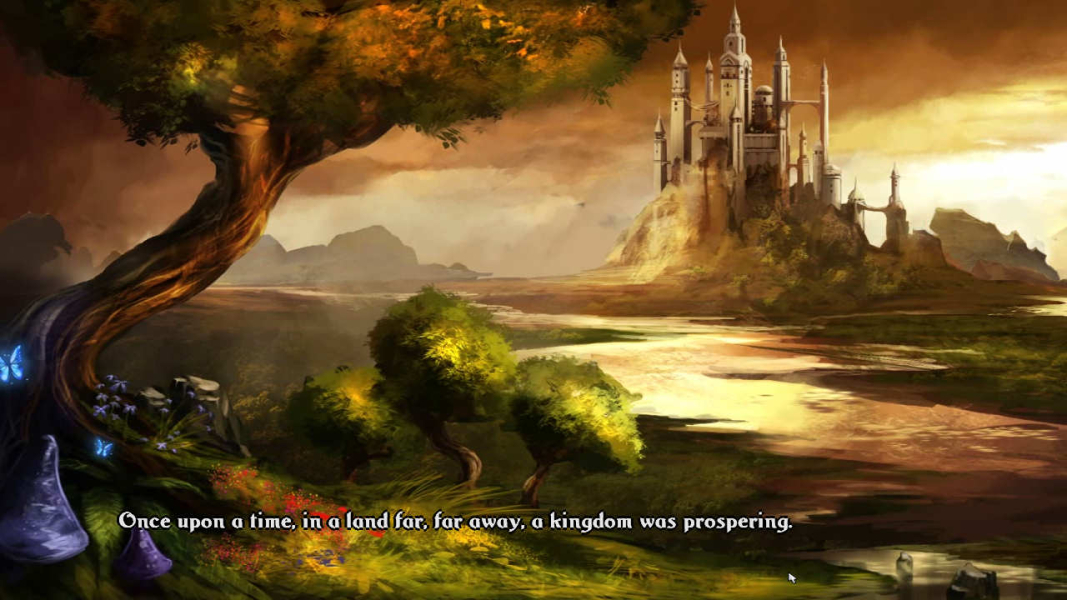
Menu Screenshots
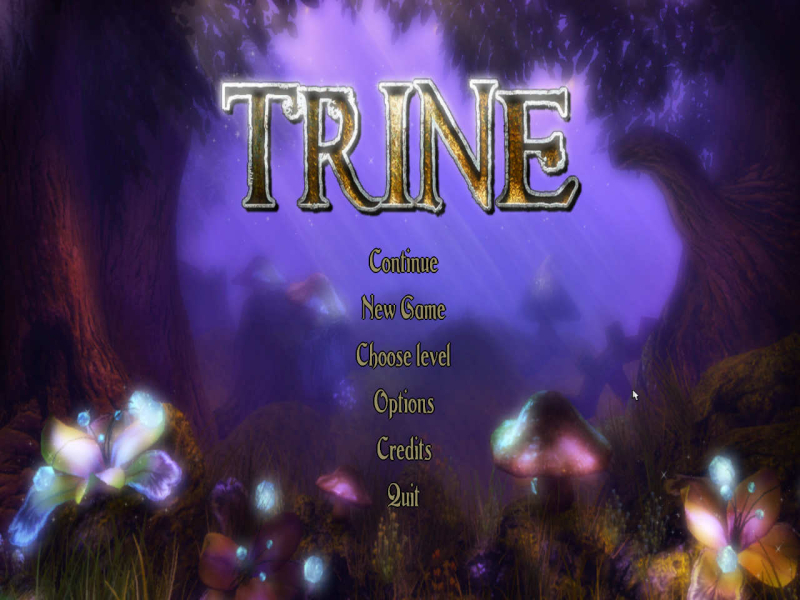
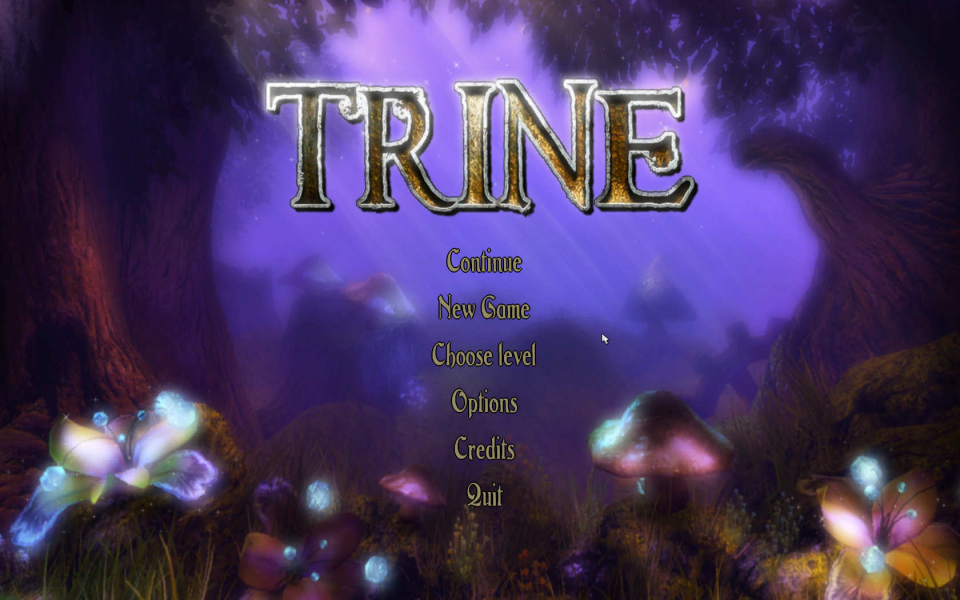

Additional Screenshots