

Tribes: Vengeance is the third game in the Tribes series, and the first to have a significant singleplayer mode. It is a sci-fi shooter with diverse character classes, expansive landscapes which can be traveled by foot, jetpack, or vehicle, and bases and base facilities to defend and/or infiltrate. The plot takes place hundreds of years before the previous Tribes games, and shows the events that take place prior to them through the eyes of six different characters over two generations.
Support Summary
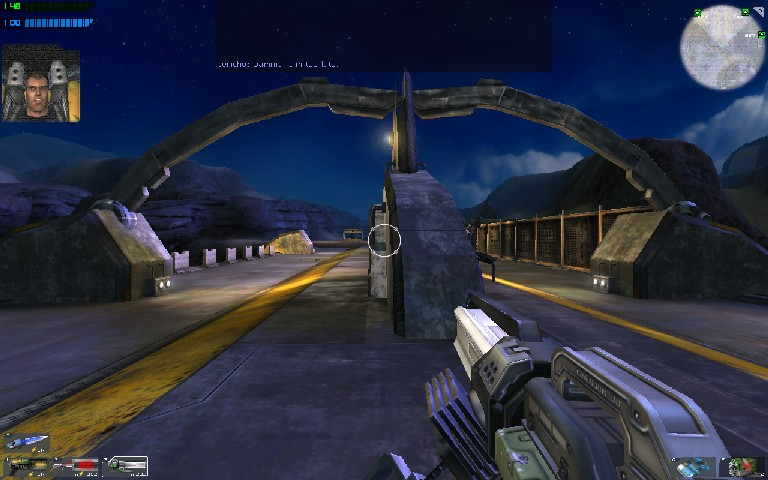
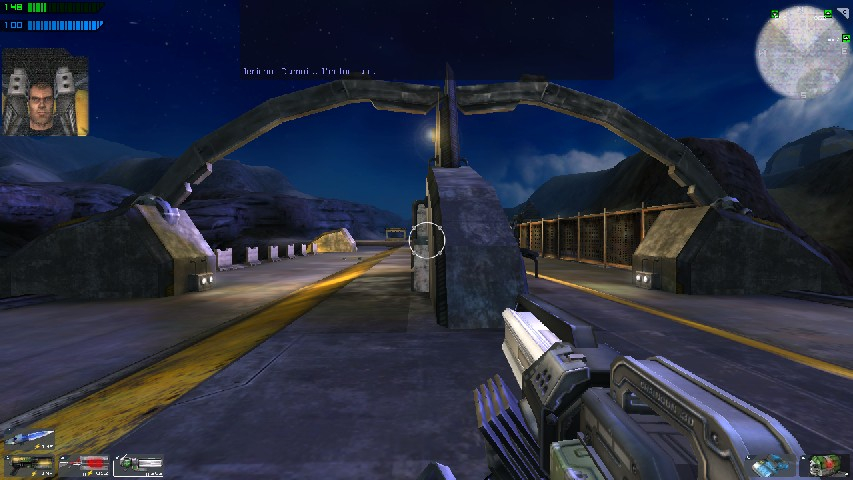
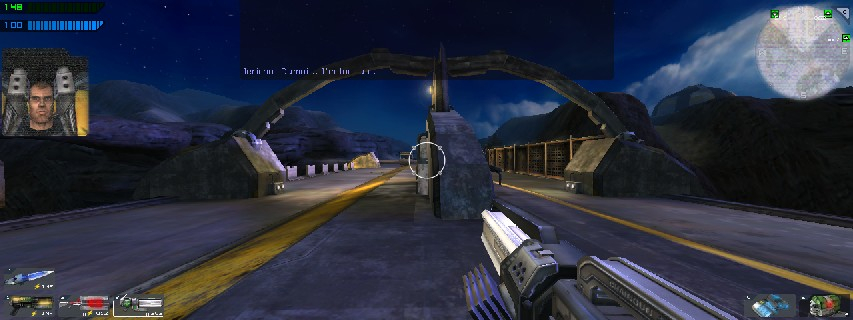
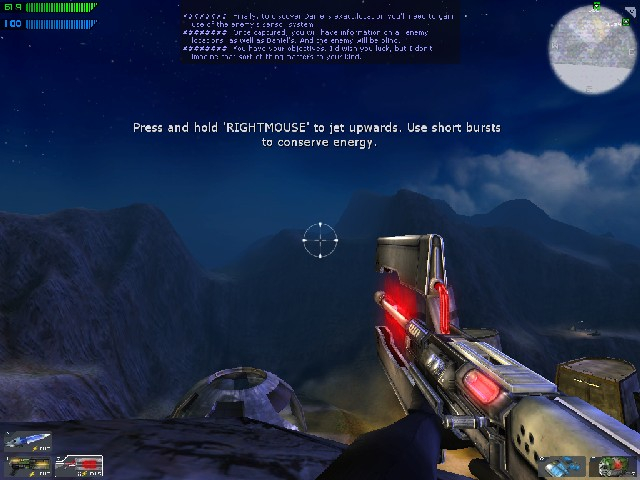
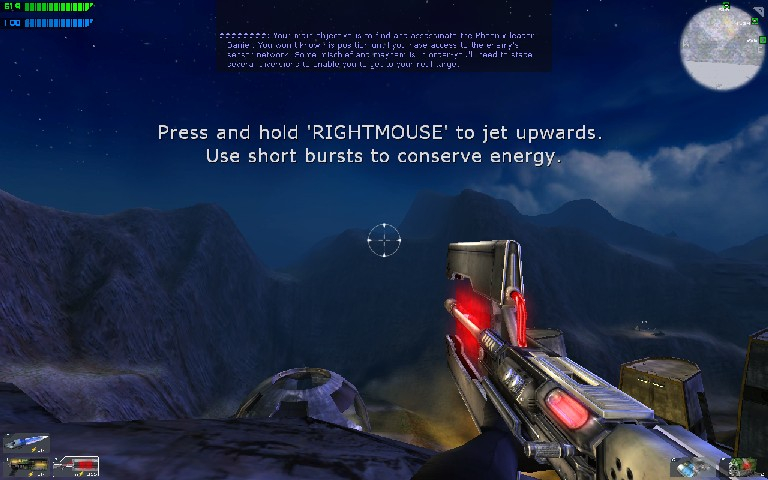
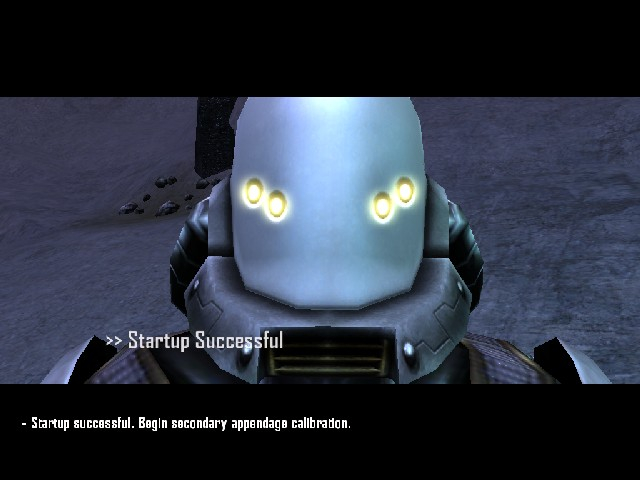
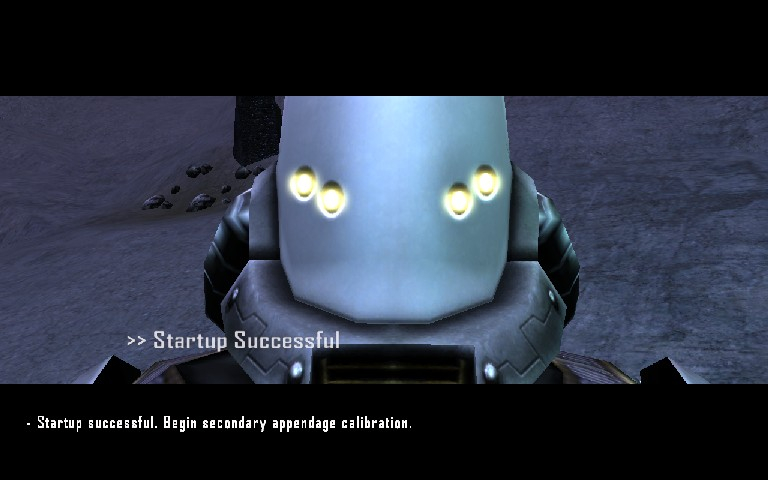
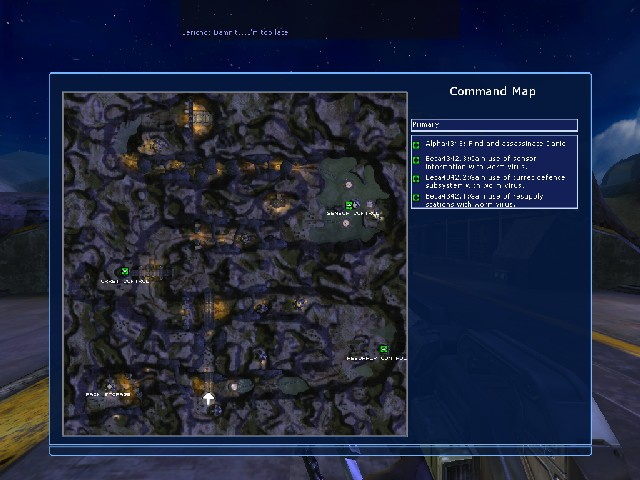
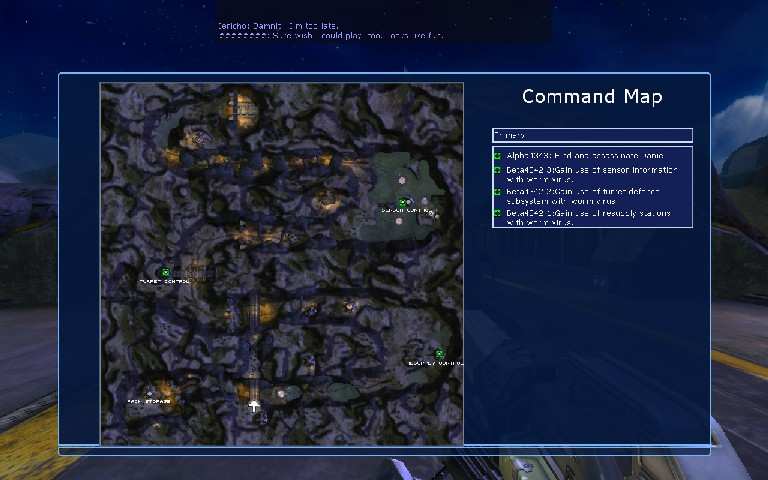
Screenshots Comparison
Solutions & Issues
Launch the game once, and set your graphics options other than resolution. Now quit.
Go to \Program\Bin. Open user.ini. Find these lines:
DesiredFOV=85.000000
DefaultFOV=85.000000
Change the values to set your FOV to your preference. I recommend 95.43 for 16:10 resolutions and 101.4 for 16:9 resolutions.
Now open the main game .ini file. It should be named something like tribesv.ini (in the demo it's tribesv_demo2_en.ini). Look for these lines:
FullscreenViewportX=1024
FullscreenViewportY=768
Change them to set your resolution.
This game is Hor+, dependant on your FOV setting.
-----------------
Another way to set up WS is to edit the "TribesGUIState.ini" file in the "Tribes Vengeance\Program\bin\" folder.
by default these lines are present:
ScreenResolutionChoices=640x480
ScreenResolutionChoices=800x600
ScreenResolutionChoices=1024x768
ScreenResolutionChoices=1280x1024
ScreenResolutionChoices=1600x1200
You can add any further resolutions you wish to use underneath these (i.e. ScreenResolutionChoices=1680x1050).
These choices then appear in the in-game graphics settings menu, just as all the others.
FOV changes are still advisable in addition to this. (without this, the game adjusts to widescreen by cropping top and bottom)
FOV adjustment works in the multiplayer demo, and the default FOV is the same, so multiplayer will be hor + too with the same FOV adjustments.
Gameplay Screenshots


FMV Cutscenes
Menu Screenshots
Additional Screenshots