Tribes 2

Profile picture for user infernus

Tribes 2 is the sequel to the original Starsiege: Tribes by developer Dynamix. It is a first-person shooter based in the Earthsiege universe, and features team-based gameplay with vehicles and jetpacks on large maps.

Support Summary

Widescreen
Ultra/Super‑Wide
Multi-Monitor
4K Ultra HD
Support
Method
HUD
Cutscenes
FMVs

Game Information

Game Status:Released
Release Date:
Tested Version:v25034, the latest (and last) official retail patch
Play Styles:Competitive
Setting:Sci-Fi
Genre:FPS
Developer:

Screenshots Comparison

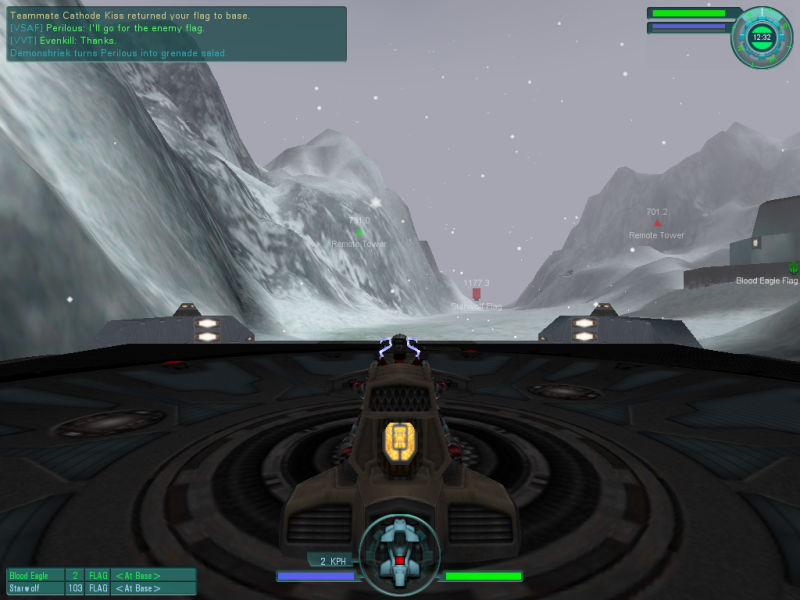
4:3 Screenshot
16:10 Screenshot
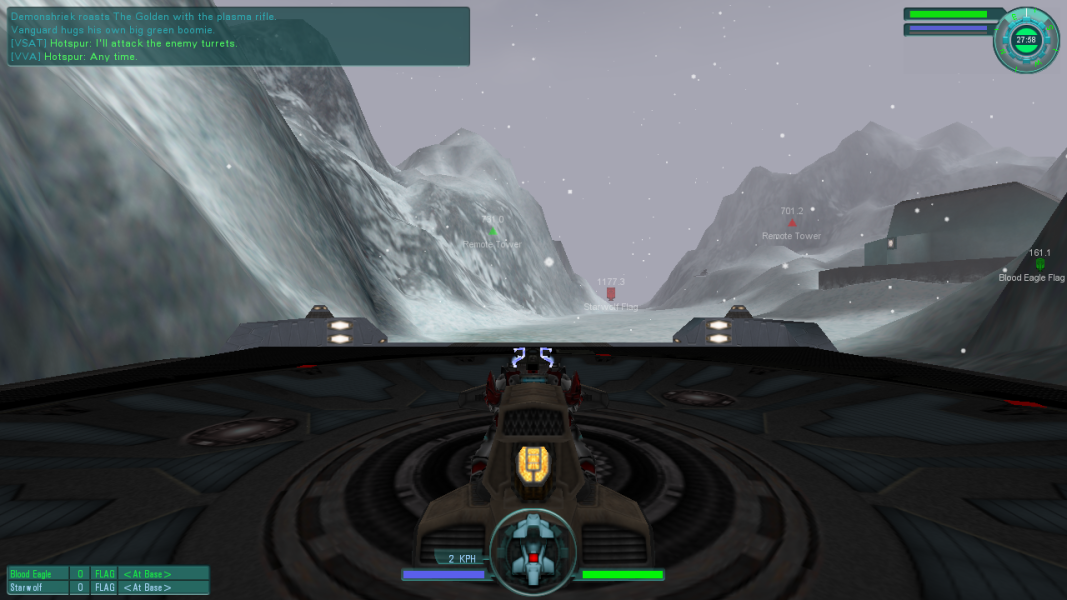
16:9 Screenshot
21:9 Screenshot
A monitor with a question mark on it. The text above it reads "There is currently no image uploaded for this field." There is a semi-transparent WSGF logo in the background, while the main background is white. The image aspect ratio is 21:9.
32:9 Screenshot
Eyefinity / Surround Screenshot
Solutions & Issues
Widescreen Solution & Issues:

Tribes 2 supports widescreen resolutions natively, but requires .ini editing to get proper widescreen support, otherwise it's vert-.

Go to your *\tribes2\gamedata\base\prefs\ directory and find the "ClientPrefs.cs" file. Find the following line:

$pref::Player::defaultFov = 90

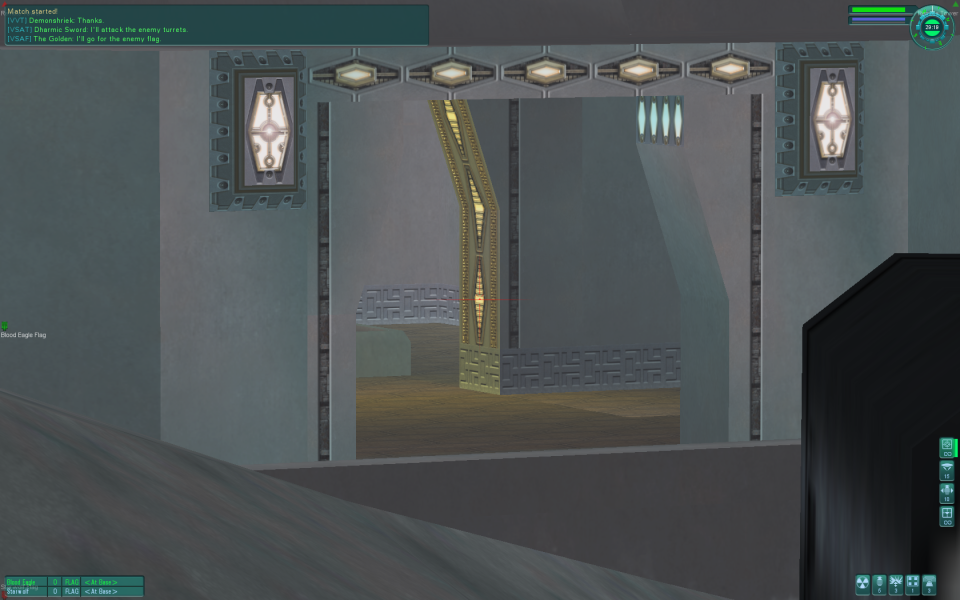
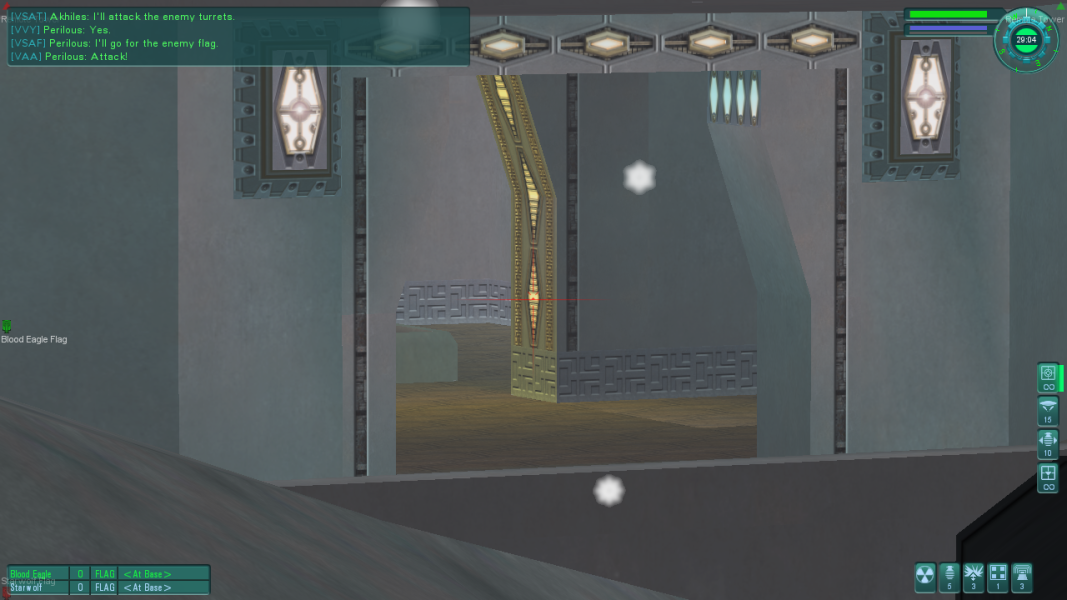
Change the value to your desired FoV; 100 for 16:10 and 106 for 16:9 is recommended.

The game may not be in the proper ratio before you join a game (while you're still in observer mode). Becoming a player fixes the FOV.
You may also be returned to the default 90 FOV after you respawn, but zooming (press A) fixes it. I haven't had it happen personally.

Eyefinity / Surround Specific Solution & Issues:

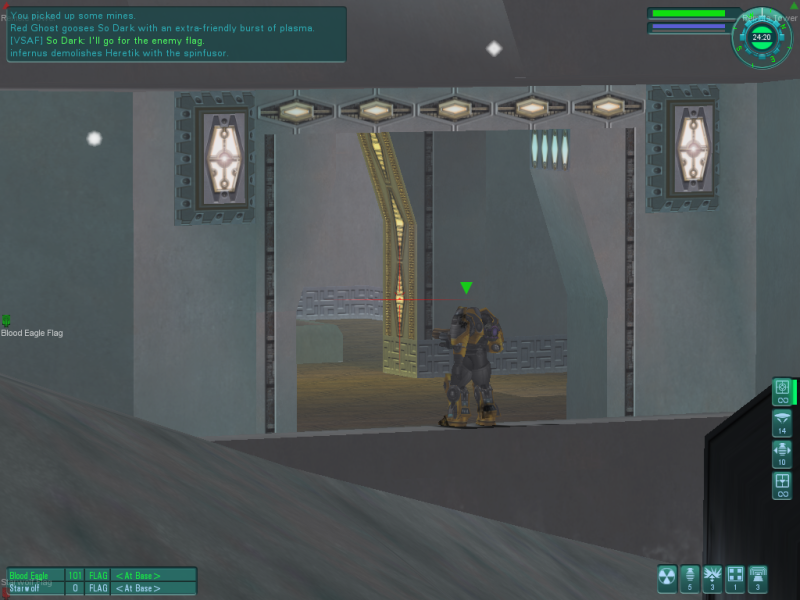
This game is technically all multiplayer. You can use bots to simulate a multiplayer environment in certain maps (like I did).

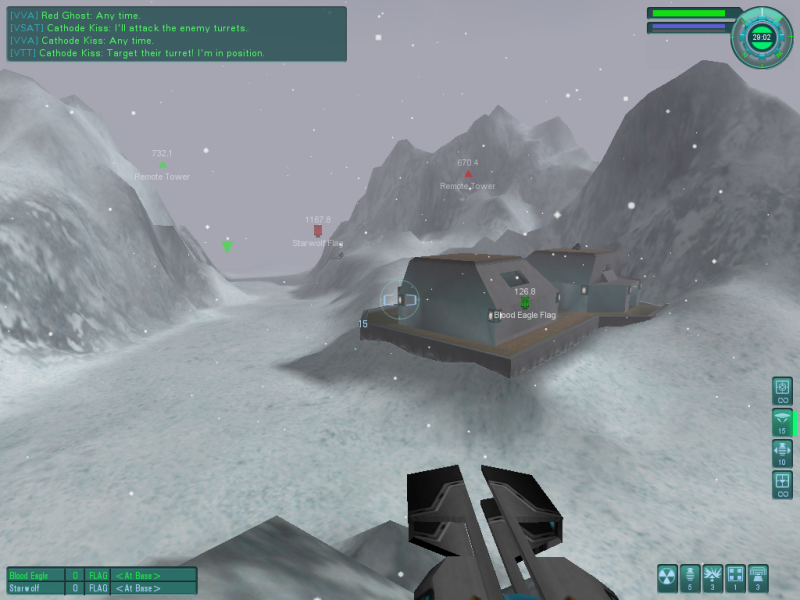
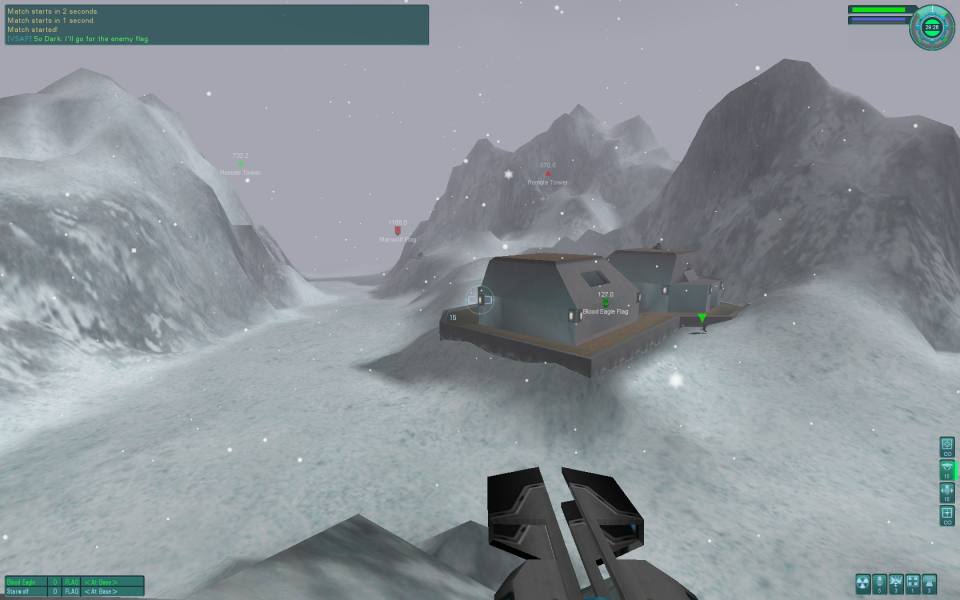
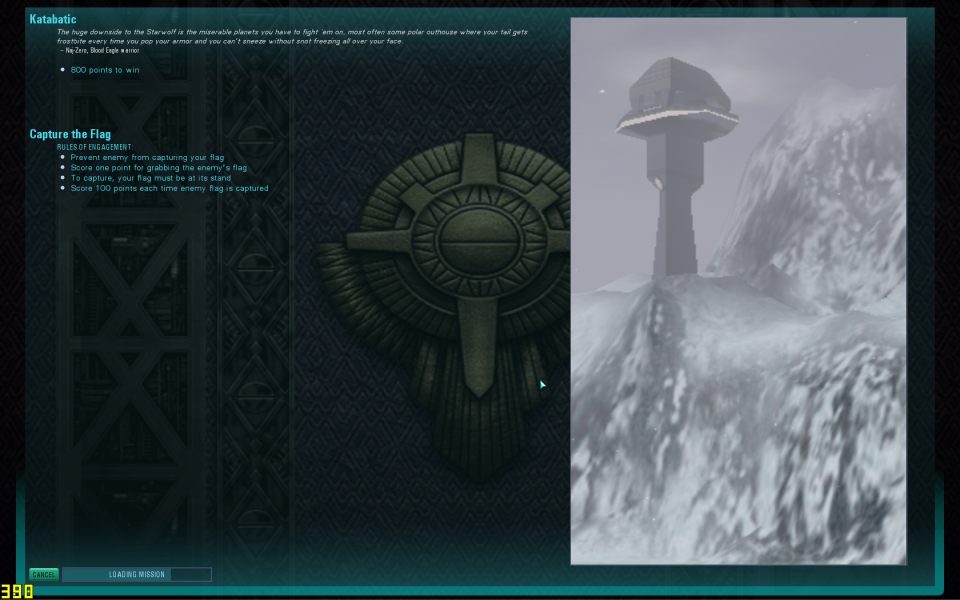
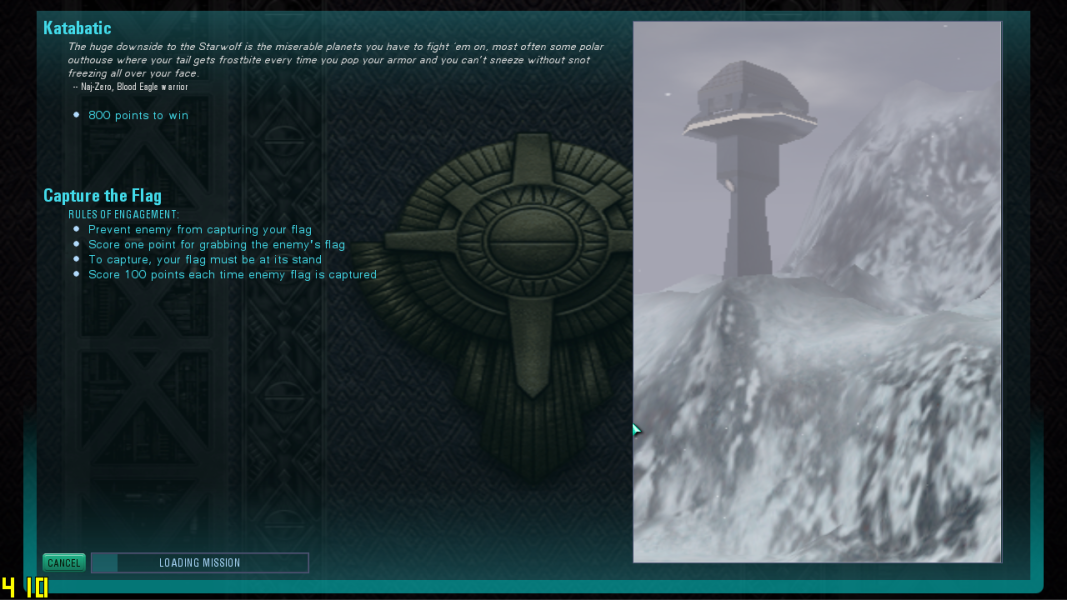
At widescreen resolutions, all 2D elements scale, like menus and interface. The background and images are stretched. 3D models were cropped.

4:3 Screenshot
16:10 Screenshot
16:9 Screenshot
21:9 Screenshot
A monitor with a question mark on it. The text above it reads "There is currently no image uploaded for this field." There is a semi-transparent WSGF logo in the background, while the main background is white. The image aspect ratio is 21:9.
32:9 Screenshot
Eyefinity / Surround Screenshot
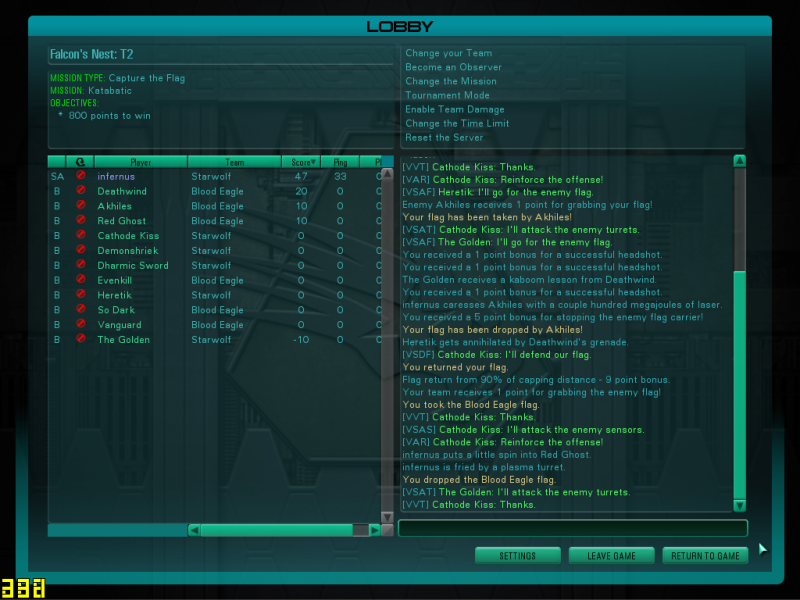
4:3 Menu
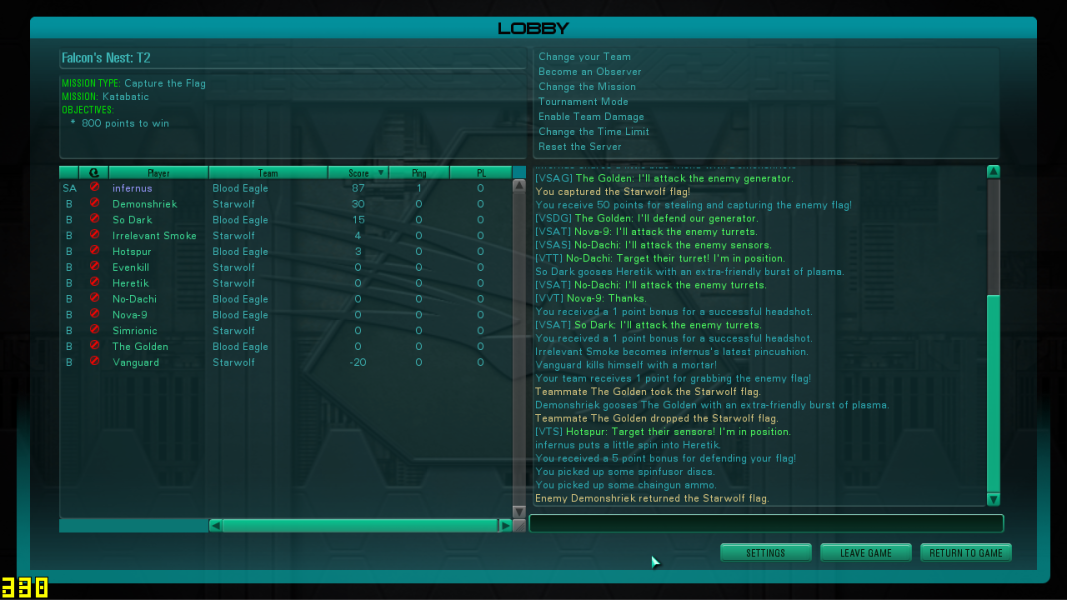
16:9 Menu
Uploaded by: skipclarke
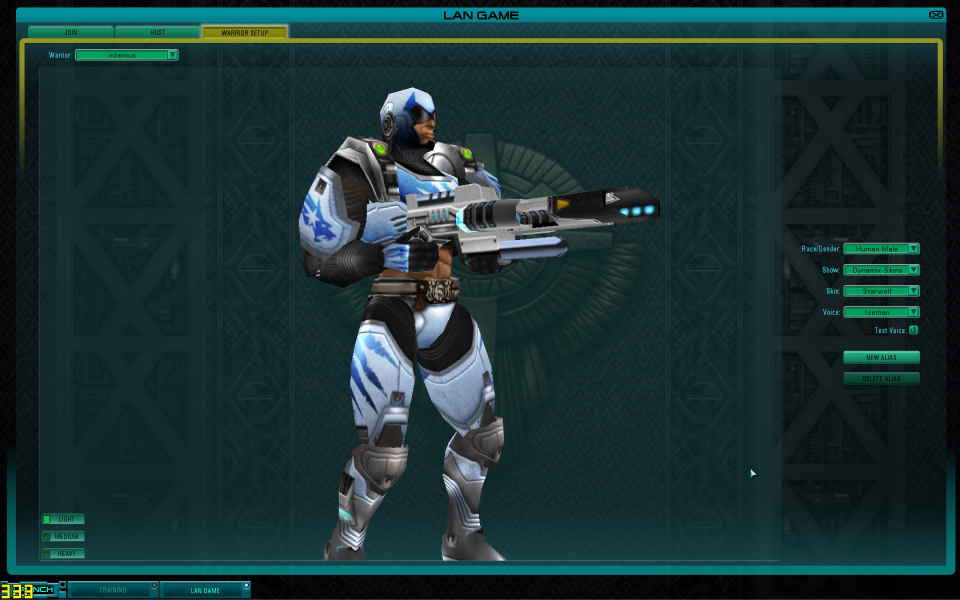
Character customization, showing background and model
Uploaded by: skipclarke
4:3 Gameplay
Uploaded by: skipclarke
16:10 Gameplay
Uploaded by: skipclarke
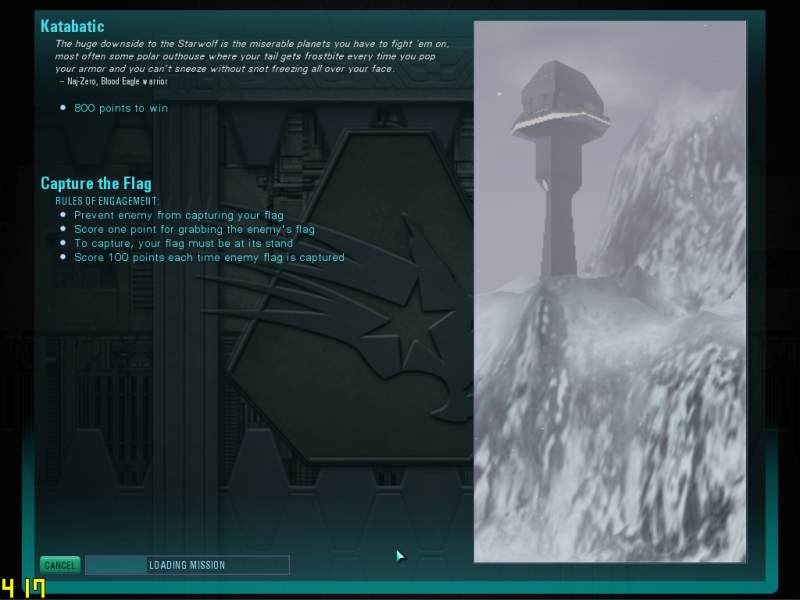
4:3 Loading Screen
Uploaded by: skipclarke
16:10 Loading Screen
Uploaded by: skipclarke
16:9 Loading Screen
Uploaded by: skipclarke
4:3 Zoom
Uploaded by: skipclarke
16:10 Zoom
Uploaded by: skipclarke
16:9 Zoom
15:9 Resolutions:1280x768
16:10 Resolutions:
16:9 Resolutions:1280x720