

Tony Hawk's Pro Skater HD (abbreviated THPS HD) is a skateboarding video game in the Tony Hawk's series of skateboarding games. The game is a high-definition re-release featuring classic levels from Tony Hawk's Pro Skater and Tony Hawk's Pro Skater.
Support Summary
Widescreen | Ultra/Super‑Wide | Multi-Monitor | 4K Ultra HD | |
Support | ||||
Method | ||||
HUD | ||||
Cutscenes | ||||
FMVs |
Game Information
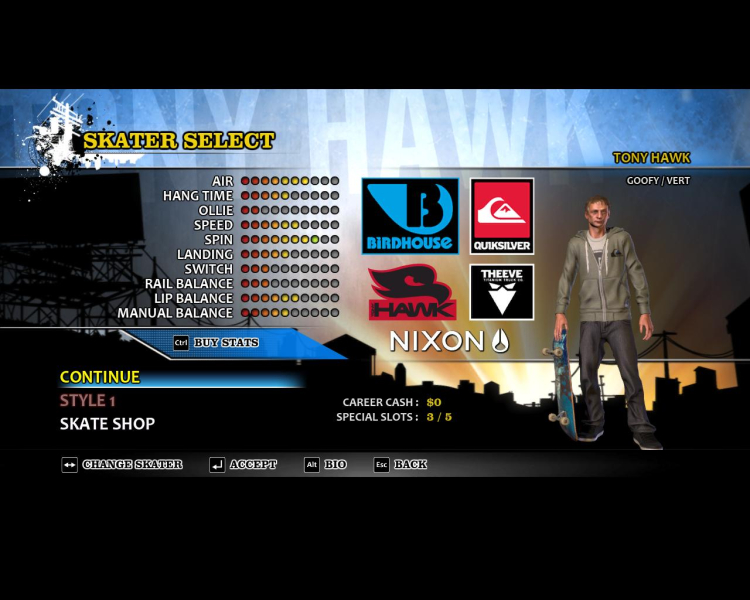
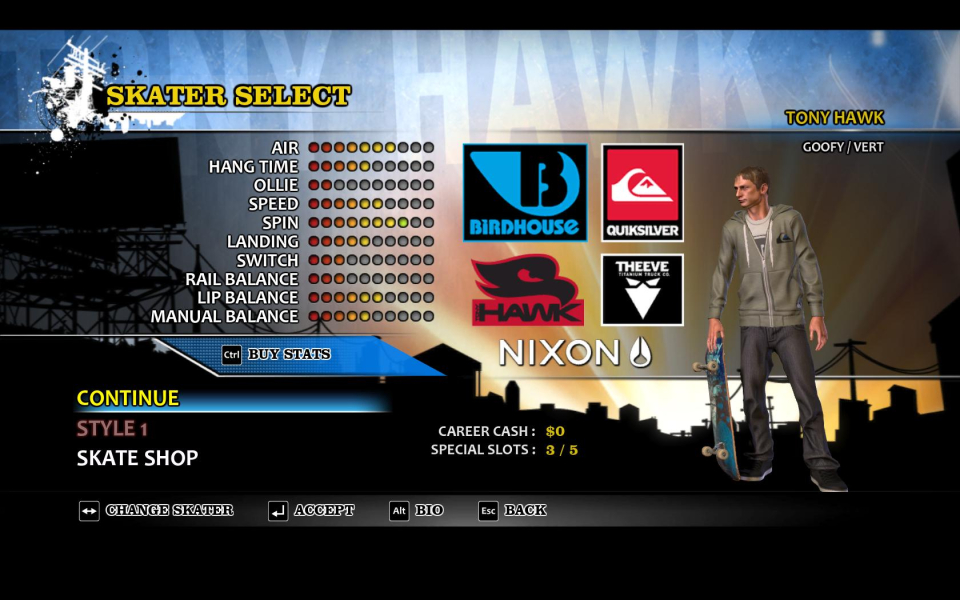
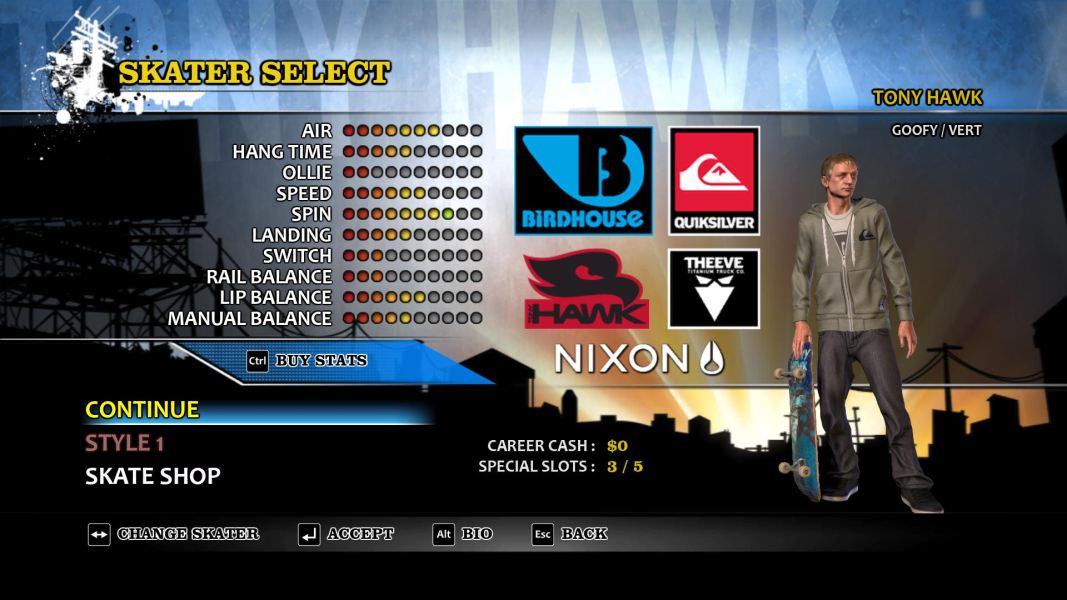
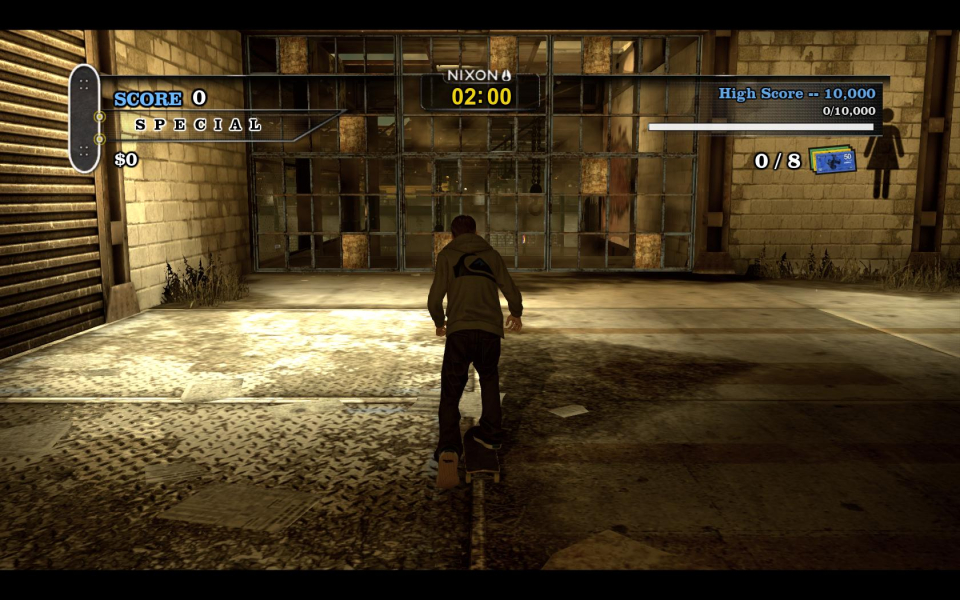
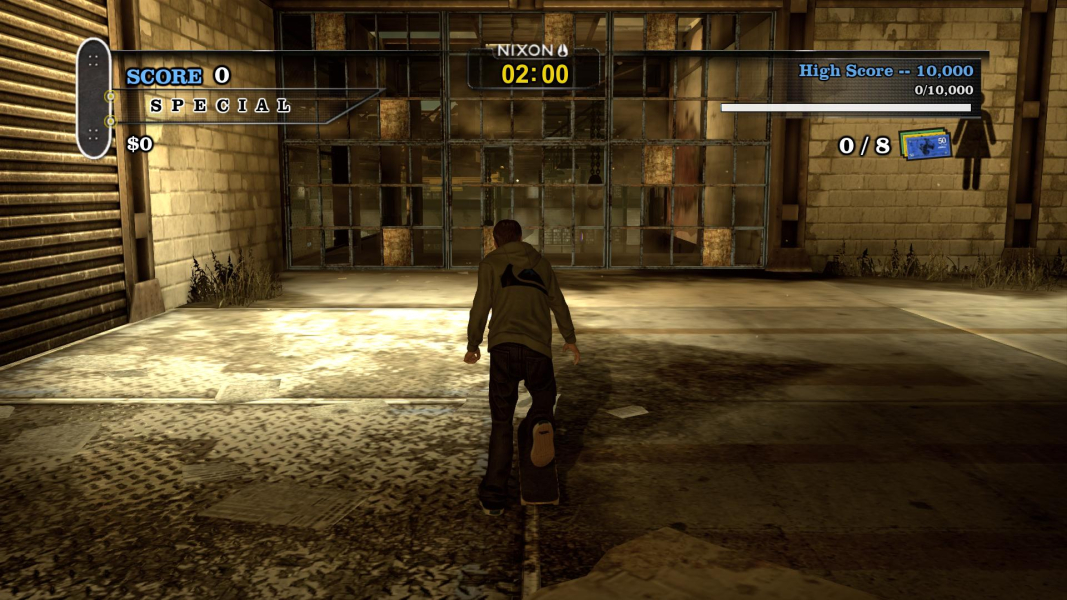
Screenshots Comparison
Solutions & Issues
Tony Hawk Pro HD has a totally crap implementation of widescreen. The game is coded at 720p. You have to figure out the .ini edit to get any other res - even something like 1080p. Single screen support is anamorphic, and you've got to work to get it at a native 1080p res. Total crap. To set anything other than 1280x720, edit this file:
C:\Program Files (x86)\Steam\steamapps\common\Tony Hawk's Pro Skater HD\Engine\Config\Base Engine.cfg
Look for:
[SystemSettings]
...
ResX=1280
ResY=720
Change those lines to your resolution
- - -
There is inaccuracy above & grade given is too low. Game works perfectly, with a resolution edit.
Corrected method: In either of the following locations, edit ResX & ResY to yours:
1. %USERPROFILE%\Documents\My Games\Tony Hawk Pro Skater HD\THHDGame\Config\THHDEngine.ini
2. (path-to-game)\Engine\Config\BaseEngine.ini
Eyefinity and Surround gameplay is initially Vert-, but this is correctable.
Game looks quite good when you're done. Hor+ & FOV looks proper. HUD & all text perfect. But black margin remains.
1. Edit %USERPROFILE%\Documents\My Games\Tony Hawk Pro Skater HD\THHDGame\Config\THHDEngine.ini (game creates this file). ResX & ResY yours.
2. Edit (same-folder)\THHDCamera.bin (Notepad). Add 33.85 to the four FOV values (approximate for PLP, adjust as needed. defaults: 65,72,72,72).
3. There is a YFOV edit available also, but is not needed.
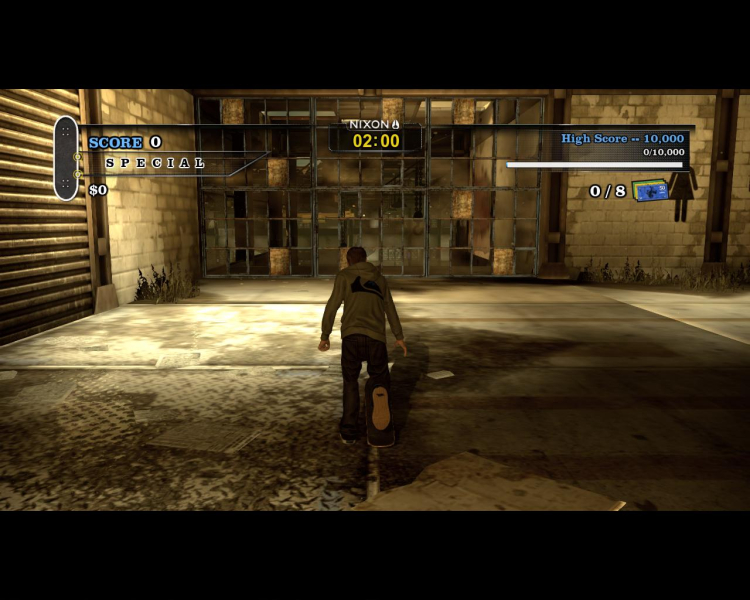
Gameplay Screenshots


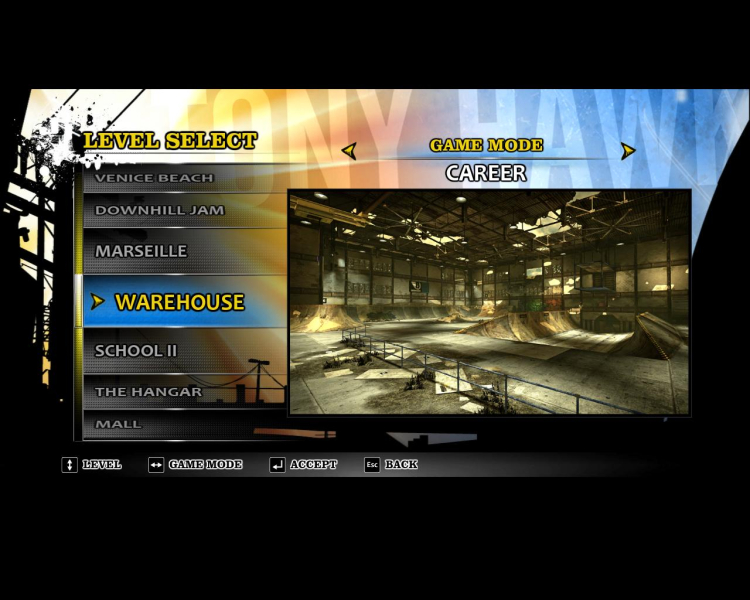
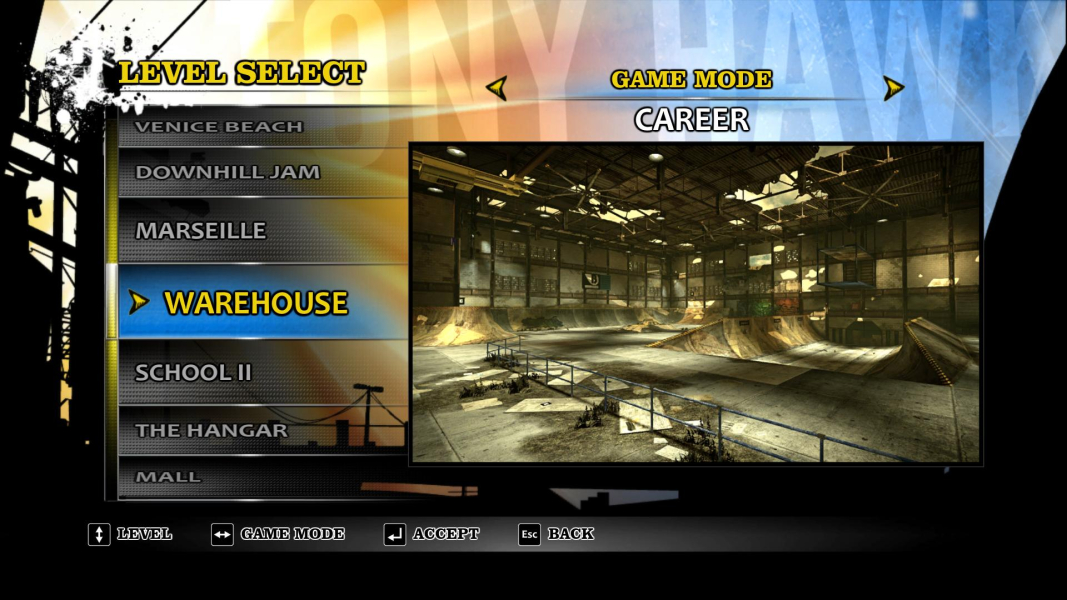
Menu Screenshots


Additional Screenshots